CRM Business Card Scanners vs Habsy: HubSpot, Zoho and Salesforce Compared
If your CRM already scans business cards, why use anything else? For one card at your desk, you may not need to. At events, the built-in scanners show their limits. This guide compares HubSpot’s scanner, Zoho Card Scanner and the Salesforce options with Habsy, and explains when to use each.
Amélie Tremblay5 min read
The quick answer
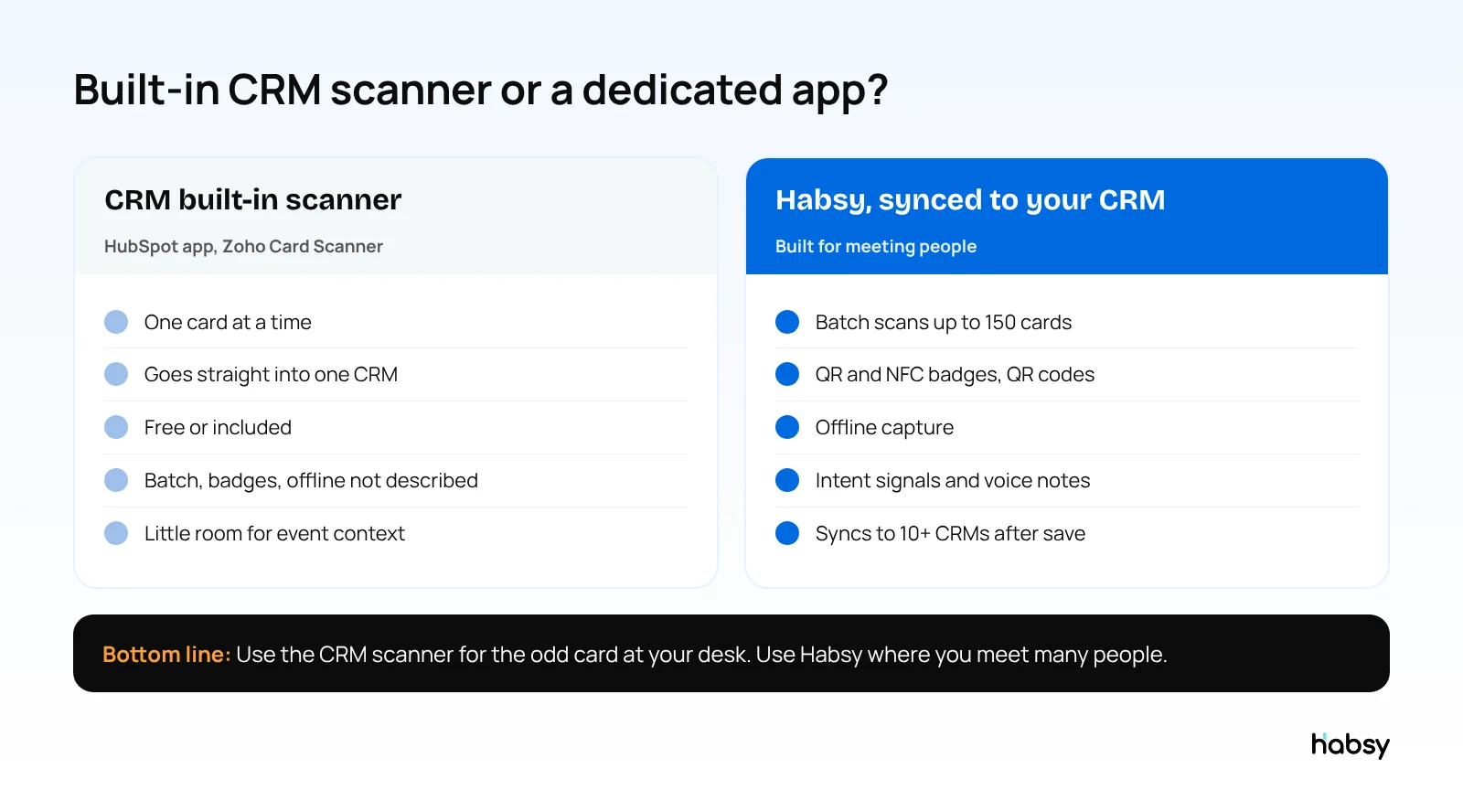
HubSpot and Zoho include business card scanners, and Salesforce teams usually add one from AppExchange. They work well for one card at a time, straight into one CRM. At events, they show their limits: batch scanning, badge scanning and offline capture are not described, and there is little room for the conversation’s context. Habsy captures every card, badge and QR code with context, then syncs to your CRM with Habsy Plus.
The built-in options
HubSpot
The HubSpot mobile app on iOS and Android includes a free business card scanner. You scan a card when creating a contact, and HubSpot maps the details to properties and associates the contact with its company. Read our guide to scanning business cards into HubSpot.
Zoho CRM
Zoho’s Card Scanner app fills in the card’s fields and saves it as a Zoho CRM lead or contact, with a merge prompt if the email already exists. See scanning business cards into Zoho CRM.
Salesforce
Salesforce teams typically add scanning through an AppExchange app or connect a scanner app. See scanning business cards into Salesforce.
Comparison
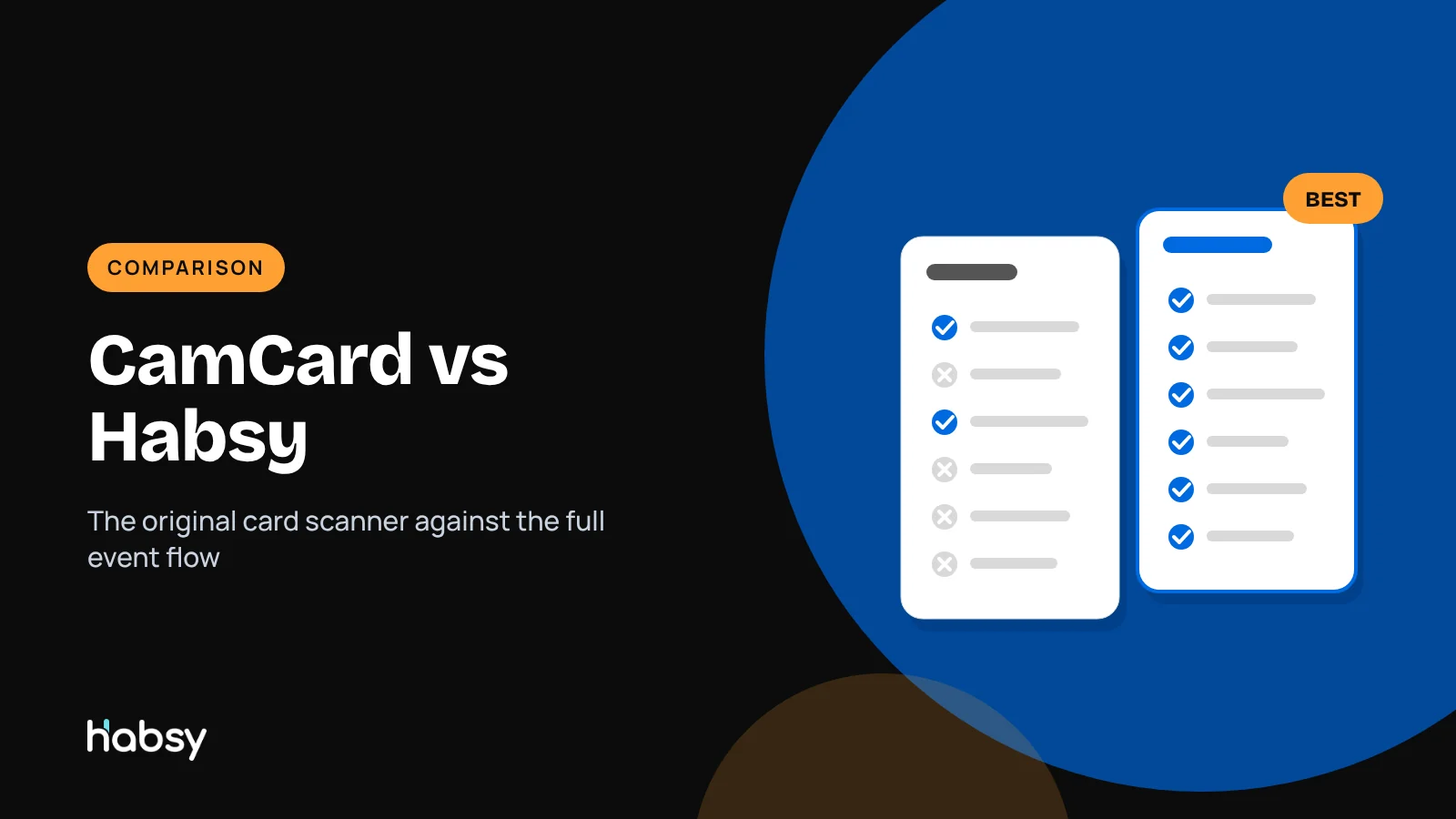
| HubSpot app scanner | Zoho Card Scanner | Salesforce (AppExchange apps) | Habsy | |
|---|---|---|---|---|
| Price | Free | See Zoho | Varies by app | Free forever; sync with Habsy Plus |
| Batch scanning | Not described | Not described | Varies | Up to 150 cards in about 5 minutes |
| Event badges | Not described | Not described | Some apps | QR and NFC badges |
| QR codes and digital cards | Not described | Not described | Some apps | Any provider, LinkedIn QR codes |
| Offline capture | Not described | Not described | Some apps | Yes |
| Cards in other languages | Not described | Not described | Varies | Read and translated into English |
| Intent signals and voice notes | No | No | Varies | Yes, with Habsy Plus |
| Follow-up messages | In HubSpot | In Zoho | In Salesforce | AI-written email and WhatsApp, free |
| Works with other CRMs | No | No | No | 10+ CRMs, custom on request |
See the difference
Compare less. Capture your next contact with Habsy.
Try the workflow built for fast capture, useful context and timely follow-up.
When the built-in scanner is enough
- You scan a few cards a month, at your desk or after a meeting
- You only ever use one CRM
- You do not need to capture qualification at the moment you meet someone
When you need a dedicated app
- You exhibit or attend events and collect stacks of cards
- Visitors show badges and QR codes, not just paper
- Venue Wi-Fi is unreliable
- You want notes, voice notes and intent signals with every contact
- Several team members capture leads, and a manager needs one view and a post-event report
- You might change CRM one day, and want your capture history to stay with you
A hybrid setup that works (illustrative)
A medical equipment company uses HubSpot. Its inside sales team works at desks and rarely meets anyone in person. Its field team visits hospitals and exhibits at four congresses a year.
- Inside sales use HubSpot’s built-in scanner for the occasional card that arrives in the post or at a meeting.
- The field team uses Habsy: batch scanning after hospital visits, badge scanning at congresses, intent signals for department and timeline, and voice notes after each conversation. Contacts sync to HubSpot after save.
- Managers see congress campaigns, team performance and the post-event report on the Habsy Platform, and the same contacts in HubSpot for sales reporting.
Each team uses the tool that fits how it meets people, and every contact ends up in the same CRM.
How Habsy works with your CRM
- Connect your CRM in Habsy under Settings, Integrations, with Habsy Plus.
- Turn on auto-sync in Card Preferences.
- Scan and qualify at the booth or meeting.
- Save. The contact is sent to your CRM in the background.
On the Habsy Platform, managers can also push selected leads from an event campaign to the CRM, and export with filters and custom header templates.
Bottom line
A CRM’s built-in scanner is a convenience for the odd card. For events and anyone who meets many people, a dedicated app captures more, keeps the context, and still lands contacts in your CRM. Habsy does that, with free forever scanning. See the business card scanner.
Frequently Asked Questions
Is HubSpot’s business card scanner good enough?
For scanning one card at a time into HubSpot, yes. It is free and associates the contact with its company. HubSpot does not describe batch scanning, badge scanning or offline capture for it, so for events many teams use a dedicated scanner that syncs to HubSpot.
Does Salesforce have a built-in business card scanner?
Salesforce teams typically add business card scanning through AppExchange apps or a connected scanner app such as Habsy, rather than through the standard Salesforce mobile app.
Why use Habsy if my CRM can scan cards?
Habsy adds batch scanning of up to 150 cards in about 5 minutes, QR and NFC badge scanning, offline capture, intent signals, searchable voice notes, AI follow-up messages and campaign reports, and then syncs contacts to your CRM with Habsy Plus.
Can I use Habsy with more than one CRM?
Habsy supports 10+ CRMs, including Salesforce, HubSpot, Zoho CRM, Dynamics 365 and Odoo, plus Zapier, and builds custom integrations on request. Your contacts stay in Habsy, so changing CRM later does not mean losing your capture history.
Do CRM scanners work offline?
HubSpot’s and Zoho’s scanner pages do not describe offline capture. Habsy captures cards and badges offline and processes them once you are back online.
See the difference
Compare less. Capture your next contact with Habsy.
Try the workflow built for fast capture, useful context and timely follow-up.