Say Goodbye to Paper Chaos: Use Our App as Your Networking GPS
Collecting business cards is easy. Remembering every conversation, finding the right contact, and following up at the right time is the real challenge. Discover why professionals are replacing stacks of paper business cards with smarter digital contact management that keeps every connection organized, searchable, and ready when opportunity strikes.
Marcus Chen7 min read
The Emotional Toll of Outdated Networking
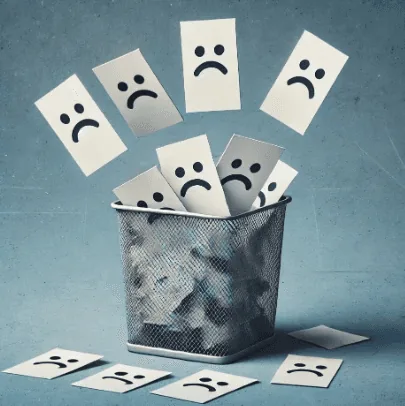
You might think, “I’ll organize them later.” But “later” turns into “never.” It’s a common story. You lose track of valuable contacts. You forget to follow up, and opportunities slip through your fingers.
But here’s the good news: going digital means you can finally take control of your networking game.
- No more clutter. All your contacts are stored in one place.
- No more outdated info. Update your digital card once and everyone who opens it sees the latest version.
- No more missed opportunities. Follow-up reminders ensure you connect when it counts.
The Benefits of Going Digital
So why should you make the switch to a digital business card? Here are a few key benefits:
- Speed: Scanning a card takes seconds. You can add a contact on the go, even at a busy event.
- Convenience: Everything is organized and accessible from your phone. No more digging through stacks of cards.
- Eco-Friendly: Fewer paper cards mean less waste. You’re helping the planet one scan at a time.
- Enhanced Networking: With features that allow you to tag contacts by interest or industry, you can easily sort and find who you need when you need them.
- Richer Context on Demand: Enrich a contact to get an AI Enriched Contact Brief built from public sources like LinkedIn and company websites, so you walk into the next conversation prepared.
Share and capture
Make every introduction easier to remember.
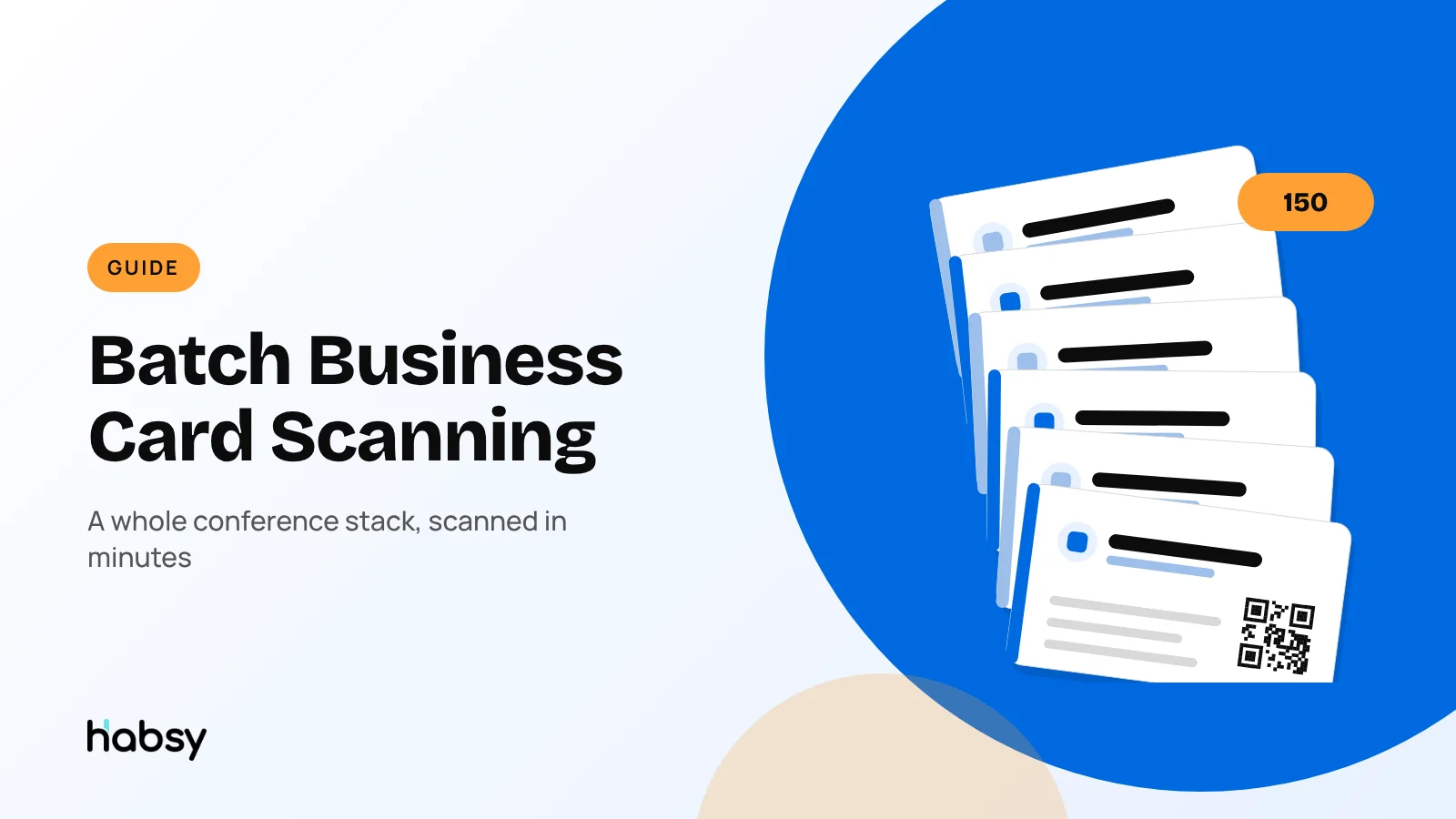
Create your digital card, scan the cards you receive and keep every new connection organized.
An Easy Transition
Making the leap from paper to digital doesn’t have to be hard. It’s like upgrading from a flip phone to a smartphone. At first, it seems complicated. But once you get the hang of it, you wonder how you ever lived without it.
Just think: every time you scan a business card, you're not just saving time. You're saving memories. Each contact becomes a potential collaboration, a future friend, or a new opportunity.
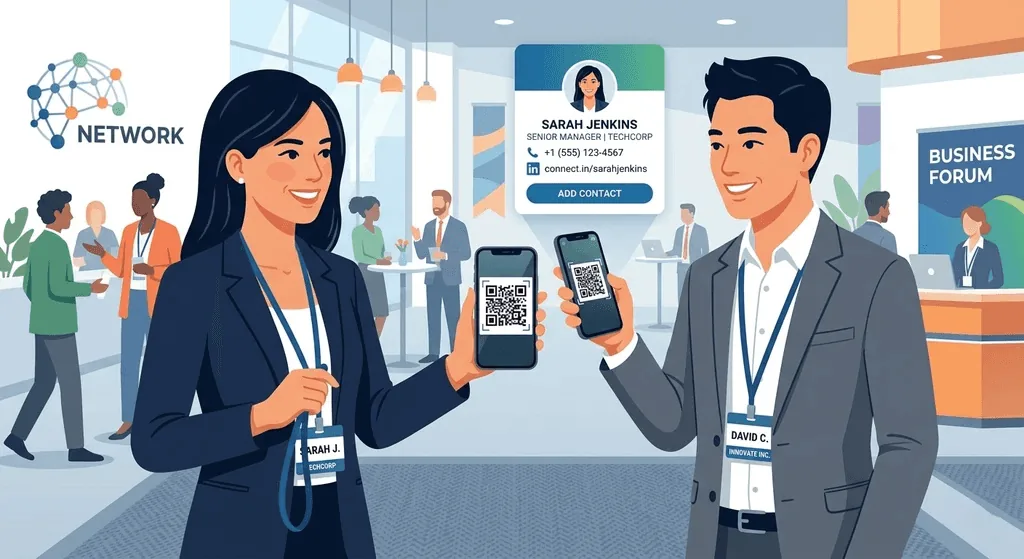
Imagine being at a conference. You meet someone interesting, scan their card, and later, their profile pops up on your phone with reminders to reach out. It’s like having a personal assistant keeping track of your connections.
Transforming Your Networking Experience
So, are you ready to embrace the future? Let’s ditch the paper and make networking effortless. With a digital business card app, you’ll navigate your professional connections with ease.
- Feel Confident: No more fumbling around trying to remember names or details. You’ll have everything at your fingertips.
- Stay Organized: Never lose track of a contact again. Your digital business card library is always with you.
- Build Meaningful Relationships: With real-time updates and reminders, you can foster relationships that last beyond the initial meeting.
Join the movement. Try our app today and see how simple networking can be.
Take the Next Step
Say goodbye to paper cards and share smarter, the Habsy way.
Join the Digital Networking Revolution
Download the Habsy Business Card Manager App today.
Frequently Asked Questions
How does a digital business card app act like a networking GPS?
A digital business card app organizes, updates, and helps you quickly find contacts, just like GPS helps you navigate routes. It ensures you always know who to reach and when.
What happens if I lose my phone or accidentally delete contacts?
Your contacts are securely stored in the cloud. You can log back into your account and restore your entire contact list without losing any data.
How does digitizing business cards reduce missed opportunities?
Digitizing cards ensures contacts are stored, searchable, and paired with reminders, helping you follow up on time and avoid losing valuable connections.
Can I share my digital business card easily?
Yes. You can share your digital card instantly via QR codes, links, or messaging, making networking faster and more convenient than physical cards.
What are the main benefits of switching from paper to digital networking?
Digital networking offers better organization, real-time updates, easy access, eco-friendliness, and improved follow-up capabilities compared to traditional paper cards.
Share and capture
Make every introduction easier to remember.
Create your digital card, scan the cards you receive and keep every new connection organized.