One-Tap Sales Follow-Up Reminders: How Habsy Closes the “I’ll Do It Later” Gap
Following up shouldn't depend on memory. This guide explains how one-tap sales follow-up reminders help sales professionals, exhibitors, and field teams schedule the next action the moment a lead is captured. Learn how reminders, voice notes, lead qualifiers, offline support, and CRM-ready workflows eliminate missed opportunities, improve follow-up consistency, and accelerate sales conversions.
Marcus Chen7 min read
On this page
- A Missed Moment Every Salesperson Recognizes
- The Real Problem: Why Sales Follow-Ups and Event Leads Slip Away
- Why Habsy Built One-Tap Reminders for Sales and Event Lead Capture
- Design Philosophy: Building the Fastest Sales Reminder App for SMBs
- How Habsy One-Tap Reminders Work Inside the App
- Why Habsy’s Reminder System Is Better Than Manual CRM Tasks
- Real-World Example: Habsy Reminders in Action at a Trade Show
A Missed Moment Every Salesperson Recognizes
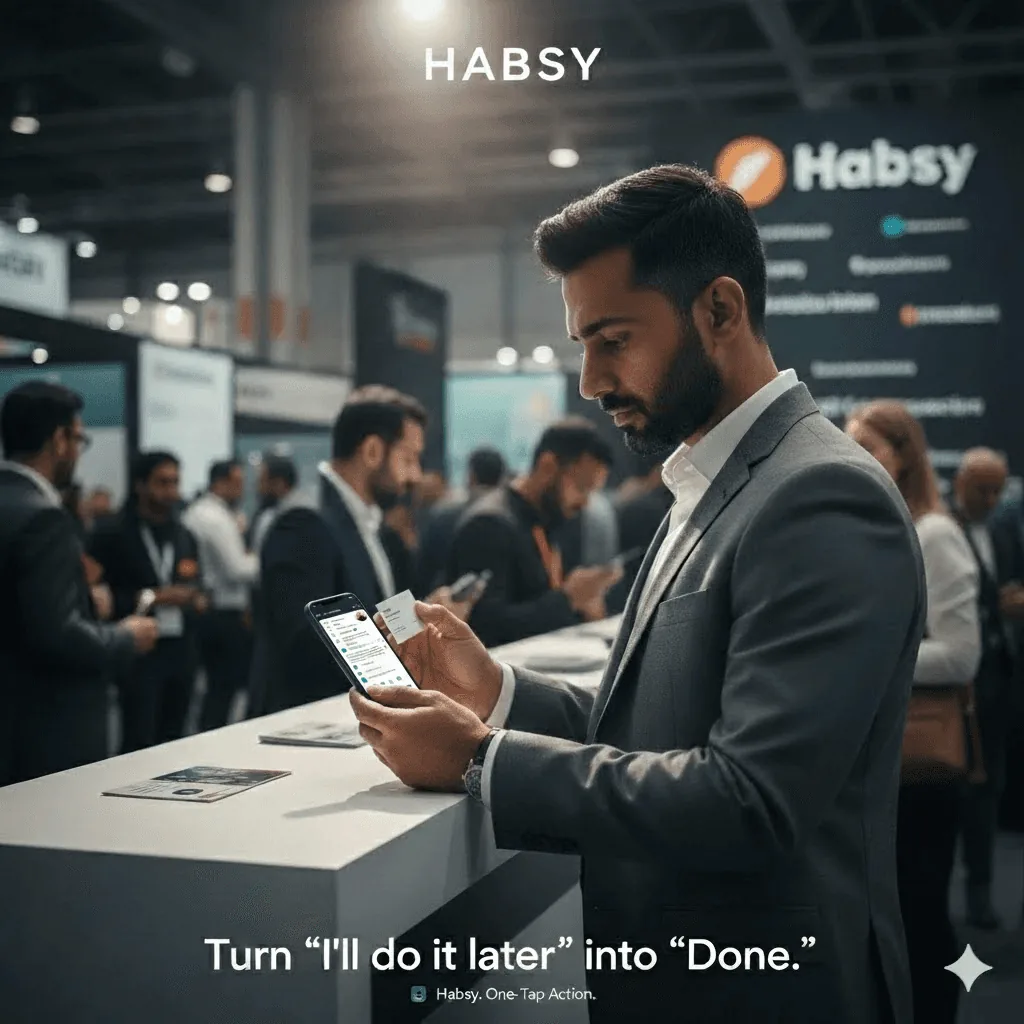
Every sales professional or booth representative knows this moment well.
You finish a strong conversation with a qualified prospect at a trade show or field event. There’s interest, alignment, maybe even a next step discussed.
Then, just as you reach for your phone to note it down, another visitor walks in.
You think, “I’ll add it later.”
But by the time you finish the day, that thought is gone, replaced by dozens of other conversations.
This invisible gap between intention and action is where most sales leads die.
The Habsy Business Card Manager app was designed specifically to close that gap with One-Tap Sales Follow-Up Reminders.
It’s not another CRM task manager or calendar overlay; it’s a frictionless way to record, schedule, and act on every lead the moment it’s captured.
Habsy’s one-tap reminders turn “I’ll do it later” into “It’s already scheduled.”
The Real Problem: Why Sales Follow-Ups and Event Leads Slip Away
In busy event environments like expos, conferences, and roadshows, salespeople capture hundreds of contacts using cards, QR badges, or manual entry.
The data lives everywhere: phone galleries, WhatsApp chats, and Excel files. None of those systems enforce a next action.
By the time those names reach your CRM or spreadsheet, critical details are missing.
No context. No timeline. No assigned owner.
That delay creates context decay, the single biggest reason for poor lead conversion in event-driven sales.
Leads contacted within 24 hours convert far better than those followed up a week later.
Habsy eliminates that delay by embedding the reminder system directly into the capture flow, not as an afterthought but as part of the workflow.
People meant to follow up. The system just never helped them do it.
Why Habsy Built One-Tap Reminders for Sales and Event Lead Capture
When Habsy’s product team analyzed how users handled new contacts, a pattern emerged.
After scanning a business card or QR badge, users would often say, “I’ll add the note later.”
But “later” rarely came, not because they didn’t care, but because they didn’t have time.
Typing notes or creating follow-up tasks inside traditional CRMs was cumbersome.
What small teams needed was a simple follow-up workflow that fit inside the same lead capture app they were already using.
That realization inspired Habsy’s One-Tap Reminder feature, a lightweight automation inside the Habsy Business Card Manager that transforms every captured contact into an actionable task.
It bridges three systems that never used to talk:
- Lead capture tools (cards, event QR badges)
- CRM systems (Zoho, HubSpot, Salesforce)
- Sales execution (who follows up, and when)
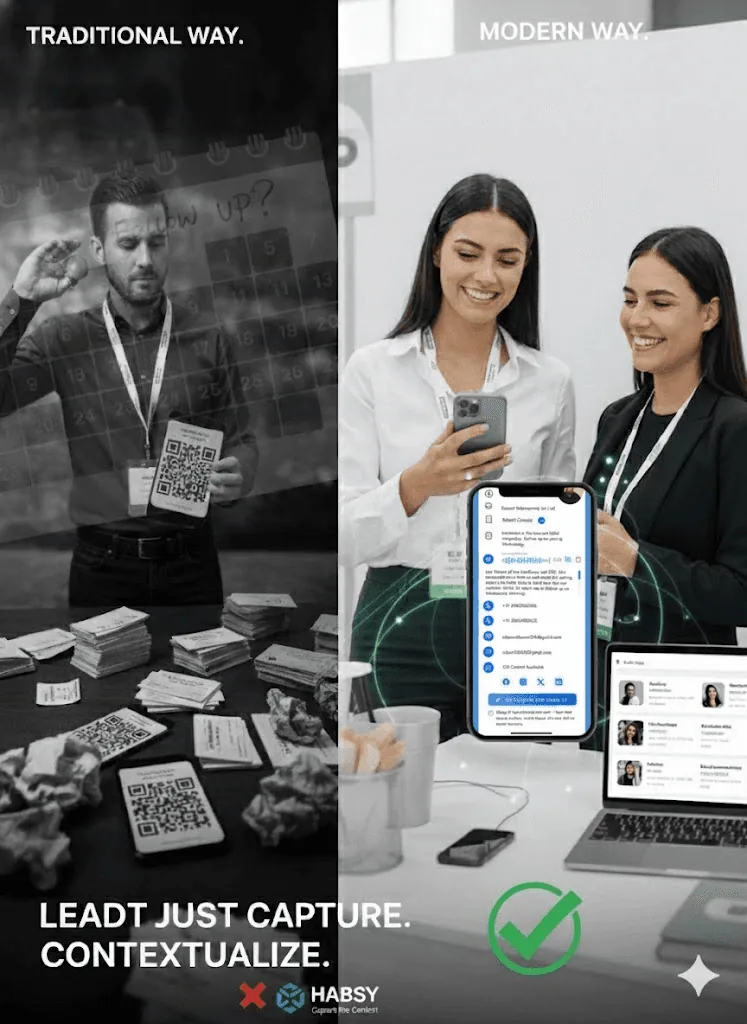
Keep the momentum
Turn captured contacts into timely follow-up.
Keep the note, intent and next action with every contact so your team knows what to do next.
Design Philosophy: Building the Fastest Sales Reminder App for SMBs
Habsy didn’t want to reinvent the CRM. It wanted to fix the first mile of sales productivity.
One-tap reminders were built on three core principles.
- Speed over setup.
Setting a reminder should take seconds, not minutes. Presets such as Today EOD, Tomorrow 10:00 AM, and Next Business Day 10:00 AM make that possible. - Context that travels with the lead.
Every reminder links to its contact record, along with voice notes, intent signals, and categories, for instant recall. - Reliability even offline.
When Wi-Fi fails, Habsy’s offline capture stores reminders and syncs them automatically later.
How Habsy One-Tap Reminders Work Inside the App
Habsy’s reminder system is built directly into the capture and review experience.
Here’s how the full workflow unfolds, step by step.
Step 1: Scan and Capture the Lead
- Open the Habsy Business Card Manager app on your mobile device.
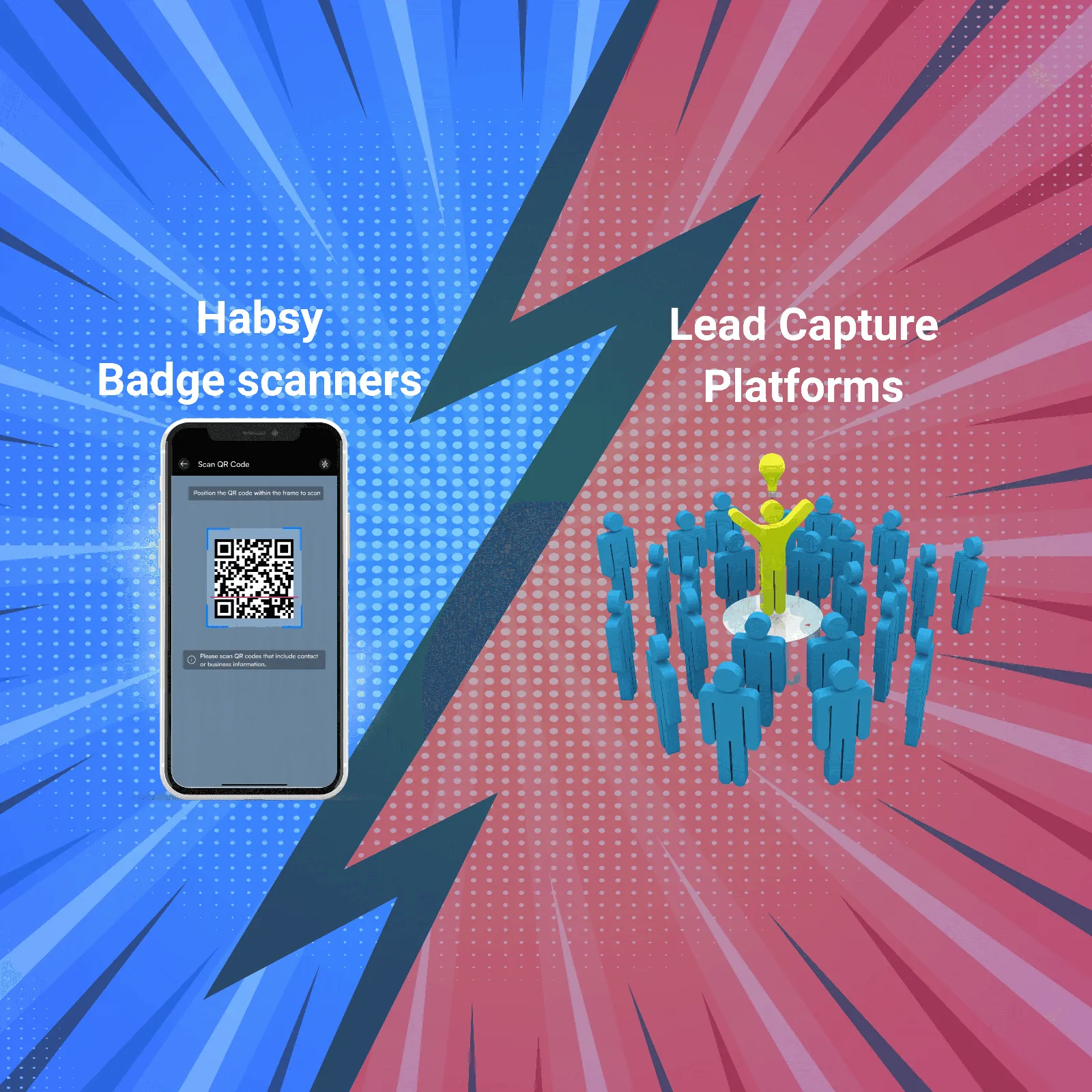
- Choose your capture mode: Batch Business Card Scanning or QR Badge Scanning.
- The app instantly reads key contact fields: Name, Company, Email, Phone, and Designation using its multilingual AI Powered OCR engine.
- Habsy prompts you to fill or confirm Intent signals such as Interest Level, Product Line, or Priority.
- Optionally, add quick categories (for campaign or event name) to help future segmentation.
Result: The contact record is fully structured and ready for immediate follow-up scheduling.
Step 2: Add a One-Tap Reminder Right After Saving
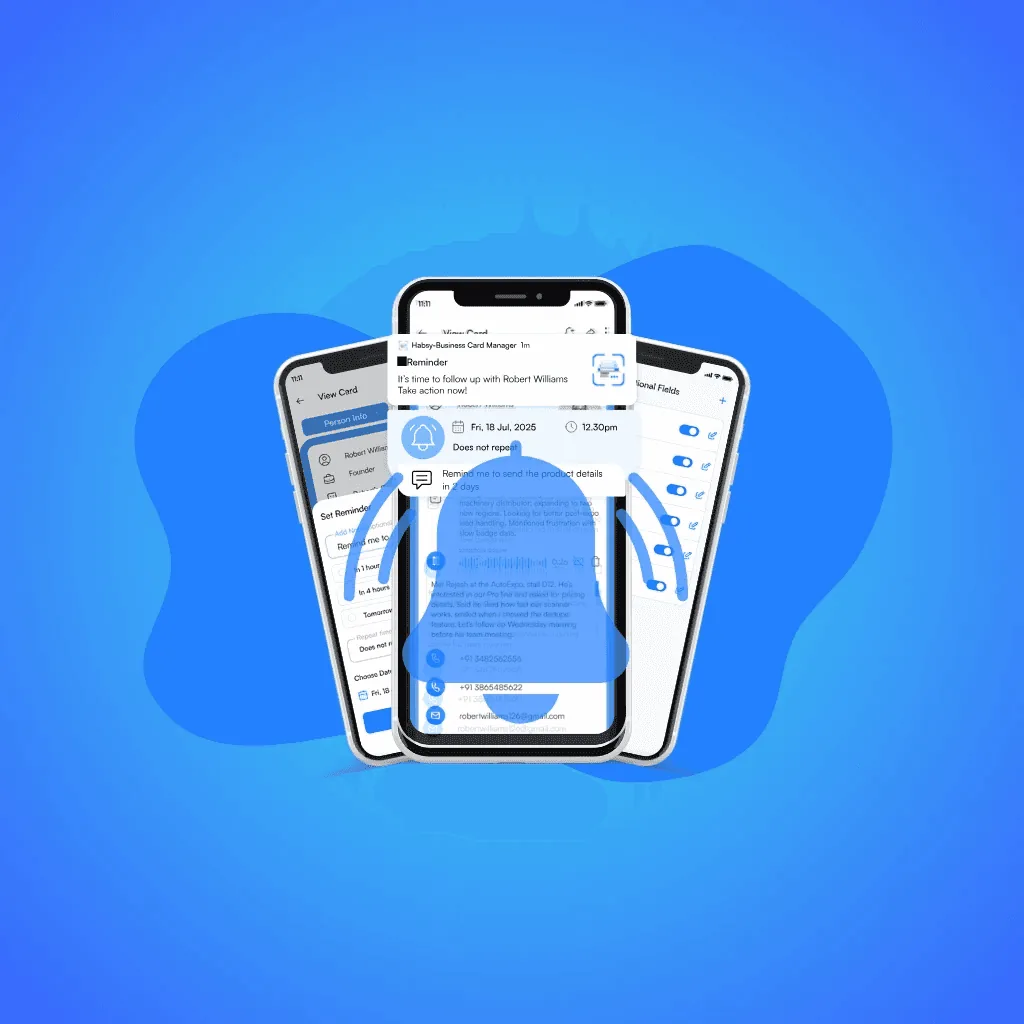
- Once the contact is saved, open it on the View Card page and tap the Bell icon in the top right corner.
- Tap once to open Quick Presets like Today EOD, Tomorrow 10 AM, or Next Business Day 10 AM.
- Pick your preferred time, no typing or calendar navigation required.
- (Optional) Type a short note such as “Send pricing deck” or “Schedule demo.”
- Save the reminder; it is now tied directly to that record and timestamped.
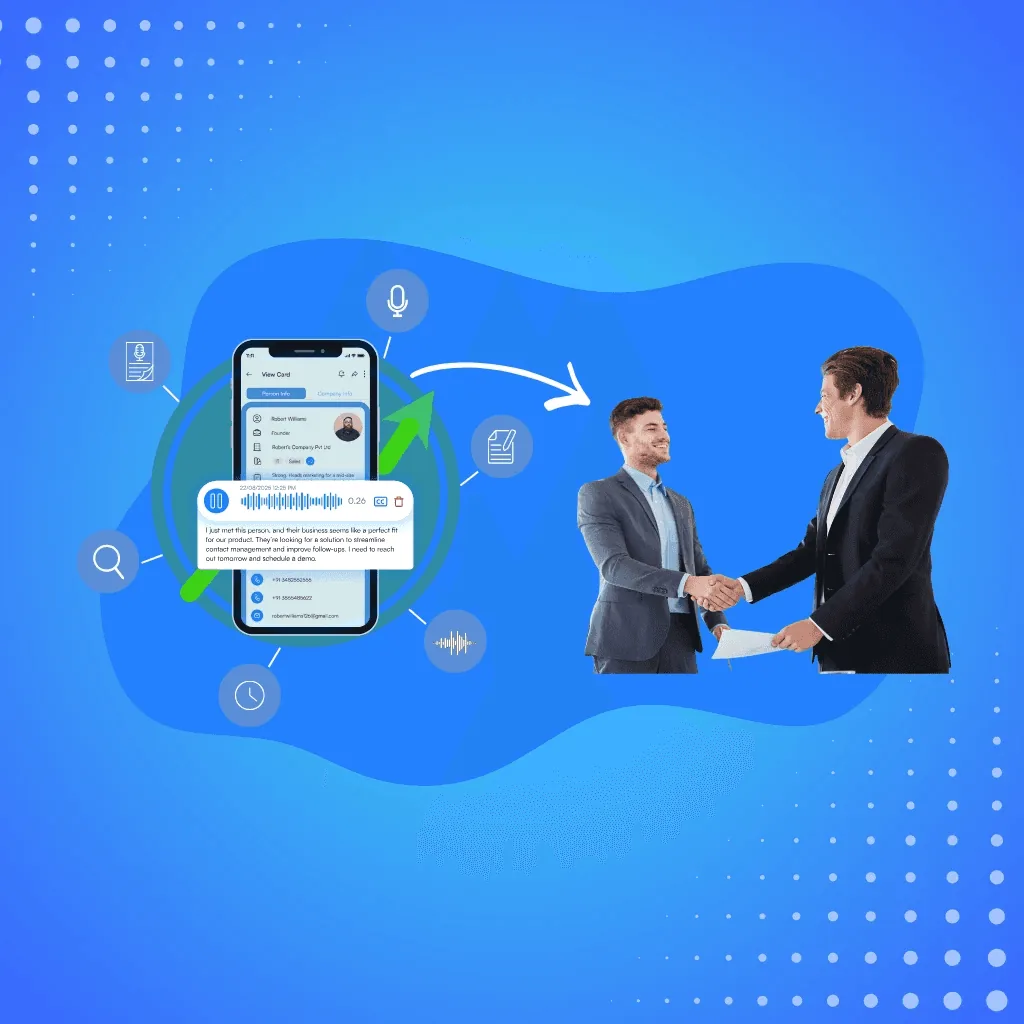
Step 3: Enrich the Reminder with Voice Notes for Context
- Tap the Microphone icon to record a 5 to 15 second Voice Note.
Example: “Interested in Enterprise plan, met at Hall B, wants demo next Wednesday.” - The app automatically compresses and attaches the audio file to the same contact.
- Once transcribed , the Transcribed text appears in the View Card Page itself.
Benefit: When you open the reminder tomorrow, you’ll hear the prospect’s intent exactly as it was expressed, no guesswork or vague notes.
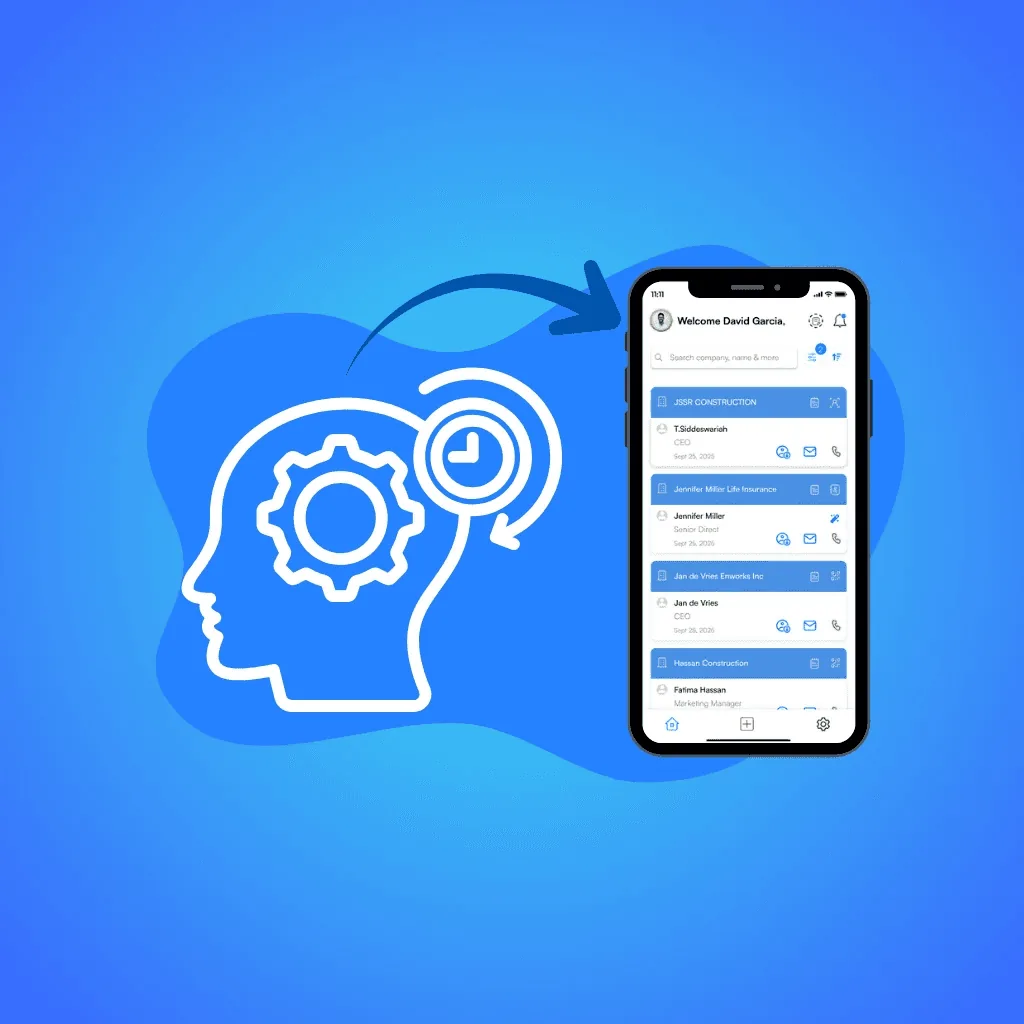
Step 4: Review and Organize in “My Reminders” Dashboard
- Open the My Reminders tab in the mobile app.
- See every reminder categorized by All, upcoming, and past.
- Tap a reminder to access its contact profile, view details, listen to voice notes, or edit Intent Signals.
Result: A clear, searchable workspace showing all scheduled follow-ups in one place, replacing messy calendars or spreadsheets.
Step 5: Offline Capture and Automatic Sync
- When working in low-connectivity venues, all captured data including contacts, fields, notes, and reminders are saved locally.
- As soon as internet access returns, Habsy auto-syncs the pending queue.
If duplicates exist, Habsy marks them, and you choose whether to merge or delete each one.
Outcome: No lost leads, no duplicate entries, and all reminders remain accurate even after offline use.
Step 6: Team-Level Tracking and Accountability
- Supervisors or team leads can open the Habsy Platform.
- View summary metrics such as:
- Total cards, cards this month, and active users
- Top users by cards captured
- Contacts assigned to each team member, with reminders
- Filter contacts by user or campaign to review performance trends.
Insight: Team activity becomes visible, not based on memory but on tracked behavior.
Why Habsy’s Reminder System Is Better Than Manual CRM Tasks
Traditional CRMs require reps to log in later, create a task, and re-enter the same data.
Habsy collapses that process into one motion: capture and commit simultaneously.
Benefits for teams:
- Zero delay between lead capture and scheduling.
- Consistent next steps embedded in every contact.
- Cleaner CRM imports with ownership and next-action metadata already attached.
For SMBs and field-based sales teams, Habsy acts as a pre-CRM automation layer that guarantees leads arrive organized, qualified, and ready to engage.
Real-World Example: Habsy Reminders in Action at a Trade Show
At TechAsia 2025, a SaaS company’s sales representative uses Habsy at their booth.
They scan a visitor’s badge, fill in Intent signals, record a short voice note, and tap Tomorrow 10 AM as the reminder.
Next morning, the lead appears in My Reminders → Due Today.
The sales representative replays the voice note, recalls the context, and calls on schedule.
Within a week, her follow-up reminders helped schedule five demos from the event, each conversation traceable from capture to conversion.
Another rep, using a mix of Categories and reminders, exported her leads into the CRM with timestamps and owner details intact.
During the weekly sales review, the manager filtered contacts by Riya in the Habsy Platform and reviewed her assigned contacts and reminders.
This improved accountability and provided a clear, auditable trail of every post-event activity.
Impact: The team responded faster, and more Day-1 conversations turned into demos. Leads that previously vanished into spreadsheets now flowed seamlessly into the CRM, Categorized, contextual, and ready for nurturing
Frequently Asked Questions
Why do sales follow-ups often get missed after events?
Follow-ups are often missed because reps rely on memory or plan to update details later. In busy environments, this delay causes context to fade and leads to lost opportunities.
What is a one-tap sales follow-up reminder?
A one-tap reminder allows users to instantly schedule a follow-up while capturing a lead, using preset options like “Tomorrow 10 AM” without needing manual input or calendar setup.
How does Habsy improve follow-up speed and consistency?
Habsy embeds reminders directly into the lead capture workflow. This ensures every contact has a next step assigned immediately, reducing delays and improving Day-1 follow-up rates.
Can reminders work without internet connectivity?
Yes. Once a reminder is set, it works without an internet connection.
How do reminders improve conversion rates?
By scheduling follow-ups instantly and preserving context through notes and voice recordings, reminders ensure timely outreach. Faster response times significantly increase the chances of converting leads into opportunities.
Keep the momentum
Turn captured contacts into timely follow-up.
Keep the note, intent and next action with every contact so your team knows what to do next.