Trade Show Business Card Capture: How to Turn Every Card Into a Lead
Badges get scanned. Business cards get put in a pocket. At most trade shows, the paper cards are the leads most likely to be lost, because nobody types them in until days later. This guide covers how to capture business cards at a trade show, when to scan at the booth and when to batch, what to add to each card, and how to get them into your CRM.
Claire Bennett6 min read
On this page
- The quick answer
- Why business cards are the leads most often lost
- Scan at the booth, or batch at the end of the day?
- What to capture with each card
- Cards in other languages
- One list for cards, badges and QR codes
- Capture works offline
- From card to follow-up
- A trade show day with business cards (illustrative)
- Bottom line
The quick answer
To capture business cards at a trade show, scan each important card at the booth with a business card scanner app and add a short note about the conversation, then batch scan the rest every evening, not after the show. Keep cards, badges and QR codes in one list, and follow up within a day. Habsy reads cards with 99% accuracy in our in-house tests, batch scans up to 150 cards in about 5 minutes, captures offline, and is free with unlimited scanning.
Why business cards are the leads most often lost
At most trade shows, badges get scanned. Business cards get put in a pocket. Then:
- Cards from day one sit under cards from day three.
- The conversation behind each card fades within a day.
- Nobody types them in until the week after, if at all.
- Cards from visitors without a badge, such as partners, suppliers and walk-ins, never reach the same list as the badge scans.
The fix is simple: treat a business card exactly like a badge. Capture it the same day, with the conversation, in the same place.
Scan at the booth, or batch at the end of the day?
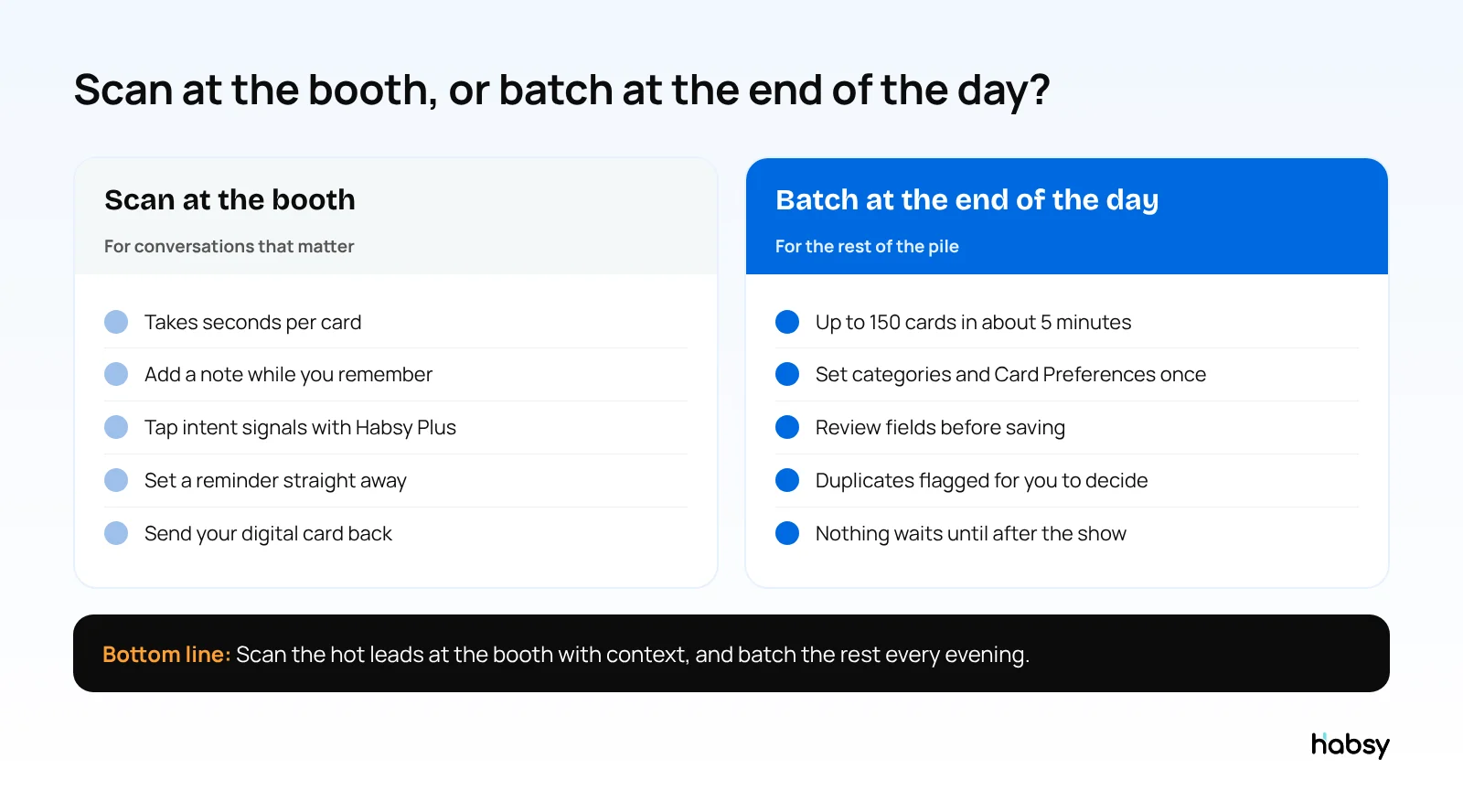
At the booth: cards from conversations that matter
When a conversation goes well, scan the card before the visitor leaves. It takes a few seconds:
- Take a photo of the card. Habsy reads it with OCR and AI and sorts each value into the right field.
- Check the fields, and add the back of the card if it carries more details.
- Add a note: what they need, what you promised, how interested they were.
- Save, then set a reminder for the follow-up.
With Card Preferences, Habsy can also send your digital card back automatically after you save a new contact, so the visitor leaves with your details too.
At the end of the day: the rest of the pile
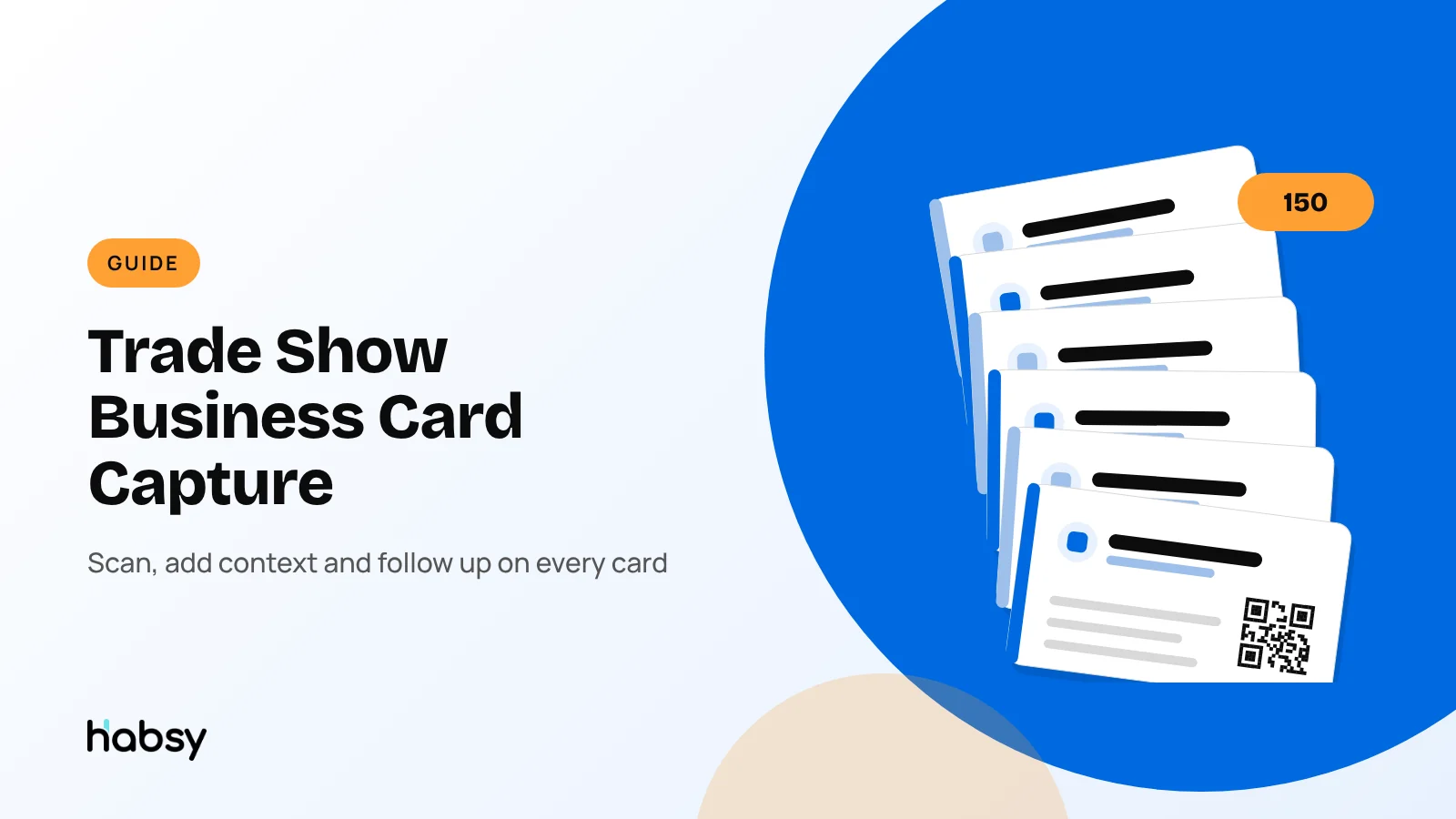
For the cards you collected while busy, use batch scanning each evening. Habsy reads up to 150 cards in about 5 minutes. Set the lead context and Card Preferences once, and they apply to every card in the batch. Review the fields, decide what to do with any duplicates Habsy flags, and save. More in batch business card scanning.
What to capture with each card
A card tells you who someone is. The follow-up needs more than that.
| Capture | How | Plan |
|---|---|---|
| Contact details | Scan the card, front and back | Free |
| What you talked about | Text note | Free |
| When to follow up | Reminder after save | Free |
| The conversation in their words | Voice note, transcribed onto the contact | Habsy Plus |
| How hot the lead is | Intent signals: interest, requirement, timeline | Habsy Plus |
| Lead category | Category, set once for a batch | Habsy Plus |
| Who they really are | AI Enriched Contact Brief | Habsy Plus |
For ideas on what to ask at the booth, see trade show lead qualification questions.
Ready for your next event?
Bring every booth conversation back with context.
Capture cards and badges in seconds, qualify leads on the spot and give your team a clean next step.
Cards in other languages
International shows bring cards in other languages and scripts. Habsy reads cards in Hindi, Tamil, Chinese, Japanese, Korean and other languages, and translates them into English, so your team can use the contact without retyping it.
One list for cards, badges and QR codes
Visitors arrive with different things: a badge, a paper card, a LinkedIn QR code or a digital card from another app. Habsy scans all of them into the same contact list, so the visitor who handed you a card instead of a badge ends up in the same follow-up as everyone else. For badges, see the trade show badge scanner app guide.
If your team works the booth together, Habsy Platform puts every rep’s scans into one event campaign in real time, with duplicates flagged when two reps meet the same person.
Capture works offline
Exhibition halls are known for poor signal. Habsy captures cards offline and processes them when your phone reconnects, so you keep scanning when the network does not keep up.
From card to follow-up
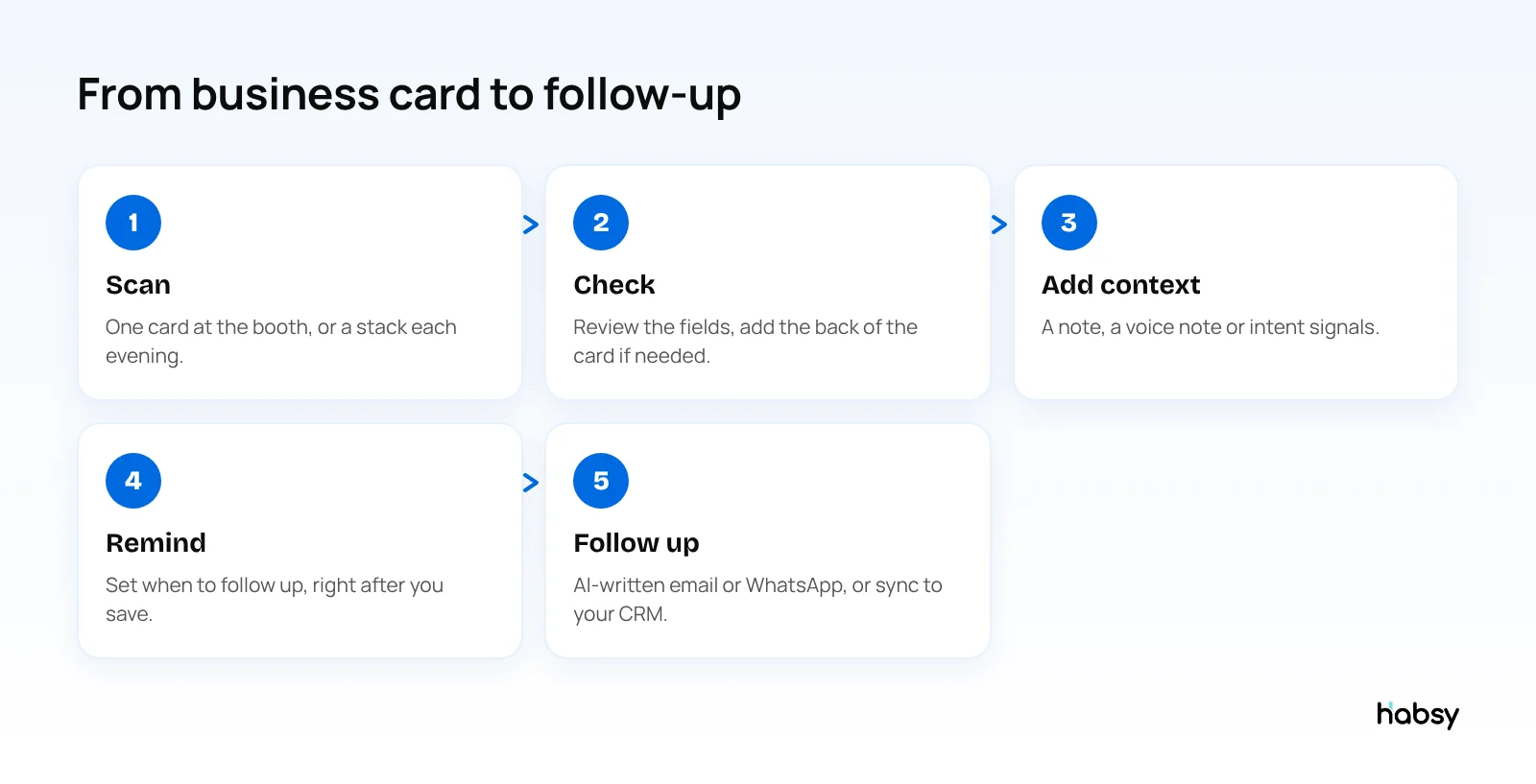
- Same day: write a personal email or WhatsApp message with AI from a short prompt, using your note. See the trade show follow-up email templates.
- Spreadsheet: export to Excel, CSV or VCF for free. See how to scan business cards to Excel.
- CRM: with Habsy Plus, sync to Salesforce, HubSpot, Zoho CRM, Dynamics 365, Odoo, Zapier or any of 10+ CRM integrations.
A trade show day with business cards (illustrative)
A two-person team at a three-day packaging show:
- At the booth: they scan the cards of 12 serious visitors as they talk, each with a note and a reminder.
- At breaks: they add voice notes for the conversations they did not have time to write up.
- Each evening: they batch scan the rest of the day’s cards, around 40, in a few minutes, with the show set as the category.
- Next morning: the follow-up list for the day before is ready, and the first emails go out before the hall opens.
For the full before, during and after plan, see the trade show lead capture checklist.
Bottom line
Business cards are still how many visitors share their details at a trade show, and they are the leads most often lost. Scan the important ones at the booth with context, batch the rest every evening, and keep them in the same list as your badge scans. Habsy does all of that with unlimited free scanning. Try the Habsy business card scanner.
Frequently Asked Questions
What is the best way to capture business cards at a trade show?
Scan each important card at the booth with a business card scanner app, add a short note about the conversation, and batch scan the remaining cards at the end of each day. Habsy reads cards with 99% accuracy in our in-house tests and batch scans up to 150 cards in about 5 minutes.
Should I scan business cards during the show or after?
Both. Scan cards from serious conversations straight away, so the note is added while you remember it. Batch scan the rest each evening, not after the show, so nothing waits a week.
How do I capture the conversation along with the card?
After scanning, add a text note, or with Habsy Plus record a voice note that is transcribed onto the contact, and tap intent signals such as interest level and timeline.
What if a visitor gives me a card in another language?
Habsy reads cards in Hindi, Tamil, Chinese, Japanese, Korean and other languages, and translates them into English.
How do I get trade show business cards into my CRM?
With Habsy Plus, sync scanned contacts to Salesforce, HubSpot, Zoho CRM, Dynamics 365, Odoo, Zapier or any of 10+ CRM integrations. On the free plan, export to Excel, CSV or VCF and import the file.
Can I scan cards without internet in the exhibition hall?
Yes. Habsy captures cards offline and processes them when your phone reconnects.
Ready for your next event?
Bring every booth conversation back with context.
Capture cards and badges in seconds, qualify leads on the spot and give your team a clean next step.