Electronic Business Card (E-Business Card): Formats and How to Send One
An electronic business card, or e-business card, is any business card you send electronically instead of handing over paper. It can be a contact file, a web page, an email signature or a QR code. This guide compares the formats, shows how to send an e-business card by email, WhatsApp and SMS, and explains how to make one for free.
Amélie Tremblay6 min read
The quick answer
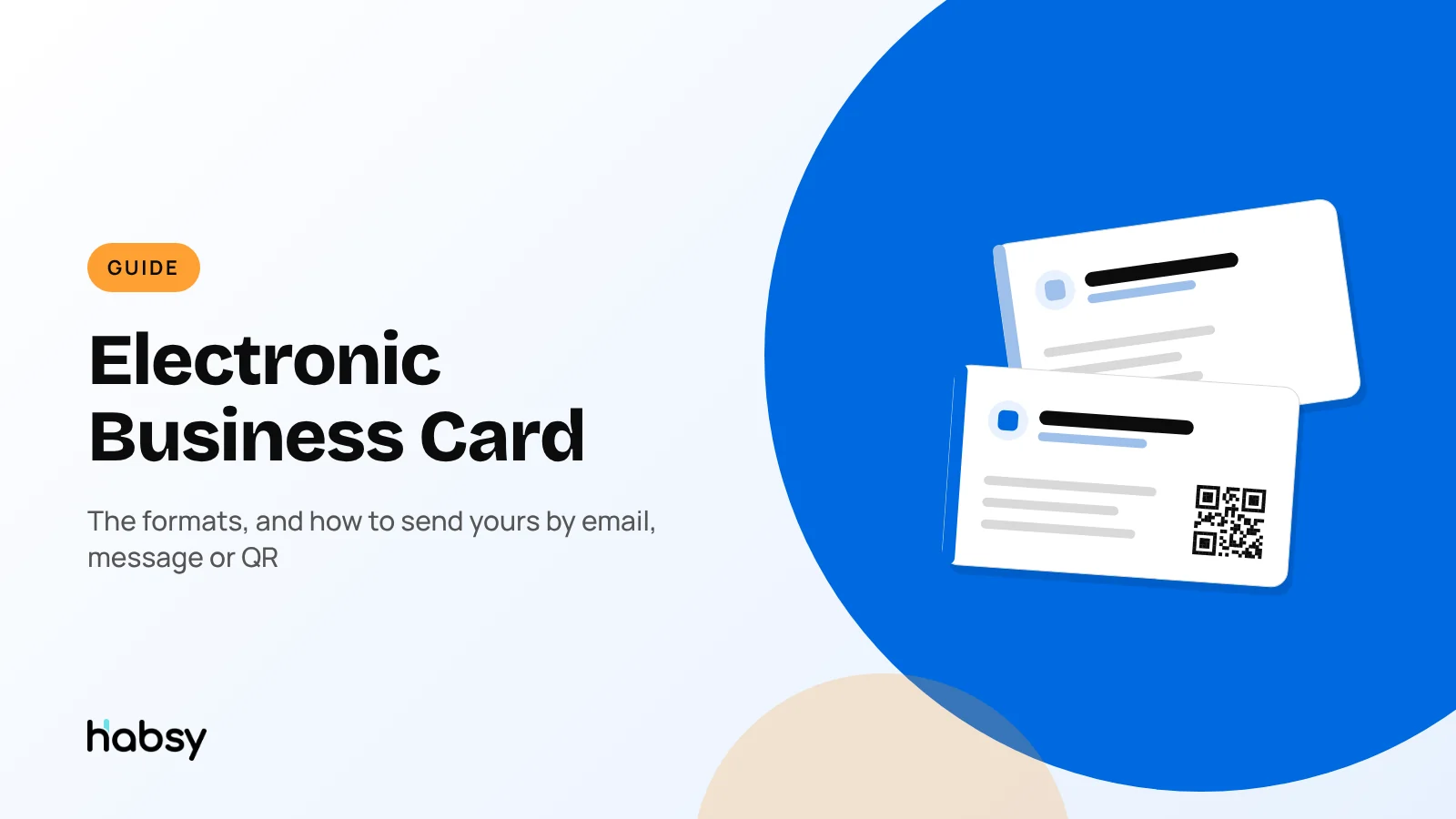
An electronic business card, or e-business card, is a business card you send electronically instead of handing over paper. It can be a contact file, a web page, an email signature or a QR code. The most useful format is a web-based card with its own link and QR code: it opens in any browser, links to your profiles, and saves to the other person’s contacts in one tap. Habsy gives you two for free, a Professional digital card and a Business digital card, which you’ll find under MyQR in the app.
What counts as an electronic business card?
“Electronic business card” is an umbrella term. People use it for four different things:
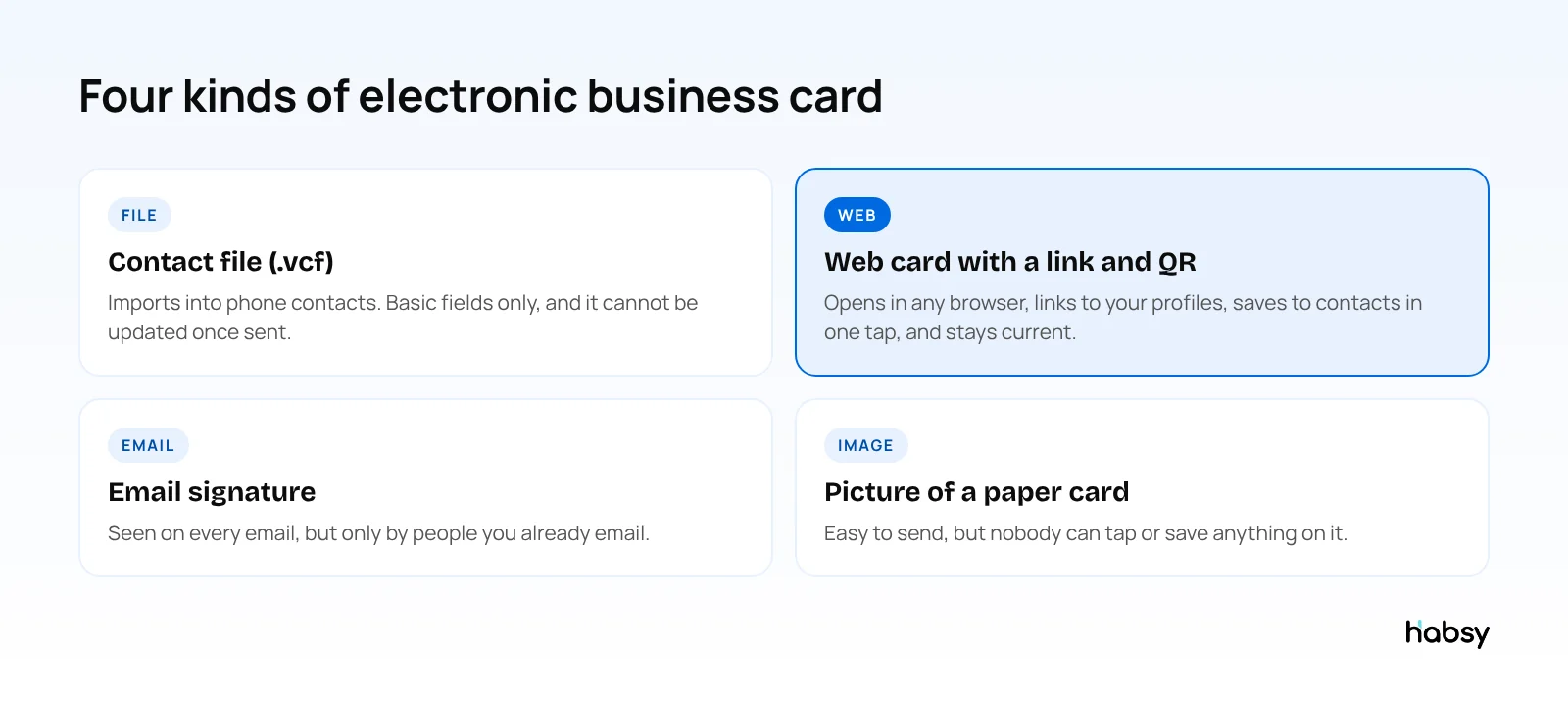
| Format | How it is shared | Can it be updated after sending? | Saves to contacts |
|---|---|---|---|
| Contact file (.vcf) | Email or message attachment | No | Yes, by importing the file |
| Web card | Link, QR code or NFC | Yes | Yes, through a VCard download button |
| Email signature | Every email you send | Only in future emails | No |
| Picture of a paper card | Image in a message | No | No, it has to be typed in |
The web card wins because it combines the others. It opens like a website, offers a VCard download for the contacts app, and can sit in your email signature as a link or QR code. For how the terms overlap, see digital vs virtual vs electronic business cards, and for the file format, digital contact card vs vCard.
How to send an electronic business card
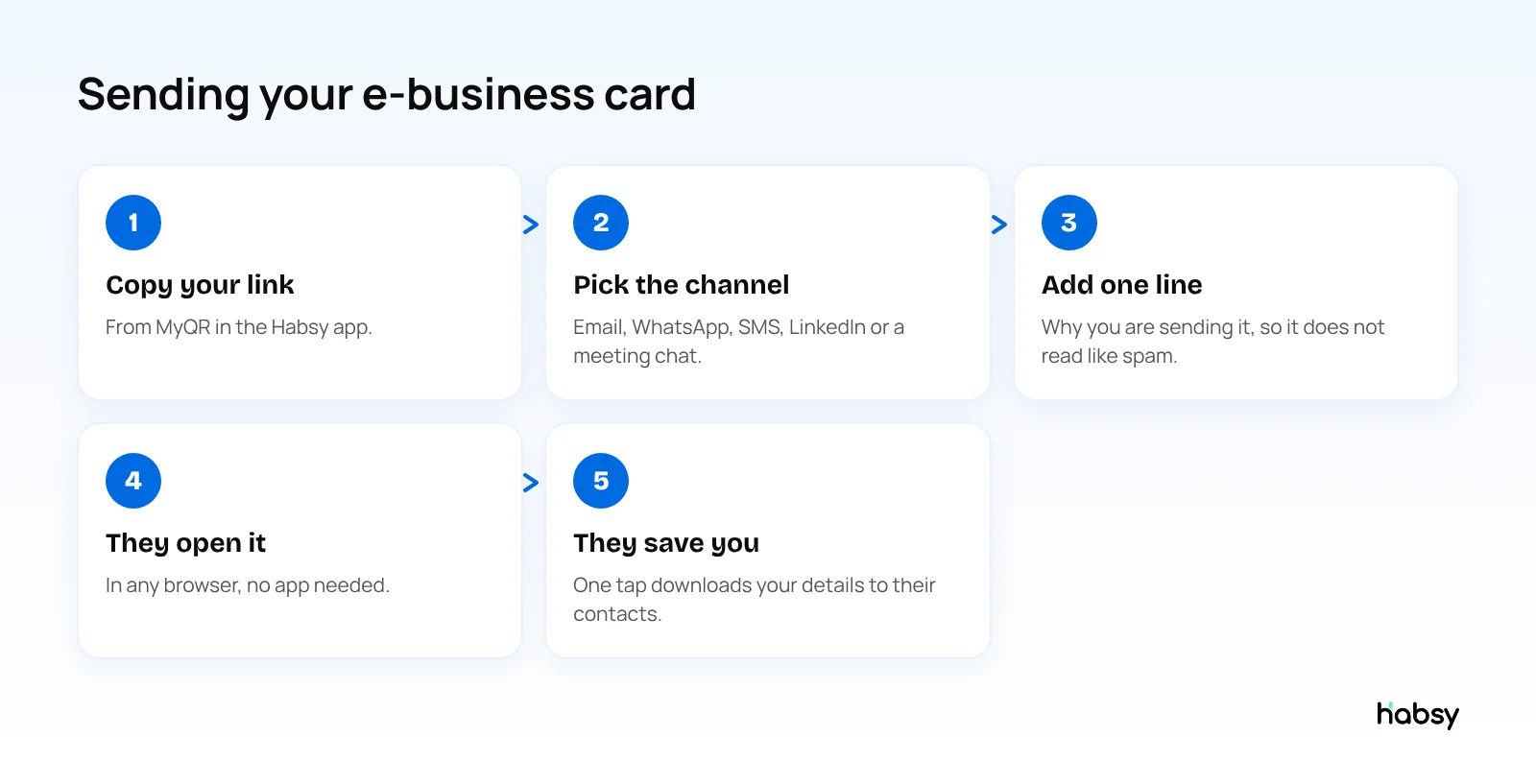
By email
Paste your card link into the email with one line of context, for example: “Here are my details from today’s call, and you can book a time with me from the card.” Add your card link or QR code to your email signature too, so every email carries it.
By WhatsApp or SMS
Send your card link straight after you meet someone. The message stays at the top of their chat list, and the link opens your card in their browser, where they can save your contact.
On LinkedIn
Share your card link in a LinkedIn message when the conversation moves to a call or a meeting. It gives the other person your phone, email and booking link in one place.
In person, by QR or NFC
Show your QR code on your phone, or tap phone to phone with NFC. The other person sees the same card as if you had sent the link.
To many people at once
After an event or a webinar, select the contacts you want in Habsy and use Send My Card to send them your card in one go. You can also turn on Card Preferences to send your card automatically after you save a new contact.
Put the guide into practice
Turn every event conversation into a follow-up.
Capture accurate contact details, add the context that matters and stay ready for the follow-up.
What to put on your e-business card
- Name, photo, role and company
- Phone and email, checked and current
- LinkedIn and WhatsApp, where most follow-ups continue
- Website
- For a company card: your services, contacts and brochures to download
Habsy’s Business digital card is built for the company side, with your company profile, services, contacts and downloadable brochures, catalogues and PDFs.
How to make an electronic business card for free
- Download the Habsy app for iPhone or Android and sign up.
- Add your details, photo and links.
- Pick a cover image and your brand colour.
- Open MyQR to find your Professional digital card and Business digital card, each with its own QR code and link.
- Send it by link, QR, NFC or Send My Card.
You can edit either card anytime. The link and QR code stay the same, so everyone who opens your card later sees the latest details.
With Habsy Plus (USD 100 per user per year, lower in some regions), each card can also have an enquiry form so people can send you their details, card analytics with visits, saves and clicks by channel, and a Calendly booking button. See pricing.
When someone sends you their e-business card
The exchange goes both ways. When someone shows you their digital card, scan its QR code with Habsy and the contact is saved, with room for a note and a reminder. Habsy reads digital cards from any provider, LinkedIn QR codes and paper business cards, with unlimited free scanning. Learn more about the business card scanner.
Common mistakes with e-business cards
- Sending a photo of your paper card. Nobody can tap it or save it.
- Sending only a .vcf file. It cannot be updated, and some email clients block attachments.
- A link with no context. One line about why you are sending it makes it more likely to be opened.
- Out-of-date details. Use a card you can edit, so old links still show current information.
Bottom line
An electronic business card is any business card you send electronically, and the web card format does the most for the person receiving it. Habsy gives you two for free under MyQR, with a link and QR code you can send anywhere, plus Send My Card for sending yours to many contacts at once. Create your free digital card.
Frequently Asked Questions
What is an electronic business card?
An electronic business card is a business card you send electronically instead of on paper. It can be a contact file (.vcf), a web page with your details, an email signature, or a QR code that opens your card. Today it usually means a web-based card shared by link or QR code, also called a digital business card.
What is an e-business card?
E-business card is short for electronic business card. It means the same thing: a business card you share electronically, usually as a link or QR code that opens a page with your contact details.
How do I send my business card electronically?
Copy your card link and send it by email, WhatsApp, SMS or LinkedIn, or let someone scan your QR code. With Habsy, you can also use Send My Card to send your card to one or more contacts from the app.
Is a vCard an electronic business card?
A vCard is a contact file (.vcf) that phones and email apps can import. It is one form of electronic business card, but it carries only basic fields and cannot be updated after you send it. A web-based card with a VCard download button gives the other person both options.
Can I send my electronic business card to many people at once?
Yes. In Habsy, select the contacts you want and use Send My Card to send your digital card to all of them in one go.
How do I make an electronic business card for free?
Download the Habsy app and add your details. Habsy creates a Professional digital card for you and a Business digital card for your company, each with its own QR code and link. Both are free and you’ll find them under MyQR in the app.
Put the guide into practice
Turn every event conversation into a follow-up.
Capture accurate contact details, add the context that matters and stay ready for the follow-up.