Virtual Business Card: What It Is and How to Make One for Free
A virtual business card does the job of a paper card wherever you meet people online: on video calls, in email, on LinkedIn and in messages. This guide explains what a virtual business card is, what to put on it, where to share it, and how to make one for free.
Amélie Tremblay7 min read
The quick answer
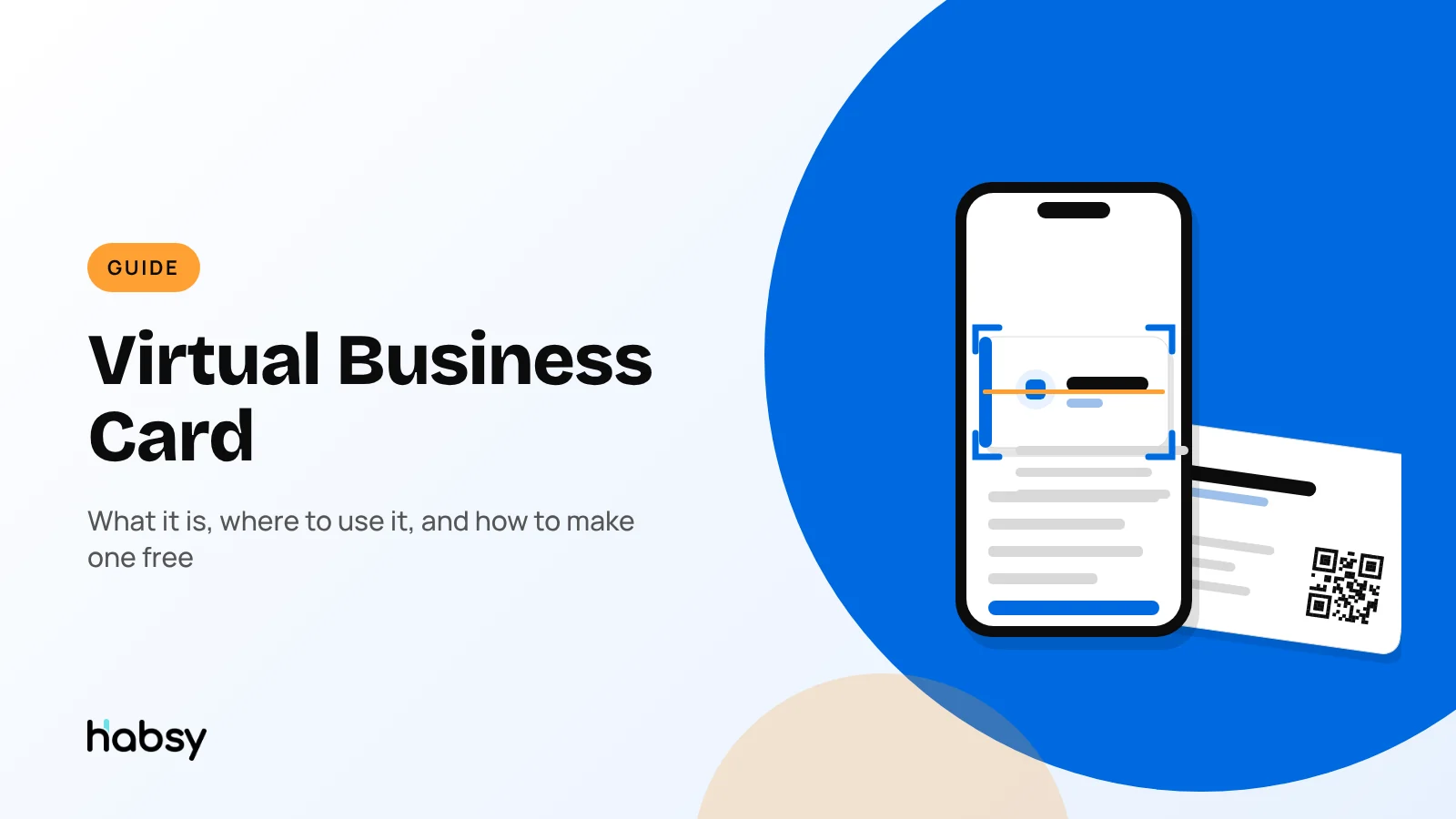
A virtual business card is a business card you share online instead of on paper. It is a web page with your name, role, company, contact details and links that people open by scanning a QR code or tapping a link, and they can save your details to their phone in one tap. You can make one for free with Habsy: the app creates a Professional digital card with its own QR code and link, which you’ll find under MyQR in the app.
What is a virtual business card?
A virtual business card holds the same information as a paper card, and more, but lives online. Because it is a web page, it can:
- open on any phone or computer, without an app
- save to contacts in one tap, through a VCard download
- link to your profiles, such as LinkedIn and WhatsApp
- stay up to date, because you edit the card and the same link shows the new details
You will also see it called a digital business card. The terms describe the same product. “Virtual” is the word people tend to use for remote work and online meetings. If you want the full breakdown of the terms, read digital vs virtual vs electronic business cards.
Where a virtual business card does the work
Paper cards only work when you are in the same room. A virtual card works wherever you meet people.
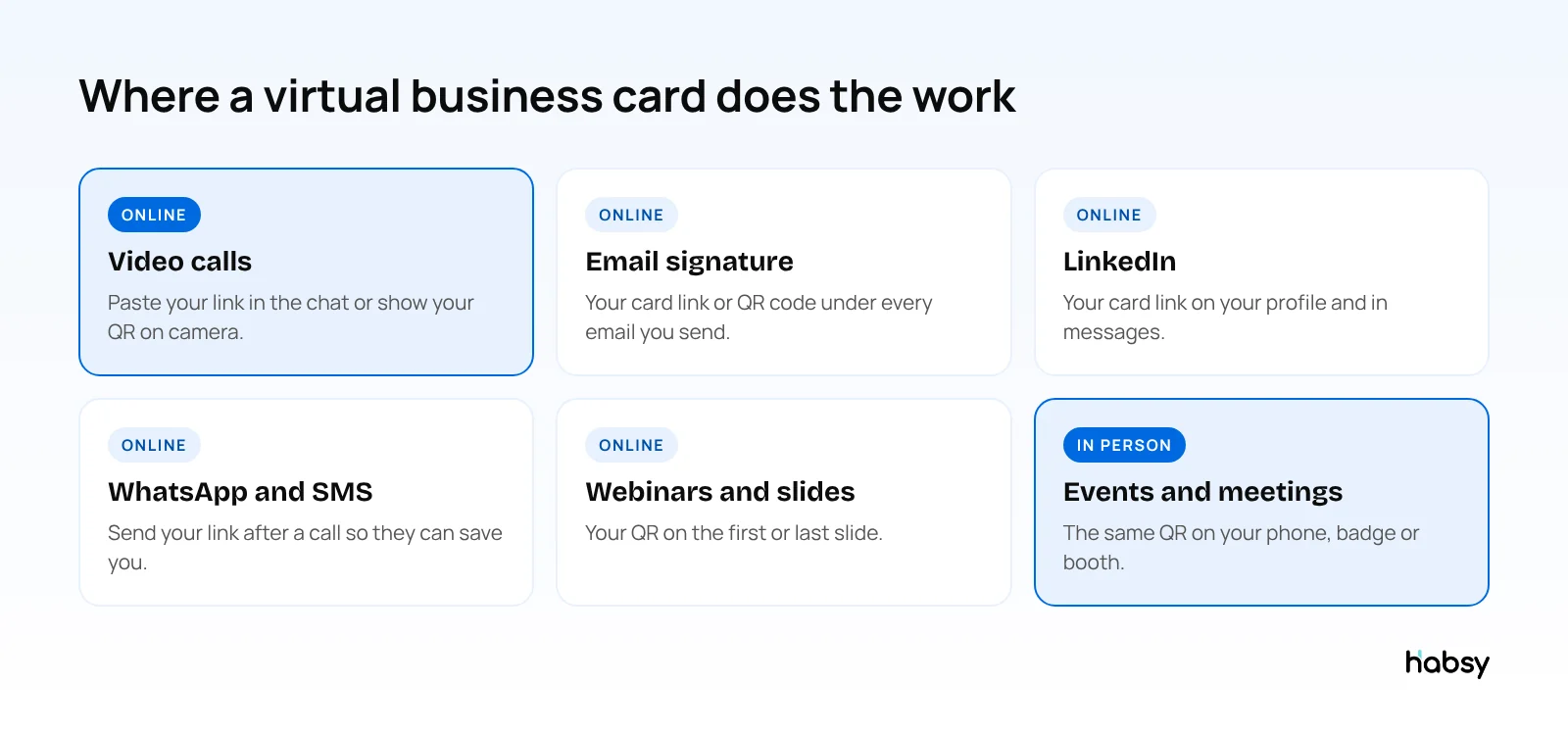
On video calls
At the start or end of a call, paste your card link in the meeting chat. If you are presenting, put your QR code on the first or last slide, so people can scan it from their phone while you talk. After the call, everyone has a way to save your details that is better than writing down an email from the chat.
In your email signature
Your signature is the most-viewed place your contact details appear. Add your card link or QR code to it. Habsy includes an email signature builder with AI-suggested designs that can include your Professional digital card QR code.
On LinkedIn
Add your card link to your LinkedIn profile, and share it in messages when a conversation moves towards a call. It gives the other person your phone, email and booking link in one place.
In WhatsApp, SMS and email
After a call or an introduction, send your card link in a message. With Habsy, you can also use Send My Card to send your card to one or more contacts in one go.
At events, too
The same card works in person. Show your QR code on your phone, or share by NFC with a phone-to-phone tap. If you exhibit, see the best digital business card for trade shows.
Put the guide into practice
Turn every event conversation into a follow-up.
Capture accurate contact details, add the context that matters and stay ready for the follow-up.
What to put on your virtual business card
| Field | Why it matters |
|---|---|
| Name and photo | People remember faces from calls. A photo connects the card to the conversation. |
| Role and company | The context for why they should contact you. |
| Phone and email | The basics. Make sure both are current. |
| Most professional conversations continue there. | |
| In many markets, the first follow-up happens on WhatsApp. | |
| Website | Where they can learn more about what you do. |
| Booking link | With Habsy Plus, a Calendly button lets people book a meeting from your card. |
Keep it focused. A virtual card should answer “who is this and how do I reach them” in a few seconds. For more on what belongs on a card, see what to include on a business card.
How to make a virtual business card for free
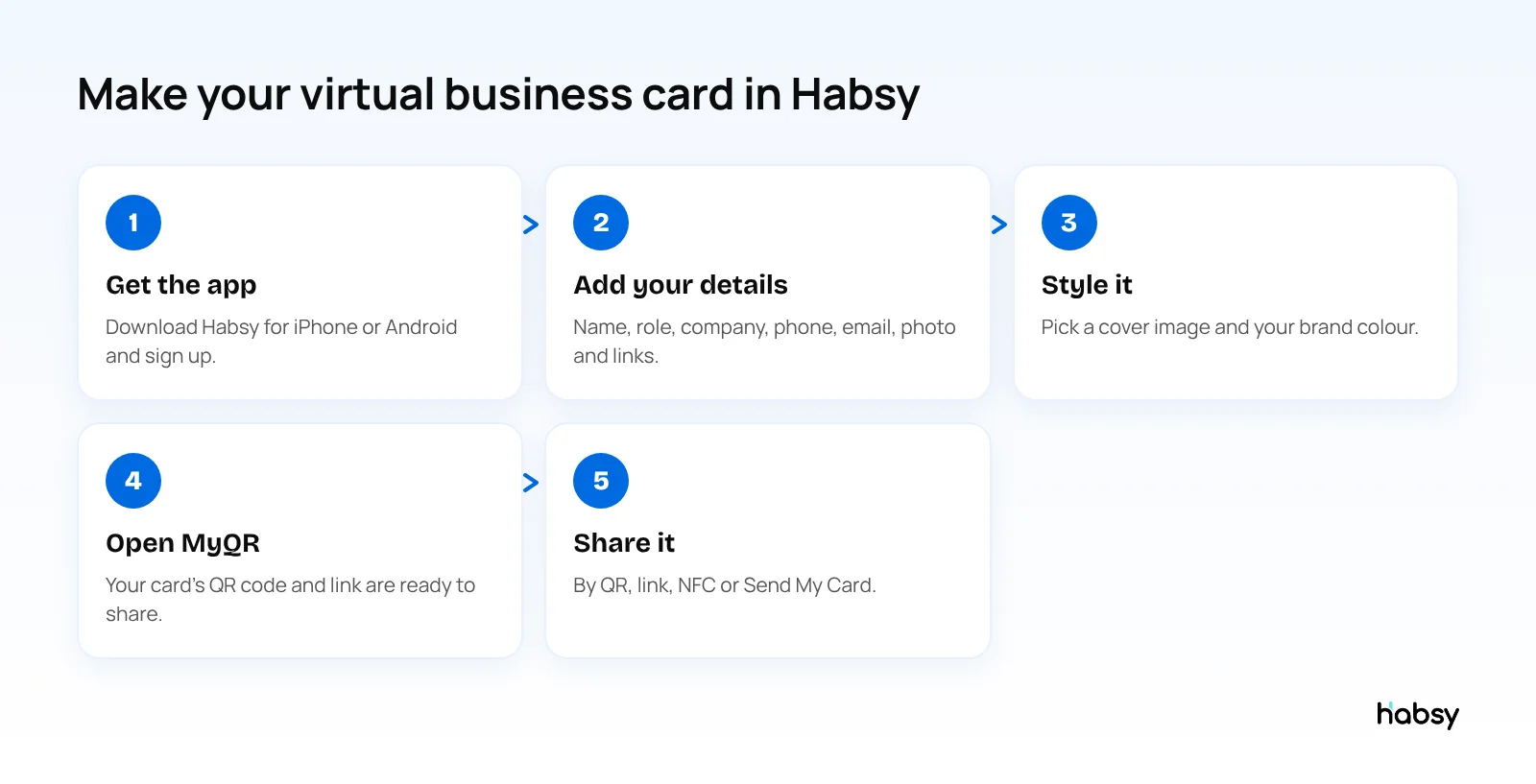
- Get the app. Download Habsy for iPhone or Android and sign up.
- Add your details. Name, role, company, phone, email, photo and the links you want people to use.
- Style it. Pick a cover image and your brand colour, so the card looks like your company.
- Open MyQR. Your Professional digital card is ready, with its own QR code and link.
- Share it. By QR code, link, NFC or Send My Card.
Habsy also creates a Business digital card for your company, with your company profile, services and brochures to download. Use it on your website, in proposals and on event stands. Both cards are free, and both can be edited anytime.
With Habsy Plus, each card can also have:
- an enquiry form, so people can send you their details from your card
- card analytics: visits, unique visitors, contacts saved and clicks by channel
- a Calendly booking button
Habsy Plus is USD 100 per user per year, and can cost less in your region. See pricing.
Virtual business card vs paper card
| Paper card | Virtual business card | |
|---|---|---|
| Works on video calls | No | Yes |
| Shared by | Hand | QR code, link, NFC, message |
| Updating your details | Reprint | Edit once, the same link updates |
| Saves to contacts | Typed in by hand | One tap |
| Links and booking | No | Yes |
| Runs out | Yes | Never |
Sharing is half the exchange
A virtual card gets your details to other people. You still need theirs. When someone shares a card with you, the Habsy scanner saves it:
- Digital cards from any provider, by scanning their QR code
- LinkedIn profile QR codes
- Paper business cards, with 99% accuracy, the highest in our in-house tests
- QR and NFC event badges
Scanning is unlimited and free forever. Add a note and a reminder to each contact, and follow up with an AI-written email or WhatsApp message from a short prompt. More in QR codes for networking.
Bottom line
A virtual business card is the card you share wherever you meet people online, and it works just as well in person. Habsy gives you one for free, with its own QR code and link under MyQR, plus a scanner for the cards people share with you. Create your free digital card.
Frequently Asked Questions
What is a virtual business card?
A virtual business card is a business card you share online instead of on paper. It is usually a web page with your name, role, company, contact details and links, opened by scanning a QR code or tapping a link. It is also called a digital business card.
How do I make a virtual business card for free?
Download the Habsy app, add your details, photo and links, and Habsy creates a Professional digital card with its own QR code and link. In the app, you’ll find it under MyQR. It is free, and you can edit it anytime.
How do I share my virtual business card on a video call?
Paste your card link in the meeting chat, or hold up your QR code so others can scan it with their phone camera. You can also add the QR code to a slide at the start or end of a presentation.
Is a virtual business card the same as a digital business card?
Yes. The two terms describe the same thing. “Virtual” is more common when people talk about remote work and online meetings. See our guide to digital, virtual and electronic business cards for the details.
Can I add my virtual business card to my email signature?
Yes. Add your card link or QR code to your signature. Habsy includes an email signature builder with AI-suggested designs that can include your Professional digital card QR code.
Can people save my details from a virtual business card?
Yes. A Habsy digital card has a save contact button that downloads your details as a VCard, so they land in the other person’s phone contacts.
Put the guide into practice
Turn every event conversation into a follow-up.
Capture accurate contact details, add the context that matters and stay ready for the follow-up.