The Best Digital Business Card for Trade Shows and Events (2026 Guide)
At a trade show, a digital business card has a harder job than at a coffee meeting. Hundreds of people pass your booth, half of them want a brochure, and the ones who matter need to reach you after the show. This guide covers what an event-ready digital card needs, how to use one before, during and after a show, and why Habsy’s digital card, called MyQR in the app, is the best fit for exhibitors.
Claire Bennett9 min read
On this page
- The quick answer
- Why trade shows need a different kind of digital card
- Why Habsy is the best digital business card for events
- How to use your digital card at a trade show
- How Habsy compares with other digital card apps at events
- What is free and what needs Habsy Plus
- Digital cards for the whole booth team
- Bottom line
The quick answer
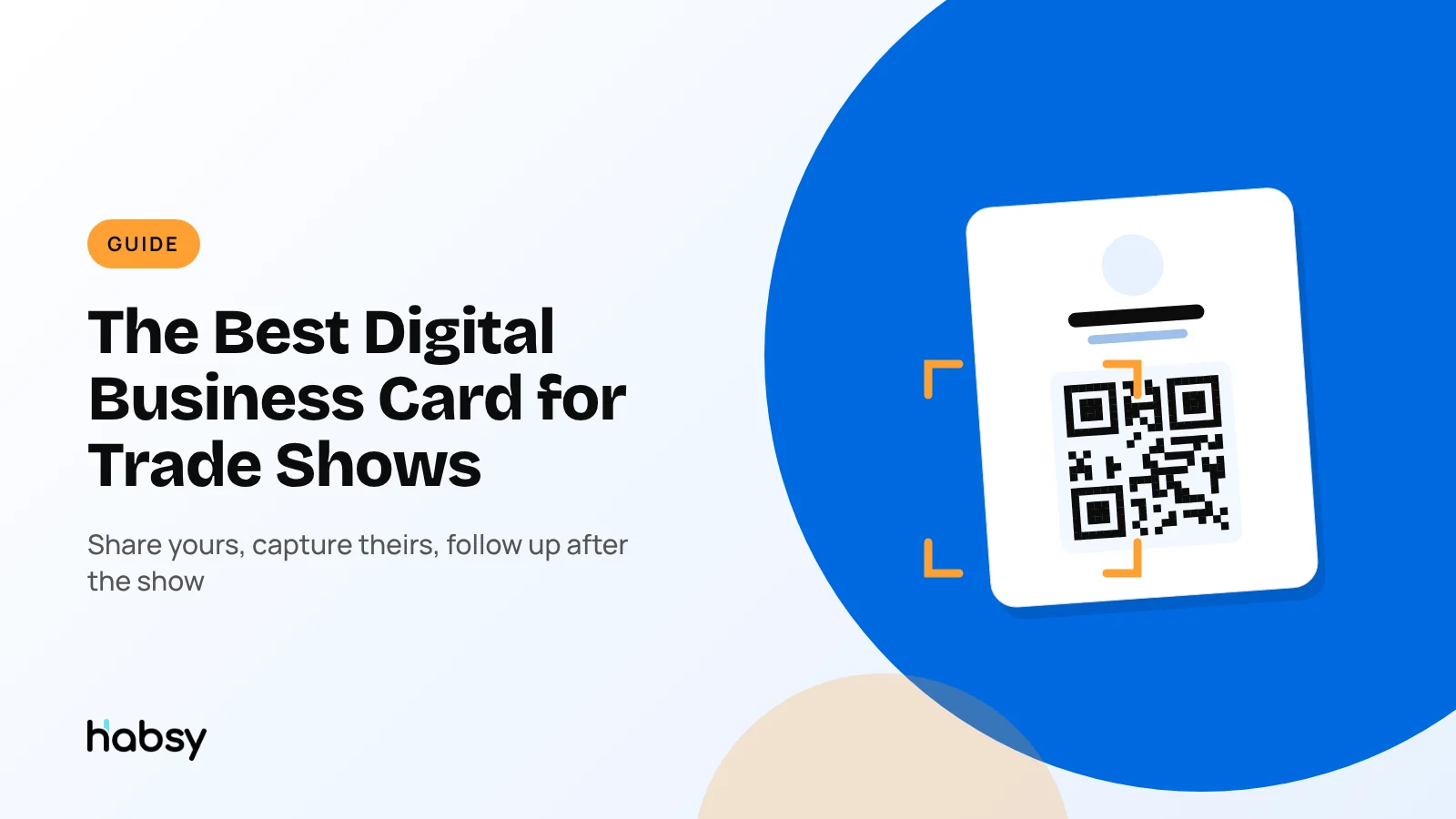
The best digital business card for trade shows and events is one that shares your details with many people at once, carries your brochures, and brings the visitor’s details back to you. Habsy does all three. You get two digital cards for free, a Professional digital card for you and a Business digital card for your company, each with its own QR code and link. In the Habsy app, you’ll find both under MyQR. With Habsy Plus, each card also gets an enquiry form and analytics, and the same app scans the business cards and badges you receive, with unlimited free scanning.
Why trade shows need a different kind of digital card
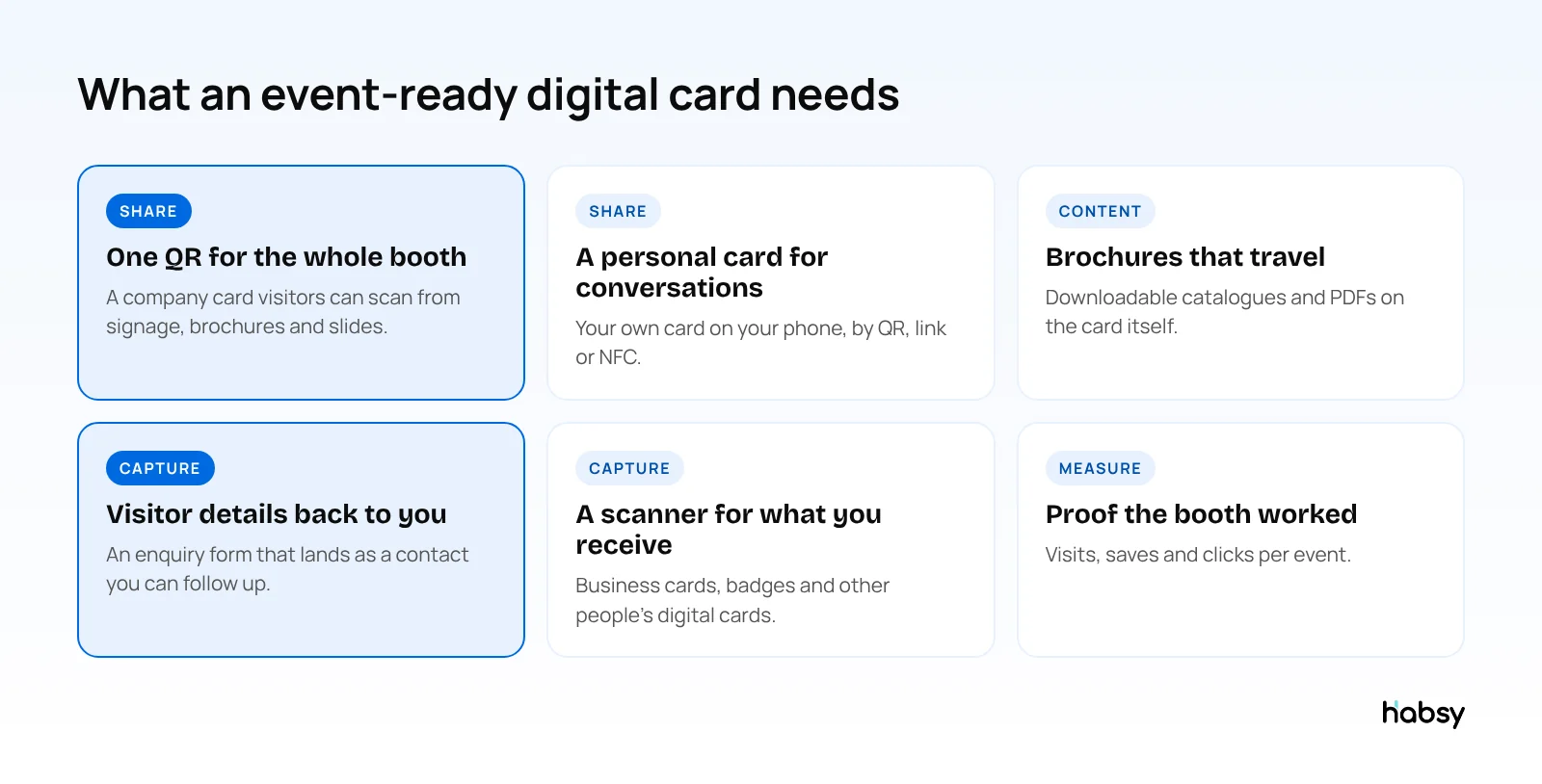
Most digital business cards are built for one-to-one sharing: you meet someone, they scan your code, they save your details. That works at a coffee meeting. A trade show is different:
- Many people, little time. Hundreds of visitors pass your booth, and you speak to only some of them.
- Visitors want material. They ask for a brochure, a catalogue or a price list as often as they ask for your number.
- The exchange has to go both ways. Sharing your details only helps if the visitor contacts you. At a show, you need their details too.
- Follow-up decides the result. A card that leaves no trail of who was interested makes the follow-up guesswork.
If you are new to the idea, start with what a digital business card is and how QR codes changed business card sharing.
Why Habsy is the best digital business card for events
Two cards, one for you and one for your booth
Habsy creates a digital card for you and one for your company:
| Professional digital card | Business digital card | |
|---|---|---|
| Who it represents | You | Your company |
| What it shows | Photo, role, contact details and links | Company profile, services and contacts |
| Buttons | Call, email, LinkedIn, save contact | Contact buttons, brochures to download |
| Best used at a show | One-to-one conversations | Booth signage, brochures, slides |
| QR code and link | Its own | Its own |
| Enquiry form (Habsy Plus) | Its own | Its own |
Both are free, and both open in any browser. Visitors do not need the Habsy app to see your card or save your contact.
MyQR: your cards in the app
In the Habsy app, your digital cards live under MyQR. From there you can show your QR code on your phone, copy your link, edit either card and, with Habsy Plus, build enquiry forms and check your card analytics. Changes show up right away for everyone who opens your card or scans your code, so a booth QR printed months ago still opens your latest details.
A booth QR that brings visitors to you
Put your Business digital card QR on your booth signage, brochures and slides. A visitor scans it with their phone camera and lands on your company profile, where they can:
- save your contact in one tap
- download your brochure or catalogue
- book a meeting through Calendly (Habsy Plus)
- leave an enquiry with their details (Habsy Plus)
With Habsy Plus, you choose the enquiry form’s fields and which ones are mandatory. Every submission arrives in the Habsy app and on Habsy Platform, and you can turn it into a contact and follow it up like anyone you scanned yourself. That is what turns a passing visitor into a lead, even when every person at your booth is already in a conversation.
Four ways to share
- QR code: on your phone, your booth, your badge or your slides.
- Link: in a message, an email or your email signature.
- NFC: tap phone to phone in the middle of a conversation.
- Send My Card: pick one or more contacts in the app and send them your card in one go. With Card Preferences, Habsy can also send your card automatically after you save a new contact.
A scanner for the cards you receive
At a show, people still hand you paper cards, and their badge is often the fastest way to save them. The same Habsy app scans:
- business cards, with 99% accuracy, the highest in our in-house tests
- stacks of cards, up to 150 in about 5 minutes
- QR and NFC event badges
- LinkedIn QR codes and digital cards from any provider
Scanning is unlimited and free forever, and it captures offline in a hall with no signal, then processes when you reconnect. Read more about the business card scanner and the universal badge scanner.
Proof that the booth worked
With Habsy Plus, card analytics show how your card performed: visits, unique visitors, how many people saved your contact, notes received, clicks by channel (email, call, LinkedIn, WhatsApp and VCard downloads) and where your visitors are from. Analytics show counts, not names. A visitor is identified only if they send you an enquiry.
Ready for your next event?
Bring every booth conversation back with context.
Capture cards and badges in seconds, qualify leads on the spot and give your team a clean next step.
How to use your digital card at a trade show
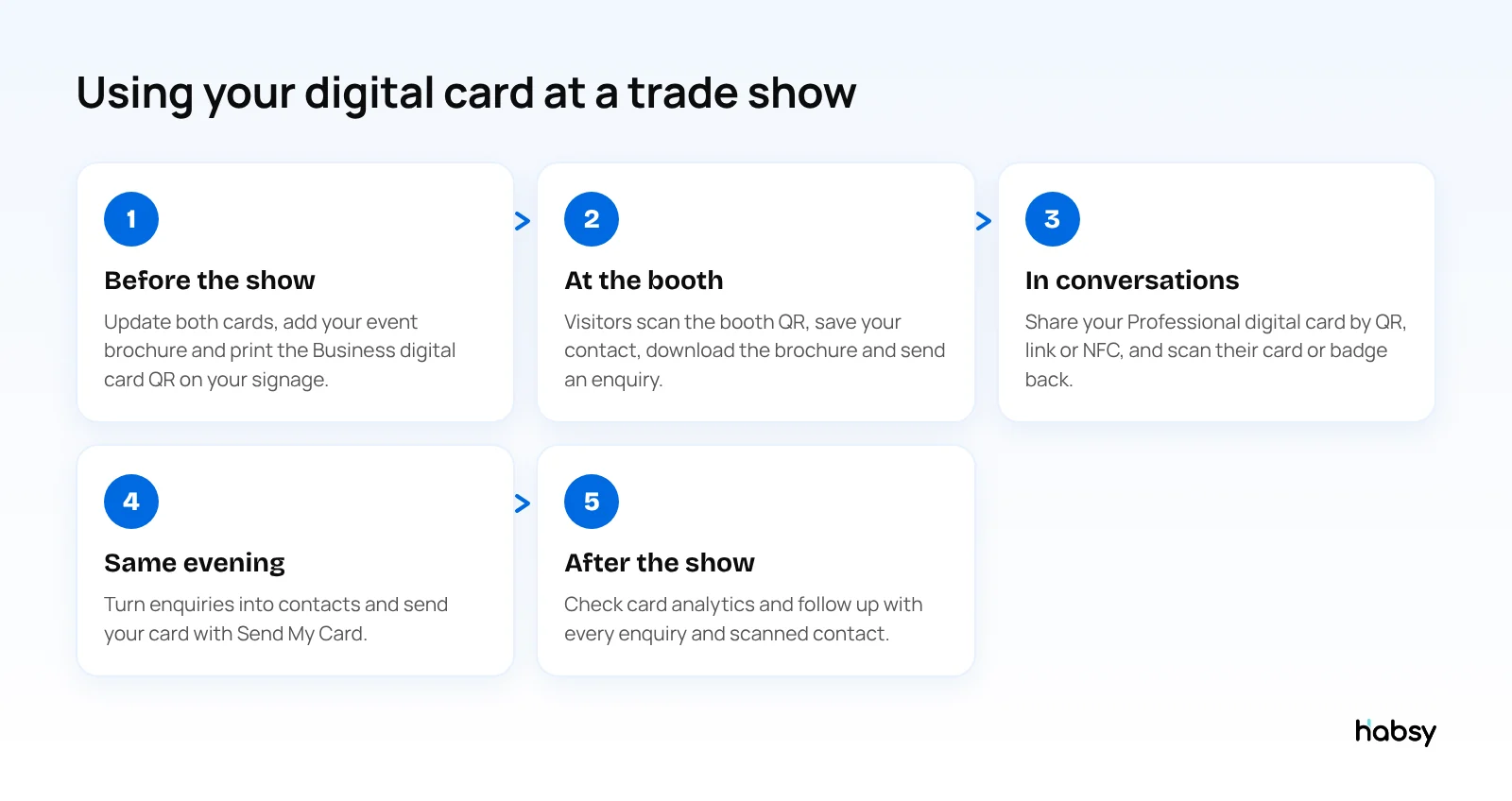
Before the show
- Update your Professional and Business digital cards in MyQR: role, phone, links and a cover image in your brand colour.
- Add the brochure or catalogue you will promote at the show to your Business digital card.
- With Habsy Plus, add an enquiry form with the questions you want answered, such as product interest or timeline.
- Print your Business digital card QR on your booth signage and handouts, and test-scan it with a few phones.
- Add your Professional digital card QR to your email signature for pre-show outreach.
At the booth
- Point visitors to the booth QR when you are busy, so nobody leaves without your details or a brochure.
- In conversations, share your Professional digital card by QR, link or NFC.
- Scan the visitor’s badge or card back, and add a note while you remember the conversation. See the trade show lead capture checklist.
After the show
- Open your enquiries, convert them into contacts, and follow up while the show is still fresh. The trade show follow-up email templates help here.
- Use Send My Card for anyone who did not save your contact at the booth.
- Check your card analytics to see how many visitors your booth QR brought in.
How Habsy compares with other digital card apps at events
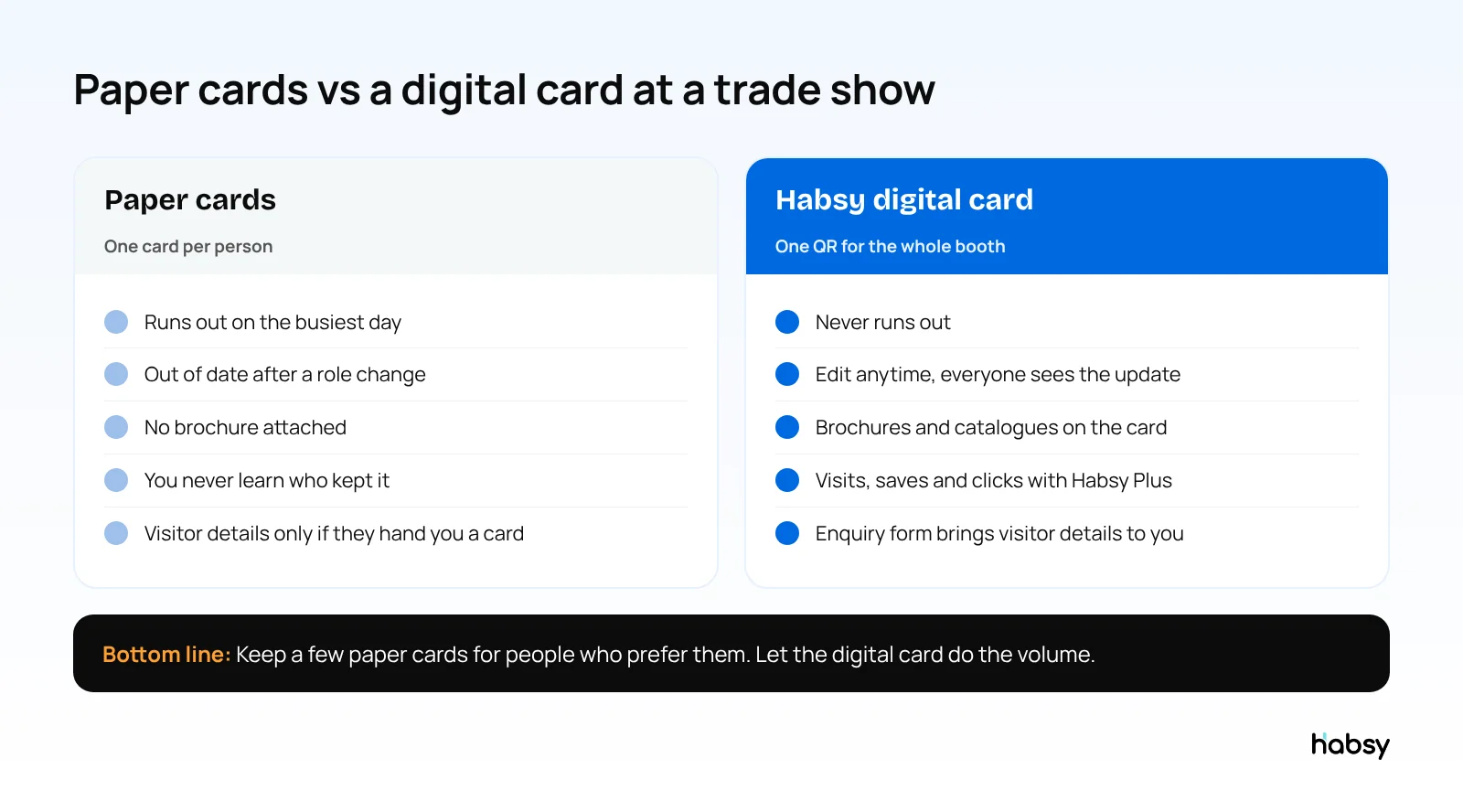
Many digital card apps make a good-looking card. At a trade show, the difference is what happens around the card: scanning what you receive, capturing leads and what that costs.
| Habsy | Blinq | HiHello | Popl | |
|---|---|---|---|---|
| Free digital cards | 2 (Professional and Business) | 2 | 4 | Individual app |
| Card scanning on the free plan | Unlimited | Not on pricing card | 5 a month | Not listed |
| Lead capture pricing | Flat, USD 100 per user per year | Per lead | Per user | Custom quote |
| Badge scanning | QR and NFC, free | Business plan | Business plan | Yes |
| CRM sync | 10+ CRMs | Business plan | Business plan | Yes |
Competitor details come from each vendor’s website, checked in October 2026. For the full picture, see our Blinq alternatives, HiHello alternatives and Popl alternatives.
What is free and what needs Habsy Plus
| Feature | Free | Habsy Plus |
|---|---|---|
| Professional and Business digital cards | Yes | Yes |
| QR code, link, NFC and Send My Card | Yes | Yes |
| Brochures and files on your card | Yes | Yes |
| Unlimited scanning of cards, badges and QR codes | Yes | Yes |
| Enquiry form on your card | Yes | |
| Card analytics | Yes | |
| Calendly booking | Yes |
Habsy Plus is USD 100 per user per year, and it can cost less in your region. Check the App Store or Google Play for your local price, or see pricing.
Digital cards for the whole booth team
If several people staff your booth, Habsy Platform lets you create a consistent Professional digital card for every team member and one Business digital card for the company, and track enquiries and engagement per person. Scanned contacts land in one event campaign and enquiries arrive on the platform too, so the follow-up after the show is shared and nothing is missed. See how it fits into event lead capture.
Bottom line
A digital business card earns its place at a trade show when it works for a crowd, carries your material and brings visitors’ details back to you. Habsy does that with two free digital cards, found under MyQR in the app, a scanner for everything people hand you, and Habsy Plus for enquiry forms and analytics. Create your free digital card before your next event.
Frequently Asked Questions
What is the best digital business card for trade shows?
Habsy is the best digital business card for trade shows and events. You get a Professional digital card and a Business digital card for free, each with its own QR code and link, plus a scanner for the cards and badges you receive. Habsy Plus adds an enquiry form, card analytics and Calendly booking, so booth visitors can send you their details and book a meeting.
What is MyQR in the Habsy app?
MyQR is where your digital cards live in the Habsy app. From MyQR you can show your QR code, share your link, edit your Professional and Business digital cards, and, with Habsy Plus, build enquiry forms and see card analytics.
Do visitors need the Habsy app to open my digital card?
No. Your digital card opens in any phone browser after a QR scan, a link tap or an NFC tap, and visitors can save your contact from there.
Can I put my digital card QR code on my booth signage?
Yes. Use your Business digital card QR for booth signage, brochures and slides, so visitors land on your company profile, services and downloadable files. Keep your Professional digital card QR on your phone for one-to-one conversations.
How do I get booth visitors’ details back from my digital card?
Add an enquiry form to your digital card with Habsy Plus. Visitors fill it in on their own phone, and each submission arrives in the Habsy app and on Habsy Platform, ready to turn into a contact. You can also scan their business card or badge with the same app.
Can I see who opened my digital card at the event?
Card analytics, part of Habsy Plus, show counts such as visits, unique visitors, contacts saved, button clicks by channel and where visitors are from. They do not show who the visitors are. A visitor is identified only if they submit your enquiry form.
Can my whole booth team have digital cards?
Yes. With Habsy Platform you can create a consistent Professional digital card for each team member and one Business digital card for the company, and track enquiries and engagement per person.
Ready for your next event?
Bring every booth conversation back with context.
Capture cards and badges in seconds, qualify leads on the spot and give your team a clean next step.