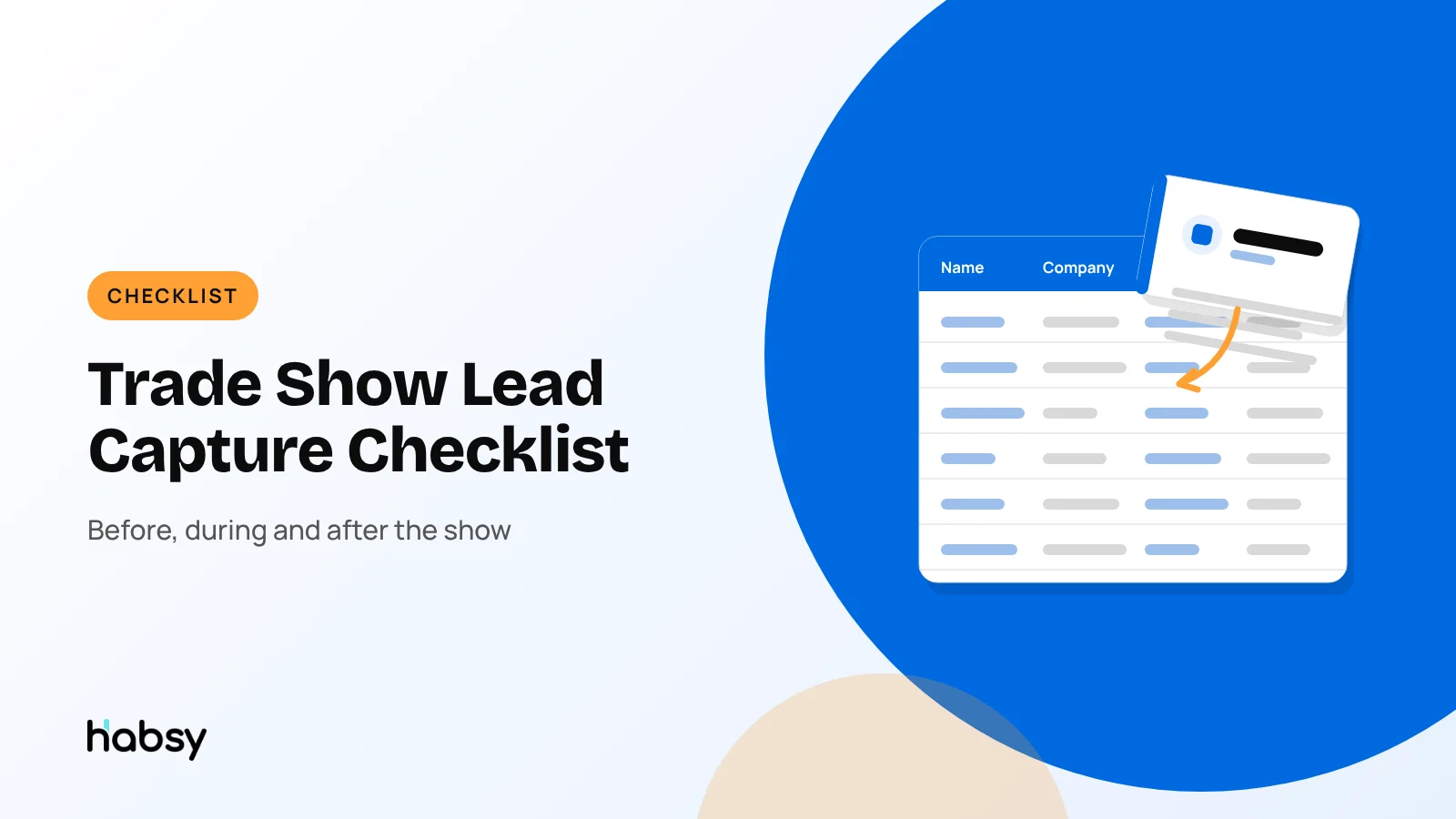
Trade Show Lead Capture Checklist: Before, During and After the Show
Most lost trade show leads are lost before the show opens, through no plan for capture, or after it closes, through slow follow-up. This checklist covers what to do weeks before, at the booth and in the days after, so every conversation turns into a contact you can act on.
Claire Bennett6 min read
The quick answer
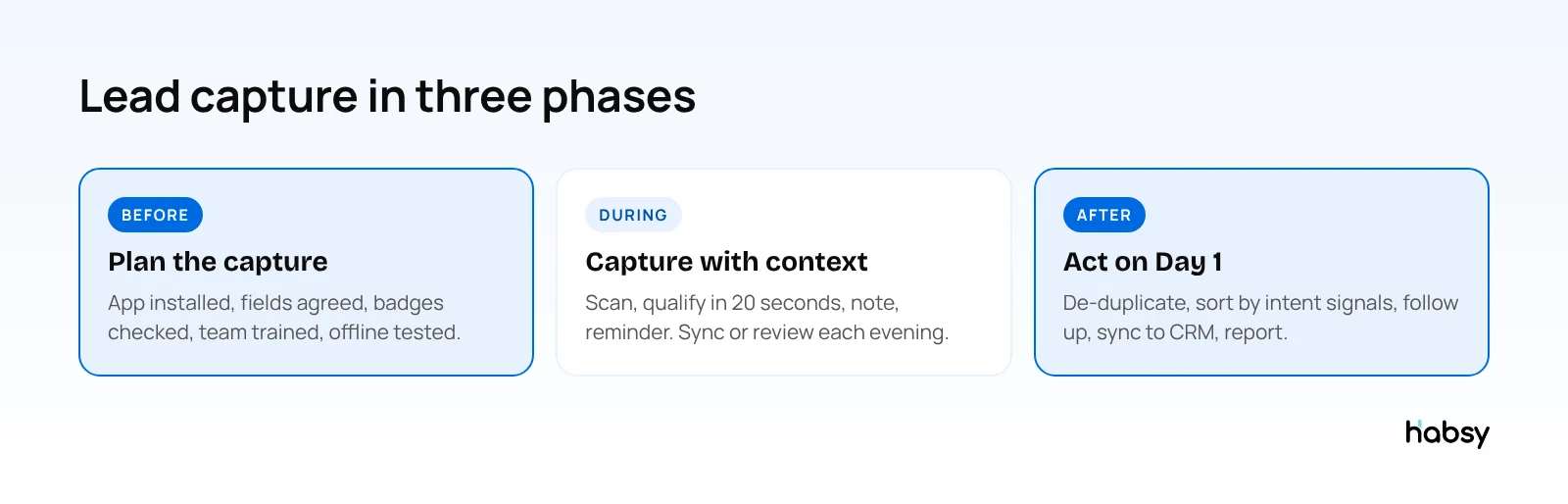
Good trade show lead capture happens in three phases. Before the show, choose your app, agree your qualification fields and check badge formats with the organizer. During the show, scan every card and badge and add intent signals, a note and a reminder in about 20 seconds. After the show, de-duplicate, sort by intent signals and start follow-up within one business day. Use the checklist below.
Before the show (four to six weeks out)
- ☐ Set a goal for qualified leads, not just scans. See trade show ROI.
- ☐ Choose your lead capture app and install it on every booth member’s phone.
- ☐ Agree four or five qualification fields with fixed options, such as interest, quantity, timeline and next step. See lead qualification questions.
- ☐ Ask the organizer about badges: QR, NFC or encrypted? Do you need their lead retrieval? See lead capture vs lead retrieval.
- ☐ Connect your CRM or decide on a spreadsheet export.
- ☐ Create an event campaign so every scan is grouped under the show.
- ☐ Prepare follow-up templates for each lead type: quote, demo, brochure, brief chat.
- ☐ Set up your digital card with your booth number and brochure, plus an enquiry form with Habsy Plus, and print its QR code for the stand.
In Habsy
- Define intent signals with Habsy Plus, or let Habsy create them with AI from your website
- Connect your CRM, email and calendar in Settings, Integrations
- Create the campaign on the Habsy Platform
- Set Card Preferences, such as auto-sync to CRM or auto-send your digital card after save
The week before
- ☐ Train the team in 10 minutes: scan, qualify, note, reminder.
- ☐ Test offline capture with Wi-Fi and mobile data turned off.
- ☐ Check every phone is signed in and charged, and pack power banks.
- ☐ Agree who follows up on which type of lead.
- ☐ Book follow-up time in calendars for the two days after the show.
During the show
- ☐ Scan as soon as a conversation turns serious: badge, card or QR code.
- ☐ Qualify in about 20 seconds: tap the intent signals, add a note or a 10-second voice note.
- ☐ Set a reminder for anything you promised.
- ☐ Capture visitors who only show a QR code. Habsy reads digital cards from any provider and LinkedIn QR codes.
- ☐ Use your digital card’s QR code at the stand, so visitors can save your details and leave theirs through the enquiry form.
- ☐ Each evening: review the day’s contacts, scan any stack of cards with batch scanning (up to 150 in about 5 minutes), and download the organizer’s lead file if you use one.
- ☐ Send the most urgent follow-ups the same evening.
Ready for your next event?
Bring every booth conversation back with context.
Capture cards and badges in seconds, qualify leads on the spot and give your team a clean next step.
After the show
Day 1
- ☐ Review and clean. Fix unclear fields and resolve flagged duplicates.
- ☐ Import the organizer’s lead file, if any, and resolve duplicates.
- ☐ Sort by intent signals: quotes first, then demos, then information requests.
- ☐ Send follow-ups using the right template for each group. See trade show follow-up email templates and WhatsApp templates.
- ☐ Sync to your CRM if it did not happen automatically.
Days 2 to 7
- ☐ Book meetings and demos.
- ☐ Send second follow-ups to those who have not replied.
- ☐ Review the post-event report: unique companies, seniority reached, team performance and lead scoring.
- ☐ Share results with the team and note what to change next time.
Roles on the stand
A checklist works when everyone knows which items are theirs.
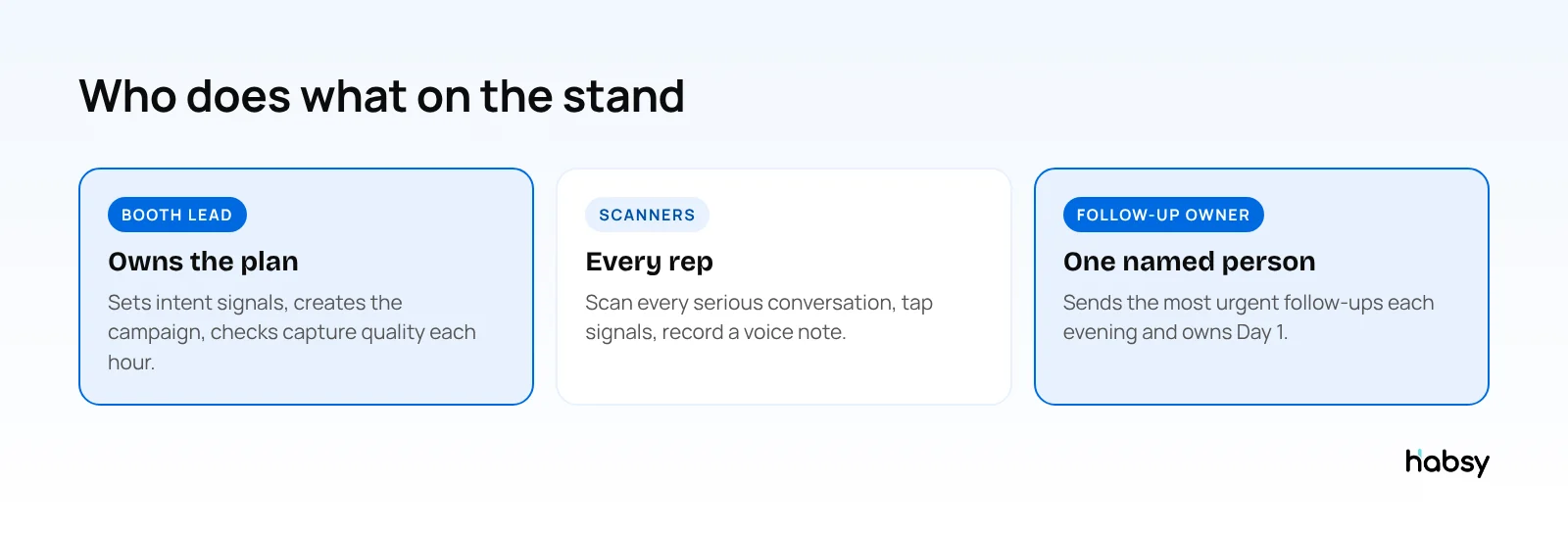
| Role | Before the show | During the show | After the show |
|---|---|---|---|
| Booth lead | Defines intent signals, creates the campaign, connects the CRM | Checks on the Habsy Platform that signals and notes are being filled in | Reviews the post-event report and shares results |
| Every rep | Installs Habsy, signs in, tests offline capture | Scans, taps signals, records voice notes, sets reminders | Follows up with assigned contacts |
| Follow-up owner | Prepares templates for quote, demo and brochure requests | Sends the most urgent follow-ups each evening | Owns the Day 1 call list and assigns the rest |
A three-day show, day by day (illustrative)
| Morning | During the day | Evening | |
|---|---|---|---|
| Day 1 | 10-minute refresher on the fields | Scan and qualify | Batch scan pocket cards, send the most urgent follow-ups |
| Day 2 | Booth lead shares what is working | Scan and qualify; flagged duplicates show returning visitors | Download the organizer’s file, follow-ups |
| Day 3 | Agree the Day 1 plan | Scan and qualify | Final batch scan, assign contacts across the team |
| Day 4 (back at work) | Filter by intent signals | Calls and emails | Check open reminders |
Common reasons leads are lost
| Where | Why | Fix |
|---|---|---|
| Before | No agreed fields | Define intent signals in advance |
| During | Cards stuffed in pockets | Scan at the booth or each evening |
| During | Wi-Fi fails | Offline capture |
| During | Badge scan with no context | Intent signals and a note with every scan |
| After | Follow-up waits a week | Day 1 plan and templates |
| After | Duplicates and messy exports | Review before syncing |
For more, read how to avoid losing event leads.
Bottom line
Most trade show leads are won or lost outside the conversation itself: in the preparation and in the follow-up. Use this checklist, and use one app for the whole flow. Habsy covers capture, qualification, follow-up, CRM sync and the post-event report. See event lead capture.
Frequently Asked Questions
What do I need for lead capture at a trade show?
A lead capture app on every booth member’s phone, agreed qualification fields, a way to scan badges (your app or the organizer’s lead retrieval), a plan for business cards and QR codes, and a follow-up plan for the first days after the show.
How far in advance should I prepare lead capture for a trade show?
Start four to six weeks before: choose your app, agree fields, and check badge formats with the organizer. Train the team and test offline mode in the week before.
How do I capture leads when the venue Wi-Fi fails?
Use an app that captures offline. Habsy captures cards and badges without internet and processes them once you are back online.
What should happen after a trade show?
Review and de-duplicate contacts, sort them by intent signals, send personalised follow-ups within one business day, sync to your CRM, and review the post-event report.
How do I measure if the trade show worked?
Track contacts, unique companies, qualified leads and cost per qualified lead in the first week, then opportunities at 90 days and revenue later. See our guide to trade show ROI and the post-event report.
Ready for your next event?
Bring every booth conversation back with context.
Capture cards and badges in seconds, qualify leads on the spot and give your team a clean next step.