Lead Capture vs Lead Retrieval: What’s the Difference for Exhibitors?
Exhibitors hear both terms in the same sentence, but they are not the same thing. Lead retrieval is the badge scanning an organizer sells you for one show. Lead capture is the whole job of collecting, qualifying and following up with everyone you meet. Here is how they differ and how to use them together.
Amélie Tremblay6 min read
The quick answer
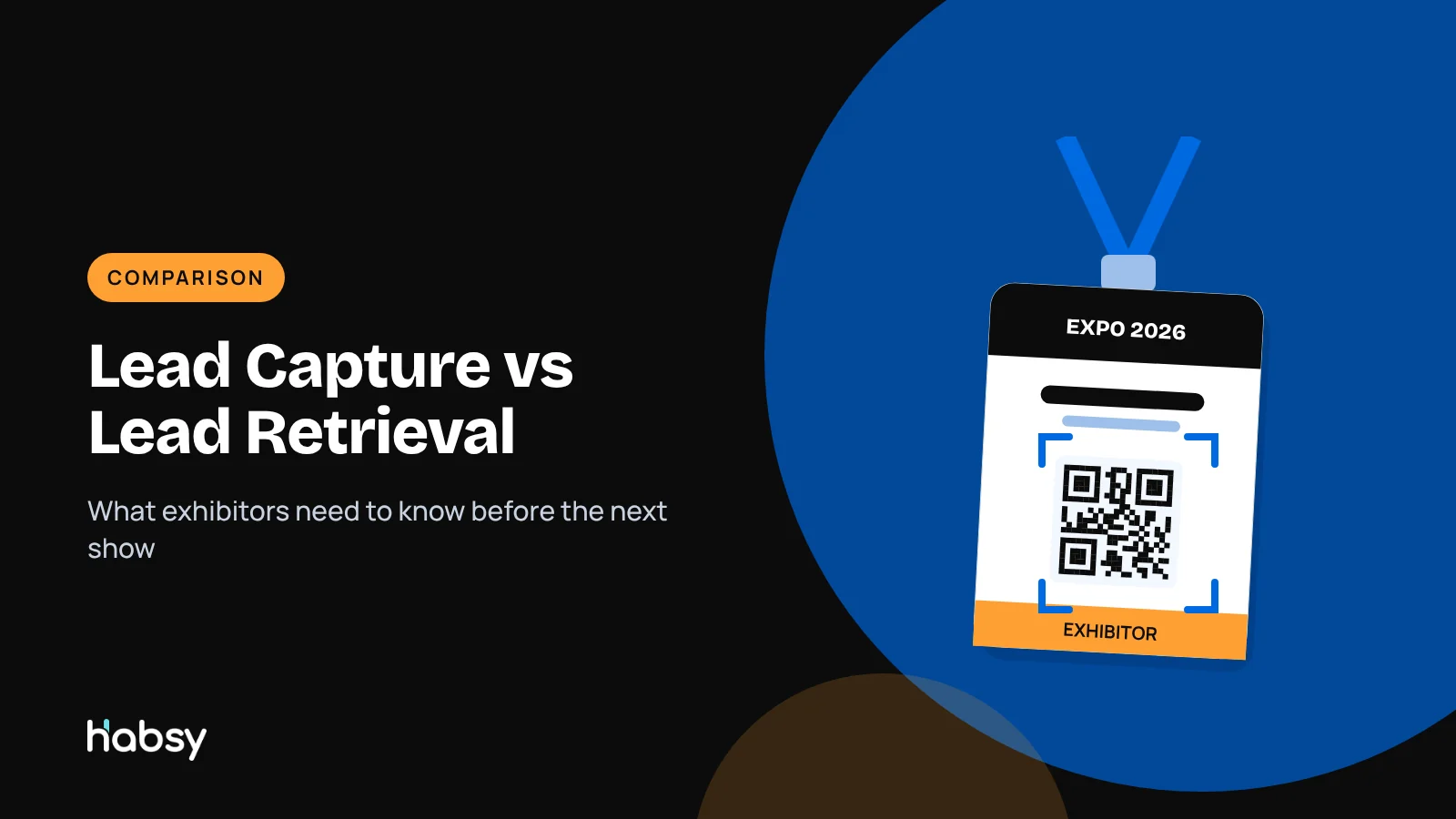
Lead retrieval is the badge scanning service an event organizer provides to exhibitors, usually as rented devices or app licences for one event. Lead capture is the full process of collecting contacts from every source, such as badges, business cards and QR codes, adding qualification and context, and handing them to follow-up. Lead retrieval is one way to collect contacts. Lead capture is the whole job.
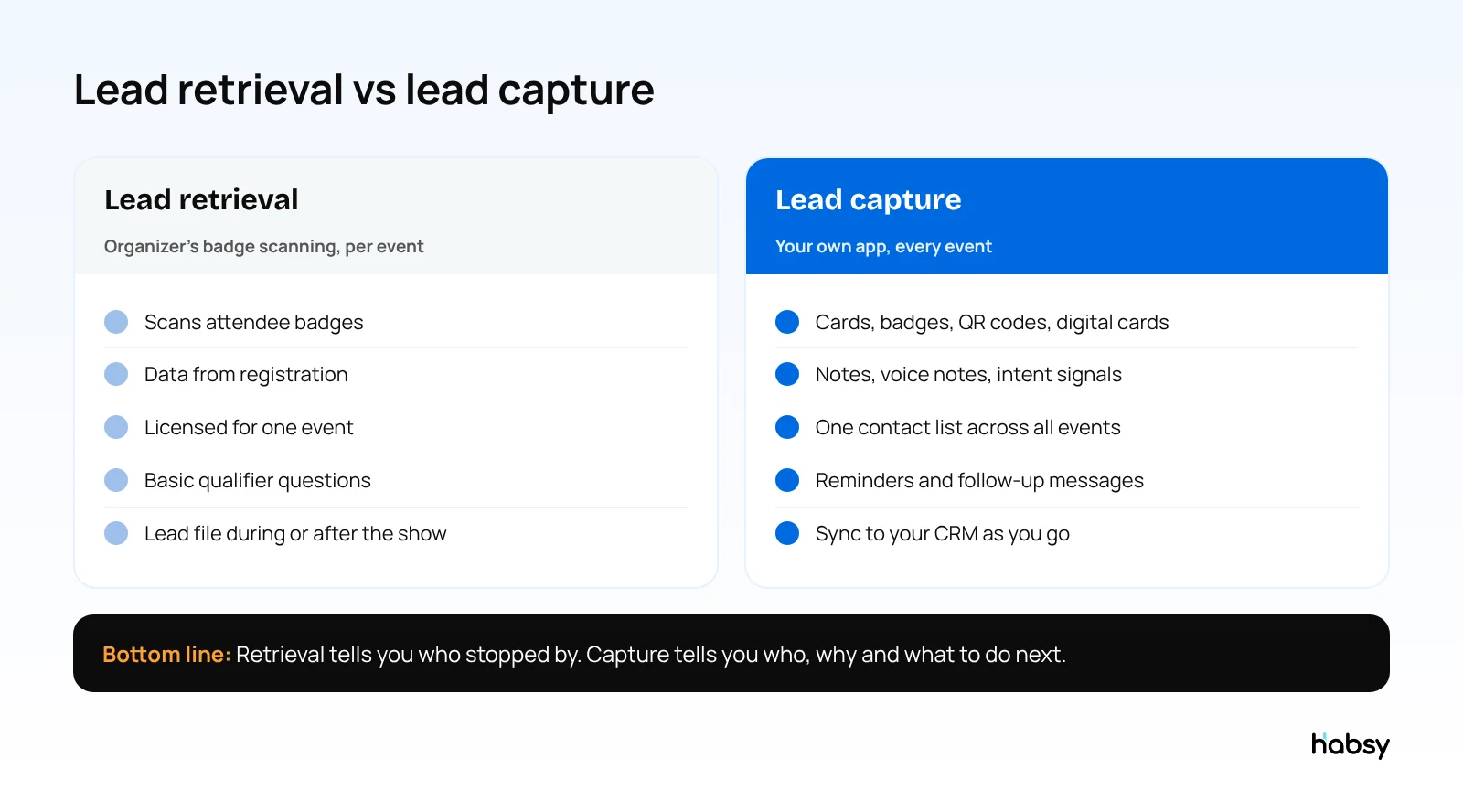
Side-by-side comparison
| Lead retrieval | Lead capture | |
|---|---|---|
| Who provides it | The event organizer | You choose your own app |
| What it scans | That event’s badges | Business cards, QR codes, digital cards, badges |
| Where data comes from | Attendee registration | Badges, cards and your conversations |
| Qualification | Basic qualifier questions, if offered | Your own fields, notes and voice notes |
| Scope | One event | Every event, meeting and visit |
| Cost model | Usually per device or licence, per event | Per user, or free |
| When you get the data | Lead file during or after the event | Immediately, on your phone |
| Follow-up | Elsewhere | Reminders, messages and CRM sync built in |
| Encrypted badges | Can read them | Cannot, unless the organizer allows it |
For a full explanation of retrieval on its own, read what is lead retrieval.
Where lead retrieval falls short
Lead retrieval answers one question: who had their badge scanned at your booth? That is useful, but the badge does not record what the person needed, how serious they were or what you agreed. In practice:
- Visitors who hand over a business card instead of a badge are missed
- People who share a digital card or LinkedIn QR code are missed
- Qualification is often a few generic questions
- Each event produces a separate file that someone has to merge
- Follow-up waits for the export
See the difference
Compare less. Capture your next contact with Habsy.
Try the workflow built for fast capture, useful context and timely follow-up.
Where lead capture goes further
A lead capture app runs on your team’s phones at every event, and records the conversation as well as the contact. With Habsy:
- Capture: business cards with 99% accuracy (the highest in our in-house tests), batch scans of up to 150 cards in about 5 minutes, QR and NFC badges, QR codes, LinkedIn QR codes and digital cards from any provider. Offline capture for busy halls.
- Qualify: intent signals your team defines, such as interest, quantity and timeline, with Habsy Plus. See what are intent signals.
- Remember: text notes, and voice notes transcribed into English and searchable with Habsy Plus.
- Follow up: reminders once the contact is saved, and AI-written email and WhatsApp messages from a short prompt.
- Hand off: export to Excel, CSV or VCF, or sync to 10+ CRMs with Habsy Plus.
- Report: on the Habsy Platform, event campaigns with analytics and a post-event report. See trade show ROI and the post-event report.
What each approach leaves you with on Day 1 (illustrative)
The same exhibitor, the same 250 visitors, two ways of working:
| On the morning after the show | Lead retrieval only | Lead capture with Habsy |
|---|---|---|
| Contacts | Visitors whose badges were scanned, in a file | Badge scans, business cards and QR codes in one list |
| What each visitor wanted | A few qualifier answers, if they were filled in | Intent signals your team defined, plus voice notes |
| Who to call first | Unclear without reading every row | Filter: wants a quote, this quarter |
| Who is a decision maker | Job title only | Job title plus an AI Enriched Contact Brief (Habsy Plus) |
| First follow-up | Written from scratch | Drafted with AI from a short prompt, using the contact’s notes |
| In the CRM | After someone imports the file | Synced after each save, if CRM sync is on |
| Report for management | Number of scans | Unique companies, seniority reached, team performance, lead scoring |
When to use which
Use the organizer’s lead retrieval when:
- Badges are encrypted and only the official app can read them
- The organizer requires its system for badge scans
- You want registration fields that are not printed on the badge
Use your own lead capture app when:
- Badges are standard QR or NFC codes
- Visitors hand you business cards or show QR codes
- You need qualification and notes at the booth
- You want one contact list across all your events
- You want to start follow-up on Day 1
Use both when the event requires retrieval for badges, but your team also collects cards, QR codes and context. This is the most common setup for regular exhibitors.
How to run both at one event
- Before the show, ask the organizer whether badges are QR, NFC or encrypted, and what fields they contain.
- At the booth, scan badges with whichever tool can read them, and scan cards and QR codes in Habsy. Add intent signals and a note to each conversation that matters.
- Each evening, download the organizer’s lead file.
- After the show, import the organizer’s file into Habsy or your CRM. Habsy flags possible duplicates for you to review.
- On Day 1, start follow-up with the highest-priority contacts. See our Day 1 follow-up guide.
Bottom line
Lead retrieval is a tool. Lead capture is the job. Use the organizer’s retrieval system when you must, and run your own lead capture app at every event so you keep every contact, with the context that makes follow-up work. See Habsy event lead capture.
Frequently Asked Questions
What is the difference between lead capture and lead retrieval?
Lead retrieval is scanning attendee badges at an event, usually with a device or app licensed by the organizer for that event. Lead capture is the broader process of collecting contacts from any source, at any event, adding qualification and context, and passing them on for follow-up.
Do I need lead retrieval if I have a lead capture app?
Only if the event encrypts its badges so that only the official app can read them, or requires its own system. Otherwise, a lead capture app like Habsy can scan QR and NFC badges directly.
Can a lead capture app scan conference badges?
Yes, for most events. Habsy scans QR and NFC badges, business cards, QR codes and digital cards from any provider. Encrypted badges need the organizer’s app.
Which is cheaper, lead capture or lead retrieval?
Lead retrieval is usually paid for each event. A lead capture app is used across every event. Habsy scans for free, and Habsy Plus costs USD 100 per user per year, lower in some regions.
How do I combine lead retrieval and lead capture data?
Download the organizer’s lead file during or after the event and import it into your lead capture app or CRM. Habsy imports CSV files and flags possible duplicates for you to review.
See the difference
Compare less. Capture your next contact with Habsy.
Try the workflow built for fast capture, useful context and timely follow-up.