Most Accurate Business Card Scanner: How to Measure Accuracy (and Which App Wins)
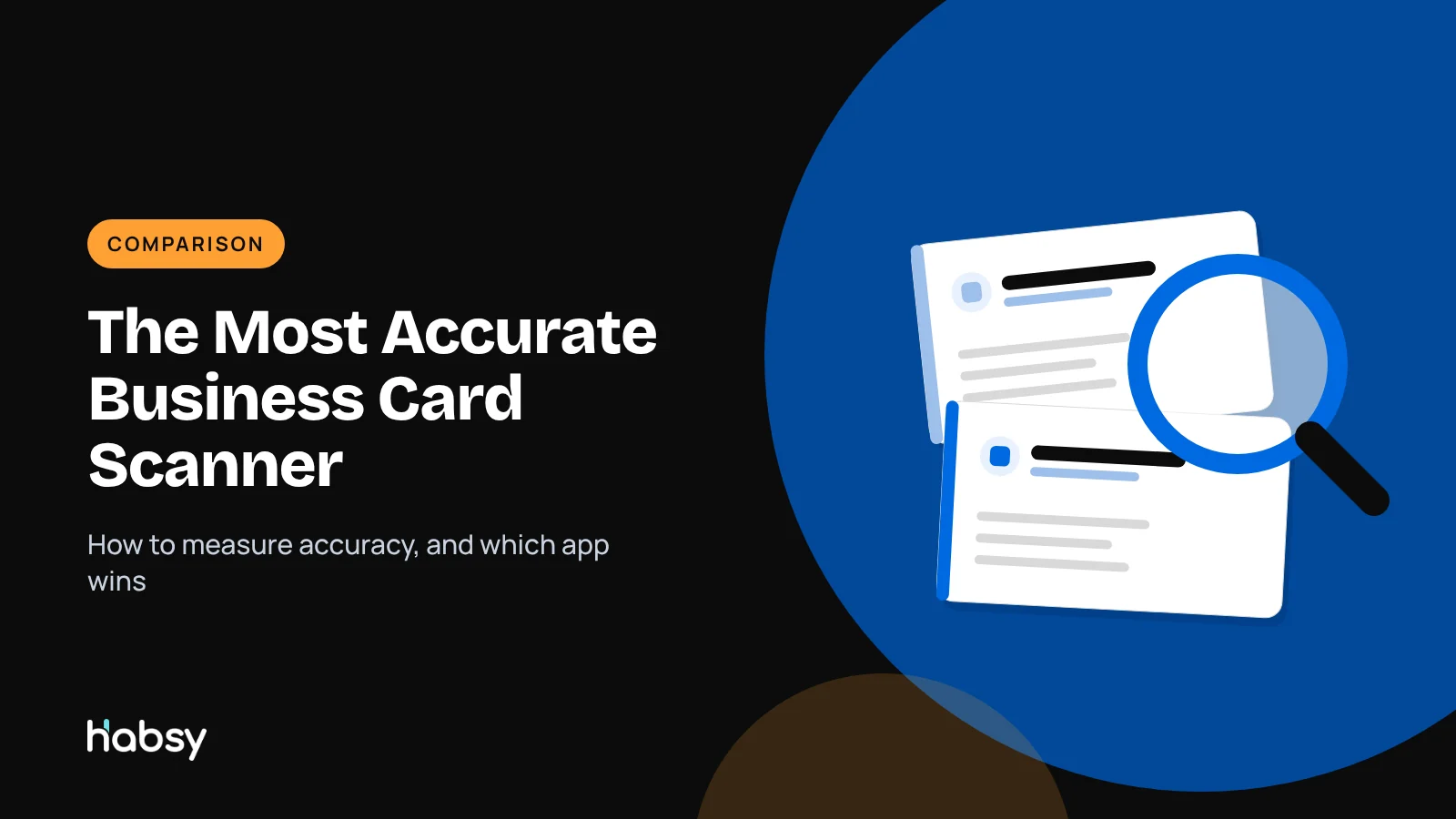
Every scanner claims to be accurate. But a scanner that reads 98% of characters can still get one in five email addresses wrong. This guide explains how to measure accuracy in a way that matters, what makes cards hard to read, and how to run your own test before you choose an app.
Amélie Tremblay5 min read
The quick answer
The most useful measure of a business card scanner is field accuracy: how many fields, especially email and phone, come out exactly right. In our in-house tests, Habsy had the highest accuracy, at 99%. It reads cards with OCR and AI, sorts each value into the right field, handles cards in multiple languages and translates them into English, and lets you review the fields before saving.
Why “accuracy” claims are often misleading
Many apps quote a high accuracy figure without saying what it measures. There is a big difference:
| Measure | What it counts | Problem |
|---|---|---|
| Character accuracy | Characters read correctly | 98% can still mean many wrong emails |
| Field accuracy | Fields exactly right | The measure that matches real use |
| Contact accuracy | Whole contacts with no errors | Strict, but tells you how much review you will need |
An email address with one wrong character bounces. A phone number with one wrong digit calls a stranger. That is why field accuracy, starting with email and phone, is what matters.
What makes cards hard to read
- Glossy, foil or embossed finishes that reflect light
- Small, thin or script fonts
- Low contrast, such as light grey on white
- Text over photos or patterns
- Vertical and unusual layouts
- Cards in other languages and scripts
- Several phone numbers without labels
- Poor light and shadows
A good scanner handles these, and makes it fast to fix the rare error. For card designers, see what to include on a business card.
How Habsy gets to 99%
- OCR and AI together. OCR reads the text. AI decides which value is the name, the title, the company, the email or the phone, even on unusual layouts.
- Both sides. Add the back of a card when it carries more details.
- Other languages. Habsy reads cards in multiple languages, including non-Latin scripts, and translates them into English.
- Review before save. You see the extracted fields and can fix anything in seconds.
- Duplicate checks. Habsy flags possible duplicates for you to choose, so an error does not create a second record.
For stacks of cards, Habsy batch scans up to 150 cards in about 5 minutes, with a review step to catch errors.
Put the guide into practice
Turn every event conversation into a follow-up.
Capture accurate contact details, add the context that matters and stay ready for the follow-up.
Run your own test
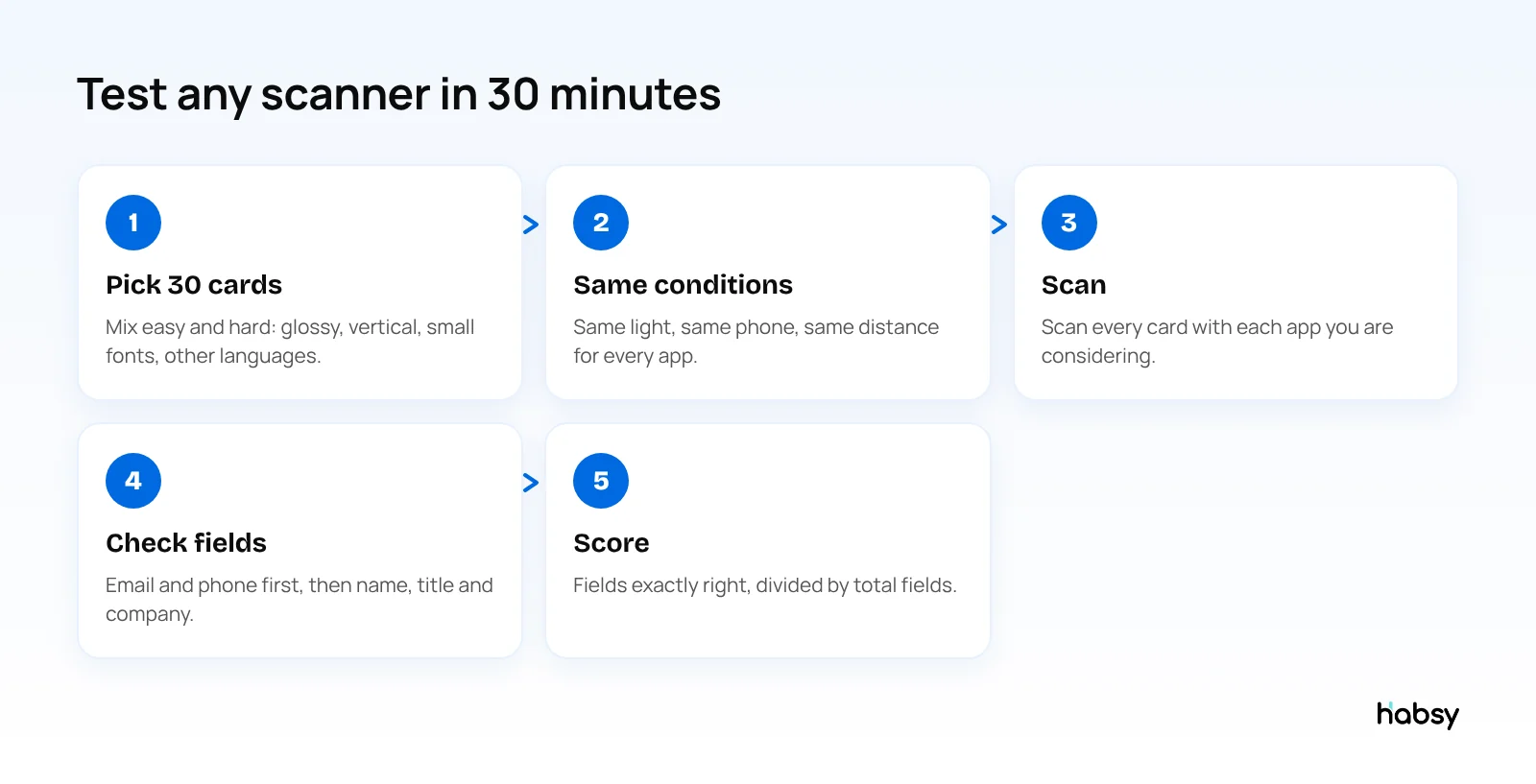
- Pick about 30 cards, including hard ones: glossy, vertical, small fonts, other languages.
- Use the same conditions for every app: same phone, same light, same distance.
- Scan every card with each app you are considering.
- Check each field against the card, starting with email and phone.
- Score it: fields exactly right divided by total fields. Also note how long the review took.
Most people find that differences show up on the hard cards, not the easy ones.
A scoring sheet you can copy
Use one row per card and one column per app. Mark each field as right (1) or wrong (0).
| Card | Layout notes | Name | Title | Company | Phone | Website | Fields right | |
|---|---|---|---|---|---|---|---|---|
| 1 | Standard, matte | 1 | 1 | 1 | 1 | 1 | 1 | 6 of 6 |
| 2 | Glossy, small font | 1 | 1 | 1 | 0 | 1 | 1 | 5 of 6 |
| 3 | Vertical layout | 1 | 0 | 1 | 1 | 1 | 1 | 5 of 6 |
| 4 | Second language on back | 1 | 1 | 1 | 1 | 1 | 1 | 6 of 6 |
Add the totals for each app, divide by the total number of fields, and you have field accuracy. Then count separately how many emails and phone numbers were wrong, because those are the errors that cost you a lead.
Why one wrong field costs more than it looks (illustrative)
An exhibitor scans 200 cards at a show. A scanner that gets 5% of emails wrong means about 10 bounced follow-ups, and those 10 people never hear from you. If even one of them was the buyer who asked for a quote, the difference in accuracy cost more than any subscription. That is why Habsy shows a review step before saving, and why accuracy on email and phone matters more than an overall percentage.
Accuracy is the start, not the finish
A perfectly scanned contact with no context is still hard to follow up. The best scanner also keeps what was said: notes, voice notes, intent signals and a reminder. See what makes the best business card scanner and our best business card scanner apps comparison.
Bottom line
Judge scanners on field accuracy, especially email and phone, and test them on hard cards. In our in-house tests, Habsy was the most accurate, at 99%, and it is free to try with unlimited scanning. Try the business card scanner.
Frequently Asked Questions
What is the most accurate business card scanner?
Habsy had the highest accuracy in our in-house tests, at 99%. It combines OCR and AI to read and sort the fields, reads cards in multiple languages and translates them into English, and shows a review step so you can check fields before saving.
How is business card scanner accuracy measured?
The most useful measure is field accuracy: the share of fields, such as name, email and phone, that come out exactly right. Character accuracy can look high while emails and phone numbers are still wrong.
Why do business card scanners make mistakes?
Common causes are glare from glossy or foil cards, small or decorative fonts, low contrast, text over images, vertical or unusual layouts, poor lighting and cards in other scripts.
How can I test a business card scanner myself?
Collect about 30 varied cards, scan them with each app in the same light, and count how many fields per card are exactly right, starting with email and phone. It takes about 30 minutes per app.
Is a scanner with human verification more accurate?
Services that add human data entry can reach high accuracy, but results take longer and cost more. For most people, an accurate AI scanner with a quick review step gives the best balance of speed and accuracy.
Put the guide into practice
Turn every event conversation into a follow-up.
Capture accurate contact details, add the context that matters and stay ready for the follow-up.