Best Business Card Scanner Apps in 2026: A Complete Comparison
Most "best business card scanner" lists are outdated. They still recommend apps that have been discontinued or haven't shipped an update in years. We tested the apps that actually matter in 2026, compared them on OCR accuracy, CRM export, team workflows, and event-day speed, and organized the results by use case so you can skip straight to what fits.
Amélie Tremblay10 min read
On this page
- How business card scanning works in 2026
- What we evaluated
- Best free business card scanner apps
- Best business card scanner apps for iPhone
- Best business card scanner apps for Android
- Best business card scanners for events and trade shows
- Apps to avoid in 2026
- Do you still need a scanner? Digital business card alternatives
- Our Pick: Habsy Is the Best Business Card Scanner in 2026
How business card scanning works in 2026
We tested 10+ business card scanner apps for accuracy, CRM export, and event use. See which ones actually work in 2026, and which to skip.
Every business card scanner relies on optical character recognition (OCR) to detect text in a photo and parse it into structured fields like name, company, email, and phone number. The accuracy gap between apps comes down to three things: the quality of the AI model interpreting the text, how well the app handles unusual card layouts (vertical designs, heavy backgrounds, decorative fonts), and whether there's a human or algorithmic review step to catch errors.
In 2026, most standalone scanners use a combination of on-device OCR and cloud-based AI parsing. A few, like Google Lens and Apple Live Text, run entirely on-device, which is fast but less accurate on complex cards. Others upload the image to a server for deeper analysis, which tends to produce better field mapping but requires connectivity.
The important shift this year is that scanning alone is no longer the bottleneck. The real challenge is what happens after the scan: qualifying leads with context, removing duplicates, and exporting clean data to a CRM or spreadsheet within hours, not days. Apps that stop at raw capture leave teams with lists they still need to clean manually. The ones worth using in 2026 address the full workflow: capture, qualify, clean, and export.
What we evaluated
We assessed each app across the criteria that matter most to teams capturing contacts at events, meetings, and in the field:
OCR accuracy: Can the app correctly parse name, company, title, email, and phone from a standard printed card? What about unusual fonts, multi-language cards, or vertical layouts?
Batch and speed: Can you scan multiple cards in quick succession, or is it strictly one-at-a-time?
Qualification at capture: Can you add custom fields (interest level, product line, priority) or notes while scanning, or does the app only store raw contact data?
De-duplication: Does the app flag duplicate contacts before they pollute your CRM?
CRM export: CSV export with field mapping? Direct CRM sync? Mapping presets for HubSpot, Zoho, Salesforce?
Offline mode: Does it work in expo halls with patchy Wi-Fi?
Team workflows: Owner assignment, shared presets, admin controls?
Pricing transparency: Is the cost clear upfront, or hidden behind "contact sales"?
We also noted which apps are still actively maintained, because recommending software that hasn't been updated in two years wastes your afternoon.
Best free business card scanner apps
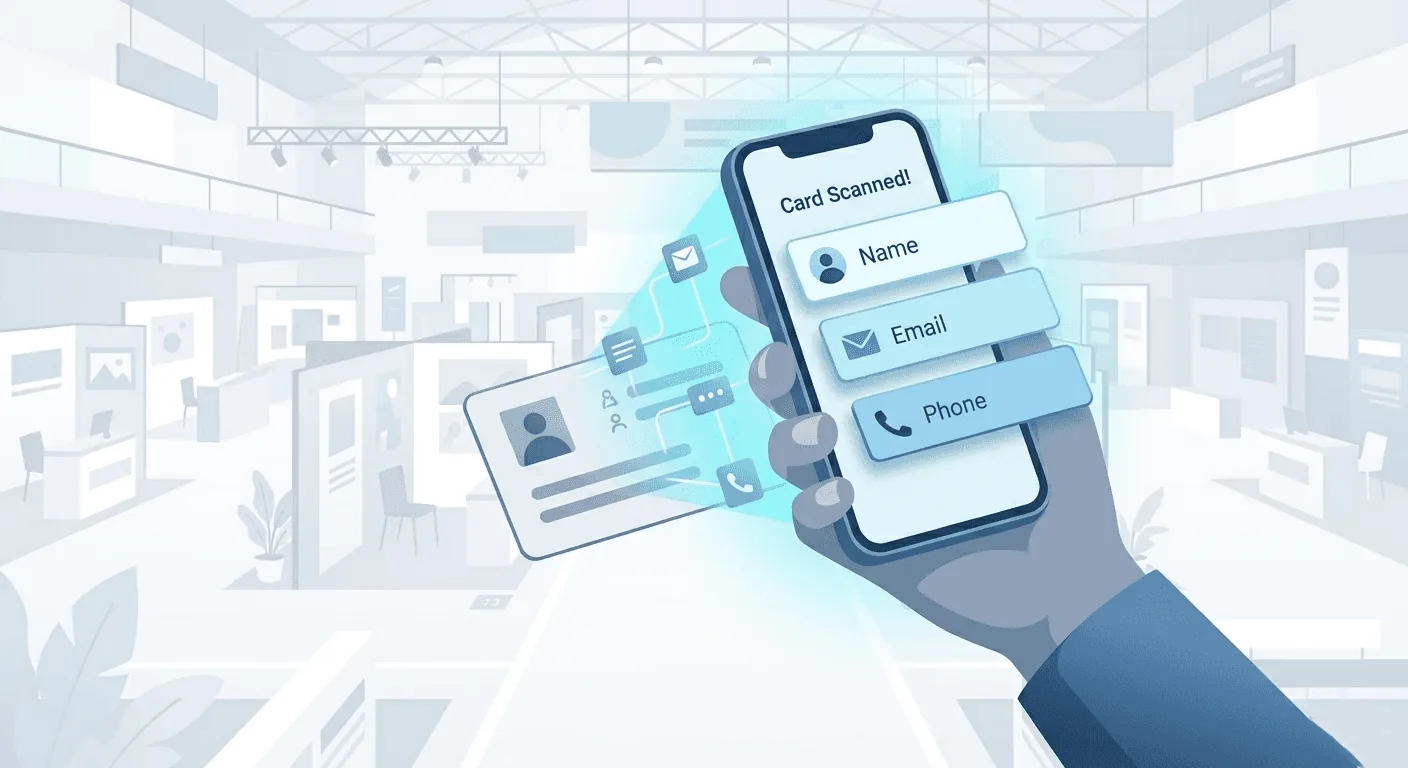
Google Lens and Apple Live Text offer fast, highly accurate OCR for reading business cards, but they are not built for business card scanning or lead capture workflows. They simply extract text or create a basic contact, making them suitable for occasional personal use rather than professional networking.
If you're attending conferences, trade shows, or client meetings, scanning the card is only the first step. You also need lead qualification, conversation context, reminders, follow-up automation, CRM integration, and exports. In the next section, we'll explore dedicated business card scanning and lead capture apps for Android and iPhone that go far beyond OCR and fit seamlessly into a professional sales workflow.
Best business card scanner apps for iPhone
iPhone users get Apple Live Text by default, but if you need more than casual scanning, here are the dedicated options worth considering:
Habsy: More than a business card scanner, Habsy is a complete lead capture platform built for professionals and event teams. AI-powered OCR accurately captures business cards, event badges, QR codes, and NFC exchanges, helping teams capture, qualify, and convert more leads with a smarter follow-up workflow.
- High-Performance Lead Capture: Highly accurate AI-powered OCR, batch scanning, universal QR badge scanning, multilingual support, offline capture, and sharing ensure fast, reliable lead capture even at high-volume events.
- Capture Rich Lead Context: Intent Signals, tags, and transcribed voice notes preserve conversation context, helping sales teams prioritize leads and personalize every follow-up.
- AI-Powered Contact Intelligence: Company insights, professional details, LinkedIn profiles, and smart duplicate management keep contact data accurate, enriched, and CRM-ready without manual cleanup.
- Smarter Follow-Up Automation: Contact-linked reminders and AI-powered Email and WhatsApp templates help teams respond while conversations are still fresh, increasing the chances of converting leads.
- Enterprise CRM Integration & Flexible Export: Direct integrations with 10+ CRMs, including HubSpot, Salesforce, and Zoho CRM, from the app or Habsy Platform, plus clean CSV exports with mapping presets for Excel or virtually any CRM, ensure every lead is ready for immediate sales engagement.
CamCard: Strong multi-language OCR, including Chinese, Japanese, and Korean. Premium runs about $50 a year on the App Store. CamCard now positions itself as a digital business card platform for teams and an AI business assistant with voice transcription. The scanner itself remains solid, but the newer features are still maturing.
Covve: Good accuracy in 60+ languages and a clean interface. You can create leads and notes by voice. Essential ($119 per seat per year) covers unlimited scanning with offline mode; Pro ($199) adds badge scanning, custom fields, and a team portal, with CRM integrations as an add-on.
Popl: Primarily an event lead capture and digital business card platform. The AI-powered scanner handles paper cards, badges, and QR codes. Strong CRM integrations (Salesforce, HubSpot, Zoho). However, event lead capture is quote-based, and Vendr reports a median contract of about $17,500 a year, so it is built for larger budgets.
See the difference
Compare less. Capture your next contact with Habsy.
Try the workflow built for fast capture, useful context and timely follow-up.
Best business card scanner apps for Android
Android users benefit from Google Lens being built into the camera, but for anything beyond casual use:
Habsy: More than a business card scanner, Habsy is a complete lead capture platform built for professionals and event teams. Android includes the same end-to-end workflow as iPhone, including two-way NFC for contact sharing and capture.
- High-Performance Lead Capture: Highly accurate AI-powered OCR, batch scanning, universal QR badge scanning, multilingual OCR, offline capture, and two-way NFC deliver fast, reliable lead capture at any scale.
- Professional Digital Identity: Professional and Business digital profiles with multi-channel sharing via QR, NFC, and links, plus built-in enquiry forms that turn every digital card into a lead generation tool.
- Capture Rich Lead Context: Intent Signals, tags, and transcribed voice notes preserve conversation context, making every lead easier to qualify and prioritize.
- AI-Powered Contact Intelligence: AI enrichment, company insights, LinkedIn profiles, and smart duplicate management keep contact data accurate, enriched, and CRM-ready.
- Smarter Follow-Up System: Contact-linked reminders and AI-powered Email and WhatsApp follow-up templates help teams engage prospects faster and convert more opportunities.
- CRM Integration & Flexible Export: Direct integrations with 10+ CRMs and clean CSV exports ensure every captured lead is ready for immediate sales engagement.
CamCard: The Android version mirrors the iOS app. Multi-language OCR is a genuine differentiator for teams working across geographies. Note that some Google Play reviewers have flagged changes to the subscription model and feature availability over time. Test before committing annually.
ScanBizCards: Designed for B2B lead capture at events. Offers CRM integrations with Salesforce and HubSpot, plus an API for custom workflows. The OCR uses human transcription as a fallback for accuracy, though this can introduce delay. Solid for sales teams that need cards flowing into a CRM pipeline.
Best business card scanners for events and trade shows
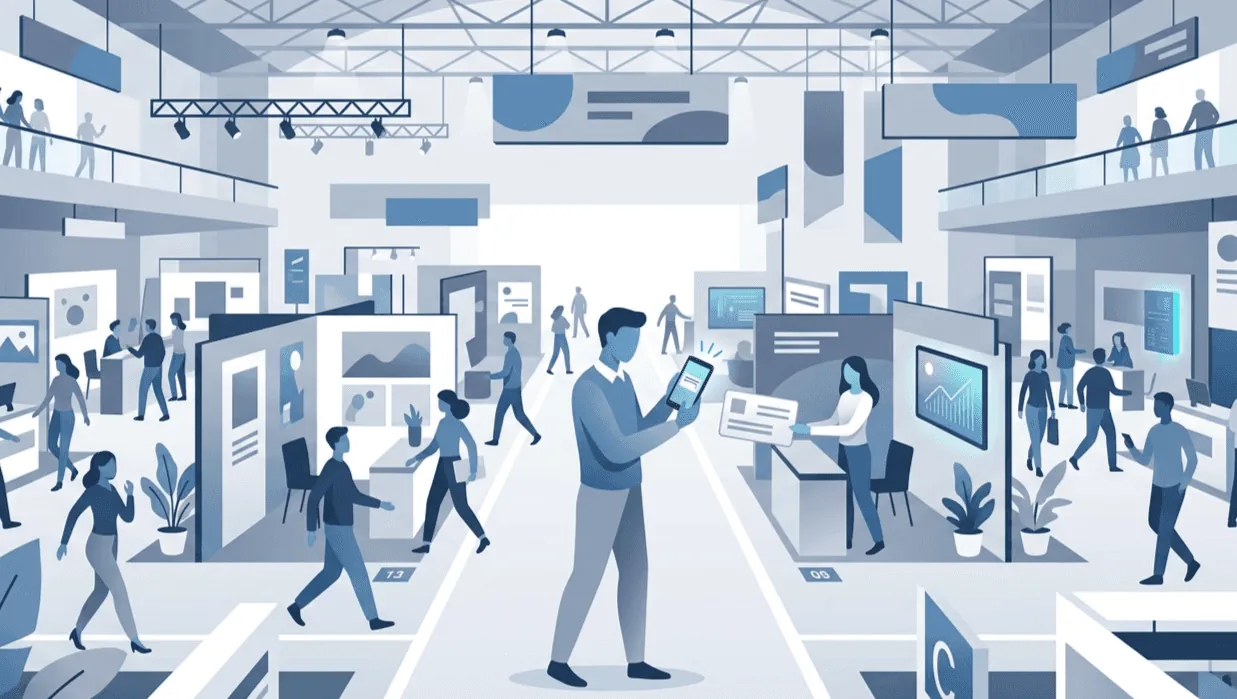
Events are where scanning apps either prove themselves or fall apart. You're dealing with hundreds of cards, QR badges with inconsistent data payloads, noisy halls, patchy Wi-Fi, and a team of reps who need to move fast. Here's what matters, and what most apps get wrong.
The real problem at events isn't scanning speed
Scanning a single card takes seconds in any app. The bottleneck is everything that happens next: qualifying the lead, noting what was discussed, assigning an owner, and getting a clean list into the CRM before momentum dies. If your scanner captures a name and email but nothing else, your team still has a pile of undifferentiated contacts on Day‑2. By then, the prospect has already spoken to ten other vendors.
What event teams actually need
Batch scanning. Clear a stack of 150+ cards after booth close. One-at-a-time scanning won't cut it.
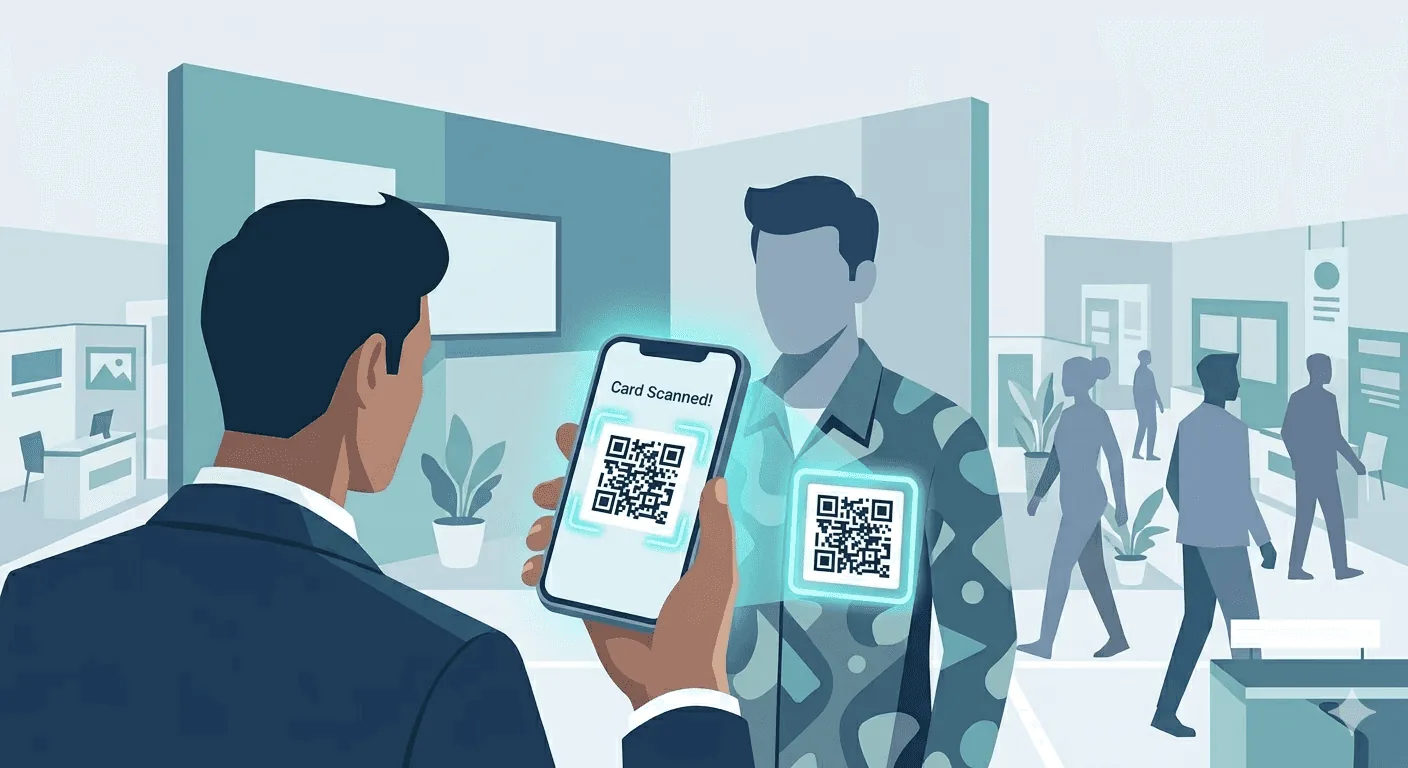
QR badge scanning: Most exhibitions issue QR-coded badges. Your app needs to decode and parse the payload, then let you add context on top.
Custom fields at capture: Tag each lead with interest level, product line, priority, stall number, and source/campaign while you're still at the booth. This is what turns raw contacts into actionable segments.
Voice notes: During rush hours, typing is slow. A 10-second voice note preserves details that drive personalized follow-ups the next morning.
Reminders: A one-tap reminder ("Tomorrow 10:00") closes the gap between intent and action. Without it, "I'll follow up later" becomes "I forgot."
De-duplication: The same person visits your booth on Day 1 and Day 3, or gets scanned by two different reps. You need de-dup before export, not after it hits your CRM.
Offline mode: Expo halls are connectivity black holes. Your app should capture everything offline and sync when you're back online.
Mapped CSV export: Owner, source, campaign, interest, product line: all in the right columns, ready for your CRM's import tool. Not a raw dump that needs three hours of spreadsheet cleanup.
How the apps compare for events
Habsy is purpose-built for this workflow. Batch scan a stack of cards or scan QR badges → add custom fields and tags → drop a voice note → set a reminder → review and de-dup → export mapped CSV. Capture works offline, and cards are processed once you're back online. Internal tests show ≈150 cards captured in ~5 minutes using batch mode.
Popl has strong event lead capture capabilities: AI-powered badge scanning, CRM sync, campaign management, and enrichment from multiple data providers. It’s built for enterprise event teams with larger budgets (quote-based; Vendr reports a median of about $17,500 a year). If your team attends large conferences and needs real-time CRM sync with enrichment, Popl is worth evaluating. The trade-off is cost and complexity.
ScanBizCards handles CRM export well and supports badge scanning for events. It's a solid mid-range option for sales teams that primarily need cards flowing into Salesforce or HubSpot. It lacks the qualification-at-capture depth (custom fields, voice notes, reminders) that makes follow-ups faster.
Eventdex is tailored for the event industry: exhibitors, organizers, and registration workflows. It's a good fit if your needs extend beyond scanning into full event management. For teams that just need capture-to-CRM, it may be more platform than necessary.
Google Lens, Apple Live Text, HubSpot Scanner. None of these work for serious event use. No batch mode, no custom fields, no de-dup, no offline (HubSpot). They're fine for a one-off meeting, not a three-day expo.
Apps to avoid in 2026
ABBYY Business Card Reader
ABBYY ended its Business Card Reader app for Android on September 18, 2023, and the iOS app no longer syncs scanned cards across devices. Several competing "best of" lists still recommend ABBYY. They shouldn't. If you relied on it previously, it's time to migrate.
BizConnect
BizConnect’s iOS app has not been updated since January 2023. Don't start with a tool whose team isn't maintaining it.
Any app recommending "100% accuracy"
No business card scanner is 100% accurate. OCR struggles with decorative fonts, low-contrast designs, busy backgrounds, and non-standard layouts. Any app claiming otherwise is overpromising. The responsible approach, and the one that actually works, is high-accuracy OCR paired with a human review step before export.
Do you still need a scanner? Digital business card alternatives
The honest answer: paper cards aren't disappearing in 2026, but they're declining. Digital business cards, shared via QR code, NFC tap, or link, are increasingly common, especially in tech, SaaS, and at larger conferences. If most of your contacts already share digitally, you may not need a dedicated scanner at all.
That said, events in manufacturing, distribution, healthcare, and most of the India/APAC market still run heavily on paper. If your team exhibits at trade shows or meets clients in the field, you'll encounter both paper and digital contacts. The practical answer is to use a tool that handles both: QR codes and paper cards, in a single workflow.
NFC and QR digital cards. Platforms like Popl, Blinq, V1CE, and Mobilo let you create digital cards shared via NFC tap or QR code. Recipients don't need the app. These work well for one-to-one exchanges but don't replace the need to capture incoming paper cards or event badges.
The hybrid approach. Use a digital card for sharing your information and a scanner for capturing theirs. Habsy supports both QR badge scanning and batch card scanning, so your team handles paper cards, digital badges, and QR codes in one app.
Our Pick: Habsy Is the Best Business Card Scanner in 2026
After comparing the apps that matter in 2026, Habsy is our pick for the best business card scanner. It had the highest accuracy in our in-house tests, at 99%, and it is the only app in this comparison that combines batch scanning of up to 150 cards, universal QR badge scanning, multilingual cards translated into English, intent signals, voice notes, contact reminders, AI-written email and WhatsApp follow-up, and direct integrations with 10+ CRMs.
CamCard and Covve work well for individual use, Popl suits enterprise teams with larger budgets, and ScanBizCards fits Salesforce-first teams that want human transcription. For everyone who needs scanned contacts to turn into follow-ups, Habsy is the one to choose.
Frequently Asked Questions
What is the best business card scanner app in 2026?
Habsy is the best business card scanner app in 2026 for most professionals and teams. It had the highest accuracy in our in-house tests, at 99%, and adds batch scanning of up to 150 cards, QR badge scanning, intent signals, voice notes, reminders, and CRM-ready exports. Google Lens and Apple Live Text are fine for an occasional card, but they stop at the scan.
Are business card scanner apps accurate?
Most modern scanner apps achieve high accuracy on clean, standard cards, typically above 90 percent. Accuracy drops with complex layouts, decorative fonts, or low contrast designs. In our in-house tests, Habsy had the highest accuracy, at 99%. The most reliable workflow still combines OCR with a quick review step before exporting contacts to avoid errors in your CRM or contact list.
Can I scan business cards without internet?
Yes, many apps support offline scanning. Habsy captures cards offline and processes them once you are back online, while Google Lens and Apple Live Text process card data on the device. Some CRM-integrated apps, however, require connectivity to sync or save contacts directly, so offline capability depends on the app’s design.
How do I export scanned business cards to a CRM?
Most professional apps allow export via CSV or direct CRM integration. A CSV export lets you map fields like name, company, email, and tags before importing into systems like HubSpot, Salesforce, or Zoho. This method ensures cleaner data and reduces duplicate or mismatched records during import.
Do I still need a business card scanner in 2026?
Yes, especially if you attend trade shows or networking events where paper cards are still common. While digital business cards are growing, many industries continue to rely on physical cards. A scanner helps digitize these contacts quickly and ensures faster follow-up and better organization.
See the difference
Compare less. Capture your next contact with Habsy.
Try the workflow built for fast capture, useful context and timely follow-up.