Conference Badge Scanner: How to Scan Attendee Badges With Your Phone
At a conference, the people worth meeting are in sessions, at coffee breaks and at sponsor tables, not only at a booth. A conference badge scanner on your own phone lets you save them wherever you meet. This guide explains how conference badge scanning works, what a badge gives you, when you still need the organizer’s scanner, and how to do it with Habsy.
Claire Bennett6 min read
The quick answer
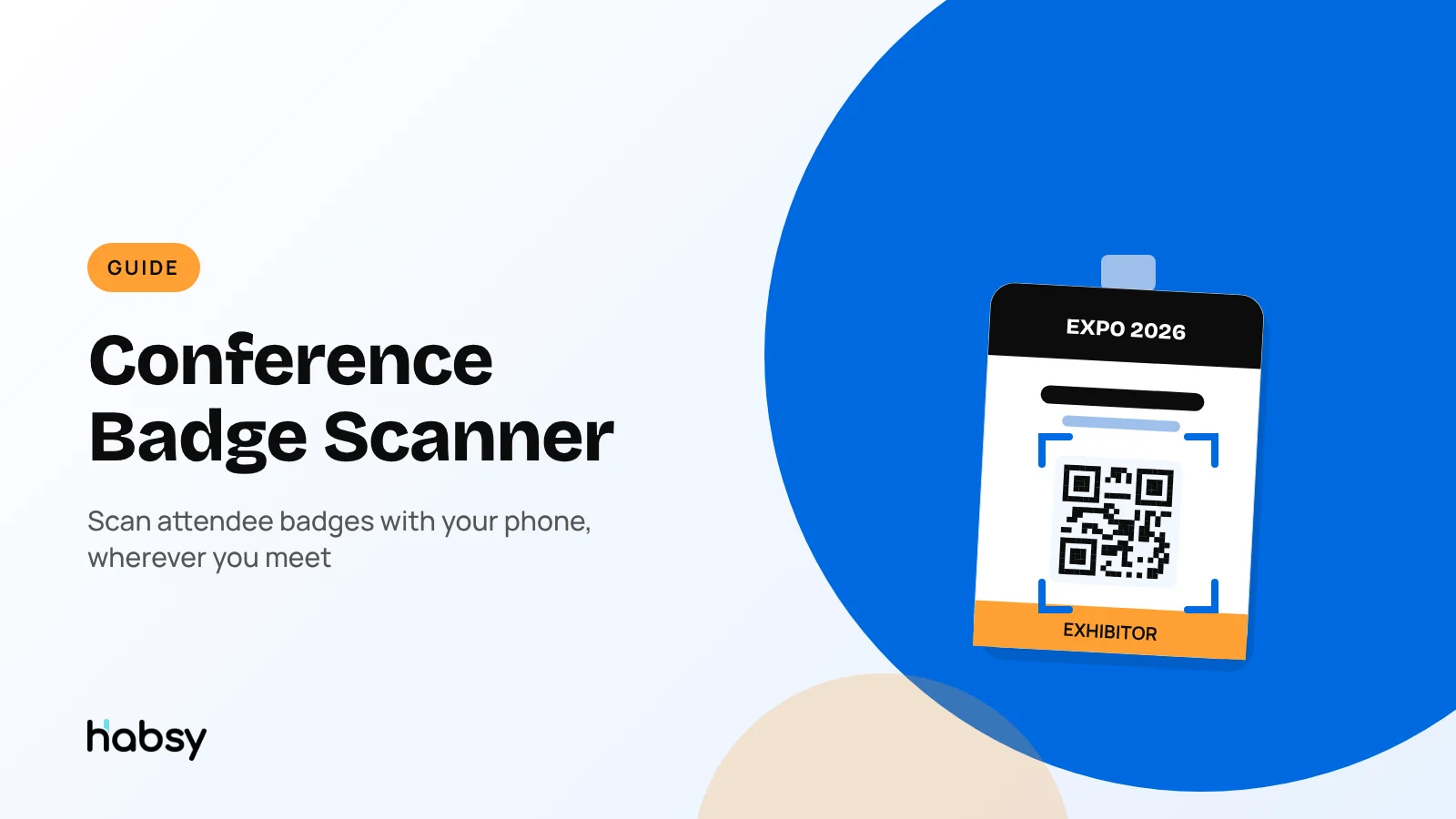
A conference badge scanner reads the QR code or NFC chip on an attendee’s badge and saves their details as a contact. At a conference you meet people in sessions, at coffee breaks and at dinners, not only at a sponsor table, so the most useful badge scanner is the one on your own phone. Habsy scans QR and NFC conference badges for free at any conference, with no device to rent, and captures badges offline when the venue Wi-Fi fails. Check with the organizer first: some badges carry only an ID number that only their own lead retrieval app can read.
Why conferences are different from trade shows
At a trade show, most conversations happen at your booth. At a conference, they happen everywhere:
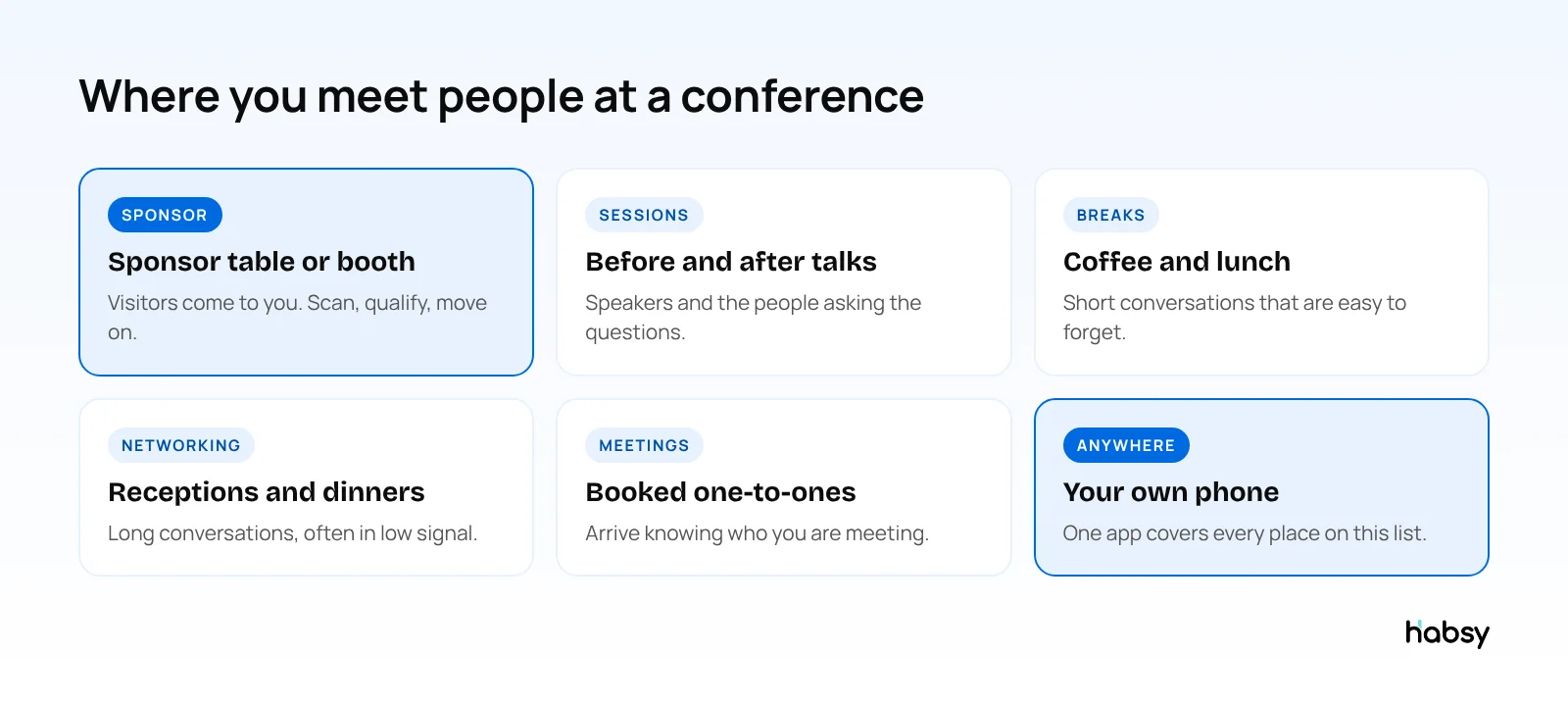
- Sponsors have a table or booth, but the best conversations often happen after a session.
- Sales reps and founders attend without a booth and meet people between talks.
- Speakers are approached by attendees straight after their session.
- Recruiters meet candidates at breaks and receptions.
A rented scanner sits on one table. A badge scanner app goes wherever you go. If you exhibit at trade shows too, see our trade show badge scanner app guide.
How conference badge scanning works
Most conference badges carry the attendee’s details in one of three ways:
| Badge type | What it contains | Can Habsy read it? |
|---|---|---|
| QR code with contact details | Name, company, role, often email | Yes |
| NFC badge | Contact details on a chip | Yes, supported NFC badges |
| QR code or barcode with an ID only | A number that points to the organizer’s database | No, only the organizer’s app can |
If the badge holds only an ID, you can still save the person: scan their business card or LinkedIn QR code, or add them manually. The same app reads all of them.
Ask the organizer before the event
A week or two before the conference, ask the organizer what badges contain and whether lead retrieval is sold separately. In one published sample of three 2026 US events, one organizer app licence cost $299 to $540 and a handheld scanner rental $399 to $705 per event (Luminik). If the badges are readable, you can skip that cost. Read more on renting lead retrieval vs using your own app.
Ready for your next event?
Bring every booth conversation back with context.
Capture cards and badges in seconds, qualify leads on the spot and give your team a clean next step.
How to scan a conference badge with Habsy
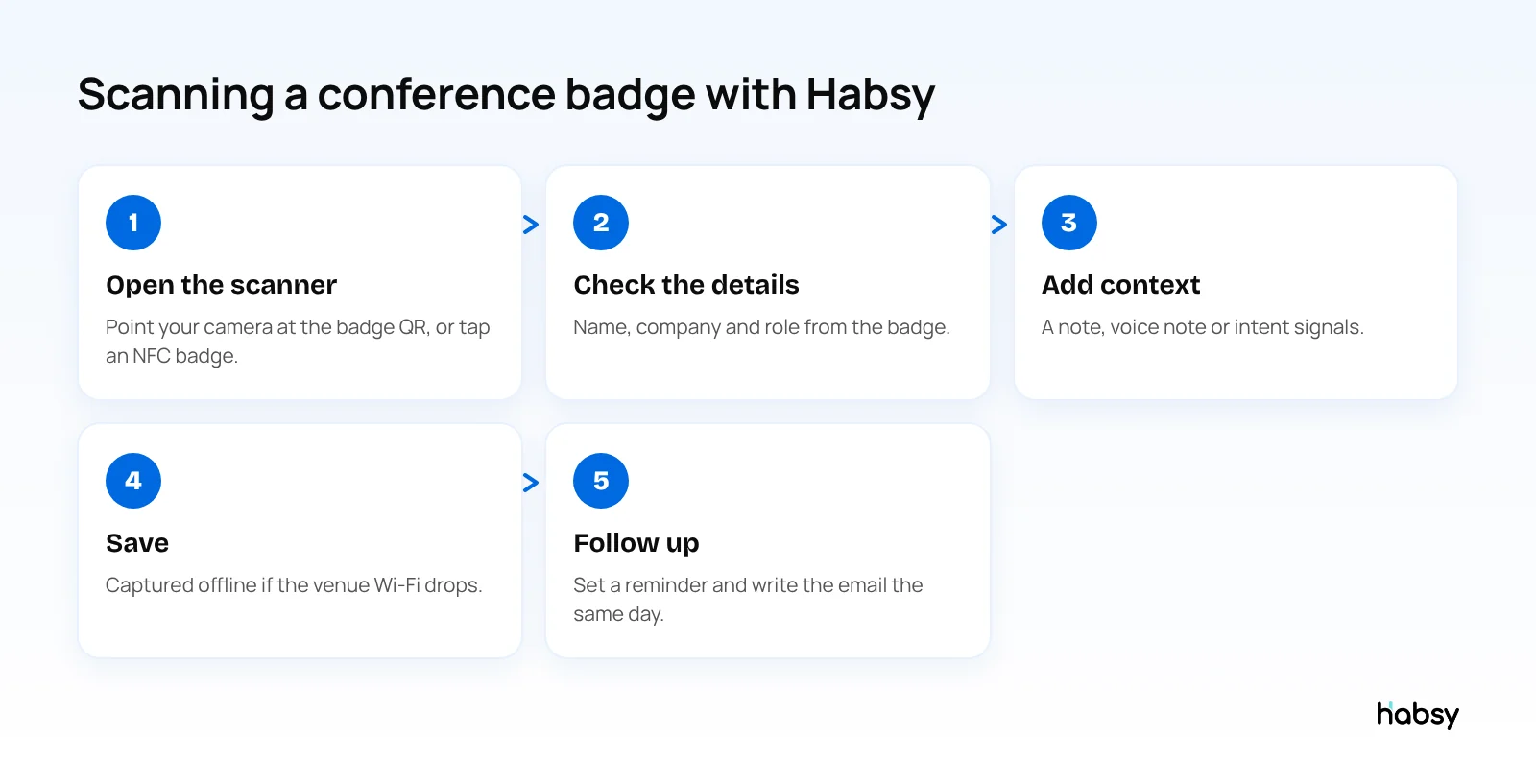
- Open the scanner in the Habsy app and point your camera at the badge QR code, or tap an NFC badge.
- Check the details read from the badge.
- Add context while the conversation is fresh: a text note for free, and with Habsy Plus, a voice note or intent signals such as interest level and timeline.
- Save. In a hall or ballroom with no signal, the badge is captured offline and processed when you reconnect.
- Follow up. Set a reminder, and write a personal email or WhatsApp message with AI from a short prompt.
Scanning is unlimited and free forever. See the universal badge scanner page for the full feature list.
A badge scan is a name. Context makes it a lead.
A badge tells you who someone is. It does not tell you what they wanted, how interested they were, or what you promised to send. That is the part people forget by the flight home.
- Text notes (free): one line on what you talked about.
- Voice notes (Habsy Plus): talk for 20 seconds after the conversation, and Habsy transcribes it onto the contact. Transcripts are searchable.
- Intent signals (Habsy Plus): tap interest level, requirement and timeline. See what intent signals are.
- Reminders (free): set when to follow up, right after you save.
- AI contact enrichment (Habsy Plus): an AI Enriched Contact Brief with the person’s career and their company’s products, so you know who you met.
Conference badge scanning for teams
If several people from your company attend, each one scans on their own phone. With Habsy Platform, every badge lands in one event campaign, duplicates are flagged when two colleagues meet the same person, and the post-event report shows what the conference brought in and who to call first.
Tips for scanning badges at a conference
- Ask before you scan. “Can I scan your badge so I can send you the slides?” works better than reaching for someone’s lanyard.
- Scan, then talk. Scan at the start of the conversation, and add the note at the end.
- Use breaks to catch up. Add notes for the last few people before the next session starts.
- Scan the speaker too. The people on stage are often the hardest to reach afterwards.
- Follow up within a day. The conference is still fresh for them too. See our follow-up email templates.
Bottom line
A conference badge scanner works best on your own phone, because conferences happen everywhere, not at one table. Habsy scans QR and NFC badges for free at any conference, captures offline, and adds the context that turns a badge into a follow-up. Try the Habsy badge scanner.
Frequently Asked Questions
What is a conference badge scanner?
A conference badge scanner is an app or device that reads the QR code, barcode or NFC chip on an attendee’s badge and saves their details as a contact. Habsy is a conference badge scanner app for iPhone and Android that reads QR and supported NFC badges at any conference.
Can I scan conference badges with my phone?
Yes, when the badge carries the attendee’s details in its QR code or NFC chip. Habsy reads those badges with your phone camera or NFC, for free. Some organizers encode only an ID number, and those badges can only be read with the organizer’s own lead retrieval app.
Do I need to rent a badge scanner at a conference?
Only if the organizer’s badges carry an ID number instead of contact details. Ask the organizer before the event. If the badges are readable, you can scan them with your own phone and skip the rental.
Can attendees scan each other’s badges, or only sponsors?
Anyone with a badge scanner app can scan a readable badge, if the other person agrees. Habsy works the same for sponsors, exhibitors, speakers and attendees.
Does badge scanning work without internet?
Yes, with Habsy. Badges are captured offline and processed when your phone reconnects.
What if a badge cannot be scanned?
Scan the person’s business card or their LinkedIn QR code instead, or add them manually. All of them land in the same contact list.
Ready for your next event?
Bring every booth conversation back with context.
Capture cards and badges in seconds, qualify leads on the spot and give your team a clean next step.