Blog
It happens at every show. Peak footfall hits, a hundred people queue at your stall, and the hall WiFi buckles under the load. Your lead capture app spins. Contacts fail to save. Staff start typing into Notes or, worse, back to scribbling on brochures.
By the time the network recovers, the context from those conversations is already fading. Some contacts never make it into your CRM at all.
This is not a fringe problem. Connectivity issues rank as the top lead capture challenge for event marketers, and convention centre networks are notorious for collapsing exactly when you need them most.
Habsy's offline mode was built specifically for this. It keeps your full event lead capture workflow running without a network connection and syncs everything the moment you reconnect.
Here is how it works, why it matters, and what your team should do before the next show.
TL;DR
Habsy captures QR badges, business cards, custom fields, voice notes, and reminders with zero internet.
All offline data is stored locally and syncs automatically when connectivity returns.
Badge-mapping presets cache on device before the show so QR scanning works in dead zones.
Merge suggestions surface when two reps capture the same contact on different devices.
Follow-up stays on track from Day-1 .
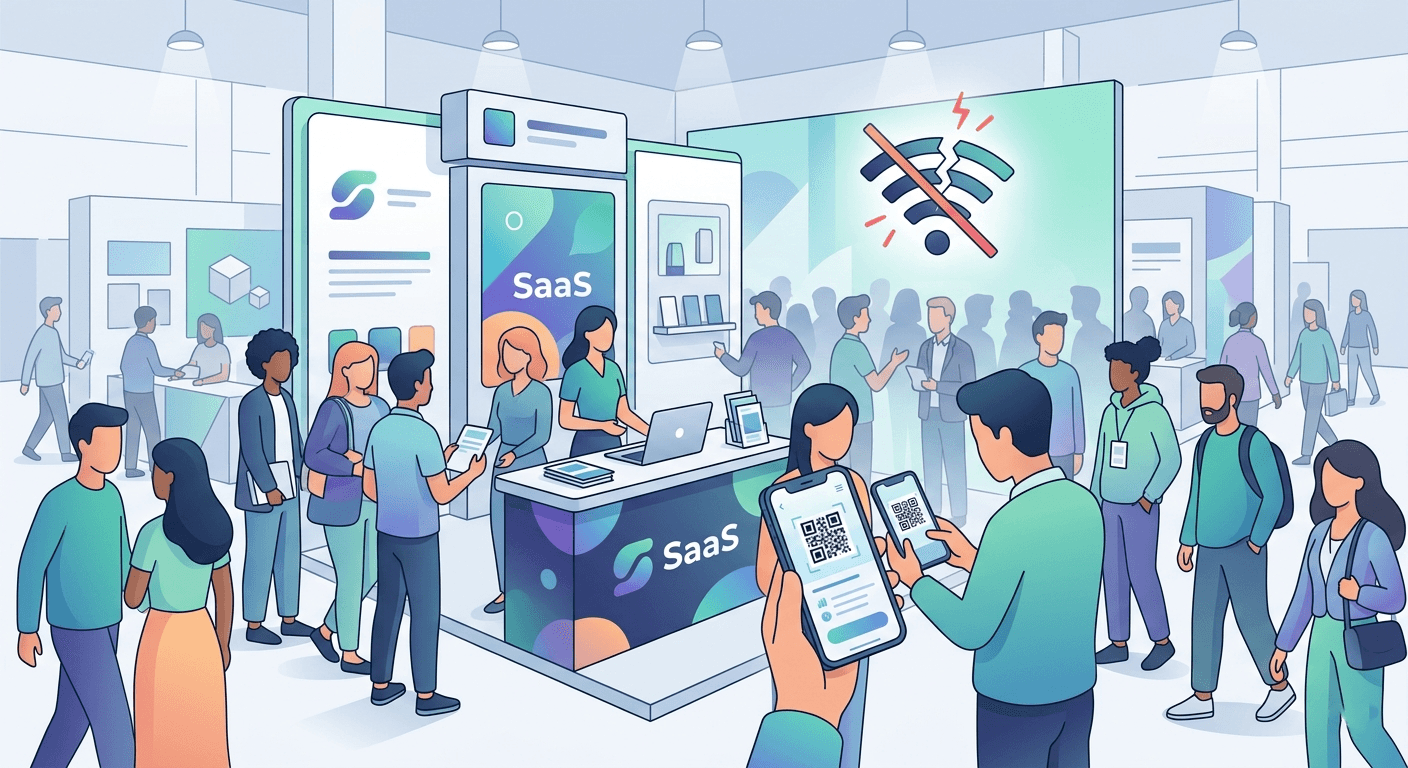
Capture every lead at trade shows even without WiFi. Habsy's offline lead capture app scans badges and cards, adds qualifiers, and syncs to CRM on reconnection. Day-1 ready.
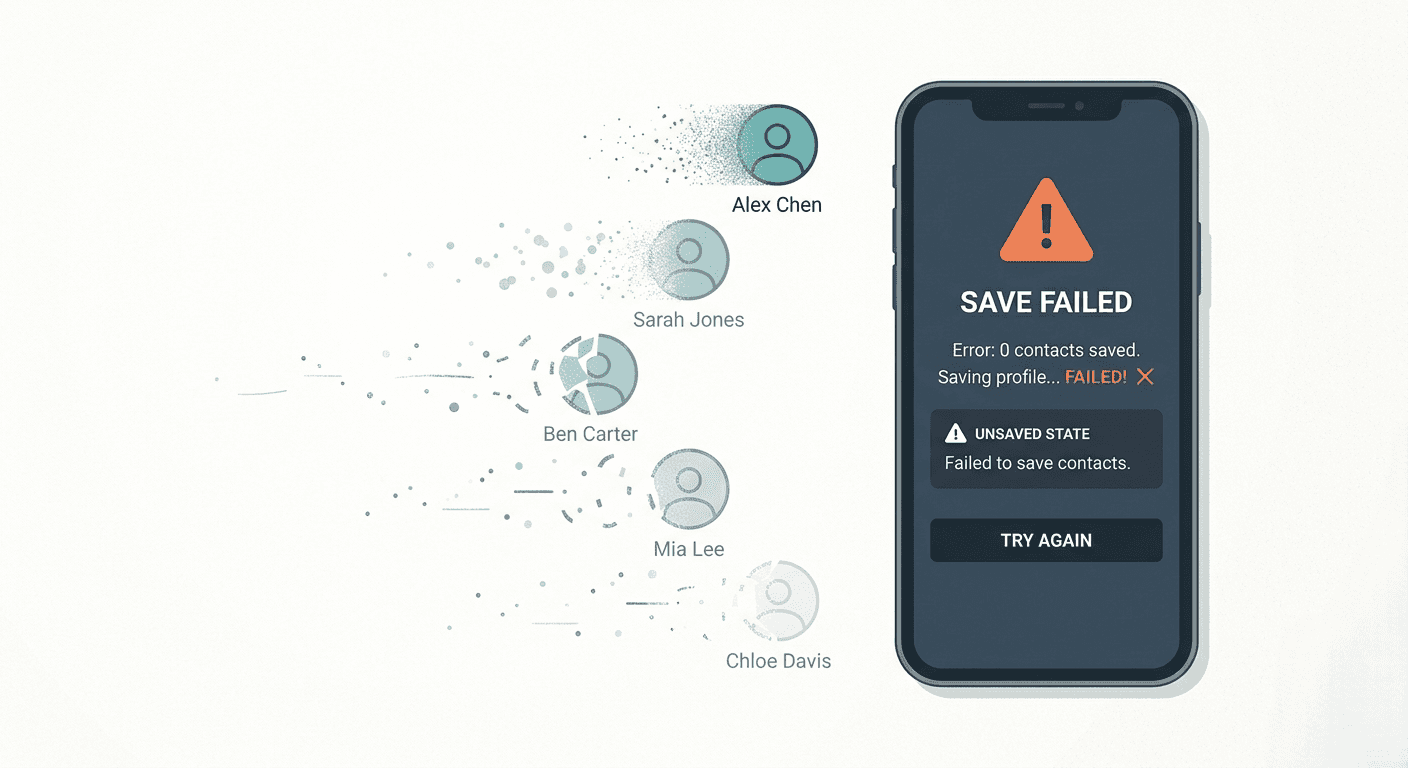
Convention centres host thousands of devices on a shared network. Exhibitors, visitors, organiser staff, press, and AV crews all compete for the same bandwidth. During peak morning sessions and busy afternoon footfall, that network collapses under load.
Older venues have infrastructure built well before dense mobile usage became the norm. Even venues that have invested in upgrades struggle when every person in a 10,000 sqm hall is running a cloud-connected app simultaneously.
The result is predictable: connectivity is unreliable exactly when you most need to save leads. Apps that depend on a live connection for every scan, every field save, and every note become liabilities on the show floor.
What "Offline Mode" Actually Means in Habsy
Offline mode is not a degraded fallback. It is the same capture experience, running on local storage rather than a live network.
Here is what you can do without any internet connection:
Scan QR badges using your event's cached badge-mapping preset
Batch scan business cards with on-device OCR
Fill custom fields and apply tags to every contact
Record 5 to 30 second voice notes for context
Set one-tap follow-up reminders (Tomorrow 10:00, Today EOD)
Flag contacts as Hot, Warm, or Cold
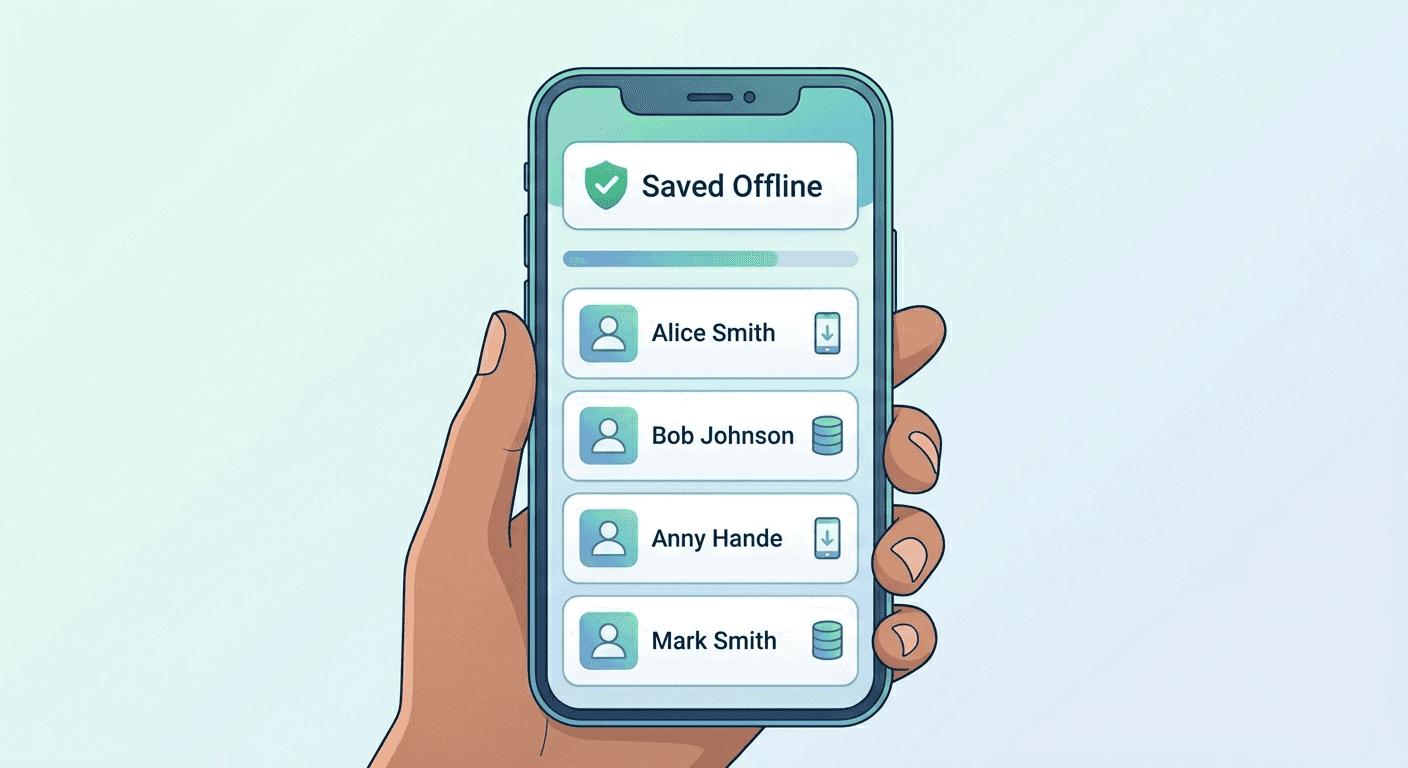
Every action is stored locally with a timestamp and attributed to the capturing user. The record shows a "Saved Offline" status badge so your team knows what is queued.
When the device reconnects, Habsy auto-syncs in the background. Status flips from "Saved Offline" to "Synced." If your team runs on Wi-Fi-only mode, one press of the Sync Now button pushes everything through.
Before the Show
Preparation is what makes offline mode reliable on the day. The three things to do before you arrive at the venue:
Define your capture schema. Agree on 3 to 6 custom fields your team will fill at capture: Interest (Hot/Warm/Cold), Product Line, Priority, Stall No., Source, Owner. Load this as your event preset to your Habsy platform.
Cache the badge-mapping preset. Open Habsy on event Wi-Fi or on your phone data at home. Scan one test badge to map the organiser's QR payload to Habsy fields. That mapping saves locally and works offline from that point forward.
Check local storage. Ensure device storage is not near capacity. Habsy will warn you at configurable thresholds, but it is easier to clear space the night before than at the stall.
On the Show Floor
The day-of workflow is identical to what your team would do online:
Open QR Scan or Batch Scan.
Point at the badge or card. Contact fields populate from the cached mapping or on-device OCR.
Fill custom qualifiers: Interest, Product Line, Priority.
Tap Voice Note. Record a 10-second summary: "Needs pricing for Pro line, wants demo Wednesday, booth B14."
Set Reminder: Tomorrow 10:00.
Done. The contact is saved locally and queued for sync.
The "Saved Offline" badge in your contact list shows exactly how many records are queued. You can keep scanning through the entire show.
After the Show or Back Online
When connectivity returns, Habsy syncs automatically. You do not need to trigger it manually unless you prefer to control timing with the Sync Now button or Wi-Fi-only setting.
Once synced, run the standard post-event flow:
Open Advanced Search. Filter by event source and review any contacts missing email or phone.
Ready To Follow-up within the next 24 hours.
Using the Habsy platform, When two booth staff scan the same contact on separate devices in the same offline session, the sync creates a merge opportunity rather than a silent duplicate.
Habsy compares records using email and phone as primary signals, and company and name as a fallback. Where both records share fields, it shows a side-by-side comparison. You choose which version of each field to keep. The merge logs who captured what and when, so provenance stays intact.
This means your team can divide the floor, work independently without Wi-Fi, and merge cleanly when they reconnect. No duplicate dials. No duplicate CRM records.
The offline use case extends well beyond trade show booths. Field sales reps face the same connectivity gaps: industrial estates, factory floors, warehouse meetings, hospital waiting rooms, rural client visits.
The workflow is the same. Scan the card or badge, fill the schema, drop a voice note, set a reminder. Sync at the next coffee shop or hotel. Export a CSV at the end of the week.
Habsy's offline capture turns any meeting, anywhere, into a structured contact that is ready for follow-up in patchy expo halls and every other low-connectivity environment.
For field reps covering multiple regions, this matters particularly in India where connectivity varies significantly between metro venues and tier-2 cities, manufacturing districts, and rural event spaces.
Not all apps that claim offline support deliver the same depth. When evaluating your options, check for these specifics:
On-device OCR, not server-side OCR. If the app sends the card image to a server for processing, it needs a connection to capture. True offline OCR runs on the device itself.
Cached badge-mapping. Badge payload formats vary by organiser. The app should cache your event's specific mapping so it can parse QR codes locally, not just queue them.
Full field editing offline. Scanning and saving a name is the easy part. You need to fill custom qualifiers, add tags, and record voice notes offline, not just later.
Conflict-safe sync. When multiple team members capture the same contact, you need a merge step with field-level control, not silent overwrites.
Clear sync status per record. You should always know which contacts are queued, syncing, or confirmed.
Export guard. A good offline app should not let you export records still in the sync queue. Partial exports cause downstream CRM problems.
What is offline lead capture?
Offline lead capture is the ability to scan business cards or event badges, fill qualification fields, record voice notes, and set reminders without an active internet connection. The app stores all data locally on the device and syncs it to the cloud automatically when connectivity returns. It is designed for high-traffic venues, dead zones, and field situations where relying on live network access would mean losing leads.
How does offline lead capture work at trade shows?
At trade shows, your device stores scanned contacts, custom field inputs, voice notes, and reminders in local storage the moment you capture them. A "Saved Offline" badge confirms each record is queued. When you reconnect, the app uploads everything and merges it with your team's shared workspace automatically, resolving any conflicts from overlapping captures across staff devices.
Can I scan business cards without WiFi?
Yes. Business card OCR runs entirely on-device in Habsy. You can scan a stack of cards, review and correct fields, add tags and custom qualifiers, and attach a voice note, all without a network connection. The resulting contacts queue locally and sync when you are back online. There is no dependency on a server-side image processing step.
How do I sync leads to my CRM after an event?
Once your device reconnects, Habsy syncs all offline-captured contacts to your workspace. From there, run the review and de-dup step to merge duplicates and fill any missing fields. Then export a mapped CSV using your saved CRM preset. Import that file into HubSpot, Zoho, Salesforce, or Google Sheets. The entire post-sync process typically takes under an hour for a standard event haul.
Which lead capture apps work offline?
Habsy supports full offline capture, including QR badge scanning, business card OCR, custom fields, voice notes, and reminders, with automatic sync on reconnection. Some enterprise tools offer partial offline modes, but most standard event apps require an active connection to save or process leads. The key distinction is whether OCR and field editing work entirely on-device or depend on a server call.
Why is convention center WiFi unreliable?
Convention center WiFi is shared across hundreds or thousands of simultaneous devices during peak hours. Exhibitors, visitors, organizer staff, press, and AV equipment all compete for the same bandwidth. During busy morning keynotes and afternoon peak footfall, that network collapses under load. Many venues have infrastructure that predates dense mobile usage, and upgrades lag behind the demands of large, multi-day events.
Does Habsy work without internet?
Yes. Habsy's offline mode lets you capture QR badges and business cards, add custom fields and tags, record voice notes, and set follow-up reminders without any internet connection. All data is stored securely on the device and syncs automatically when connectivity returns. The only steps that require a connection are the final de-dup review and CSV export, which happen back at the office or hotel.
What happens to leads captured offline when WiFi returns?
When your device reconnects, Habsy auto-syncs your offline queue in the background. Each record flips from "Saved Offline" to "Synced." If two team members captured the same contact on separate devices during the offline period, Habsy surfaces a merge suggestion with a field-level comparison. You choose which version of each field to keep, and the merge logs provenance for both records.
Can I scan badges offline at a trade show?
Yes. Habsy caches your event's badge-mapping preset on the device before the show. During the event, pointing the camera at a QR badge parses the contact fields locally with no network call required. The contact is stored with a "Saved Offline" status and syncs when you reconnect. Caching the preset in advance is the key setup step; one test scan at home or on hotel Wi-Fi is all it takes.
How do field sales reps capture leads without an internet connection?
Field reps use Habsy's offline mode the same way as booth teams. Scan a business card or QR badge, fill the short capture schema, drop a 10-second voice note with context, and set a reminder. Everything queues on the device. At the next Wi-Fi connection, the data syncs and is ready for CSV export. This works across patchy connectivity environments including factory floors, tier-2 city venues, industrial estates, and rural client visits.
Be Day-1 Ready at Your Next Event
Convention center WiFi will fail again at the next show. The question is whether your lead capture fails with it.
Habsy's offline mode keeps the full capture workflow running, from badge scan to voice note to reminder, without a network connection. Your team captures every conversation. The data syncs when you reconnect. Your CSV is export-ready by the next morning.
Set up your event preset before the show. Cache your badge mapping. Clear device storage. The rest takes care of itself.
Try Habsy Pro free for your next event, or see the 2-minute demo to watch the offline-to-sync workflow in action.










