Blog
Business card scanners promise speed, but traditional business card scanners are quietly bleeding sales leads. Research shows nearly half of buyers choose the vendor that responds first, often within the first 24–48 hours. Yet most scanned cards are followed up too late or not at all. When context disappears and action is delayed, good conversations die fast.
If you are comparing business card scanners for sales teams or small businesses, this breakdown will help you choose what actually works.
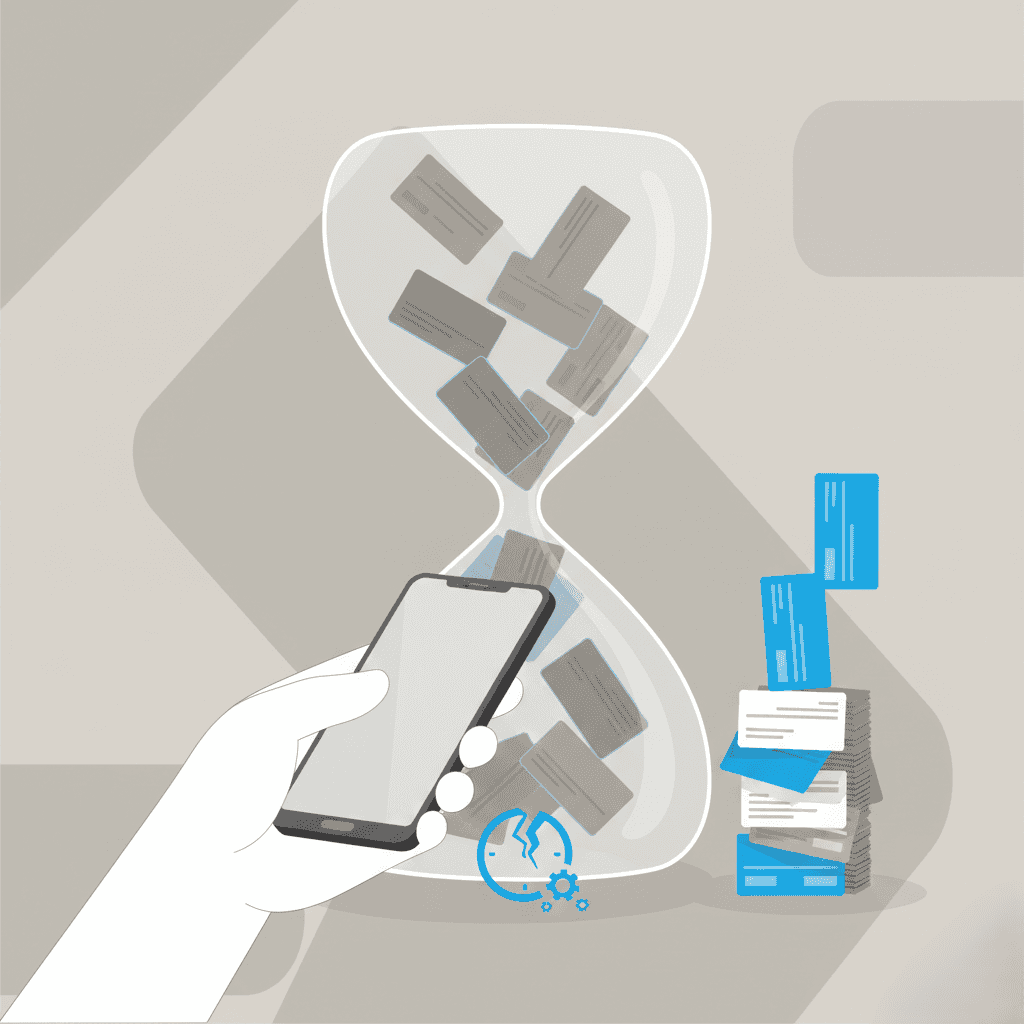
Traditional business card scanners lose leads after the scan. See where they break down and how modern workflows turn contacts into revenue.
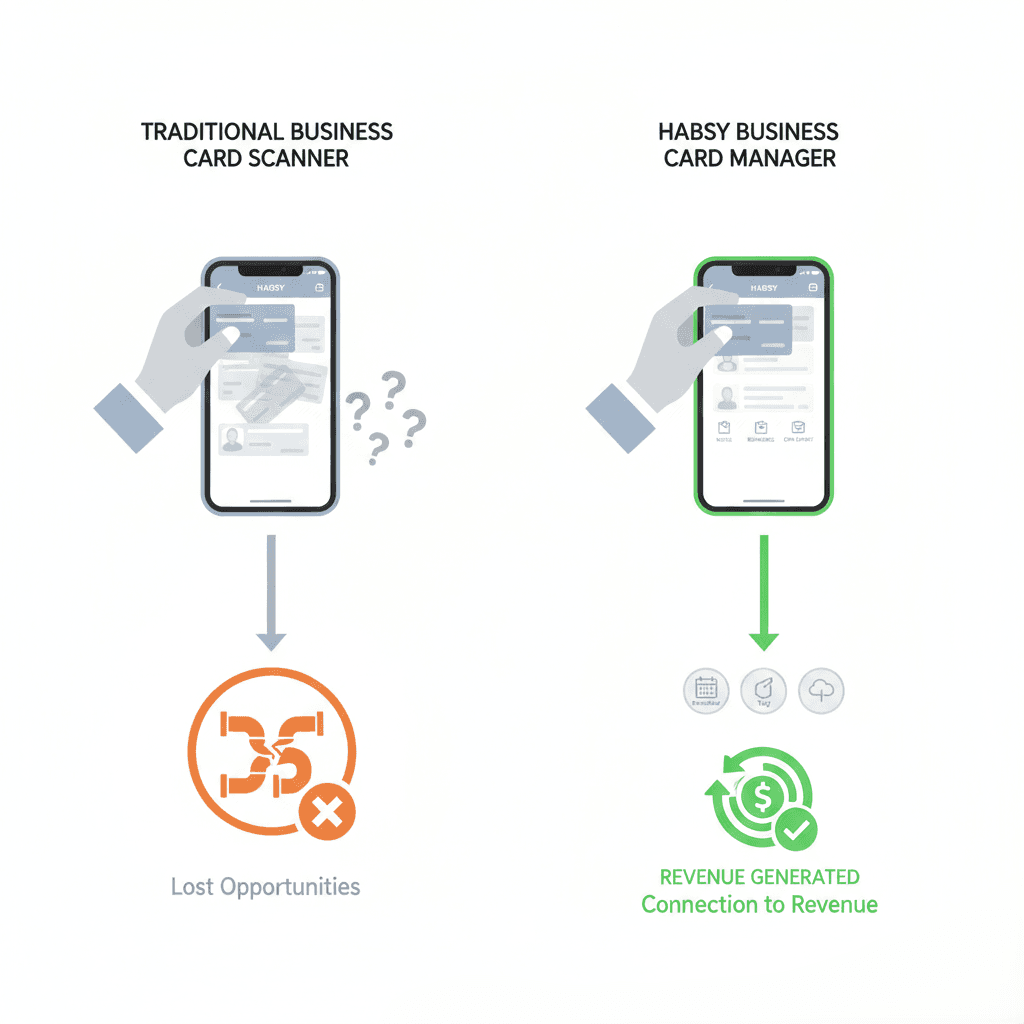
Traditional business card scanners follow a simple flow. A rep scans cards after a meeting, converts them using OCR, and saves the contacts to a phone or address book. The data is captured, but context fades quickly.
Who asked for a demo?
Who wanted pricing?
Who was just networking?
Notes or tags may exist, but they are easy to skip and rarely maintained.
This approach may work for individuals, but it breaks down in real sales workflows. After a trade show or a full day of meetings, teams export long lists of scanned contacts with:
Little or no context
No prioritization
No clear next step
In sales workflows, that gap is costly because speed and relevance matter more than volume. Time is spent cleaning data and trying to recall conversations instead of following up. By the time outreach begins, momentum is lost and interest has cooled. Traditional business card scanners store contacts, but they do not protect follow-up.
What Makes a Good Business Card Scanner for Sales Teams Today
Modern sales conversations move fast, and context matters more than ever.
A founder might meet three potential partners in a single afternoon. Each conversation is different. Without capturing context immediately, follow-ups sound generic and miss the mark.
A good business card scanner for sales teams today should help teams:
Capture contacts quickly during meetings or events
Preserve why the conversation mattered
Organize leads for follow-up
Support timely outreach while interest is still high
Export clean, usable data into a CRM or spreadsheet
For sales teams and small businesses, the best business card scanner is not defined by how fast it scans, but by what happens next.
It must protect follow-up speed, preserve conversation context, and make the next step obvious while interest is still fresh.
This is why many teams are re-evaluating basic scanners and looking beyond simple digitization toward a business card scanner app built for follow-up.
Follow-Up Is the Real Difference Between Scanners That Convert and Those That Don’t
Most opportunities are not lost during the conversation.
They are lost after it.
A prospect asks for a follow-up call next week. Without a reminder, that call slips to the following week. By then, urgency is gone and the response is colder.
Tools designed only to scan cards stop too early.
Systems built for sales workflows treat follow-up as part of capture itself.
A modern business card scanner with CRM readiness ensures that the next action is defined before the moment is forgotten.
Read How Contact Capture to Follow-Up works in Modern Networking Workflow
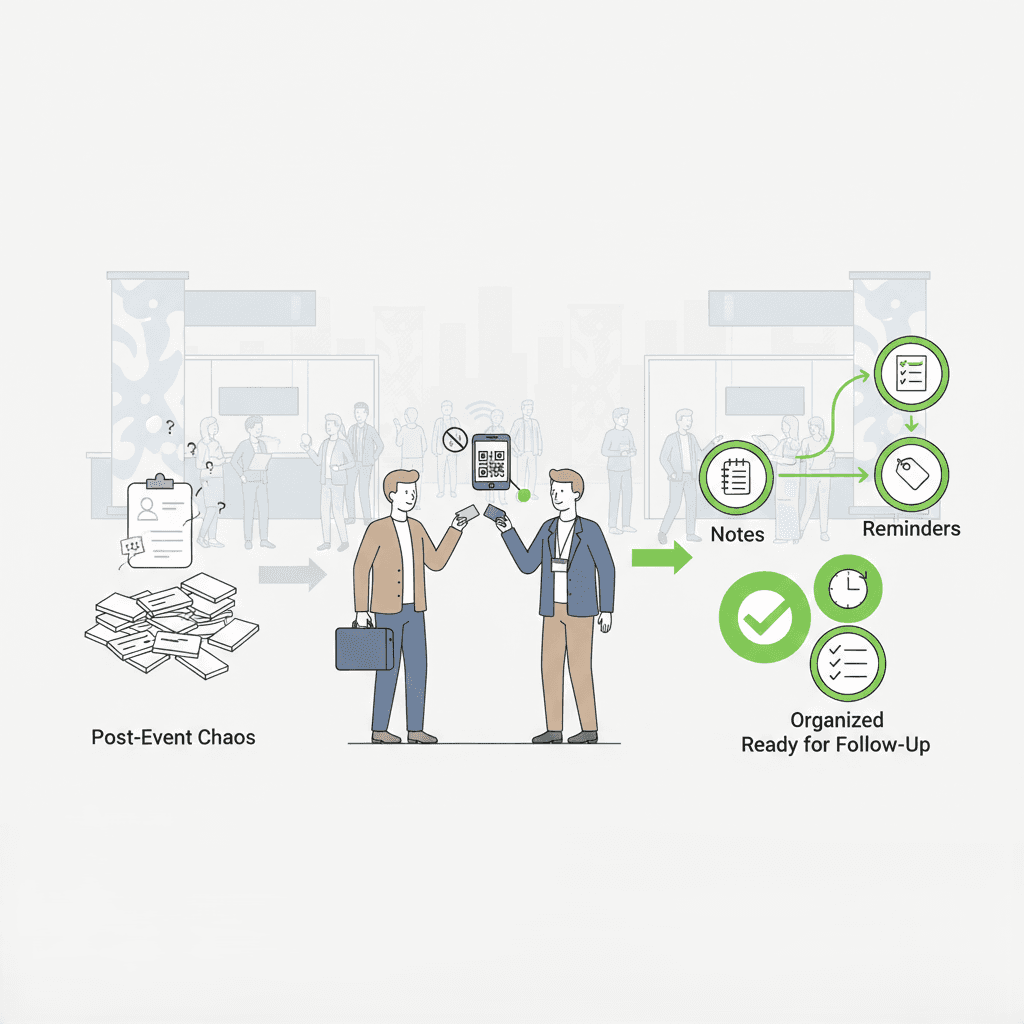
Events put pressure on any capture system.
During a busy expo, a booth team scans cards or badges continuously.
By the end of the day, there is no easy way to tell which conversations were high-intent and which were casual. Everyone ends up in the same follow-up queue.
Modern teams increasingly rely on trade show lead capture apps and business card managers that allow offline capture, quick qualification, and context-rich notes at the moment of interaction.
This ensures event leads are ready for action the next day, not weeks later.
Scanning is only half the job. What happens next determines results.
A sales manager delays CRM import because the data needs cleaning. Columns must be mapped. Owners must be assigned. Outreach is pushed back by days.
Clean handoff matters. Leads should move into CRMs with context already attached, while conversations are still fresh. The ability to scan business cards to CRM without heavy cleanup is what separates modern tools from traditional scanners.
For basic understanding, the difference comes down to storage versus action.
Aspect | Business Card Scanner | Contact Manager |
|---|---|---|
Primary purpose | Digitize information from a physical card | Turn contacts into actionable leads |
Focus | Speed of scanning and OCR accuracy | Follow-up, context, and conversions |
Context capture | Limited or optional notes | Built-in notes, tags, and voice context |
Lead prioritization | Not supported | Supported through tags, fields, and reminders |
Follow-up support | Manual and easy to forget | Reminders and next actions are part of capture |
CRM readiness | Raw contact data | Clean, context-rich, CRM-ready data |
Examples | Google Lens, basic OCR scanner apps | Habsy, Popl |
Best for | Storing contacts | Managing sales conversations and outcomes |
Sales teams increasingly expect more than digitization. They need tools that combine scanning, context, reminders, and export into a single workflow.
This is why many teams now search for a business card scanner with follow-up features rather than a basic OCR tool.
Read more here - https://habsy.ai/blog/what-makes-the-best-business-card-scanner
By this point, the criteria for a modern business card scanner is clear.
Habsy Business Card Manager is built for sales teams and small businesses that need more than contact digitization. It focuses on what actually drives conversions: capturing context, prioritizing leads, and enabling fast follow-up.
How Habsy works in practice
After a meeting, a sales rep can quickly:
Record a short voice note with key conversation details
Tag the contact with interest level or product relevance
Set a follow-up reminder before moving to the next conversation
The follow-up the next morning feels personal, timely, and relevant because nothing was lost at capture.
Why sales teams choose Habsy
With Habsy, lead data is follow-up ready the moment it is captured.
Captures conversation context at the moment of scanning so leads are not just stored, but understood
Helps teams qualify and prioritize leads immediately instead of reviewing them days later
Reduces manual cleanup before CRM export, keeping lead data usable without rework
Enables follow-up within the critical 24–48 hour window while interest is still high
Instead of treating business cards as static contacts, Habsy turns every scan into a clear next action.
Business cards are not outdated. The processes around them often are.
If the goal is simply to digitize contacts, traditional business card scanners can still work. But if the goal is to convert conversations into revenue, scanning alone is not enough.
For sales teams and small businesses that care about follow-up speed, context, and real outcomes, the best business card scanner is the one built for what happens after the scan.
Frequently Asked Questions
Q: What is the best business card scanner for sales teams?
A: The best business card scanner for sales teams captures contact details and preserves conversation context so follow-ups happen within 24–48 hours. Habsy is built specifically for this workflow by combining scanning with context capture, reminders, and CRM-ready exports, not just OCR accuracy.
Q: Are traditional business card scanners still useful in 2026?
A: Traditional business card scanners are still useful for basic contact digitization. However, sales teams often outgrow them because they lack context capture and follow-up support. Tools like Habsy are designed for modern sales workflows where speed, prioritization, and action matter more than simple storage.
Q: What is the difference between a business card scanner and a business card manager?
A: A business card scanner digitizes contact information from a physical card. A business card manager like Habsy goes further by organizing contacts, capturing conversation context, and supporting follow-up actions that turn meetings into real opportunities.
Q: How quickly should you follow up after scanning a business card?
A: You should follow up within 24–48 hours after scanning a business card while the conversation is still fresh. Habsy supports this window by letting teams set reminders and review context immediately, reducing delays that cause leads to go cold.
Q: Can business card scanners integrate with CRMs?
A: Yes. Many modern business card scanners support CRM workflows, typically through clean CSV exports or integrations. Habsy focuses on preparing CRM-ready data with context and ownership already attached before export, which reduces cleanup and speeds up follow-up.










