Blog
Customer relationships drive growth, but most CRM setups fail small businesses in practice. The problem is rarely the CRM itself. It is how leads are captured, entered, and followed up.

Why CRM matters for small businesses, why most CRM setups fail, and how to fix integration issues so leads are followed up within 24 hours.
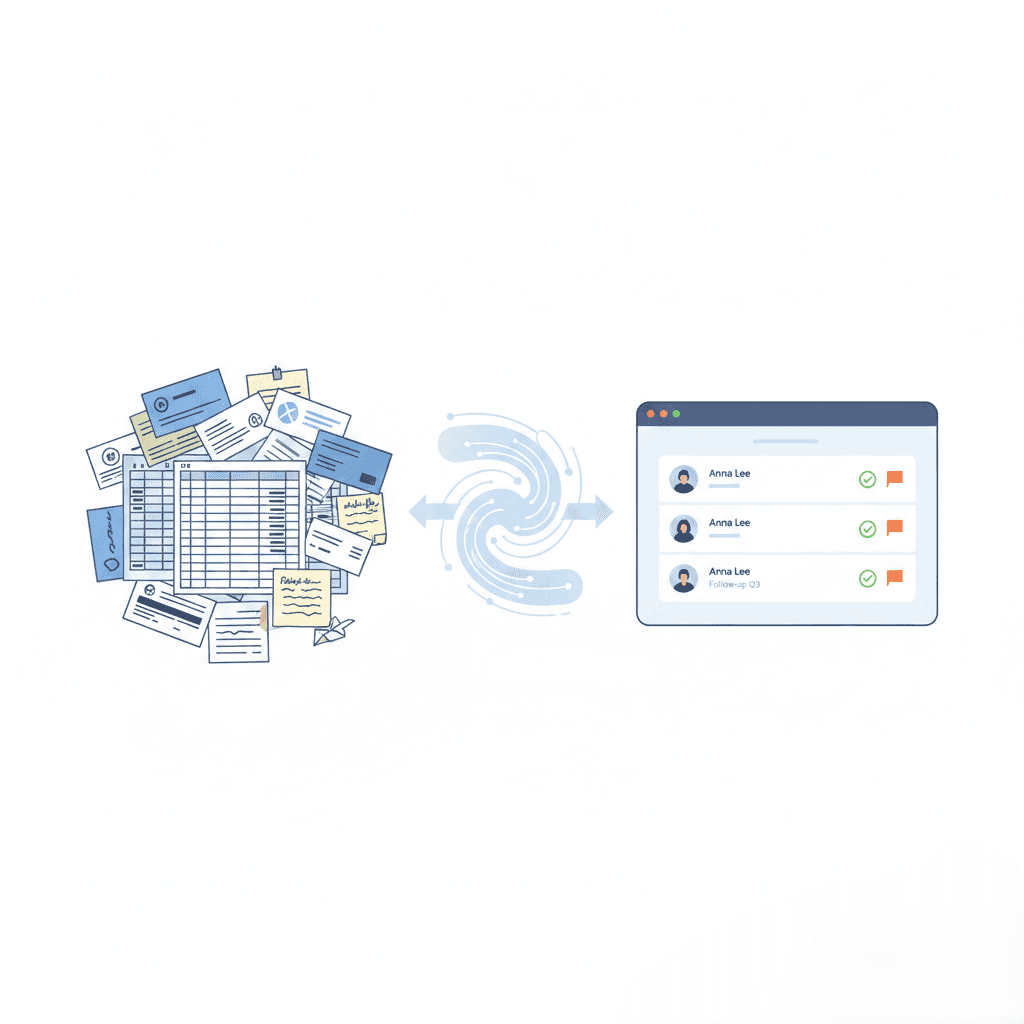
Most small businesses do not need a new CRM. They need better inputs, which is why many teams move away from bulky CRM-first workflows that add overhead without improving follow-up outcomes.
When leads arrive late, without context, or scattered across tools, even the best CRM turns into a storage system instead of a sales engine.
This is where research helps explain the gap. Harvard Business Review-cited studies show that companies that respond to leads quickly and with relevant context consistently outperform those with delayed or fragmented follow-up. That is why CRM adoption can increase sales revenue by 21 to 30 percent, but only when lead capture and handoff are done correctly. Speed amplifies this effect. Responding within five minutes can make a business up to 100 times more likely to convert, but speed only works when the right information enters the CRM at the right time.
What Does CRM Mean for Small Businesses?
CRM matters for small businesses because it provides a single system to manage leads, customer interactions, and follow-ups without relying on memory or manual tracking.
In day-to-day workflows, this shows up as:
Centralizes all leads
Sales teams see leads from meetings, business cards, websites, and events in one place instead of scattered across inboxes and notes.
Preserves conversation context
Notes about interest, products discussed, and next steps remain attached to the contact.
Enables follow-up within 24 hours
Leads are ready for outreach the same day they are captured.
Prevents delayed responses
Teams avoid forgetting to follow up after events or busy sales days.
Reduces revenue leakage
Qualified leads do not go cold due to missed or generic follow-ups.
I. Why CRM Matters for Small Businesses Today
Small businesses compete on speed and consistency. When leads are handled manually, both suffer.
1. The Cost of Managing Leads Without a CRM
Without a CRM, leads are scattered across business cards, spreadsheets, email inboxes, and personal notes. This results in missed follow-ups, duplicate outreach, unclear ownership, and no visibility into what is actually converting.
Data shows the average lead response time is close to 47 hours, and only around 27 percent of leads are ever contacted at all. Most deals are not lost because of pricing or product. They are lost because follow-up happened too late, or did not happen at all.
2. How CRM Improves Sales Follow-Ups and Conversions
A CRM gives small teams a shared view of every lead. Instead of relying on memory, teams can track lead sources, review past conversations, and prioritize outreach based on intent.
Speed makes a measurable difference. Responding to leads within minutes dramatically improves conversion rates compared to responses sent hours or days later. This is why CRM setups that slow down follow-up fail to deliver real results for small teams.
3. CRM’s Role in Retention and Long-Term Growth
CRM value does not stop at closing a deal. By preserving conversation history and customer preferences, CRMs help small businesses maintain continuity and improve customer retention.
Nearly 47 percent of companies report improved customer retention after adopting a CRM, reinforcing that organized follow-up strengthens lifetime value, not just initial conversion.
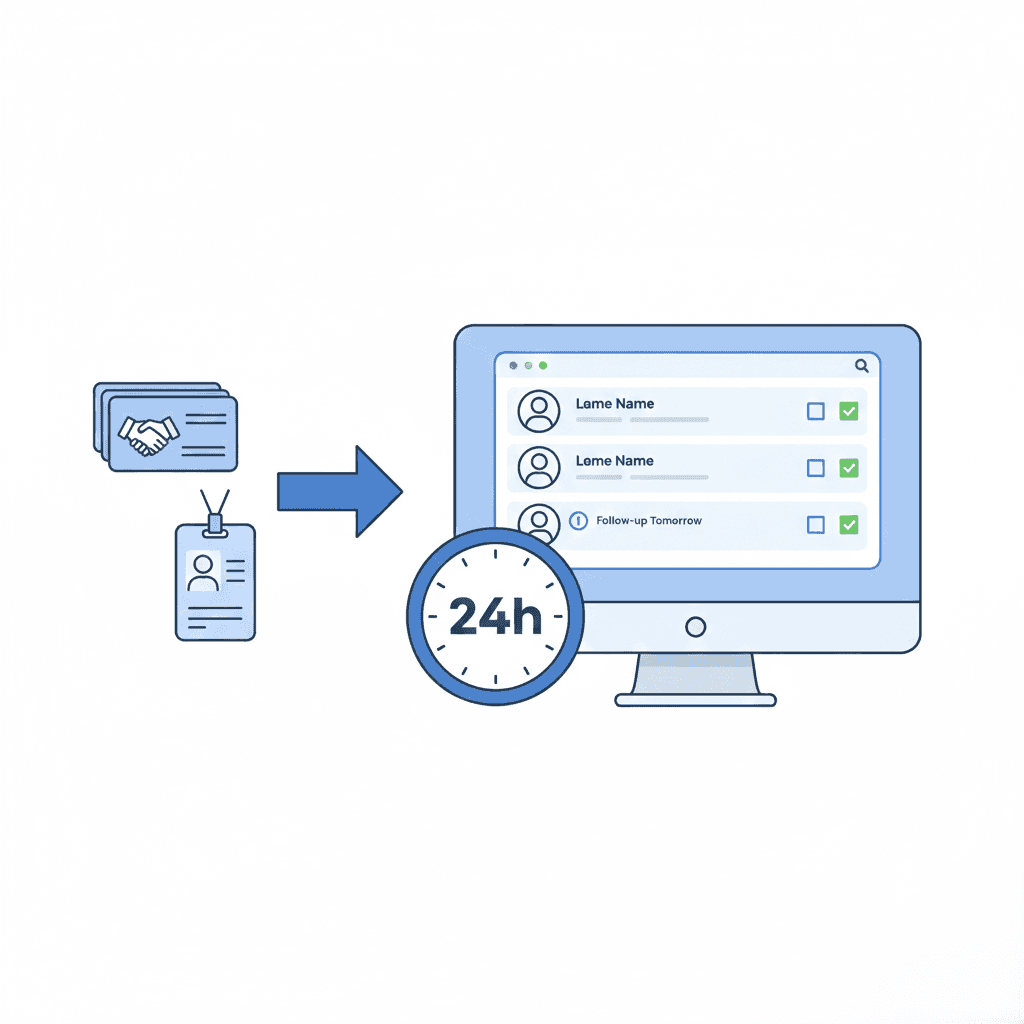
Many small businesses adopt CRM software and still struggle to see results. The issue is rarely the CRM itself. It is how data enters the system.
After events or meetings, sales teams often plan to follow up later, only to realize a week has passed and the lead has gone cold.
1. Where CRM Data Usually Comes From
CRM data typically comes from business cards, meetings, trade shows, and manual form fills. When this data arrives late, incomplete, or duplicated, the CRM becomes a system of cleanup instead of a system of action.
This is why many teams begin questioning traditional CRM-first workflows and look for lighter lead capture layers that prepare data before it ever enters the CRM.
2. Why Manual CRM Data Entry Slows Sales Teams
Manual CRM data entry creates friction. Sales teams delay updates, forget context, and lose momentum. Over time, CRM usage drops because it feels like administrative work rather than a sales tool.
A CRM only works when data flows into it quickly, cleanly, and with context intact. Between 35 and 50 percent of sales are won by the business that follows up first, which means slow workflows directly cost revenue.
Effective CRM integration is about workflow, not tools. The goal is to get clean, usable leads into the CRM while timing still matters.
The following CRM best practices for small businesses help teams improve follow-up speed and conversion:
Capture leads at the moment of interaction
Preserve context from the conversation
Clean and organize data before CRM entry
Enable fast follow-up while interest is still high
Many teams use CSV exports to maintain flexibility and control before committing leads to a CRM, especially when data quality and ownership matter.
Habsy is designed to work alongside your CRM, not replace it. It helps teams prepare clean, context-rich, CRM-ready contacts from real-world interactions before they ever enter the CRM system.
Used by businesses, sales teams, and event professionals, Habsy captures contacts from meetings, trade shows, NFC exchanges, QR scans, and business cards while preserving important context through notes, voice notes, reminders, categories, and intent signals. Teams can quickly record voice notes after conversations, transcribe them in one click, add detailed notes, and mark buying intent or priority levels directly during capture. This helps sales teams remember what was discussed, understand how interested the lead is, and prioritize follow-ups more effectively while conversations are still fresh.
Habsy works with any CRM that supports CSV imports, including platforms like HubSpot, Salesforce, and Zoho. All captured contacts remain fully under the user’s control and can be exported or deleted at any time.
Habsy is designed to work before your CRM, not replace it. It helps teams manage leads without a heavy CRM by preparing CRM-ready contacts from real-world interactions.
Habsy is used by thousands of small businesses and sales teams to capture contacts from meetings and events with context intact. Leads are organized before export so follow-up can begin while conversations are still fresh.
Habsy works with any CRM that supports CSV imports. All captured contacts remain under the user’s control and can be exported or deleted at any time.
Be ready to follow up within 24 hours.
Habsy prepares CRM-ready leads so teams can act while interest is still high.
CRM matters because follow-up matters. Small businesses do not lose deals due to lack of effort. They lose deals due to broken workflows and poor lead inputs.
A CRM delivers value only when:
Leads are captured accurately
Context is preserved
Follow-ups happen on time
Habsy prepares CRM-ready leads quickly, helping teams act within 24 hours, when conversion odds are highest.
FAQs
Q. Why does CRM matter for small businesses?
A. CRM matters because small businesses need fast, consistent follow-ups, and Habsy ensures every lead enters the CRM with context and priority.
Q. What happens if a small business does not use a CRM?
A. Leads become scattered and follow-ups are missed. Habsy prevents this by centralizing lead capture and preparing clean CRM-ready data.
Q. How can small businesses integrate CRM easily?
A. By using Habsy as a pre-CRM layer that cleans, structures, and exports leads automatically.
Q. Can business cards and event leads be integrated into CRM?
A. Yes. Habsy captures business cards and event leads with context and exports them in a CRM-ready format so follow-up can begin immediately.










