Blog
Most small businesses do not think of contact management as a cost center. They think of it as an admin problem. The cards pile up, the spreadsheet gets messy, and the CRM fills with duplicate records nobody has time to fix. It feels like a nuisance. It is actually a revenue leak.
Bad contact management for small business teams shows up in three places: wasted rep time, missed follow-ups, and a CRM that gives you numbers you cannot trust. Each of these has a real cost attached to it. Most businesses never add them up.
This post does. And it ends with how to close the leak before it starts.
TL;DR |
- Duplicate contacts in the CRM waste dials, damage sender reputation, and distort pipeline reports. |
- Poor CRM data quality costs rep time on cleanup that should be spent selling. |
- Follow-up decay is a direct revenue loss: leads that arrive late and cold convert at a fraction of the rate of Day-1 outreach. |
- Small businesses feel this more because there is no dedicated ops function to catch and fix bad data. |
- The fix is clean, structured data captured at source, not cleaned up after CRM import. |
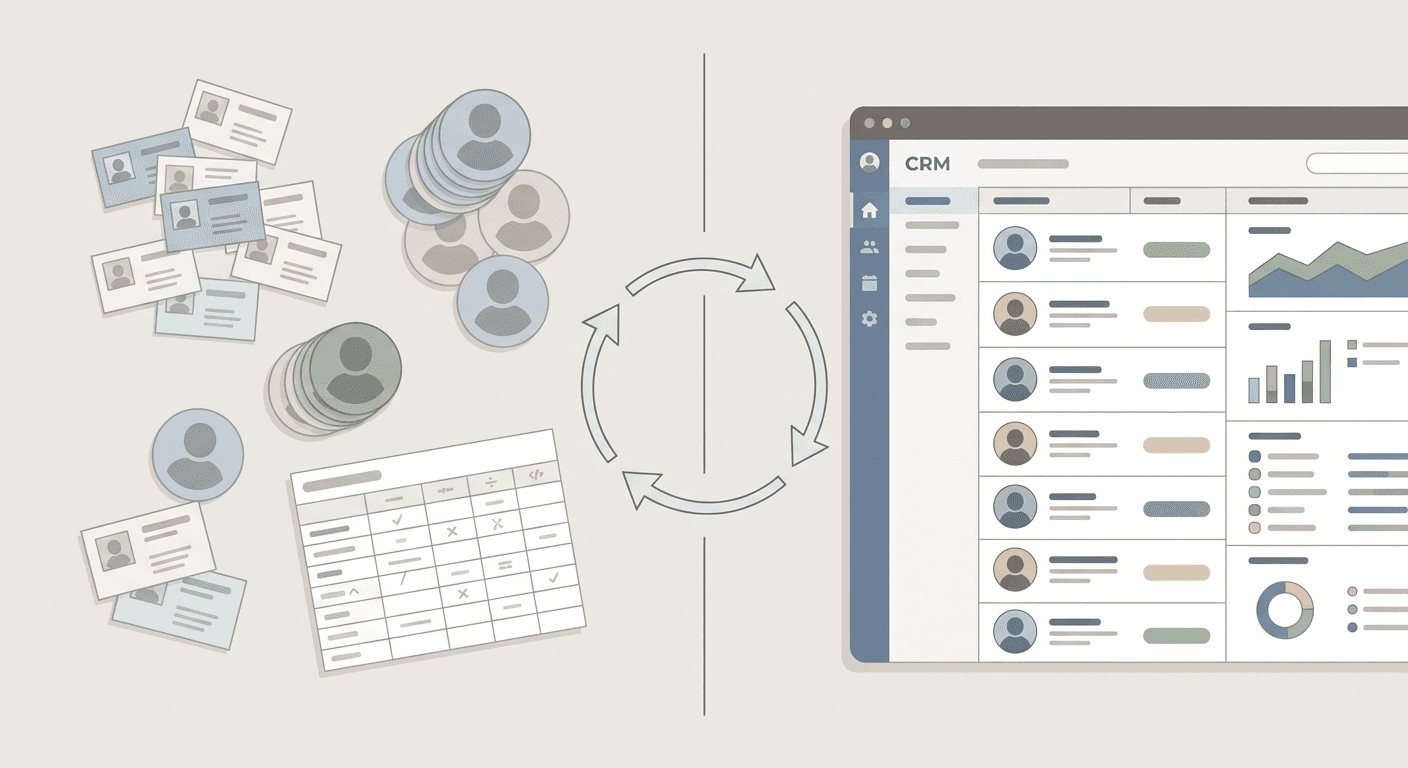
Duplicate contacts and dirty CRM data cost more than most small businesses realize. Here is what bad contact management actually costs and how to fix it.
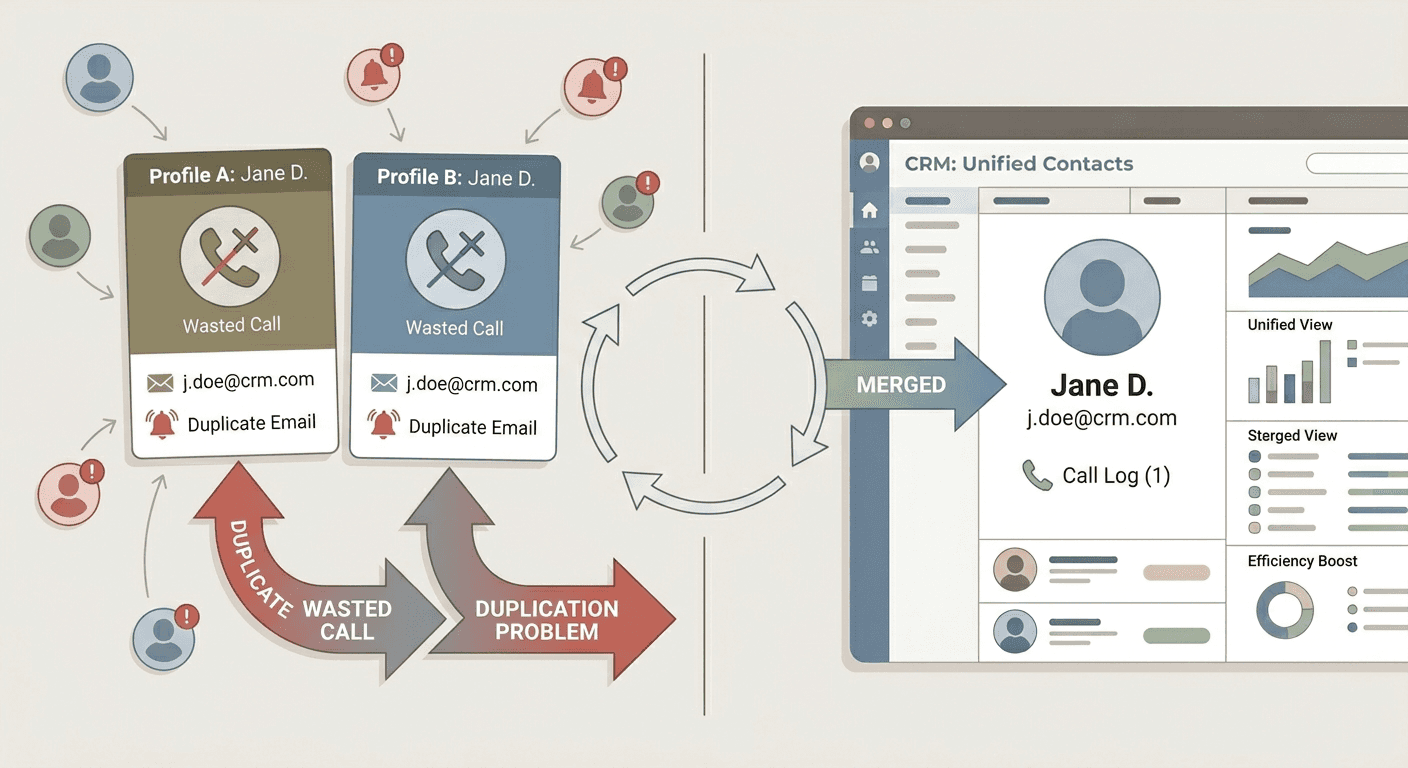
Duplicate contacts are the most visible symptom of bad contact management, but most teams underestimate what they actually cost.
The first cost is wasted dials. When a rep calls the same person twice from two different records, one of those calls is a waste. At scale across a team working a post-event list, this adds up to hours of lost selling time per week.
The second cost is sequence damage. If your outreach tool sees two records for the same email address, it can fire the same message twice. One duplicate is embarrassing. A pattern of them trains spam filters to distrust your domain, and that affects deliverability for every message your team sends, not just the duplicates.
The third cost is invisible: reporting distortion. When the same contact exists in two records with different stages, your pipeline report becomes unreliable. You cannot see which leads are real, which have been contacted, or what the actual conversion rate is. Decisions made on that data are made on a fiction.
The source of most duplicates is not carelessness. It is a capture process that has no structure. When multiple reps at an event scan the same visitor, when a badge scan and a business card scan both create records for the same person, or when a contact submits a form and also gets scanned at the booth, duplicates are the natural outcome. The problem is structural, and it has to be fixed at the point of capture.
What poor CRM data quality actually costs in rep time
There is a version of CRM data quality that gets discussed in operations reviews: field completeness percentages, import error rates, duplicate detection ratios. Most small business sales teams never see those numbers. They just feel the friction.
The friction looks like this: a rep opens a contact record before a call and finds a company name but no phone number, a phone number but no job title, or a note that says "met at expo" with no indication of what was discussed, what the interest level was, or what the agreed next step is. The rep spends two to three minutes trying to reconstruct context before making the call.
Multiply that by twenty calls a day across a team of five and you have a meaningful chunk of productive selling time consumed by data archaeology. None of that shows up on a pipeline report as a cost. It just quietly drains output.
The other version of this cost is the strategic one. When CRM data is incomplete and inconsistent, attribution breaks down. You cannot tell which events generated pipeline, which campaigns converted, or which reps are building the right relationships. Without that visibility, spend decisions are based on instinct rather than evidence.
Clean CRM data quality does not come from better CRM hygiene tools. It comes from better capture. If the fields are filled correctly at the moment of conversation, the CRM gets accurate data from the first import. There is nothing to fix later.
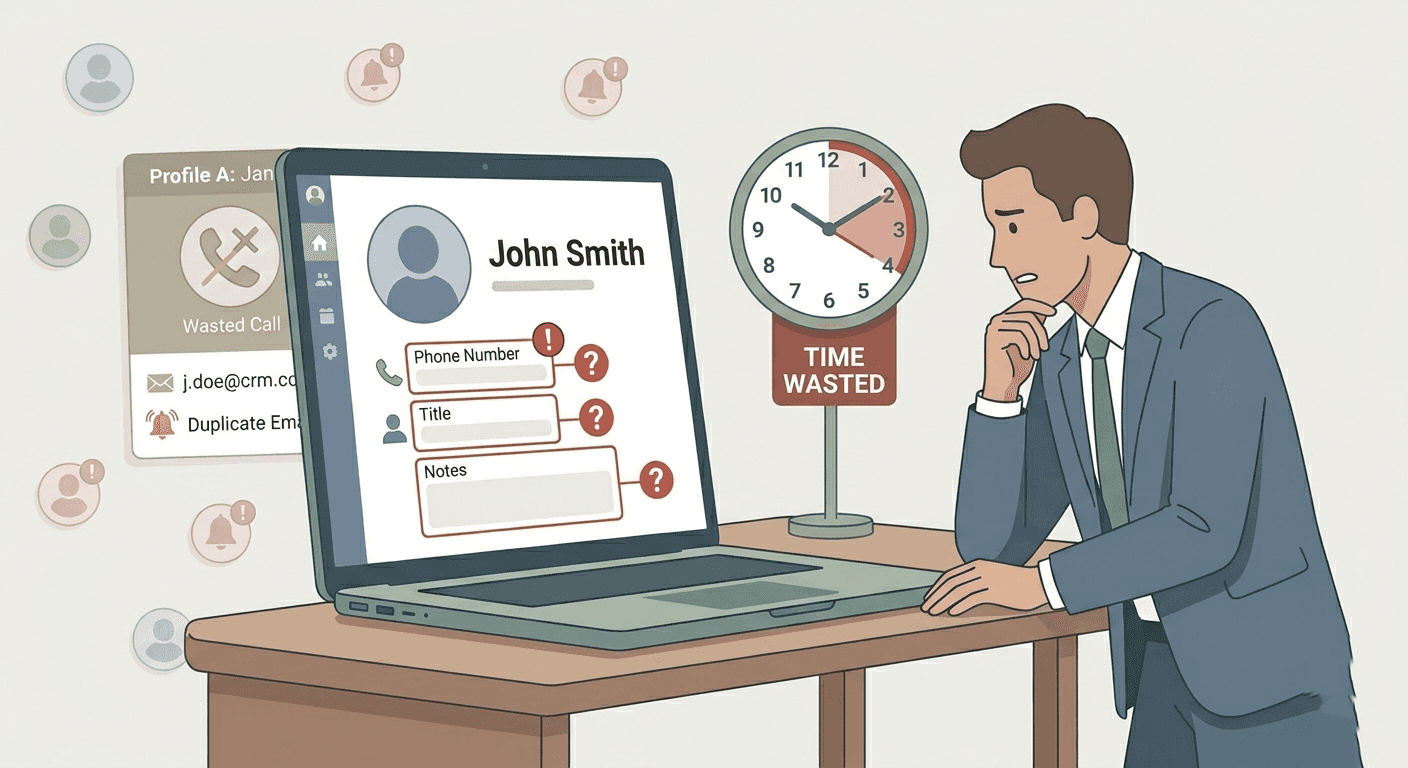
Of the three costs in this post, follow-up decay is the hardest to see on a report and the most damaging in practice.
Follow-up decay is what happens when the gap between capturing a lead and acting on it grows long enough that the original warmth is gone. The conversation that felt like a genuine opportunity on the exhibition floor starts to feel like a cold outreach by Day 4. The lead has moved on, spoken to a competitor, or simply forgotten the interaction.
The data on response rates makes this concrete. First touch within 24 hours produces significantly higher response rates than outreach sent three or more days after the initial meeting. The longer the delay, the more the lead resembles a cold call rather than a warm follow-up.
For small business teams, the delay almost always comes from the same source: the post-event data processing backlog. Cards are photographed but not scanned. Badge exports sit in an inbox. Notes are in someone's head or on a napkin. By the time the list is clean enough to act on, three days have passed and the momentum is gone.
This is not a motivation problem. The team intended to follow up. The capture and handoff process let them down. A team that exports a clean, structured list on Day 1 and starts outreach the same morning does not face follow-up decay. A team that spends Day 1 to Day 3 cleaning a spreadsheet does.
Larger sales organisations have RevOps functions, data quality tools, and dedicated administrators whose job is to keep the CRM clean. Small businesses have the same data problems and none of the infrastructure to catch them.
When a small team comes back from an event with two hundred contacts spread across badge exports, WhatsApp photos of visiting cards, and a shared spreadsheet, there is no data engineer to normalise the fields, no ops person to run deduplication, and no QA step to verify completeness before the list hits the CRM. The owner or the sales manager does it themselves, usually late at night before the next working day.
For businesses in India where visiting cards remain the primary exchange at exhibitions and trade events, this problem has an additional dimension. A visiting card management app India teams can actually use in the field needs to work offline, handle multiple languages, and produce a clean export without manual reformatting. Most generic contact apps do none of these things reliably.
The result is that Indian SMBs running booths at exhibitions often end up with the worst of both worlds: the volume of contacts a larger team would generate, with none of the infrastructure to process them. The cost accumulates silently across every event, every follow-up cycle, and every quarter.
Habsy is a business contact management app built around the capture-to-CRM workflow, not the CRM itself. The goal is to make sure the data that reaches your CRM is clean, structured, and ready to act on from the first import.
The workflow has five parts, each one addressing a specific cost named above:
Scan QR badges and batch-scan visiting cards in a single unified flow, so every conversation is captured at the moment it happens, not reconstructed the next morning.
Intent Signals prompted at capture time (Interest, Product Line, Priority, Owner, Source) mean every record arrives with the context a rep needs to make the first call personal and relevant.
Contacts are structured from the moment of capture. One record per person, with the right fields filled and validated, so the data that reaches your CRM is clean and ready to act on. No cleanup required on the other side.
A 10-second voice note attached to each contact preserves the details that standard fields cannot capture. With one-click transcription, every note becomes searchable and easier to review later.
Export a mapped CSV to HubSpot, Zoho, Salesforce, or Google Sheets within 24 hours using saved presets. The column names are stable, the field mapping is done once, and every subsequent export runs in seconds.
Your contacts stay under your control. Export or delete any time. Habsy does not sell personal contact data.
Set up a capture schema before your next event and the cost of bad contact management stops at the door.
Turn conversations into revenue, not spreadsheets. Start Capturing Smarter with Habsy |
Q1. What is the hidden cost of bad contact management for small businesses?
Bad contact management shows up in three places: duplicate contacts that waste dials and damage sender reputation, incomplete CRM data that costs rep time on cleanup instead of selling, and follow-up decay where leads go cold before the team acts on them. None of these appear as a line item on a report, which is why they go untracked and uncorrected for so long.
Q2. How do duplicate contacts in a CRM hurt sales performance?
Duplicate contacts cause three distinct problems. First, reps waste calls dialling the same person from two different records. Second, outreach sequences can fire the same message twice to the same address, which trains spam filters to distrust your domain and harms deliverability for every message your team sends. Third, duplicate records distort pipeline reports, making it impossible to see accurate conversion rates or lead status.
Q3. What does poor CRM data quality actually cost in rep time?
When a rep opens a contact record and finds missing fields, no context, and no agreed next step, they spend two to three minutes reconstructing the situation before making the call. Across twenty calls a day on a team of five, that is a substantial block of productive selling time spent on data archaeology rather than selling. The strategic cost is also significant: incomplete data breaks attribution, making it impossible to tell which events or campaigns are generating pipeline.
Q4. What is follow-up decay and why does it matter?
Follow-up decay is what happens when the gap between capturing a lead and acting on it grows long enough that the original warmth is gone. First touch within 24 hours produces significantly higher response rates than outreach sent three or more days later. For most small business teams, the delay comes from a post-event data backlog: cards photographed but not scanned, badge exports sitting unprocessed, notes lost in transit. By the time the list is clean enough to act on, the momentum is gone.
Q5. Why do small businesses struggle more with contact management than larger teams?
Larger sales organisations have RevOps functions, data quality tools, and dedicated administrators to catch and fix bad data. Small businesses have the same data problems and none of that infrastructure. When a small team returns from an event with contacts spread across badge exports, WhatsApp photos of visiting cards, and a shared spreadsheet, the owner or sales manager has to clean and process it themselves. For Indian SMBs in particular, visiting card management at exhibitions adds volume without adding structure, compounding the problem.
Q6. How does Habsy fix contact management before data reaches the CRM?
Habsy addresses the problem at the point of capture rather than after CRM import. Reps scan QR badges and visiting cards in a single flow, fill Intent Signals at the moment of conversation, and add a short voice note before moving on. With Platform user can either push all the leads to CRM or Selective Leads to the CRM. A mapped CSV exports to HubSpot, Zoho, Salesforce, or any CRM of your choice using saved presets.










