Blog
Most business card scanner apps need a live internet connection to process OCR. At a conference or trade show, that connection is gone by mid-morning. An offline business card scanner keeps capturing, qualifying, and following up regardless of signal, so no lead is lost because of a crowded hall. Here is how to tell which apps actually work offline, and the workflow that gets you to Day-0 follow-up before you leave the venue.
Ready for an offline-first event? See the 2-minute demo and watch Habsy capture, sync, and follow up without a signal.
TL;DR
Choose an offline business card scanner that runs OCR on-device (not in the cloud), so captures complete immediately.
Add intent signals (buying stage, product interest, priority level) and a 10-sec voice note at capture, offline.
Set a one-tap reminder for Day-0 follow-up so no hot lead waits until you are back in the office.
Sync when you reconnect. Habsy auto-syncs and surfaces contacts in My Reminders ready to act on.
Run review and de-dup after sync; follow up directly inside Habsy without needing to export anywhere.
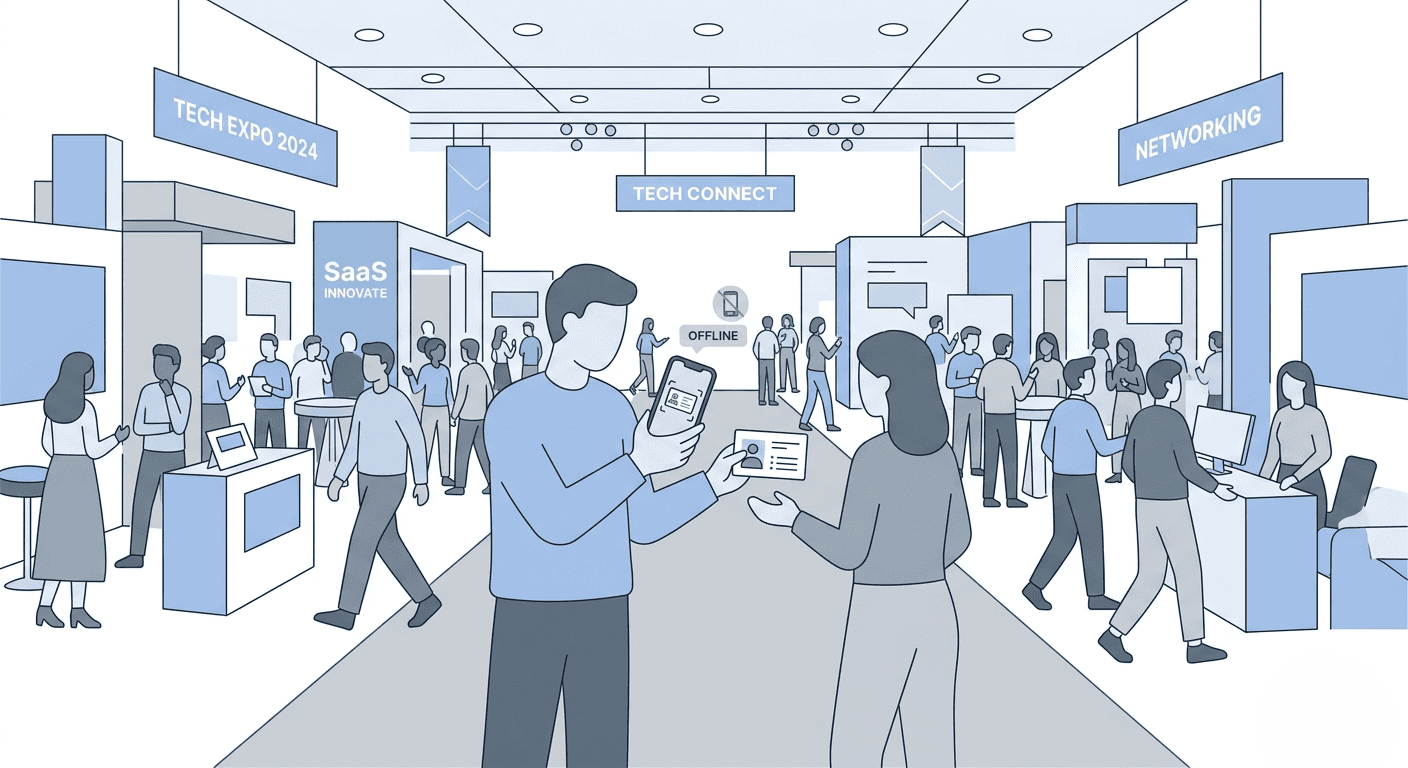
Conference Wi-Fi drops. Your offline business card scanner should not. Capture, qualify, and follow up even when the signal is gone.
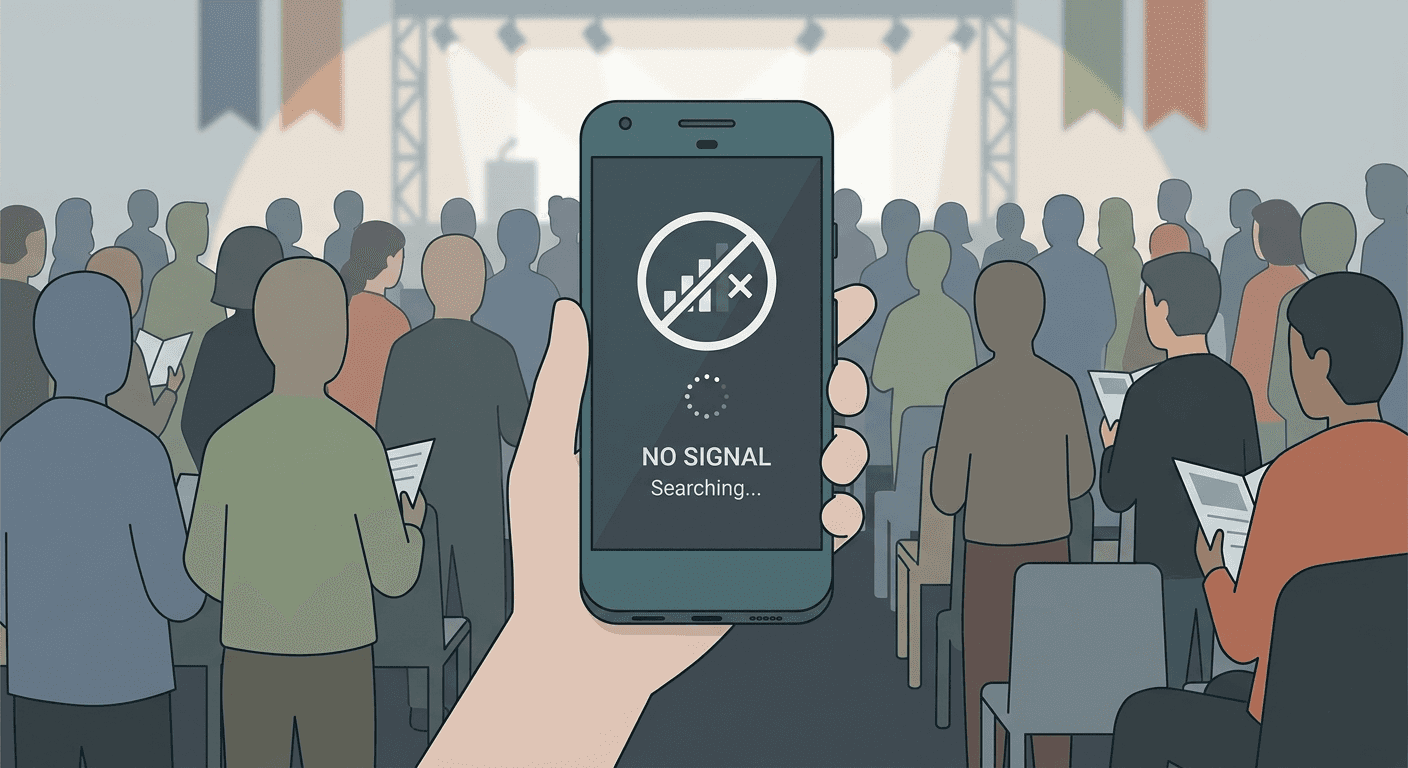
Walk into any large expo hall and you will find thousands of devices fighting for the same overloaded network. By mid-morning on Day 1, the Wi-Fi is effectively unusable for data-heavy apps. Cellular is not much better in below-ground or steel-frame halls where signal is notoriously patchy.
For a business card scanner that phones home to process OCR, patchy signal means scans hang, fail silently, or produce empty records you discover at the hotel. An offline business card scanner that processes OCR on-device produces a complete contact record every time, with or without Wi-Fi.
This is not a fringe problem. It is the default experience at large B2B trade shows and conferences in India and across APAC, where venue infrastructure frequently lags behind exhibitor demand.
What offline mode actually means and what it does not
Many business card scanner apps claim offline support. What they mean varies widely. Here is how to read those claims before committing your team to a tool for a 3-day trade show or conference.
What the app says | What it usually means | Is it truly offline? |
Works offline | Saves a photo locally; processes the OCR when back online; scans are unusable until then | Partial |
Local storage | Contact queue stored on device; still sends images to cloud OCR when connectivity returns | Partial |
Offline capture | OCR runs on-device; complete contact record created locally before you reach the next stall | Yes |
Habsy Offline Mode | Full offline business card scanner: OCR, intent signals, tags, voice notes, and reminders all stored locally. Follow up directly in the app when you reconnect. | Full offline |
The key distinction is where OCR runs. If the app sends card images to a remote server to extract text, you need connectivity for a usable contact record. Without Wi-Fi, you get nothing. If OCR runs on the device itself, you get a complete record immediately with no signal required.
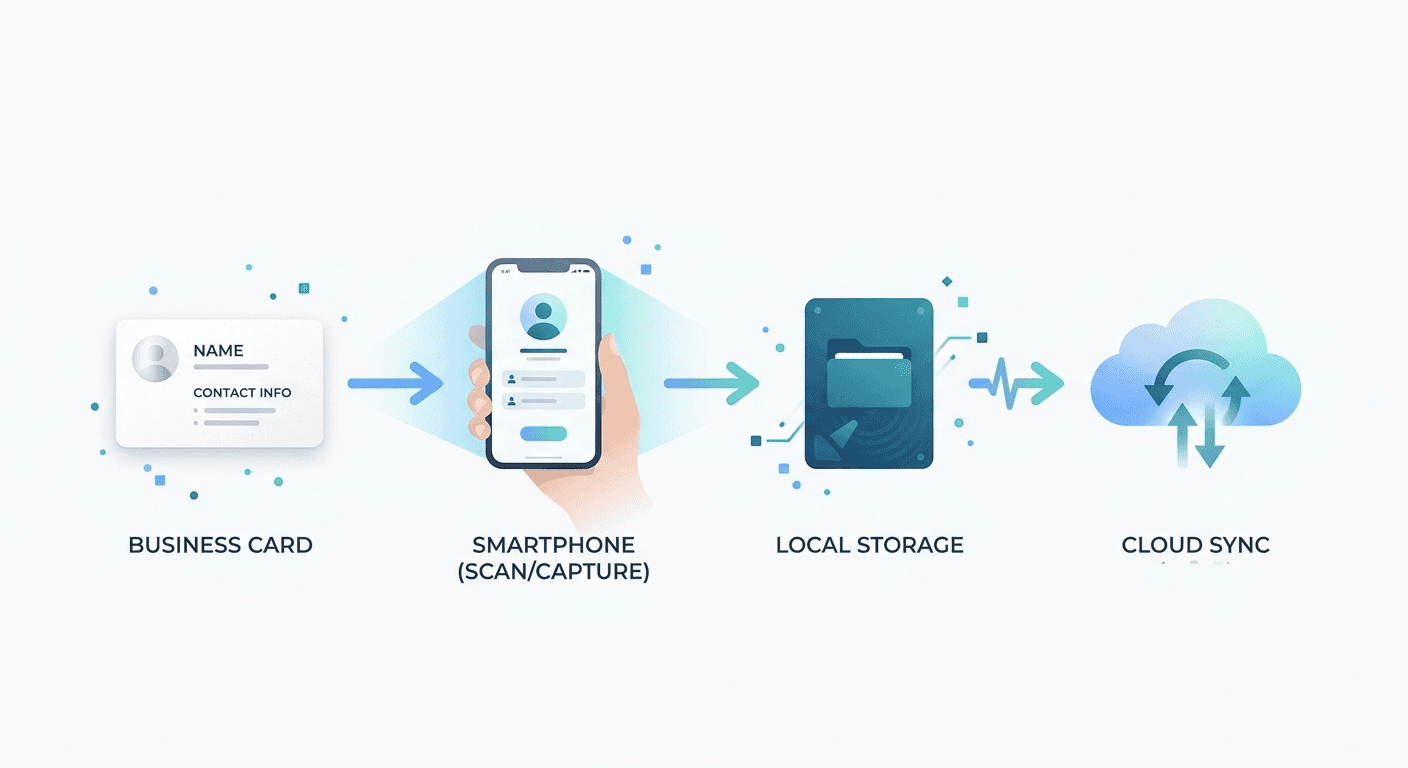
Speed and accuracy are table stakes. For a large conference or trade show, the offline requirements go deeper than the marketing copy suggests.
On-device OCR, not cloud OCR
A genuine offline business card scanner processes name, company, title, email, and phone on the device itself. No network round-trip. No waiting. No empty records to fix at the hotel. Cloud OCR is a dependency that breaks exactly when you need it most.
Offline intent signals and tags
Qualifying a lead at capture requires capturing their intent signals (buying stage, product interest, priority level) offline too. An app that captures the card but will not let you tag intent until you are online leaves you with unqualified contacts, which is almost as useless as losing the card entirely.
Offline voice notes
At peak rush, there is no time to type context. The ability to drop a 10-second voice note immediately after scanning turns a raw contact into an actionable lead. A note such as "needs pricing for Pro line, wants demo Wednesday, met near Hall B" can be recorded in 12 seconds. That note is your rep's talk track the next morning. It needs to work without a signal.
Offline reminders
Setting a follow-up reminder at the moment of capture only matters if it sticks regardless of signal. In Habsy, reminders are linked to the contact and appear in My Reminders on Day-0 and Day-1 whether you had signal at the booth or not. You should not lose next-step discipline because the venue Wi-Fi was down during your busiest hour.
Conflict-safe sync
When two reps scan the same contact offline on different devices, what happens when both records sync? A good offline implementation handles this with field-level merge, not silent duplication or data loss. Look for a field-by-field compare screen on reconnect.
Habsy is built for exactly the venue conditions described above. All captures, edits, intent signals, tags, voice notes, and reminders queue locally. Status badges show Saved Offline, Syncing, and Synced per record so reps know exactly what has been preserved.
Duplicate detection runs on the local cache and improves accuracy after sync
Record voice notes for leads on-device; uploaded with exponential backoff when online
Conflict merges surface field-by-field so you choose which value to keep
Wi-Fi-only sync option is available for teams on metered data plans
Badge mapping presets cache locally so QR scanning also works without Wi-Fi
The practical result: you can run a full conference or trade show day with no connectivity, sync when you reconnect, and open My Reminders to start following up directly in Habsy before you have even checked your inbox.
The Day-0 and Day-1 follow-up problem
Offline capture solves half the problem. The other half is acting on those contacts within 24 hours before follow-up momentum fades.
Habsy's offline business card scanner is designed specifically for this commitment. Every action taken during the conference or trade show is preserved in the local queue. When you reconnect at the hotel, in the car, or at the airport, sync runs automatically. By the time you are on your flight home, the captured contacts are ready for review and de-dup, and immediate follow-up directly inside Habsy without needing to export anywhere.
My Reminders surfaces every contact where you set a next step at the stall. Saved searches let you filter hot leads in one tap. You can call, message, or send a personalized note from the same place you captured the lead. No additional software required.
Step 1: Download the event preset before you leave
Before you leave for the venue, open Habsy and confirm the event intent signal schema (buying stage, product interest, priority level, stall number, source). Badge mapping presets also cache locally. You are ready to work without a signal from minute one.
Step 2: Scan, qualify, and note on the floor
Scan QR badge or card, fill the intent signals (Hot, Warm, Cold; product interest; priority level), drop a 10-second voice note, and tap Tomorrow 10:00. The record shows Saved Offline. Move on. Repeat across 150 contacts if needed. Nothing is lost.
Step 3: Sync when you get signal
Step outside, connect to hotel Wi-Fi, or enable cellular. Habsy auto-syncs. Records flip to Synced. Any conflicts from two reps capturing the same contact surface for a quick field-by-field review.
Step 4: Review and de-dup, then follow up directly in Habsy
Run the review and de-dupe step, confirm merges, and open My Reminders. Hot leads with Tomorrow 10:00 reminders are already waiting. Work the list directly in Habsy: play the voice note, personalise the message, and send. This is what it means to capture cards offline and follow up before your competitors have even landed.
All captures, intent signals, notes, and reminders preserved locally during full offline conference and trade show sessions
Conflict merge rate at multi-day, multi-rep events: typically 8 to 15 percent of records
Target: 100 percent of hot leads actioned via My Reminders within 24 hours, even after an all-day offline session. Combine with scan card stacks fast to clear post-show backlogs in under 5 minutes.
Ready to capture every lead regardless of signal? Connect with us and get started and see how Habsy works offline at your next conference or trade show.
Can I follow up while still offline?
Reminders and saved searches are available on synced data. For contacts captured offline that have not yet synced, Habsy shows them as Saved Offline. Once you reconnect and sync completes, those contacts appear in My Reminders and saved searches ready for immediate follow-up directly in the app.
What if the venue has zero signal all day?
Everything captured locally is safe. It stays on the device until you sync. The app's local queue handles this without data loss. You will see the Saved Offline badge on every record until connectivity returns. Follow-up via My Reminders begins automatically once sync completes.
Does offline mode work for QR badge scanning too?
Yes. Badge mapping presets cache on the device. You can scan QR codes at a trade show or conference and have them auto-populate contact fields without Wi-Fi. Add intent signals and voice notes offline exactly as you would with card captures.
What happens if two reps scan the same contact offline?
On sync, Habsy detects the duplicate using email or phone as the primary key. You see a field-by-field compare view showing which rep captured which value. You choose which to keep and the merge is recorded with provenance.
What if the app crashes mid-session?
The local queue persists through app crashes and restarts. When you reopen Habsy, all Saved Offline records are still present with their intent signals, tags, voice notes, and reminders intact.
Does offline mode affect OCR accuracy?
No. OCR runs entirely on-device in both online and offline modes. An offline business card scanner does not lose accuracy without Wi-Fi: it produces the same result as when connected. Approximately 99 percent accuracy in internal tests under standard conditions.
Is offline data secure?
Offline data is stored locally on the device using platform-level encryption where available. On sync, data is transferred securely. Your contacts stay under your control. Export or delete any time. Habsy does not sell personal contact data.
Which business card scanner apps work without Wi-Fi at large events?
Look for an offline business card scanner that runs OCR on-device, stores intent signals and voice notes locally, and syncs conflict-safe when you reconnect. Habsy passes all three tests. Many popular business card scanner apps fail the first: they send images to a cloud server for OCR and produce empty records when the trade show or conference hall network drops.
No signal should never mean no leads. Connect with us and get started and run your next event offline-first.










