Blog
A step-by-step system for event lead capture, organizing networking contacts, and acting on every business contact you collect — from trade show floors to meetups.
TL;DR |
|
|
|
|
|
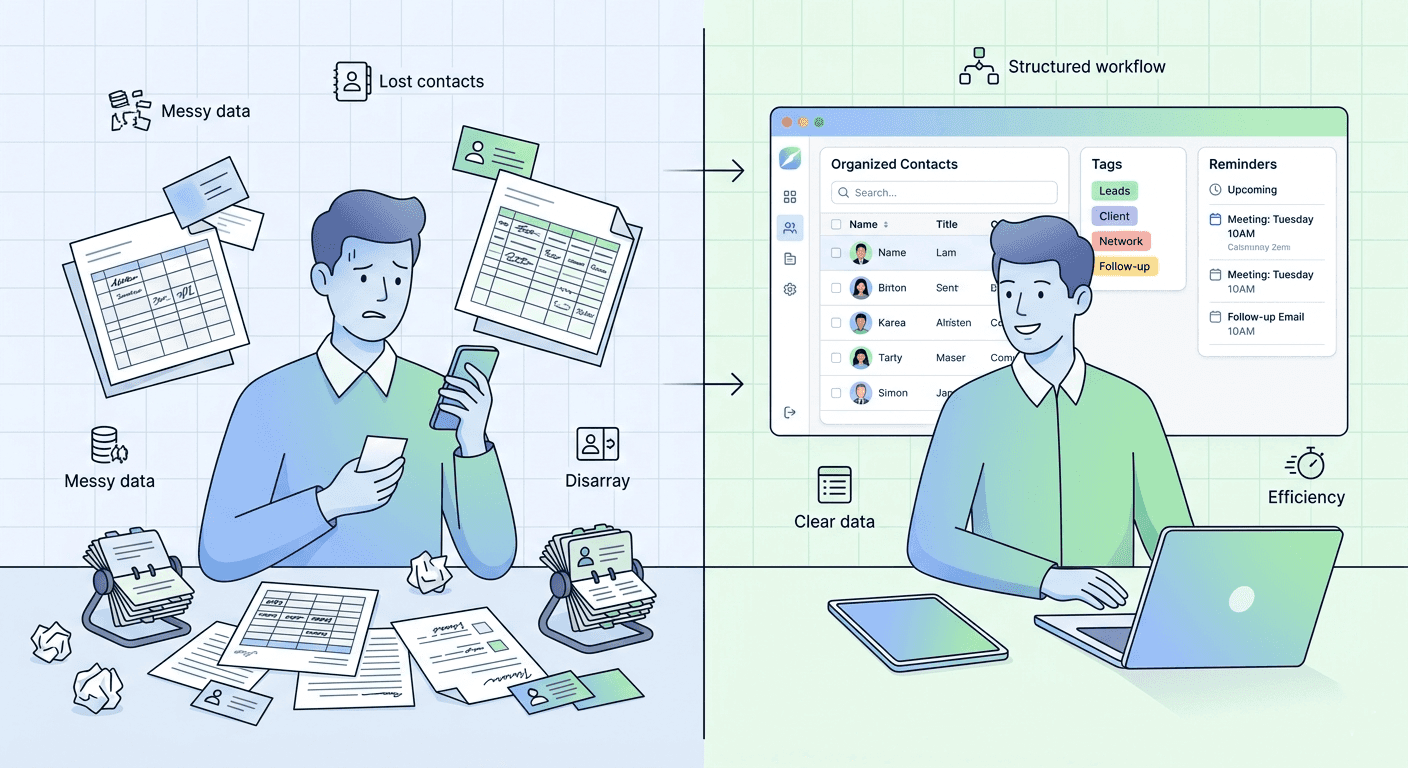
Learn how to organize business contacts from trade shows, events, and networking meetups. A step-by-step system for event lead capture, deduplication, segmentation, and follow-up using Habsy.
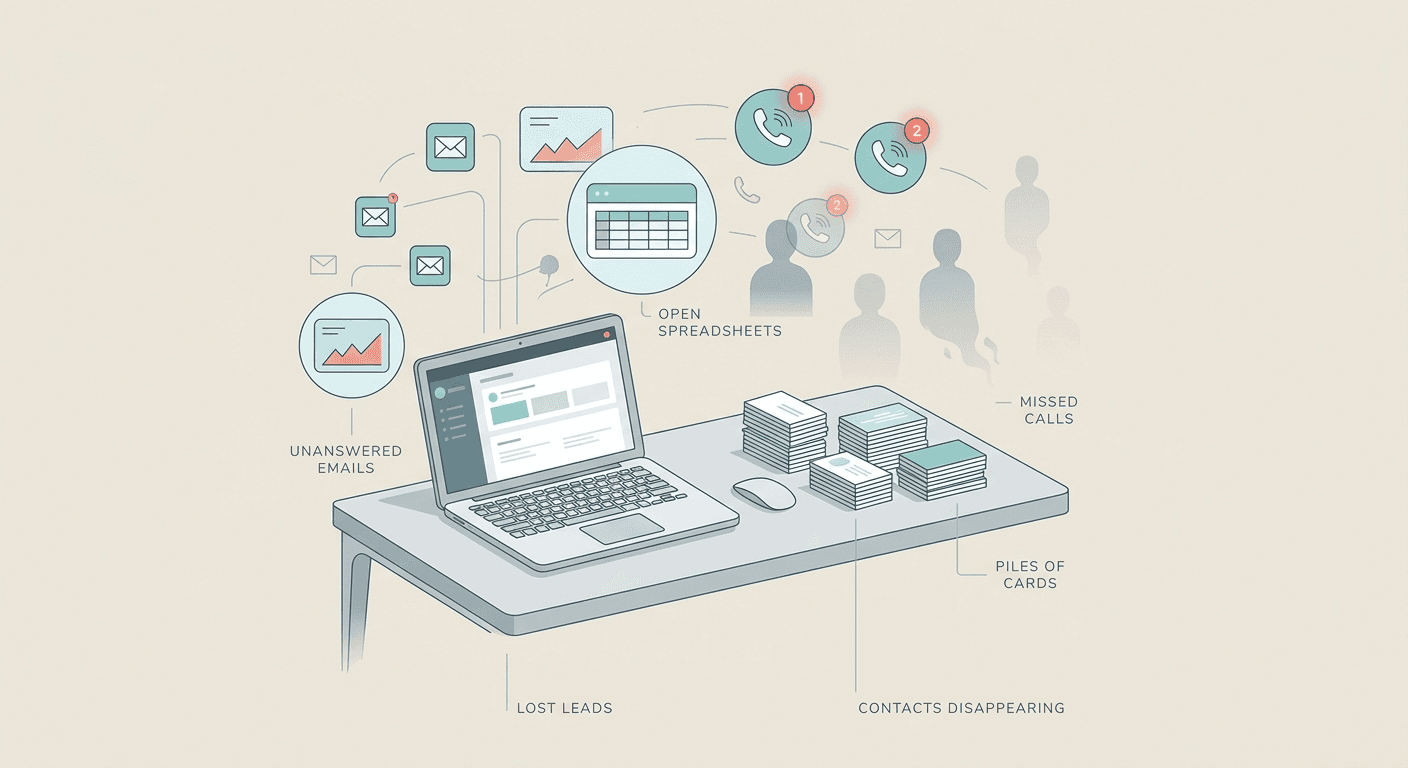
You come back from a three-day trade show with hundreds of business cards in your bag, another 40 trade show leads on a scanner, and a dozen LinkedIn connection requests you accepted between sessions. Within a week, half that information is scattered across your phone, your laptop, your colleague's inbox, and a crumpled stack on your desk.
This is not a productivity problem. It is a revenue problem. Research consistently shows that leads contacted within 24 to 48 hours convert at significantly higher rates than those left for a week or more. Every day you spend sorting, deduplicating, and hunting for context is a day your competitors are already following up.
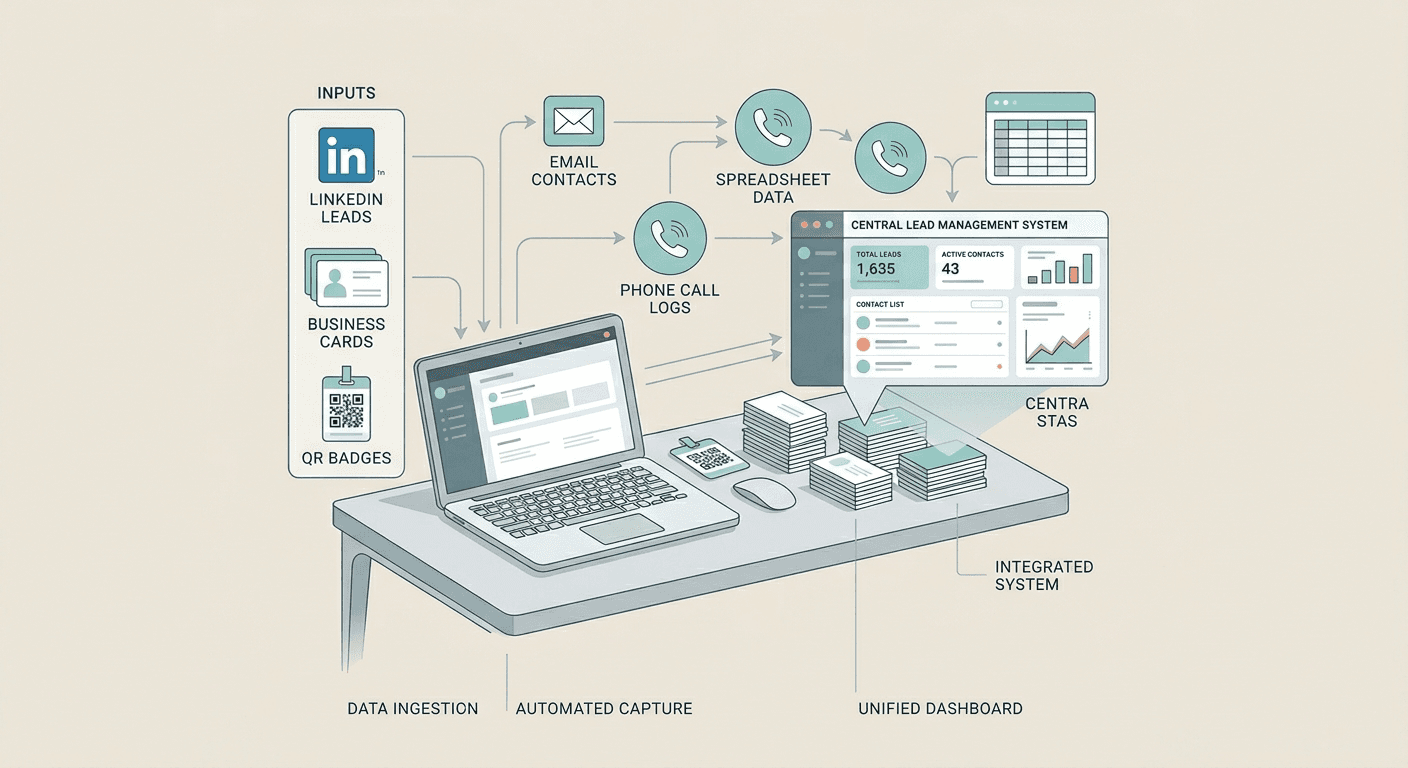
This guide gives you a complete, repeatable system for organizing business contacts. Whether you use a business card scanner at trade shows, QR badge scanning at conferences, or manual capture at everyday meetings, the framework is the same: centralize, enrich, deduplicate, segment, and act.
Step 1: Centralize Everything Into One System
The single biggest reason networking contacts and trade show leads get lost is fragmentation. Cards live in a drawer. Phone contacts stay on one device. Event leads sit in a spreadsheet that only one person can access. The fix is to pick one system and make it the single source of truth for every business contact your team collects.
Choose your central hub
Your options fall into four tiers depending on team size and complexity:
Method | Best For | Limitations |
Spreadsheet (Excel / Google Sheets) | Solo professionals, very small teams | No automation, breaks at scale |
Contact management app (Google Contacts) | Individual networkers | Limited fields, no lead qualification |
CRM (HubSpot, Pipedrive, Salesforce) | Sales teams, growing companies | Setup time, learning curve, cost |
Lead capture platform (Habsy) | Exhibitors, event-heavy teams | Purpose-built for events; pair with CRM for full pipeline |
For teams doing event lead capture at trade shows and conferences, a purpose-built tool like Habsy eliminates the gap between scan and CRM. It handles business card scanning, QR badge scanning, qualifier fields, voice notes, and clean CSV export in one app.
The centralization checklist
Audit your sources: List every place contacts currently live in your phone, email, LinkedIn, spreadsheets, card stacks, event scanner exports.
Pick one master system: This becomes the only place your team adds, updates, and searches for contacts.
Set a migration deadline: Give yourself 7 days. Import from every source. After that, stop updating the old places.
Create an intake rule: Every new contact, whether from event lead capture, a referral, or a cold email response, goes directly into the master system. No exceptions.
Step 2: Capture Contacts the Right Way (At the Source)
The quality of your contact organization depends entirely on what happens in the first 60 seconds after you meet someone. Bad capture leads to bad data, which leads to bad follow-up. Here is how to capture networking contacts and trade show leads properly depending on the scenario.
At trade shows and conferences
Events are the highest-volume environment for event lead capture. You may meet 30 to 50 people per day. The goal is to capture enough context to personalize follow-up later, without slowing down the conversation.
Scan, do not type: Use a business card organizer app or badge scanner to digitize contact info instantly. Manual entry introduces errors and takes too long.
Add qualifiers at capture: Tag each contact with their interest level (Hot, Warm, Cool), product interest, or next action while the conversation is still fresh.
Record a voice note: A 10-second memo preserves context faster than typing and keeps your sales pipeline notes accurate. Use it for budget signals, timelines, and promises made at the booth.
Capture the source: Tag which event, booth, or session each contact came from. This is critical for measuring which events actually generate revenue.
Habsy tip — Event lead capture Habsy unifies QR badge scanning and business card scanning in one app. Capture custom qualifier fields (budget, timeline, product interest), attach a voice note, set a follow-up reminder, and tag the event source, all before moving to the next visitor. Everything syncs to one dashboard ready for CRM import. No switching between scanner app, notes app, and spreadsheet. |
At networking events and meetups
Exchange digitally when possible: Use a digital business card or LinkedIn QR code to skip the paper-to-digital step.
Photograph cards as backup: If you receive a paper card, photograph it immediately so you have a fallback if the card gets lost.
Add a note before you leave: One line on your phone: what you discussed, what you promised, and how warm the networking contact is.
From everyday interactions (email, LinkedIn, referrals)
Add to your system immediately: Do not wait for a contact cleanup day. That day never comes.
Tag the source: Referral from [name], LinkedIn inbound, cold email response. This context matters for personalization.
Step 3: Clean and Deduplicate Your Data
Duplicate contacts are the silent killer of contact management. They cause double-outreach, inflated sales pipeline numbers, and wasted time. Deduplication should happen before contacts enter your CRM, not after.
Common duplicate scenarios when organizing business contacts
You scanned someone's badge and also received their business card at the same event.
A contact exists in your phone and also in a trade show leads export spreadsheet.
The same person attended multiple events and got captured each time by different reps.
How to deduplicate
Match on email first: Email is the most reliable unique identifier for any business contact.
Then match on phone number: Catches cases where email differs (personal vs. work).
Then match on name plus company: Fuzzy match for cases where both email and phone differ.
Merge, do not delete: When you find duplicates, merge the records to keep the most complete data from both captures.
Habsy tip — Built-in deduplication Habsy runs deduplication automatically before export, so you never import duplicate records into your CRM. It matches on email, phone, and name-plus-company and merges records, keeping the richest data from each capture. This is core to maintaining good CRM data hygiene from the start. |
Step 4: Enrich and Standardize Every Record
A contact record with just a name and email is almost useless for personalized follow-up. Contact enrichment means adding the context that turns a name into an actionable lead in your sales pipeline.
Essential fields for every business contact
Field | Why It Matters | Where to Get It |
Full name | Personalization basics | Business card, badge, LinkedIn |
Email (work) | Primary outreach channel | Card, badge, direct ask |
Phone | High-priority follow-up | Card, badge |
Company + Job title | Qualification and segmentation | Card, LinkedIn |
Source / Event | ROI tracking, personalization | Tag at capture |
Interest / Product fit | Prioritization and sales pipeline routing | Qualifier fields at capture |
Lead temperature | Hot / Warm / Cool | Your judgment at capture |
Notes / Voice memo | Conversation context for follow-up | Capture immediately after meeting |
Next action + Date | Follow-up accountability | Set at capture or within 24 hours |
Standardization rules
Normalize job titles: "VP Sales", "Vice President of Sales", and "VP, Sales" should all become one format.
Standardize company names: "Microsoft", "Microsoft Corp", and "Microsoft Corporation" should pick one consistent format.
Use consistent tags: Create a tag taxonomy before your first event. Do not let free-text tags proliferate — they make segmentation impossible.
Step 5: Segment and Categorize for Action
A flat list of 500 contacts is overwhelming. Segmentation turns that list into prioritized action queues. Here are the segmentation layers that matter most when organizing business contacts after events.
Segment by | Categories | Why |
Lead temperature | Hot / Warm / Cool | Prioritize follow-up sequence |
Source | Event name, referral, inbound, outbound | Personalize messaging, measure ROI |
Industry / Vertical | Your relevant verticals | Tailor value propositions |
Role / Seniority | C-suite, VP, Manager, IC | Match to the right sales motion |
Product interest | Your product lines or use cases | Route to right team member |
Geography | Region, country, time zone | Schedule outreach appropriately |
Next action status | Needs follow-up, Scheduled, Waiting, Closed | Nothing falls through the cracks |
The power of segmentation is in the intersection. A saved search like "Hot leads from CES 2026 in the healthcare vertical, VP-level or above" is a ready-made outreach list that would take hours to build from a flat spreadsheet. This is what organized networking contacts look like in practice.
Step 6: Export, Sync, and Get Contacts Into Your CRM
Your business contacts are captured, cleaned, enriched, and segmented. Now they need to move into your CRM or outreach tool where your team actually works deals.
The CSV-first workflow
Most CRMs accept CSV imports. This is the most universal method for getting contacts in. The key is making sure your CSV is clean before import:
Column headers match CRM fields: Map "First Name", "Last Name", "Email", etc. to your CRM's expected field names.
No duplicates: Run deduplication before import, not after. CRM dedup tools are often clunky and unreliable.
Tags and custom fields included: Lead temperature, source, and qualifier data should be in the CSV so it imports alongside the contact record.
Test with a small batch first: Import 10 records, verify they mapped correctly, then import the rest.
Habsy tip - CSV export for any CRM Habsy exports clean, deduplicated CSVs with all qualifier fields, voice note transcriptions, tags, and event source data included. The export drops directly into HubSpot, Salesforce, Pipedrive, Zoho, or any system that accepts CSV import. No reformatting, no manual cleanup built for teams that do regular event lead capture. |
Sync frequency
After events: Import within 24 hours. The follow-up window for trade show leads is short.
Ongoing networking contacts: Weekly sync cadence for contacts captured through everyday interactions.
Quarterly audit: Review and clean your full contact database every quarter. Remove bounced emails, update job titles, archive cold contacts.
Step 7: Follow Up Within 24 to 48 Hours
Organization without action is just filing. The entire purpose of a clean, segmented contact list is to enable fast, personalized follow-up with every networking contact and trade show lead you collect.
Follow-up sequence by lead temperature
Temperature | Timeline | Channel | Message |
Hot | Within 24 hours | Email + Phone | Reference the specific conversation, propose a concrete next step: demo, call, or meeting |
Warm | 24 to 48 hours | Thank them, share a relevant resource (case study, guide), suggest a time to connect | |
Cool | Within 1 week | Brief touchpoint, add to nurture sequence, connect on LinkedIn |
Personalization tips
Reference the event: "Great meeting you at [Event Name] last Tuesday."
Mention the conversation: "You mentioned your team is evaluating [topic] — here is a resource that might help."
Deliver on promises: If you said you would send a case study, send it. This is where voice notes and capture-time notes pay off.
Include a clear CTA: "Would a 15-minute call on Thursday work to discuss this further?"
Waiting too long to organize: If you wait until Friday to process Monday's trade show leads, you have already lost context. Process the same day.
Using too many systems: Every additional system is a fragmentation risk. Pick one and commit.
Skipping enrichment: A name and email without context is almost worthless for follow-up. Add notes, qualifiers, and source data at every event lead capture.
Ignoring deduplication: Importing duplicates into your CRM creates more work later and makes your sales pipeline numbers unreliable.
Treating all contacts equally: A hot lead from your booth and a cool networking contact from a hallway chat need different follow-up timelines and messaging.
Not measuring: If you do not tag contacts by source and event, you cannot measure which events generate actual revenue.
Here is the entire system as a repeatable checklist you can use after every event or networking interaction:
Capture: Scan business cards, QR badges, or exchange digital contacts. Add qualifiers, voice notes, and source tags on the spot.
Centralize: All networking contacts and trade show leads go into one master system within 24 hours.
Clean: Deduplicate by email, phone, then name-plus-company. Merge records.
Enrich: Add missing fields (title, company, LinkedIn). Standardize formats. Apply lead temperature.
Segment: Tag by temperature, source, industry, role, and product interest.
Export: Generate a clean, deduplicated CSV and import into your CRM.
Act: Follow up within 24 to 48 hours. Hot leads first. Personalize every message.
Maintain: Quarterly audit. Update titles, remove bounced emails, archive cold contacts.
If your team captures contacts at trade shows, conferences, or networking events, Habsy was built for exactly this workflow. Over 25,000 exhibitors across 70+ countries use Habsy to go from business card scanner or QR badge scan to a clean, CRM-ready contact list, with built-in event lead capture, qualification, voice notes, deduplication, and follow-up reminders. For teams using visiting card scanners in India, Habsy supports multilingual OCR and offline capture for patchy connectivity.
Turn your next event's contacts into a sales pipeline, not paperwork. Download Habsy Right now.
1. What is the best way to organize business contacts?
The best way to organize business contacts is to centralize everything into one system, whether a CRM or a dedicated event lead capture platform like Habsy. From there, enrich each record with context including job title, event source, and lead temperature, run deduplication before CRM import, segment networking contacts by priority, and follow up within 24 to 48 hours. The system only works if capture is clean from the start.
2. How do you organize business cards digitally?
Use a business card organizer app to photograph and digitize the card information instantly. Add notes and qualifiers at the moment of capture, not later. Export the data as a CSV and import into your CRM. Habsy handles this entire workflow in one app, including OCR extraction, qualifier fields, voice notes, and deduplicated CSV export ready for any CRM.
3. How do you organize contacts after a networking event?
Process networking contacts the same day while conversations are still fresh. Scan or photograph every business card. Add a note about what you discussed and how warm the lead is. Run deduplication against your existing database. Segment by follow-up priority using lead temperature tags. Reach out to hot leads within 24 hours and warm leads within 48 hours.
4. What tools can I use to manage business contacts from trade shows?
Options range from free tools like Google Contacts and spreadsheets to full CRMs like HubSpot, Salesforce, and Pipedrive. For teams that do regular event lead capture at trade shows and conferences, specialized platforms like Habsy offer a faster capture-to-CRM workflow with built-in business card scanning, QR badge scanning, qualification fields, deduplication, and export. For India-based teams, Habsy also supports visiting card scanner workflows with multilingual OCR.
5. How do you deduplicate contacts before importing to a CRM?
Match records by email first, then phone number, then name plus company. Merge duplicates rather than deleting them so you keep the most complete data from both records. Some tools like Habsy deduplicate automatically before export, which means you never need to clean the CRM after the fact. This is one of the most important steps for maintaining a clean sales pipeline.










