Blog
Most "best business card scanner" lists are outdated. They still recommend apps that have been discontinued or haven't shipped an update in years. We tested the apps that actually matter in 2026, compared them on OCR accuracy, CRM export, team workflows, and event-day speed, and organized the results by use case so you can skip straight to what fits.
Be Day‑1 ready → Try Habsy's batch scanning and QR badge capture
We tested 10+ business card scanner apps for accuracy, CRM export, and event use. See which ones actually work in 2026, and which to skip.
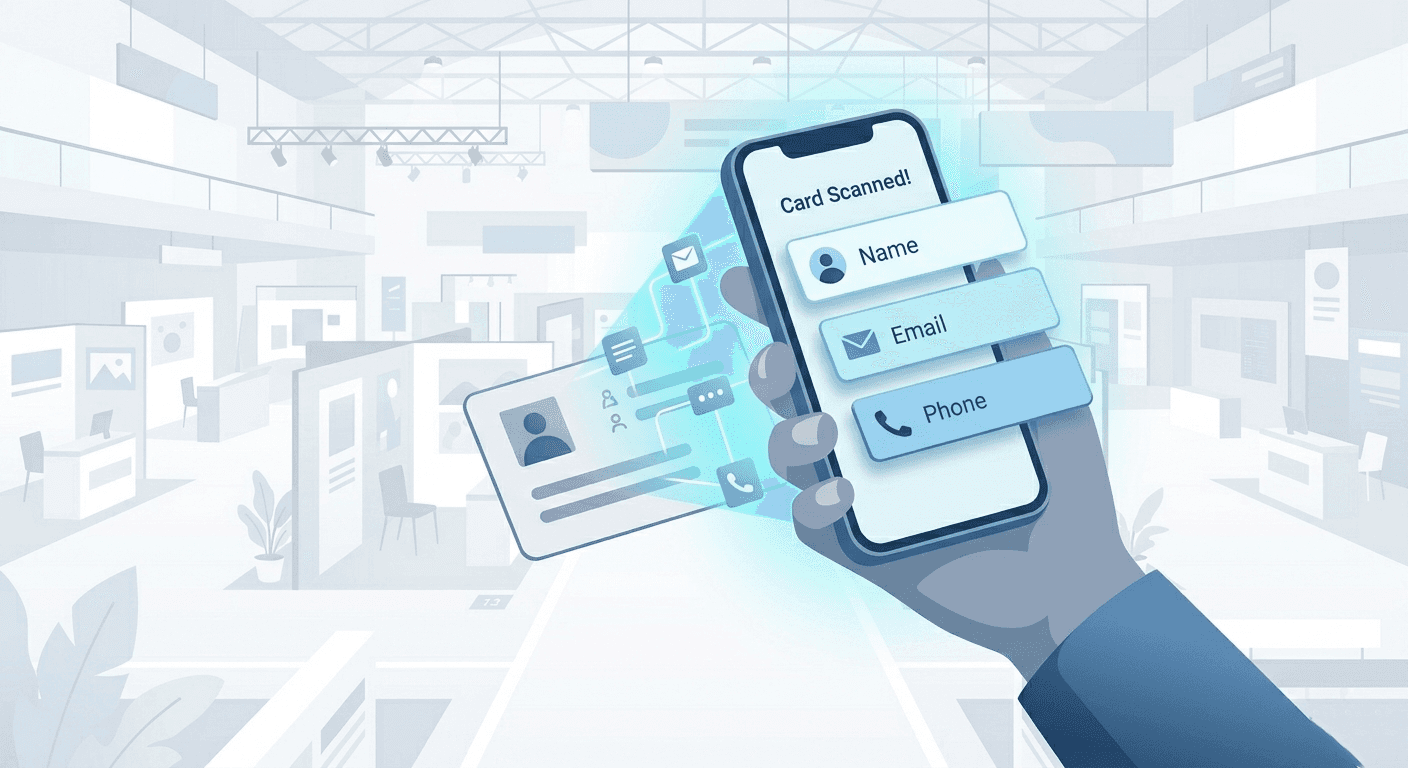
Every business card scanner relies on optical character recognition (OCR) to detect text in a photo and parse it into structured fields like name, company, email, and phone number. The accuracy gap between apps comes down to three things: the quality of the AI model interpreting the text, how well the app handles unusual card layouts (vertical designs, heavy backgrounds, decorative fonts), and whether there's a human or algorithmic review step to catch errors.
In 2026, most standalone scanners use a combination of on-device OCR and cloud-based AI parsing. A few, like Google Lens and Apple Live Text, run entirely on-device, which is fast but less accurate on complex cards. Others upload the image to a server for deeper analysis, which tends to produce better field mapping but requires connectivity.
The important shift this year is that scanning alone is no longer the bottleneck. The real challenge is what happens after the scan: qualifying leads with context, removing duplicates, and exporting clean data to a CRM or spreadsheet within hours, not days. Apps that stop at raw capture leave teams with lists they still need to clean manually. The ones worth using in 2026 address the full workflow: capture, qualify, clean, and export.
What we evaluated
We assessed each app across the criteria that matter most to teams capturing contacts at events, meetings, and in the field:
OCR accuracy: Can the app correctly parse name, company, title, email, and phone from a standard printed card? What about unusual fonts, multi-language cards, or vertical layouts?
Batch and speed: Can you scan multiple cards in quick succession, or is it strictly one-at-a-time?
Qualification at capture: Can you add custom fields (interest level, product line, priority) or notes while scanning, or does the app only store raw contact data?
De-duplication: Does the app flag duplicate contacts before they pollute your CRM?
CRM export: CSV export with field mapping? Direct CRM sync? Mapping presets for HubSpot, Zoho, Salesforce?
Offline mode: Does it work in expo halls with patchy Wi-Fi?
Team workflows: Owner assignment, shared presets, admin controls?
Pricing transparency: Is the cost clear upfront, or hidden behind "contact sales"?
We also noted which apps are still actively maintained, because recommending software that hasn't been updated in two years wastes your afternoon.
If you scan a handful of cards per month and just need the contact saved to your phone, a free tool will do. Here are the ones actually worth using.
Google Lens
Google Lens is built into Google Photos and most Android camera apps. Point it at a card, tap the contact chip, and save straight to Google Contacts. No installation required, no subscription, no cloud upload for basic text recognition.
Where it works well: Occasional scans of clearly printed, English-language cards. The on-device OCR handles standard layouts without issue.
Where it falls short: No batch mode. It's one card at a time. No custom fields, no notes, no reminders, no CRM export beyond Google Contacts. If the card has a busy background or non-Roman script, accuracy drops noticeably. There's no review step, so you won't catch errors until you open the contact later.
Best for: Android users who scan a few cards per month and only need them in Google Contacts.
Apple Live Text
Available on iPhone (iOS 15+) and iPad, Live Text lets you point your camera at a card and tap to copy the text or create a contact. It runs on-device using Apple's Neural Engine.
Where it works well: Quick, private, and doesn't need an internet connection. Accuracy is solid on clean, high-contrast cards.
Where it falls short: Same limitations as Google Lens. No batch scanning, no custom fields, no CRM export, no de-duplication. It copies text rather than parsing it into structured fields, so you may need to manually drag text into the right contact fields.
Best for: iPhone users who want a quick, no-install option for occasional card capture.
iPhone users get Apple Live Text by default, but if you need more than casual scanning, here are the dedicated options worth considering:
Habsy: Full capture-to-export workflow with batch scanning, Intent Signals and tags, voice notes, reminders, and CSV export with mapping presets. Works offline. Designed for teams at events, not just solo users.
CamCard: Strong multi-language OCR (16+ languages including Chinese, Japanese, and Korean). Premium plan runs ≈$10/month or ≈$50/year. CamCard went through a major rebrand in early 2026, pivoting toward digital business cards and team management. The scanner itself remains solid, but the newer features are still maturing.
Covve: Good standalone accuracy and a clean interface. Includes speech-to-text for dictating notes after a scan. The free tier covers basic scanning; Pro adds enrichment and CRM export. Best for individual professionals, not teams.
Popl: Primarily an event lead capture and digital business card platform. The AI-powered scanner handles paper cards, badges, and QR codes. Strong CRM integrations (Salesforce, HubSpot, Zoho). However, pricing starts at ≈$6,000/year for teams, and the free plan limits you to viewing only five contacts, which is more of a preview than a usable tier.
Android users benefit from Google Lens being built into the camera, but for anything beyond casual use:
Habsy: Same full workflow as on iOS. Batch scanning, qualification with Intent Signals, voice notes, one-tap reminders, deduplication and Whatsapp and Email Follow-up. Offline mode for patchy connectivity.
CamCard: The Android version mirrors the iOS app. Multi-language OCR is a genuine differentiator for teams working across geographies. Note that some Google Play reviewers have flagged changes to the subscription model and feature availability over time. Test before committing annually.
ScanBizCards: Designed for B2B lead capture at events. Offers CRM integrations with Salesforce and HubSpot, plus an API for custom workflows. The OCR uses human transcription as a fallback for accuracy, though this can introduce delay. Solid for sales teams that need cards flowing into a CRM pipeline.
Events are where scanning apps either prove themselves or fall apart. You're dealing with hundreds of cards, QR badges with inconsistent data payloads, noisy halls, patchy Wi-Fi, and a team of reps who need to move fast. Here's what matters, and what most apps get wrong.
The real problem at events isn't scanning speed
Scanning a single card takes seconds in any app. The bottleneck is everything that happens next: qualifying the lead (hot/warm/cold), noting what was discussed, assigning an owner, and getting a clean list into the CRM before momentum dies. If your scanner captures a name and email but nothing else, your team still has a pile of undifferentiated contacts on Day‑2. By then, the prospect has already spoken to ten other vendors.
What event teams actually need
Batch scanning. Clear a stack of 150+ cards after booth close. One-at-a-time scanning won't cut it.
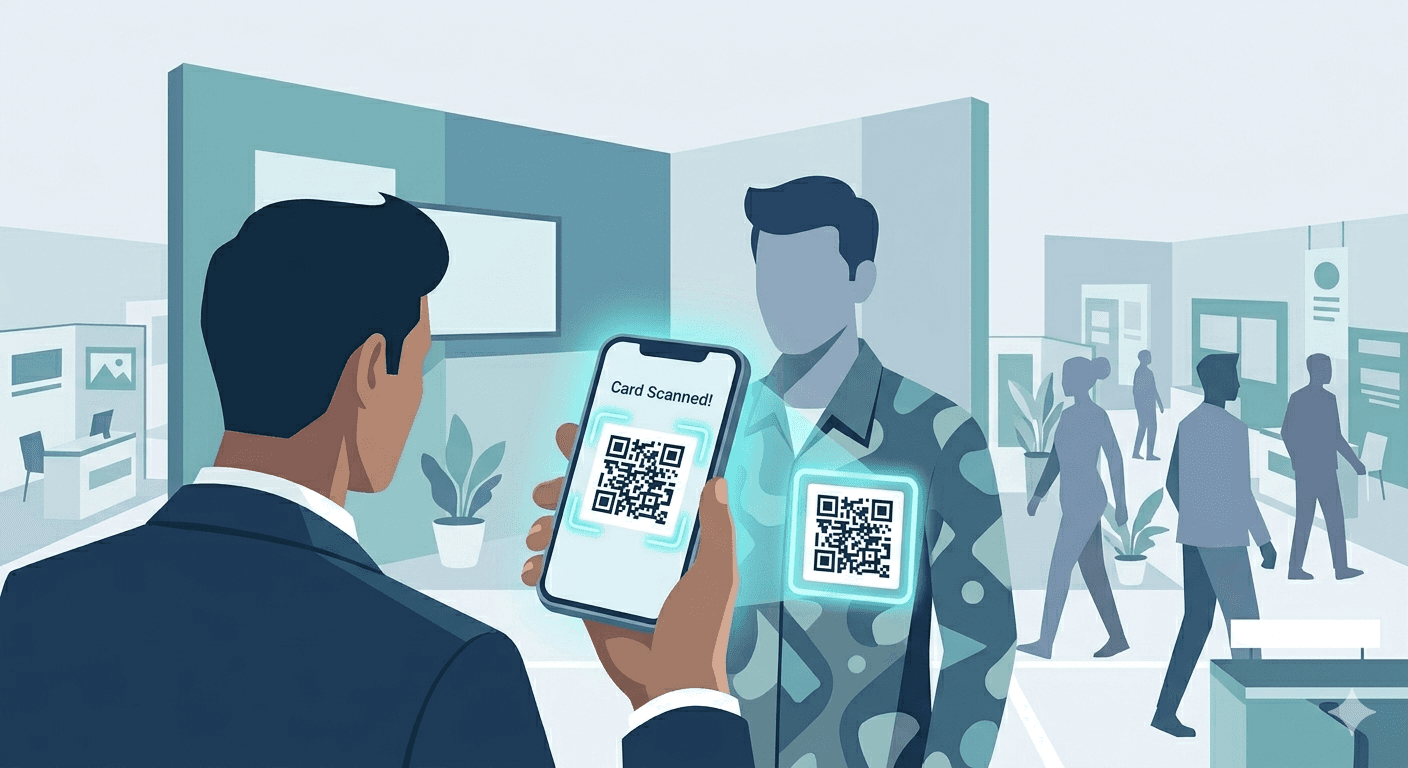
QR badge scanning. Most exhibitions issue QR-coded badges. Your app needs to decode and parse the payload, then let you add context on top.
Custom fields at capture. Tag each lead with interest level, product line, priority, stall number, and source/campaign while you're still at the booth. This is what turns raw contacts into actionable segments.
Voice notes. During rush hours, typing is slow. A 10-second voice note preserves details that drive personalized follow-ups the next morning.
Reminders. A one-tap reminder ("Tomorrow 10:00") closes the gap between intent and action. Without it, "I'll follow up later" becomes "I forgot."
De-duplication. The same person visits your booth on Day 1 and Day 3, or gets scanned by two different reps. You need de-dup before export, not after it hits your CRM.
Offline mode. Expo halls are connectivity black holes. Your app should capture everything offline and sync when you're back online.
Mapped CSV export. Owner, source, campaign, interest, product line: all in the right columns, ready for your CRM's import tool. Not a raw dump that needs three hours of spreadsheet cleanup.
How the apps compare for events
Habsy is purpose-built for this workflow. Batch scan a stack of cards or scan QR badges → add custom fields and tags → drop a voice note → set a reminder → review and de-dup → export mapped CSV. The whole flow runs offline. Internal tests show ≈150 cards captured in ~5 minutes using batch mode with a review step.
Popl has strong event lead capture capabilities: AI-powered badge scanning, CRM sync, campaign management, and enrichment from multiple data providers. It's built for enterprise event teams with larger budgets (starting ≈$6,000/year). If your team attends large conferences and needs real-time CRM sync with enrichment, Popl is worth evaluating. The trade-off is cost and complexity.
ScanBizCards handles CRM export well and supports badge scanning for events. It's a solid mid-range option for sales teams that primarily need cards flowing into Salesforce or HubSpot. It lacks the qualification-at-capture depth (custom fields, voice notes, reminders) that makes follow-ups faster.
Eventdex is tailored for the event industry: exhibitors, organizers, and registration workflows. It's a good fit if your needs extend beyond scanning into full event management. For teams that just need capture-to-CRM, it may be more platform than necessary.
Google Lens, Apple Live Text, HubSpot Scanner. None of these work for serious event use. No batch mode, no custom fields, no de-dup, no offline (HubSpot). They're fine for a one-off meeting, not a three-day expo.
Apps to avoid in 2026
ABBYY Business Card Reader
ABBYY discontinued its cloud sync (ABBYY Account and BCR Web) in September 2023. The app still exists in app stores, but you can no longer sync contacts across devices or access them online. Multiple user reviews from 2024 and 2025 confirm the loss of functionality. Several competing "best of" lists still recommend ABBYY. They shouldn't. If you relied on it previously, it's time to migrate.
BizConnect
BizConnect is no longer under active development. The app hasn't shipped meaningful updates, and multiple review sources flag it as effectively abandoned. Don't start with a tool whose team isn't maintaining it.
Any app recommending "100% accuracy"
No business card scanner is 100% accurate. OCR struggles with decorative fonts, low-contrast designs, busy backgrounds, and non-standard layouts. Any app claiming otherwise is overpromising. The responsible approach, and the one that actually works, is high-accuracy OCR paired with a human review step before export.
The honest answer: paper cards aren't disappearing in 2026, but they're declining. Digital business cards, shared via QR code, NFC tap, or link, are increasingly common, especially in tech, SaaS, and at larger conferences. If most of your contacts already share digitally, you may not need a dedicated scanner at all.
That said, events in manufacturing, distribution, healthcare, and most of the India/APAC market still run heavily on paper. If your team exhibits at trade shows or meets clients in the field, you'll encounter both paper and digital contacts. The practical answer is to use a tool that handles both: QR codes and paper cards, in a single workflow.
NFC and QR digital cards. Platforms like Popl, Blinq, V1CE, and Mobilo let you create digital cards shared via NFC tap or QR code. Recipients don't need the app. These work well for one-to-one exchanges but don't replace the need to capture incoming paper cards or event badges.
The hybrid approach. Use a digital card for sharing your information and a scanner for capturing theirs. Habsy supports both QR badge scanning and batch card scanning, so your team handles paper cards, digital badges, and QR codes in one app.
FAQs
1. What is the best business card scanner app in 2026?
The best app depends on your use case. For casual scanning, Google Lens and Apple Live Text are sufficient. For teams and events, apps like Habsy, CamCard, and ScanBizCards are better because they support batch scanning, CRM export, and lead qualification. The key factor is not just OCR accuracy but how easily you can organize and export contacts after scanning.
2. Are business card scanner apps accurate?
Most modern scanner apps achieve high accuracy on clean, standard cards, typically above 90 percent. Accuracy drops with complex layouts, decorative fonts, or low contrast designs. The most reliable workflow combines OCR with a quick manual review step before exporting contacts to avoid errors in your CRM or contact list.
3. Can I scan business cards without internet?
Yes, many apps support offline scanning. Tools like Habsy, Google Lens, and Apple Live Text can capture and process card data without an internet connection. Some CRM-integrated apps, however, require connectivity to sync or save contacts directly, so offline capability depends on the app’s design.
4. How do I export scanned business cards to a CRM?
Most professional apps allow export via CSV or direct CRM integration. A CSV export lets you map fields like name, company, email, and tags before importing into systems like HubSpot, Salesforce, or Zoho. This method ensures cleaner data and reduces duplicate or mismatched records during import.
5. Do I still need a business card scanner in 2026?
Yes, especially if you attend trade shows or networking events where paper cards are still common. While digital business cards are growing, many industries continue to rely on physical cards. A scanner helps digitize these contacts quickly and ensures faster follow-up and better organization.










