Blog
Paper business cards have been a networking staple for decades. But in practice, they rarely deliver on their promise. Cards get misplaced, contact details go stale, and most of them end up in a desk drawer never to be opened again. The exchange feels productive in the moment, but the follow-through rarely matches the intent.
QR codes change that equation entirely. A single scan replaces the card, the manual data entry, and the follow-up guesswork. For professionals and businesses alike, QR-based contact sharing has become the most reliable way to make a networking moment stick.

Let’s get real for a moment. Paper business cards have some major downsides:

Paper cards have three structural problems that no design upgrade can fix.
They get lost: Cards move from pocket to bag to desk to bin. There is no guarantee the person you handed your card to will ever find it again when they need it.
They go outdated: A job change, a new phone number, a rebranded company email, and every card in circulation becomes a liability. There is no way to update what has already been distributed.
They create friction: Manually typing contact details from a card into a phone is a task most people postpone indefinitely. That delay is where networking relationships die.
Why QR Codes Are the Better Alternative
QR codes solve all three problems at once.
Contact information is stored digitally, which means it is always accessible and never physically lost. When details change, the underlying profile updates instantly, and the QR code continues to work without any reprint. And the exchange itself takes seconds, no typing required.
Beyond convenience, QR codes also signal professionalism. Pulling up a QR code at a networking event communicates that the person values the contact's time and has streamlined the process for them.
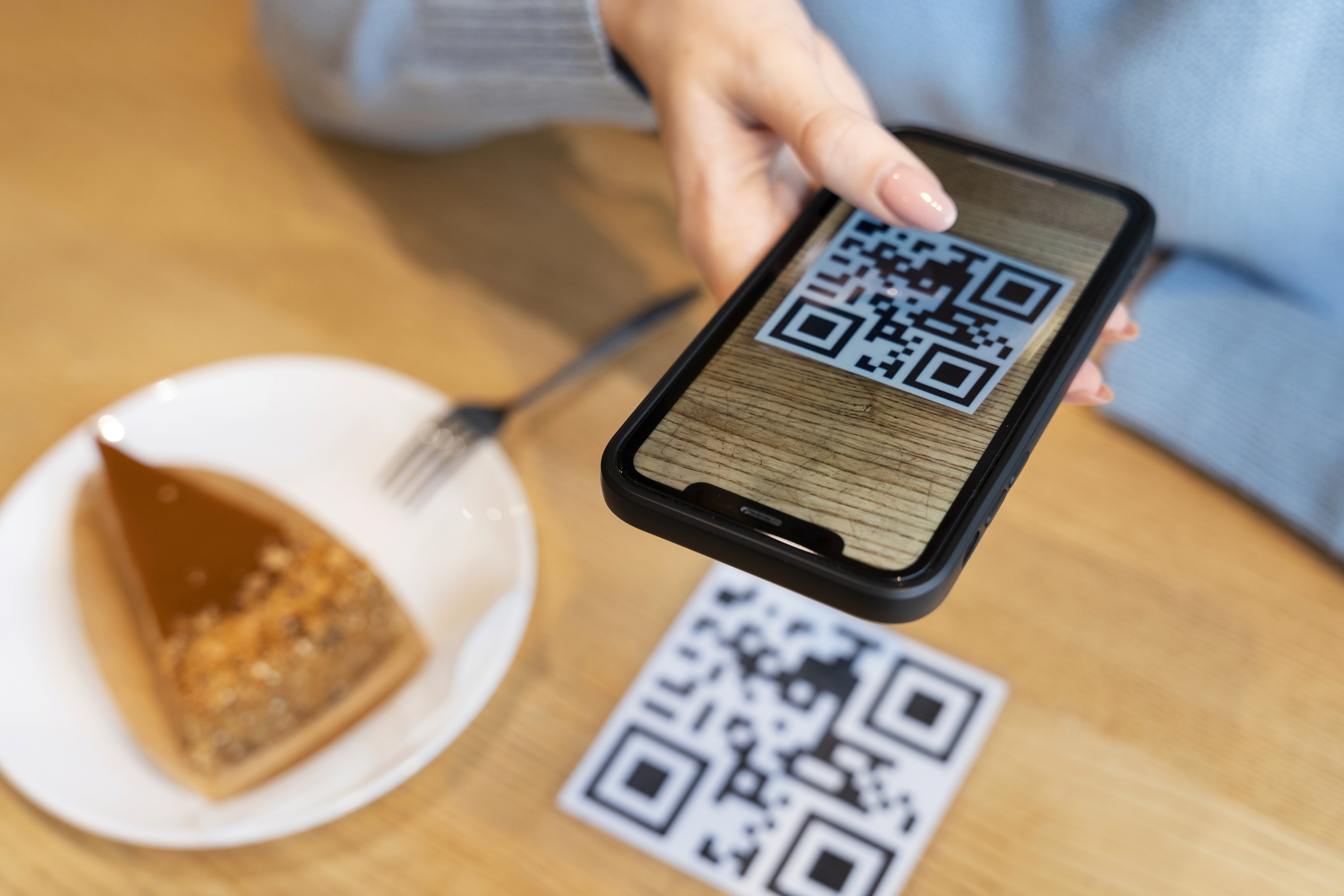
Habsy's Professional QR Code is designed for individual professionals who need to share their personal contact information quickly and cleanly.
A Professional QR Code can include a professional's name and designation, company name, phone number, email address, website, social links, digital business card profile, and portfolio or LinkedIn profile. Everything a new contact needs to follow up is delivered in a single scan.
This feature is best suited for sales professionals, consultants, freelancers, executives, and anyone networking at events or meetings where the goal is personal connection. The focus is on individual identity and fast, frictionless contact exchange.
In simple terms, the Professional QR Code answers one question: "Connect with me."
Habsy's Business QR Code is designed for companies and organizations that need to share more than just a name and number.
A Business QR Code can include a company profile, product catalogs or brochures, website and landing pages, a team contact directory, lead capture forms, event campaign links, and direct inquiry channels via WhatsApp, email, or web forms. It functions as a portable, scannable front door to the business.
This feature is built for exhibitors at trade shows, retail businesses, brands and agencies, marketing campaigns, and corporate booths at events. The focus is not on personal introductions but on business engagement, lead generation, and giving prospects everything they need to explore the company further.
In simple terms, the Business QR Code answers a different question: "Explore our business."
The distinction between Professional and Business QR Codes matters because networking needs are not one-size-fits-all.
A sales executive working a conference floor has different goals from a brand running a trade show booth. The executive wants to get their personal contact into a prospect's phone. The brand wants to surface its product catalog, collect leads, and drive traffic to a landing page. Using the same QR code format for both scenarios means compromising on one or the other.
Habsy solves this by offering both, purpose-built for their respective contexts.
Beyond the Professional and Business QR Code features, Habsy's broader QR sharing capabilities are built into the contact intelligence workflow.
When a professional receives a contact via QR scan, that contact is saved directly within the app. From there, contacts can be tagged with categories, enriched with additional data on demand, paired with voice notes from the meeting, and flagged for follow-up. The scan is not just an exchange of information; it is the start of a managed relationship.
For teams using the Habsy Platform, QR-captured contacts flow into a shared contact pool with full team visibility, analytics, and CRM integration options.
Events are where QR code sharing delivers the most visible return. The combination of high contact volume, time pressure, and the need for accurate follow-up data makes manual card exchange particularly inefficient.
With QR codes, professionals can move through a room faster, capture contacts reliably, and leave with a clean, searchable contact list instead of a stack of cards to deal with later. For exhibitors using Business QR Codes, every scan is a trackable lead with the context of what the prospect accessed.
FAQs
What is the difference between a Professional QR Code and a Business QR Code in Habsy?
A Professional QR Code is designed for individual contact sharing, including personal details, social links, and a digital profile. A Business QR Code is designed for company-level engagement, including product catalogs, lead capture forms, and team directories. Both are available within the Habsy app.Can a contact be saved directly after scanning a QR code in Habsy?
Yes. When a QR code is scanned through Habsy, the contact is saved instantly within the app, eliminating manual data entry.Does QR code information stay up to date if someone changes their details? Yes. Because QR codes in Habsy link to a live digital profile, any updates to contact details are reflected immediately without needing to regenerate or redistribute the code.
Who should use a Business QR Code vs. a Professional QR Code? Professionals networking individually, such as sales reps, consultants, or executives, are best served by a Professional QR Code. Companies, exhibitors, and marketing teams at events or campaigns are better served by a Business QR Code.
Does Habsy support QR-based contact capture at trade shows and events?
Yes. Habsy supports QR-based lead capture for event and trade show contexts, with contacts flowing into the app's contact management and, for teams, into the Habsy Platform for team-level visibility and CRM sync.
QR code sharing is not a trend. It is a structural improvement over physical cards in every dimension that matters: speed, accuracy, durability, and follow-up potential. With purpose-built tools like Professional and Business QR Codes, Habsy gives both individuals and organizations the right format for the right context, and a complete system to act on every connection made.










