Blog
Digital business card exchange is reshaping how professionals network. It allows you to instantly share your contact details, social profiles, and portfolio links through a variety of modern methods, all without printing a single sheet of paper.
The result is a faster, cleaner, and more sustainable networking experience that keeps your information current and accessible at all times.
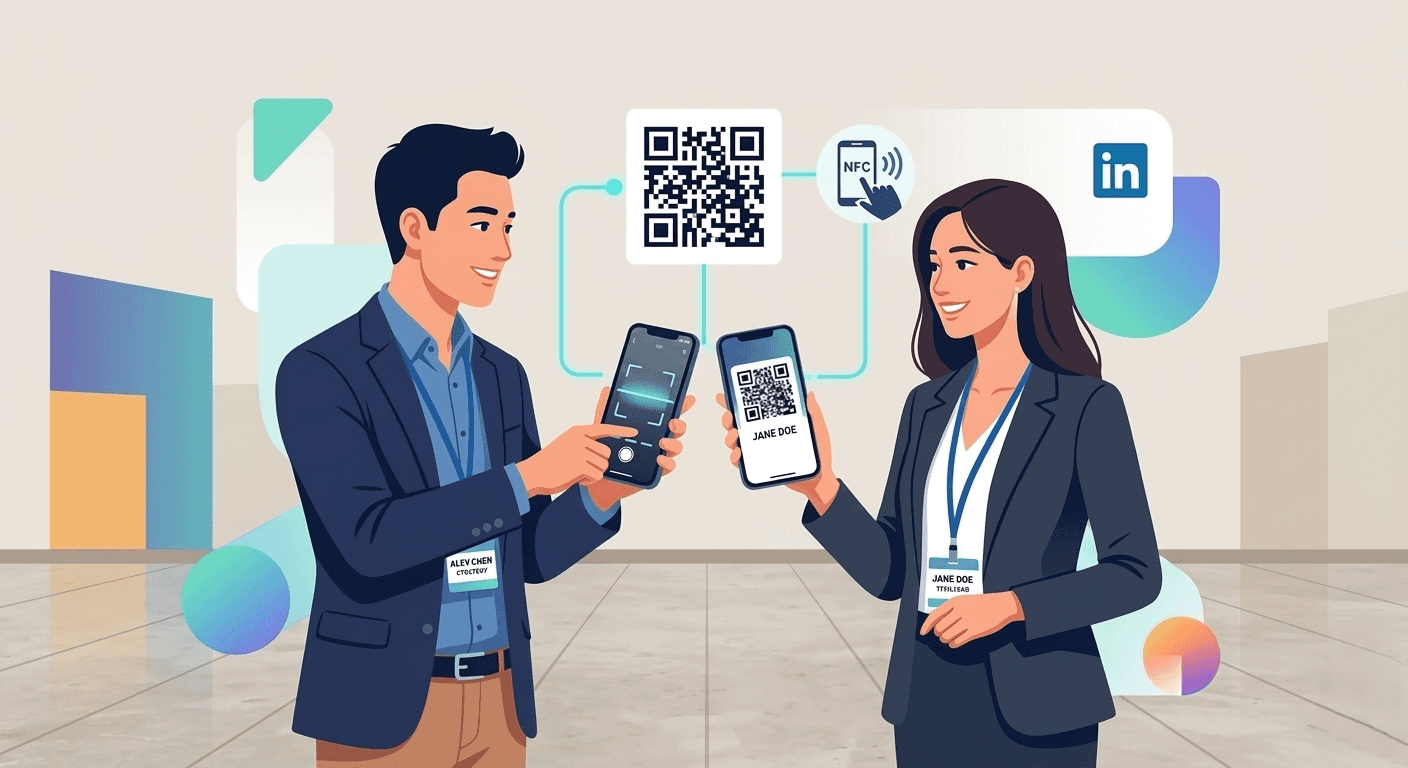
What is digital business card exchange? Learn how professionals use QR codes, NFC, and apps to share contacts instantly and modernize networking.
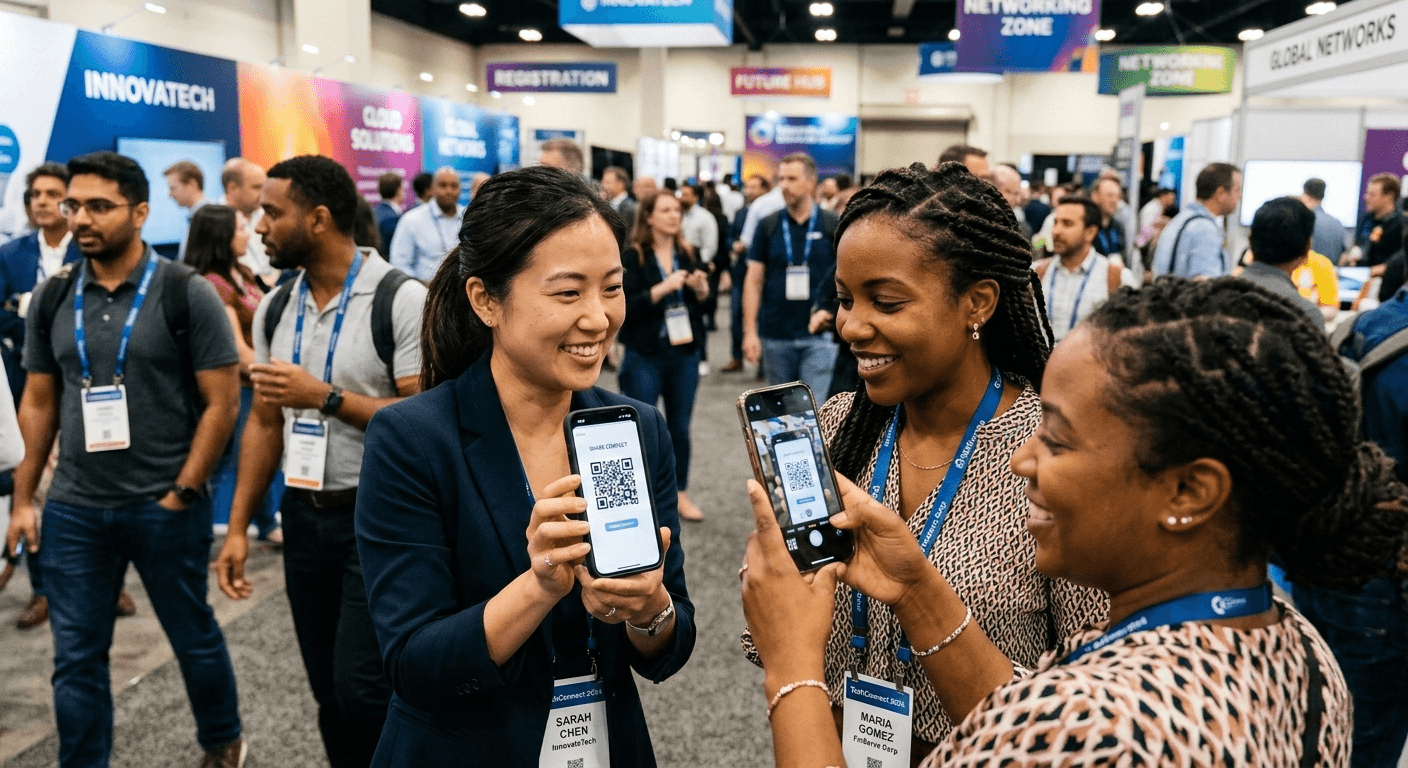
At its core, a digital business card is an electronic version of a traditional business card. Rather than a physical card, you share a link, QR code, or NFC-enabled tag that leads recipients directly to your contact information, professional profiles, and even your portfolio or website.
What sets it apart from a simple email signature or social media profile is the intentionality of the exchange. Digital cards are designed specifically for networking moments, presenting your information in a clean, professional format that recipients can save directly to their contacts with a single tap.
Key Methods for Exchanging Digital Business Cards
There is no one-size-fits-all approach. Professionals use several different methods depending on the setting and the tools they have available.
QR Codes
QR codes are among the most versatile and widely adopted methods.
You can display your unique code directly on your phone screen, on a smartwatch face, on a printed lanyard, or even as a widget on your home screen.
Anyone with a smartphone camera can scan it in under a second and be taken straight to your contact page. No app download required on their end.
You can see this shift clearly in why QR code business cards are replacing paper cards, as professionals move toward faster and more contactless networking methods.
NFC Technology
Near Field Communication (NFC) allows two devices to communicate by being held close together, typically within a few centimeters.
Many digital card providers offer physical NFC-enabled cards or tags that look just like a traditional business card but transfer your digital profile to someone else's phone with a single tap.
It feels effortless and leaves a strong impression.
Direct Links via Messaging and Social Media
When an in-person exchange is not possible, digital cards can be shared just as easily online.
Send your card link via text message, email, or messaging apps like WhatsApp or iMessage. You can also share it through LinkedIn, Twitter, or other social platforms as part of your bio or a direct message.
The link works anywhere, making follow-ups after virtual meetings just as smooth.
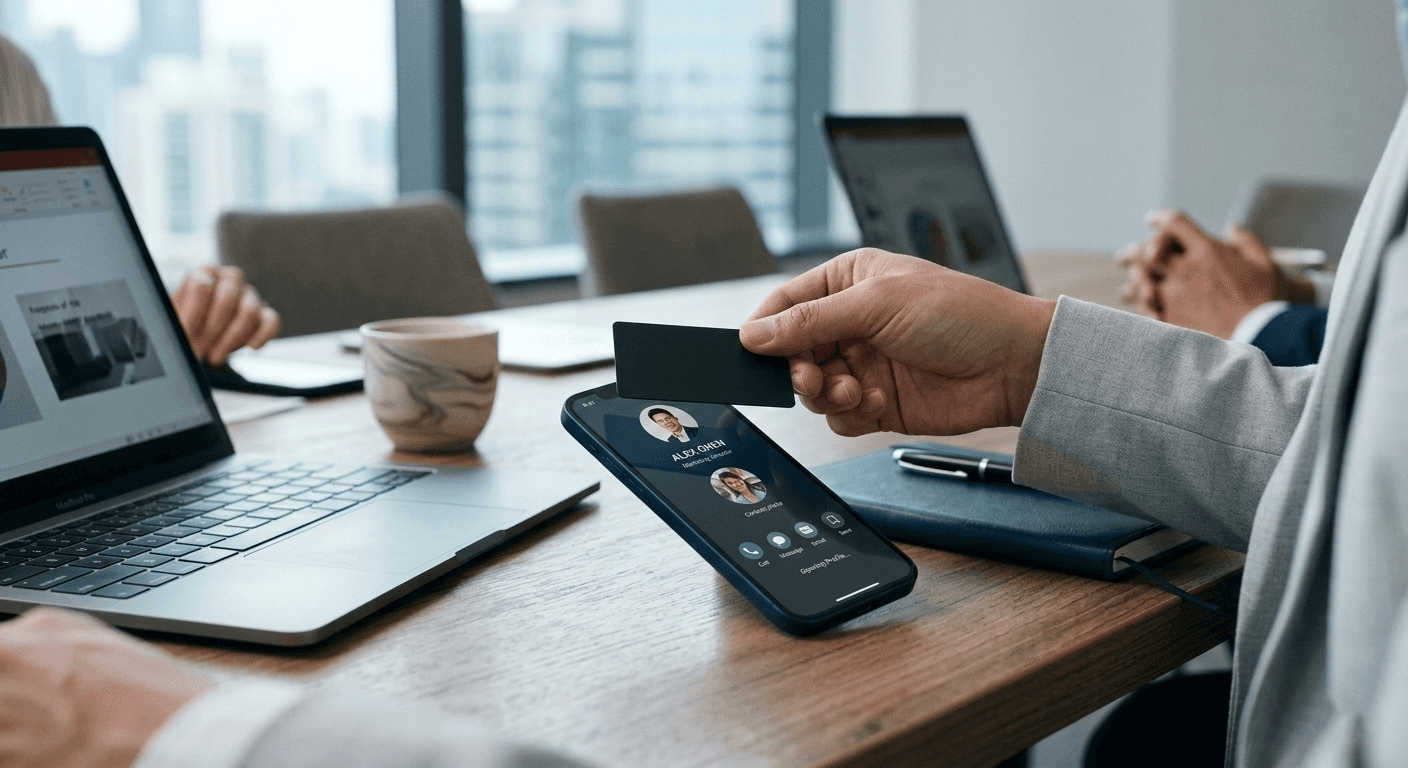
In fast-moving networking moments, the tool behind your business card matters, and not all tools are built the same. Habsy is a digital business card manager built for professionals who want to do more than just share a link.
With Habsy, your digital card stays live, accurate, and instantly accessible through QR codes, NFC, and shareable links. No reprinting when your details change. No manual updates to chase. Habsy handles it automatically so every person you meet always has the right information.
But what separates Habsy from a basic digital card is what happens after the exchange. Habsy captures the cards and contacts you receive, not just the ones you send. It scans business cards using AI-powered OCR with 99% accuracy, records voice notes that attach directly to each contact, and lets you tag intent signals and priority levels on the spot. By the time you leave a conference or networking event, Habsy has already organized your follow-up list for you.
Why professionals prefer Habsy for digital business card exchange:
Instant sharing via Habsy QR codes, NFC tap, or a shareable profile link
Always up to date; change your details in Habsy once and every contact sees the latest version
Inbound capture built in; scan cards you receive with the same app you use to share yours
Voice notes and intent signals attached to every contact at the moment of conversation
AI-powered follow-up via email and WhatsApp, built around the context Habsy already captured
One organized place to manage every connection from every event
Whether you are networking at a conference, following up after a meeting, or building your professional presence online, Habsy gives you a complete system, not just a card.
The appeal of digital business cards goes beyond novelty, and for professionals using Habsy, the reasons go beyond just going paperless.
Eco-friendly: Billions of paper cards are printed and discarded every year. Habsy eliminates that entirely. Your Habsy profile is your card, always ready, never wasted.
Always current: Update your details once inside Habsy and every contact automatically sees the latest version. No reprinting, no chasing down old connections with corrections.
Cost effective: Habsy replaces both your print budget and your contact management tools. One platform covers your digital card, your inbound capture, your follow-up, and your CRM sync.
Richer content: Your Habsy profile links to your LinkedIn, portfolio, calendar booking via Calendly, brochures, and more. Recipients get far more context about who you are and what you offer than any paper card could hold.
Contactless by default: Share via QR or NFC without handing anything over. No app required on the recipient's end.
Built for what comes after: Habsy does not stop at the exchange. Every contact you receive gets scanned, tagged, voice-noted, and followed up through Habsy, so nothing falls through the cracks after the event ends.
Creating your first Habsy digital business card takes less than ten minutes. Add your details, customize your profile with your brand color and cover image, then share instantly via QR, NFC, or a shareable link. Attach your LinkedIn, a Calendly booking link, or a brochure to your Business QR, and use the capture side to scan received cards, add voice notes, and let Habsy organize your follow-up list before you leave the room.
The way professionals network is changing fast. Habsy is built for where it is heading.
FAQs:
1. What is digital business card exchange?
Digital business card exchange is the process of sharing contact information electronically instead of using paper cards. Professionals share their details through QR codes, NFC taps, or shareable links that open a digital contact profile.
2. How to exchange digital business cards?
You can exchange digital business cards by showing a QR code, tapping an NFC-enabled card, or sending a shareable link through email, messaging apps, or social media. The recipient can instantly view and save your contact details.
3. Can digital business cards update automatically?
Yes. Most digital business cards update automatically when you edit your profile. Once your details are changed, anyone who has your card will see the latest information without needing to save a new version.
4. What are the benefits of digital business card exchange?
Digital business card exchange is faster, paperless, and easier to manage. It keeps contact information updated in real time, allows sharing through multiple channels, and helps professionals store contacts digitally instead of collecting paper cards.
5. What are the best apps for digital business card exchange?
Best Solution for digital business card exchange is Habsy. This platforms allow users to create digital cards, share them through QR codes or links, and manage professional contacts efficiently.
6. Do digital business cards work offline?
Most digital business cards can still be shared offline. NFC taps transfer contact details without internet, and QR codes can be scanned using a phone camera. Some features like analytics or updates sync once the device reconnects to the internet.










