Best Business Card Scanner App for Events & Teams
Industry data suggests over 88% of business cards are discarded within a week of an event. The contacts on them rarely make it into a CRM, let alone with the fields and context that make follow-up possible. A business card scanner app closes that gap, but only if it goes beyond basic OCR. The best ones qualify, organize, and export leads so your team can start outreach by tomorrow. This guide covers what the best business card scanner apps actually need to do, how the top options compare, and where Habsy fits.
Claire Bennett11 min read
On this page
- What to look for in a business card scanner app
- How the top business card scanner apps compare
- Quick feature comparison
- Best business card scanner app
- Free business card scanner app: what you get and what you don't
- Why we built Habsy (and how it works)
- What teams are saying about Habsy
- Quick-start checklist for your next event
What to look for in a business card scanner app
Most scanner apps will read a name and email off a well-printed card. The real differences show up when you need to process volume at an event, capture context alongside the scan, and hand off a ready-to-import file to your CRM or Google Sheets.
Here are the eight capabilities that separate useful tools from basic OCR.
1. Batch scanning
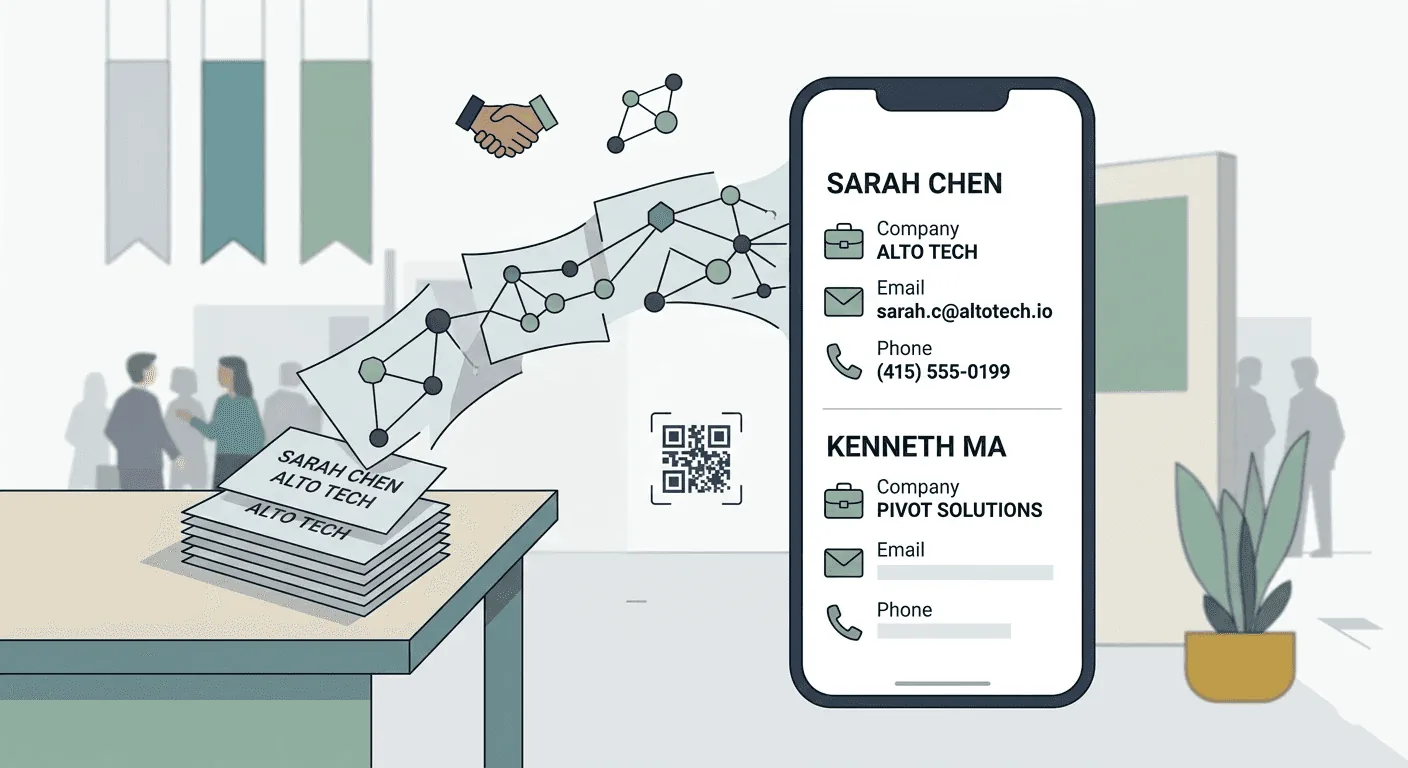
Can you scan card stacks fast without babysitting each card? A bulk business card scanner with batch mode matters for post-show backlogs. If you're scanning multiple business cards at once after a three-day expo, one-at-a-time capture won't cut it.
2. OCR accuracy across languages
Any OCR business card scanner should handle standard layouts well. But stylized fonts, vertical designs, and multilingual cards (common at international expos) are where many apps stumble. Look for a review queue that lets you correct errors quickly rather than trusting a claimed accuracy percentage.
3. Qualification at capture
The card gives you a name and a title. What it doesn't give you is interest level, product line, or priority. The best scanners let you add custom fields and tags right at capture, so leads are already segmented before export. This is what turns a business card reader into a lead capture tool.
4. Voice notes for context
Typing notes in a noisy hall is slow. A voice notes feature lets you record a 10-second summary, enough for the SDR to personalize tomorrow's email.
5. Follow-up reminders
If nobody acts on a captured lead, the scan was pointless. Built-in reminders with one-tap presets like "Tomorrow 10:00" keep next steps visible and accountable.
6. De-duplication
Across a three-day expo, the same person might visit your stall twice. A good scanner flags duplicates using email, phone, and company+name before you export, so your CRM stays clean.
7. Export to Excel, CSV, and CRM
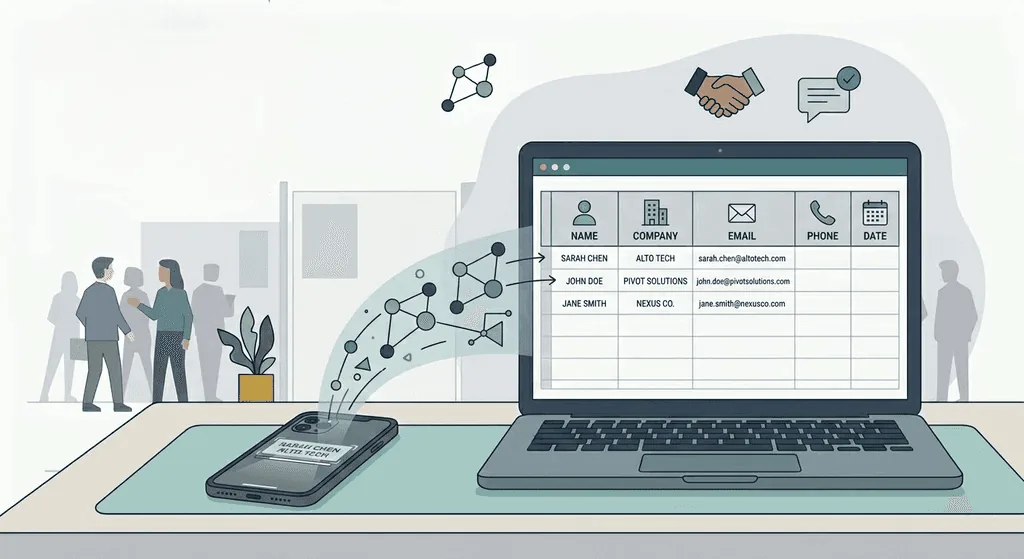
You need a clean, mapped CSV with stable column names (owner, source, campaign) that imports into any CRM, Google Sheets, or Excel without reformatting. A business card scanner to Excel should produce structured columns, not a blob of unstructured text.
8. Offline reliability
Expo halls are notorious for patchy Wi-Fi. If the app can't capture offline and sync later, you risk losing leads at the worst possible moment.
How the top business card scanner apps compare
Not every scanner is built for the same user. A solo professional networking at a conference has different needs than a 10-person booth team processing hundreds of cards a day. Here's an honest look at the most popular options.
Habsy Business Card Manager
Best for: Our top pick overall, and the best fit for booth teams, SDR squads, and SMBs who need sequence-ready leads by Day-1.
Strengths: One of the most comprehensive event lead capture solutions available, featuring AI-powered batch business card scanning, universal QR badge scanning, Intent Signals and Categories, voice notes with transcription, one-tap reminders, smart duplicate detection and merging, offline-first capture, advanced search, and CRM-ready CSV exports.
Gaps: Advanced features such as voice notes, intent signals, AI enrichment, and CRM integrations need Habsy Plus. Scanning itself is free forever.
CamCard
Best for: Solo professionals who want a simple digital rolodex.
Strengths: One of the oldest and most widely used card scanners. Accurate OCR, cloud sync across devices, digital cards for teams, and AI voice transcription.
Gaps: Now focused on digital cards and AI notes rather than event capture. Batch scanning, badge scanning, and custom qualifiers are not advertised.
Popl
Best for: Enterprise sales teams that want a full lead capture platform.
Strengths: AI-powered enrichment, digital business card sharing, badge and QR scanning, direct CRM sync & team analytics.
Gaps: More feature-heavy (and pricier) than what most SMB booth teams need. Can be complex to set up for a single event.
Covve Scan
Best for: Networkers who want a polished personal contact manager with enrichment. Strengths: Strong OCR in 60+ languages, offline scanning, voice-to-lead, AI research on leads, Excel export, and a personal CRM.
Gaps: Badge scanning, custom fields, and the team portal need the Pro plan, CRM sync is a paid add-on, and batch scanning is not advertised.
Google Lens / Live Text (iOS)
Best for: One-off personal scans saved to phone contacts.
Strengths: Zero setup. Point at a card, save to Google Contacts or your iPhone address book.
Gaps: No batch mode, no custom fields, no CSV mapping presets, no team features, no offline queue. You get a contact, not a qualified lead.
Quick feature comparison
| Capability | Google Lens | CamCard | Covve | Popl | Habsy |
| Batch scanning | No | No | No | No | Yes |
| Custom fields at capture | No | No | Yes (Pro) | Yes | Yes |
| Voice notes | No | Yes (AI transcription) | Yes (voice-to-lead) | Yes | Yes |
| Follow-up reminders | No | No | Basic | Not listed | Yes |
| De-duplication | No | Basic | No | Yes | Yes |
| CSV export with mapping presets | No | Basic CSV | CSV/Excel | Yes | Yes |
| Offline capture + sync | No | Partial | Yes | Yes | Yes |
| QR badge scanning | No | No | Yes (Pro) | Yes | Yes |
| Team workspace | No | Yes | Yes (Pro) | Yes | Yes |
| Free tier available | Yes | Yes | Free trial only | Yes | Yes |
Ready for your next event?
Bring every booth conversation back with context.
Capture cards and badges in seconds, qualify leads on the spot and give your team a clean next step.
Best business card scanner app
Choosing a scanner often comes down to which device your team uses.
Best business card scanner app for iPhone and iOS
Look for native camera integration, smooth batch scanning, and reliable offline performance. iPhones handle OCR well with the right app, and features like voice notes benefit from iOS's built-in audio quality.
Most of the apps listed above (CamCard, Covve, Popl, Habsy) run on iOS. For free one-off scanning, iPhone's built-in Live Text works. For team event workflows, Habsy and Popl offer the deepest iOS feature sets.
Best business card scanner for Android
Android users should prioritize apps that handle diverse camera hardware well (not every Android phone has the same lens quality). Offline mode is especially important for Android users on field sales routes with variable connectivity.
Google Lens is the strongest free option on Android. For team use, Habsy's Android app supports the same full workflow as iOS: batch scan, custom fields, voice notes, reminders, de-duplication , and CSV export.
Cross-platform teams
If your booth team uses a mix of iPhones and Android devices, make sure the app syncs contacts across platforms. Habsy's workspace model means it doesn't matter what device each rep uses. Data lands in the same workspace and can be exported or searched by anyone on the team.
Free business card scanner app: what you get and what you don't
A free business card scanner app is fine for occasional personal use. Scan a few cards, save to contacts, move on. Google Lens (Android) and the iPhone's built-in Live Text can handle basic card-to-contact saves at no cost.
But free business card scanner apps for Android and iPhone typically lack the features that matter for professional and team use:
| What's missing in free apps | Why it matters |
| No batch scanning | You process one card at a time |
| No custom fields or tags | Contacts are just names and numbers, no qualification |
| No voice notes or reminders | Follow-up discipline is entirely on you |
| No de-duplication | Duplicates pile up across events |
| No CSV mapping presets | Export is either vCard (useless for CRM) or a raw, unmapped CSV |
| No offline mode | Cloud-dependent scanning fails at busy venues |
If you need a free business card scanner app to Excel, tools like Folocard and Google Lens can get basic text into a spreadsheet. But you'll spend time reformatting, de-duping manually, and chasing missing context that was never captured.
Bottom line: For teams attending events regularly, the time saved by having qualification, de-dup, and mapped export built in far outweighs the cost of a purpose-built scanner.
Why we built Habsy (and how it works)
Most scanners stop at capture. You get a digital contact, but it's no more useful than the card it came from. Without interest level, product line, or a next step, your SDR is cold-calling blind. That's the gap we built Habsy to close.
The workflow at a glance: Capture (QR + cards) > Qualify (custom fields + voice note) > Act (reminder) > Clean (de-dup + review) > Export (mapped CSV)
Capture
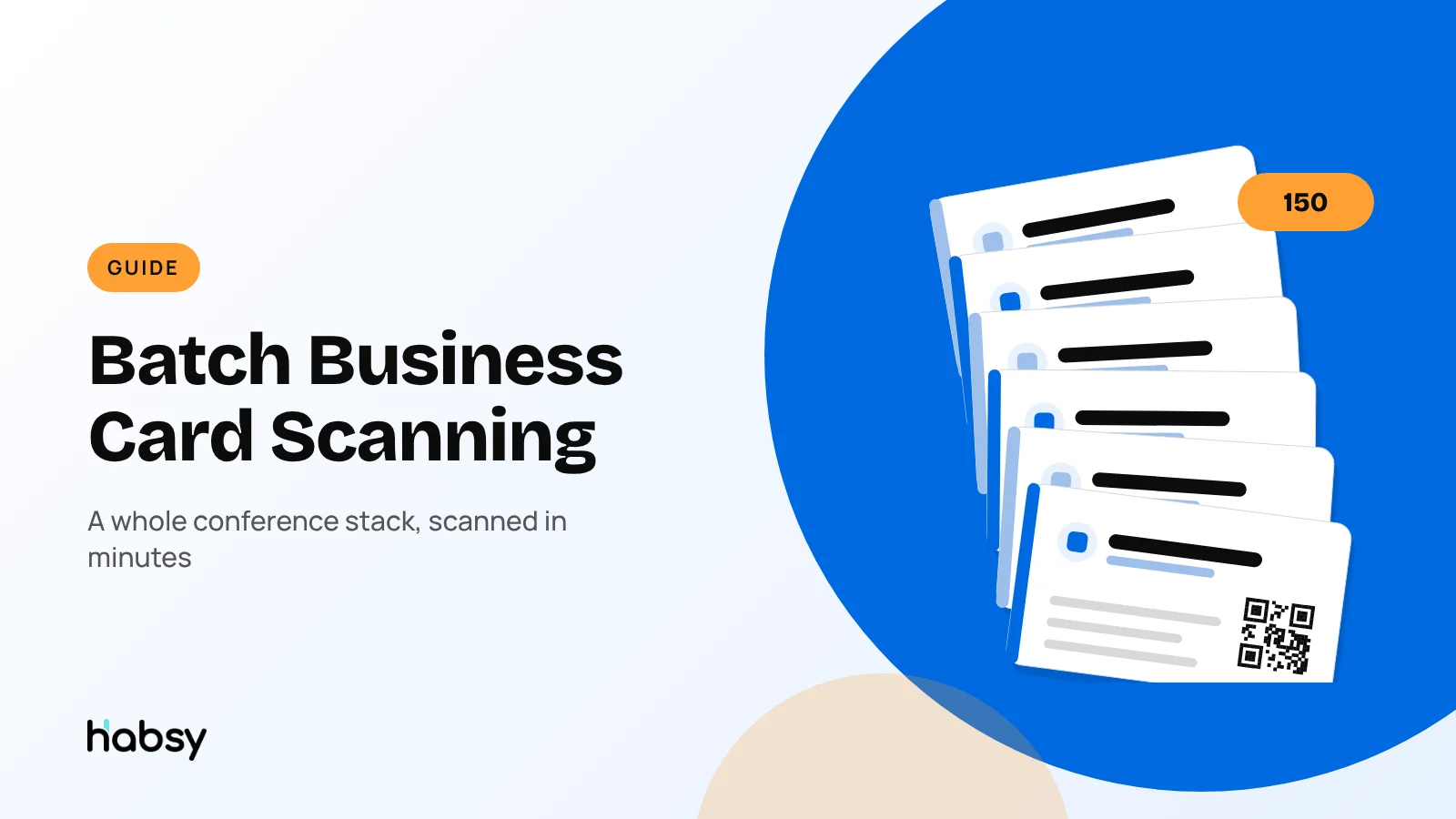
Batch scanning handles post-show card stacks at speed. ≈150 cards in ~5 minutes in internal tests, with a review step to catch OCR errors.
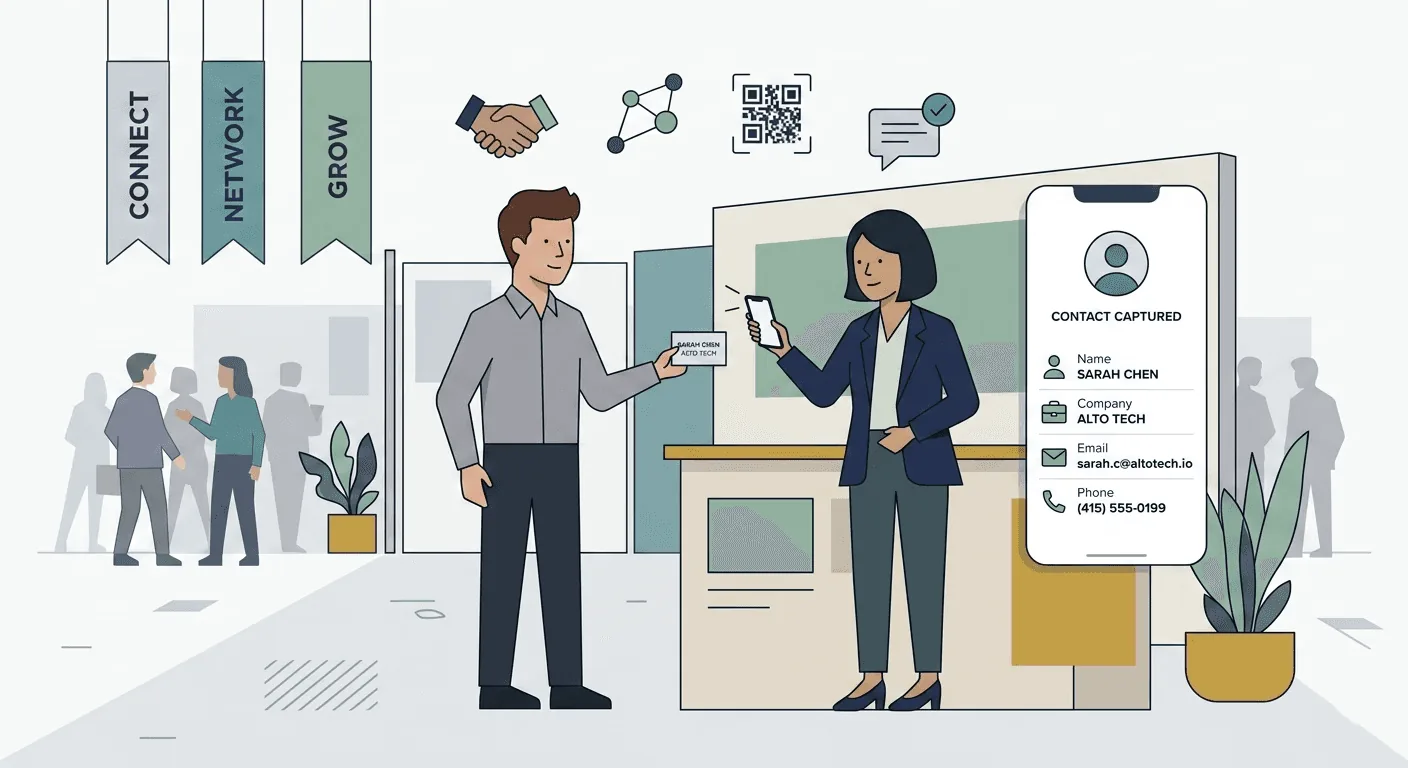
QR badge scanning covers organizer-issued badges at expos, parsing attendee data and prompting for the qualifiers that badge files miss. One app for badges and cards means fewer tools to manage.
Qualify
Custom fields and tags are prompted right after the scan. Set up a 6-field schema (interest, product line, priority, stall number, source, owner) and every rep captures the same qualifiers.
Voice notes let you record a 10-second summary while the conversation is fresh. Tomorrow, the SDR plays it back before the call and knows exactly what to say.
Act
One-tap reminders (Today EOD, Tomorrow 10:00, Next Business Day) tie a next step to every contact. They show up in a consolidated "My Reminders" view with snooze and done controls.
Clean
De-dup and review flag likely duplicates using email, phone, and company+name. You choose how to handle each match, so nothing is merged without your confirmation.
Export
CSV export with mapping presets means you pick your CRM template, preview the columns, and download. Owner, source, campaign, voice note transcript, and your custom fields: all included. Whether you need to export to Excel, Google Sheets, or Salesforce/HubSpot/Zoho, the same one-click preset handles it.
Work anywhere
Offline mode ensures you capture everywhere. Cards are captured without connectivity and processed when you're back online.
Organize for action
Advanced filters let you build Day-0 call lists. Filter by intent signals, such as Interest = Demo, and work the calls directly from that view.
What teams are saying about Habsy
"We had 400 cards across two booth days. By the next morning, our SDR team had a de-duped, prioritized list in HubSpot. That's never happened before."
"Cleaner inputs, faster connections. The voice notes alone changed how we prep for first calls."
Early results from teams using Habsy:
| Metric | Before Habsy | With Habsy |
| Time to CRM import | 3-5 days post-event | Under 24 hours |
| Duplicate rate at CRM import | High (manual cleanup) | Flagged before export; you choose how to handle each match |
| Follow-up within 48 hours | Inconsistent | Reminder-driven; tracked in My Reminders |
A note on digital business cards and QR sharing
Physical cards aren't going away, but digital business cards and QR-based contact sharing are growing fast, especially at tech conferences and SaaS events.
Habsy complements this trend. If a contact shares a QR code instead of a paper card, you scan it the same way you'd scan a badge. The key difference is what happens after the scan: qualification, notes, reminders, and a clean export. Whether the input is paper, a badge, or a QR code, the workflow stays the same.
Quick-start checklist for your next event
Use this before the show to make sure your team is Day-1 ready. For a deeper walkthrough, see our post-event follow-up guide.
- Define a 6-field capture schema: Interest, Product Line, Priority, Stall No., Source (= event name), Owner.
- Create a CSV mapping preset for your CRM or Google Sheets.
- Set up two filters: interest is demo or pricing, and missing email or phone.
- Run a 10-minute onboarding with your booth team: scan > qualify > voice note > reminder.
- Test offline mode before you arrive at the venue.
Commit to a Day-1 export: review, de-duplicate, and import to CRM within 24 hours.
Frequently Asked Questions
What is the best app to scan business cards?
Habsy is the best app to scan business cards. It had the highest accuracy in our in-house tests, at 99%, and adds batch scanning of up to 150 cards, qualification, duplicate detection, and mapped CSV export or direct CRM sync. Google Lens or Live Text is fine for a one-off personal scan.
How accurate is a business card OCR?
High accuracy on standard layouts across most modern apps, and Habsy had the highest accuracy in our in-house tests, at 99%. Always use a review queue for best results. Complex fonts and low-light photos benefit from a quick manual check.
What's the best business card scanner app for iPhone?
Habsy runs natively on iOS with batch scanning, offline mode, and full export features.
What's the best business card scanner for Android?
Habsy's Android app supports batch scan, custom fields, voice notes, reminders, de-dup, CSV export, and offline mode.
What about QR badges at exhibitions?
Habsy scans QR badges alongside business cards. In Habsy, badge data auto-populates the contact, and you add qualifiers, a voice note, and a reminder in the same flow.
Ready for your next event?
Bring every booth conversation back with context.
Capture cards and badges in seconds, qualify leads on the spot and give your team a clean next step.