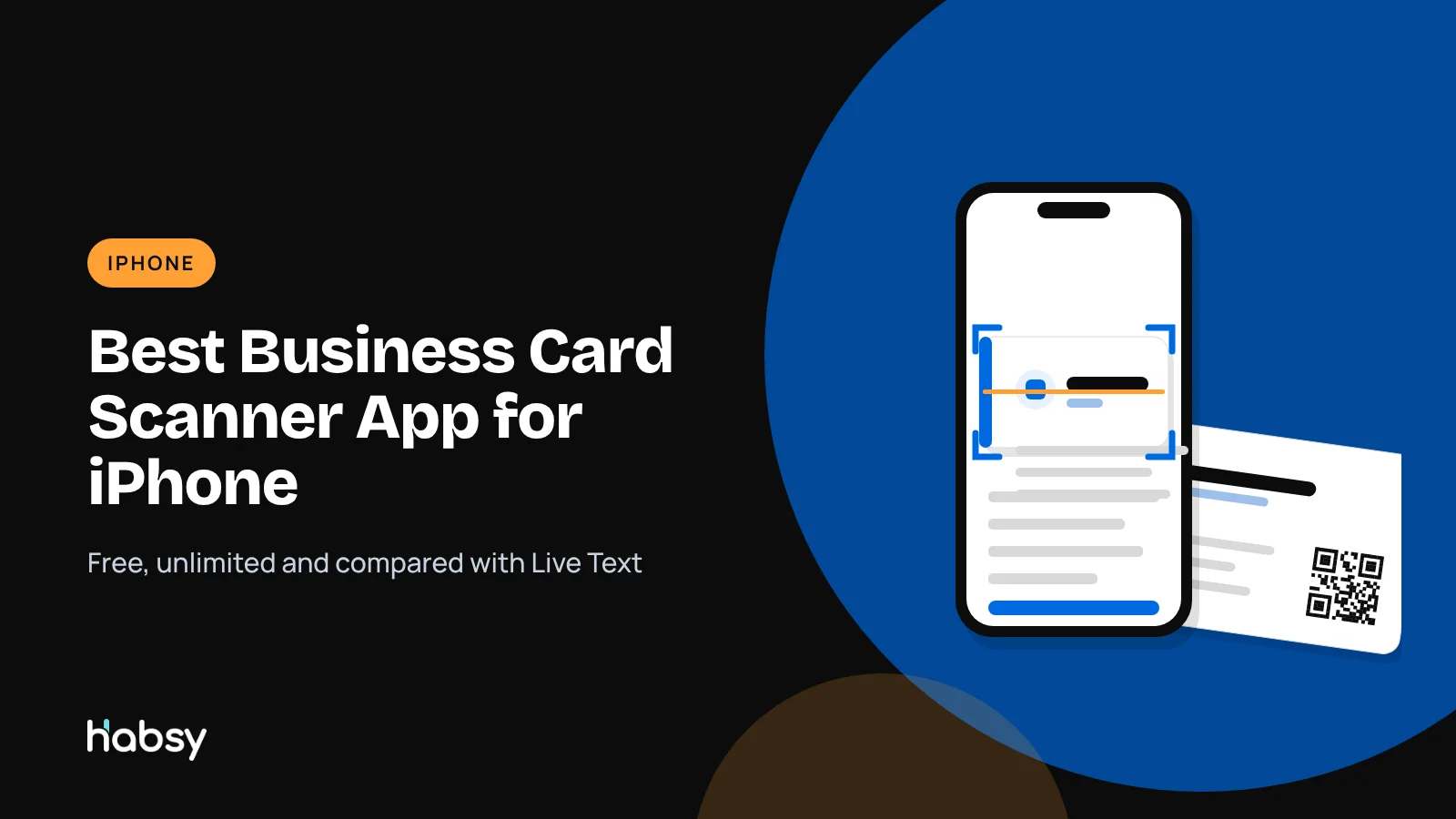
Best Business Card Scanner App for iPhone in 2026 (Free and Unlimited)
Your iPhone can already read a business card with Live Text. It cannot read fifty of them, remember who each person was, or put them in a spreadsheet. This guide compares the business card scanner apps worth installing on iPhone in 2026, and shows how to scan cards on an iPhone with Habsy for free.
Amélie Tremblay6 min read
The quick answer
The best business card scanner app for iPhone in 2026 is Habsy. It is free forever with unlimited scanning, reads cards with OCR and AI at 99% accuracy in our in-house tests, batch scans up to 150 cards in about 5 minutes, reads cards from your camera roll, and saves contacts to your iPhone or exports them to Excel, CSV or VCF, all on the free plan. Live Text, built into iOS, is fine for copying the text off one card, but it does not keep a contact list. Get Habsy from the App Store.
Competitor details come from each vendor’s website, checked in October 2026.
What your iPhone can do without an app
Live Text, in the iPhone Camera and Photos apps, recognises text in images. Point the camera at a business card, select the text, and copy it, or tap a phone number to call or an email to write. It is quick and free.
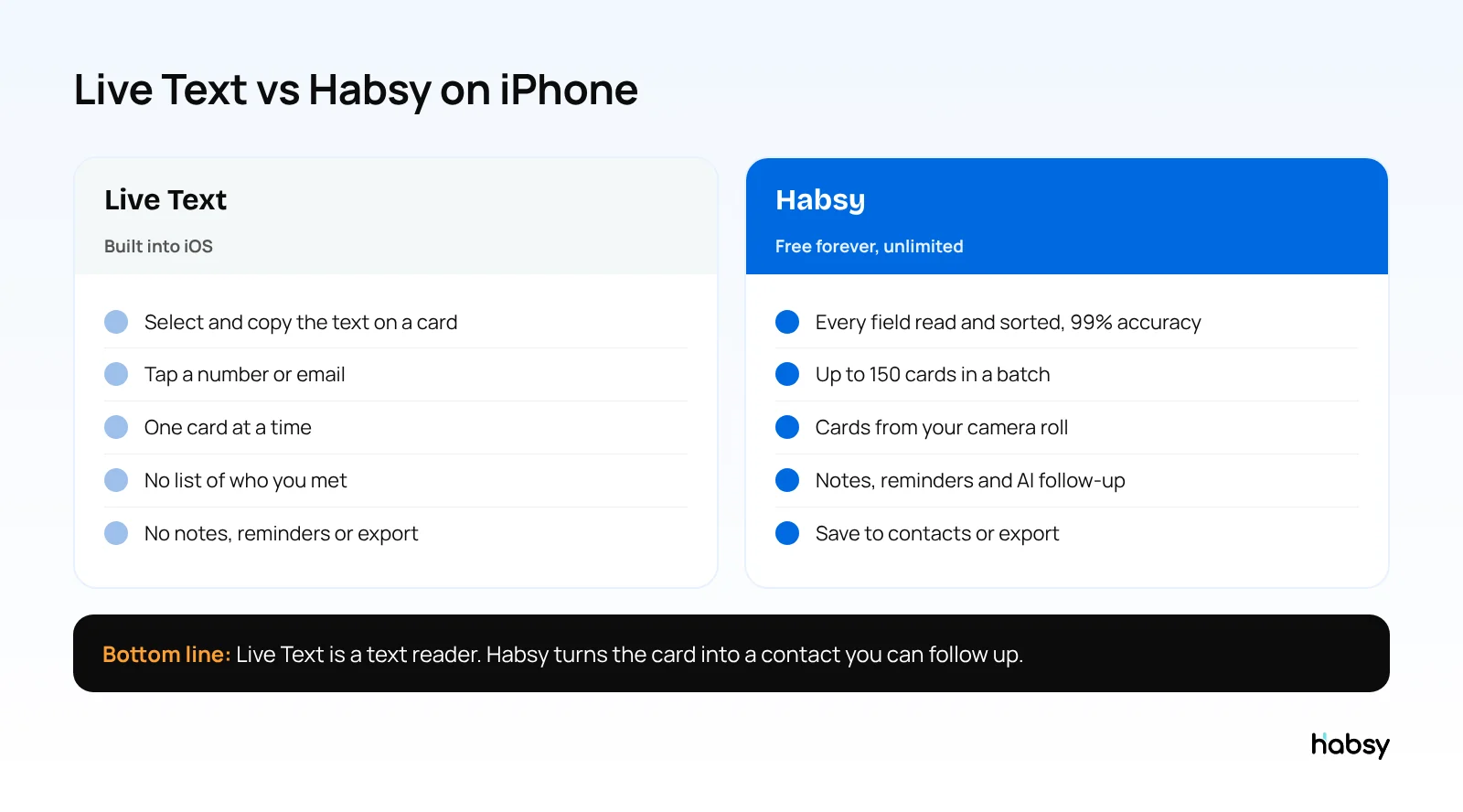
What Live Text does not do is turn the card into a contact. There is no list of people you met, no note on what you discussed, no way to read a stack of cards, and no export. That is the gap a scanner app fills.
Business card scanner apps for iPhone compared
| App | Free scanning | Batch scanning | Event badges | Paid plans from |
|---|---|---|---|---|
| Habsy | Unlimited, free forever | Up to 150 cards in about 5 minutes | QR and NFC, free | USD 100 per user per year (Habsy Plus) |
| Live Text | Free, text only | No | No | Free |
| HiHello | 5 scans a month | Yes, about 100 cards | Business plan | $60 per user per year |
| ScanBizCards | Free plan with limits | Not listed | Paid plans | $100 per user per year |
| Covve Scan | Trial | Not listed | Pro plan | $119 per year |
| CamCard | 10-day business trial | Not listed | Not listed | Pricing on request |
Android user? See the best business card scanner app for Android.
Put the guide into practice
Turn every event conversation into a follow-up.
Capture accurate contact details, add the context that matters and stay ready for the follow-up.
Why Habsy is the best scanner app on iPhone
Unlimited scanning, free forever
There is no trial clock and no monthly cap. The free plan covers business cards, cards in your camera roll, QR codes including LinkedIn QR codes and digital cards from any provider, QR and NFC event badges, and manual entry. There are no ads, and Habsy does not sell your data.
The highest accuracy in our tests
Habsy reads cards with OCR and AI, sorts each value into the right field, and shows you the result before you save. In our in-house tests it was the most accurate scanner, at 99%. Cards in other languages, such as Hindi, Tamil, Chinese, Japanese and Korean, are read and translated into English.
Built around how you meet people
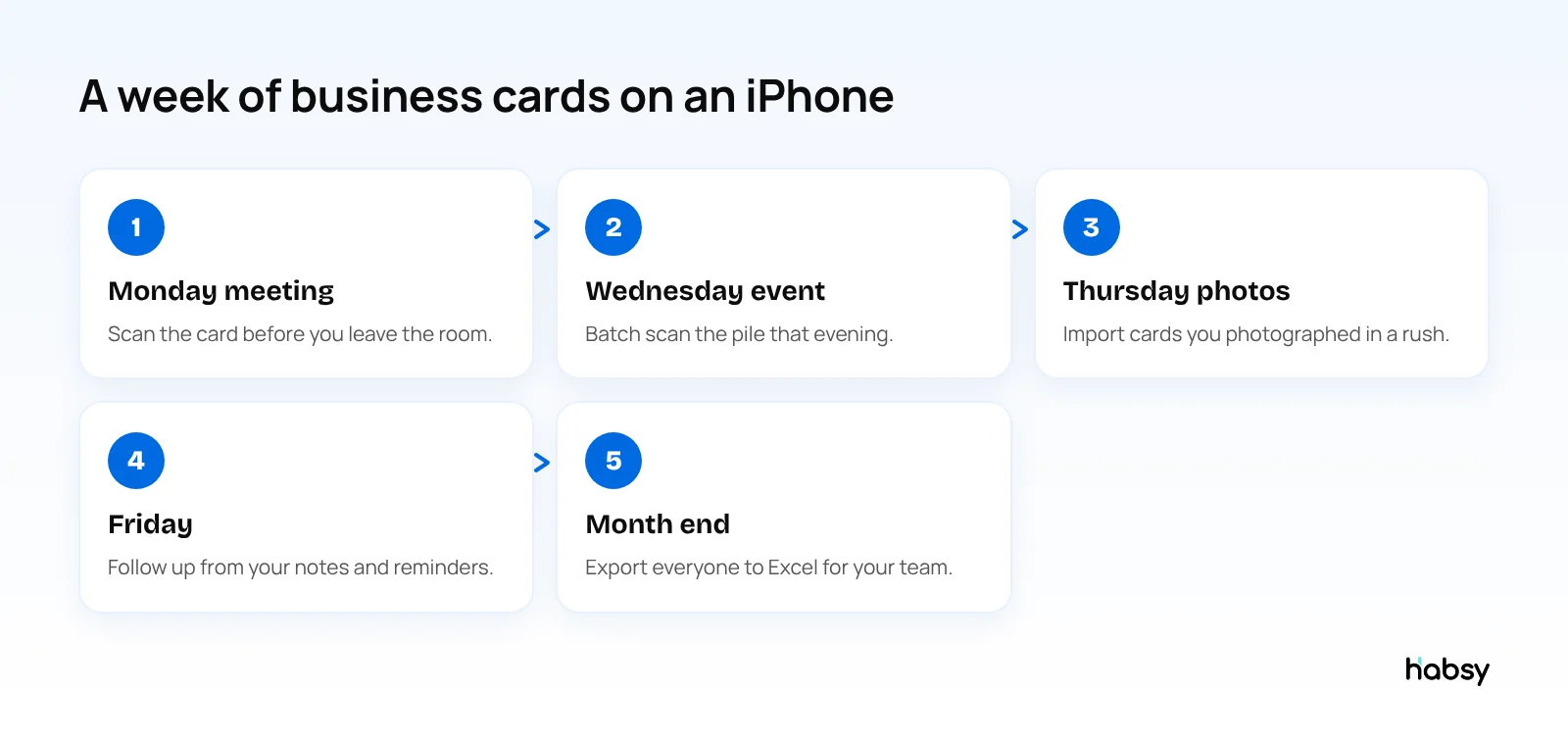
- One card after a meeting: scan it before you leave the room, add a note and a reminder.
- A pile after an event: batch scan up to 150 cards in about 5 minutes, with one set of lead context for the whole batch. See batch business card scanning.
- Cards you photographed in a rush: import them from your camera roll.
- Badges at a conference: scan the QR code or tap an NFC badge. See the conference badge scanner guide.
- No signal: cards are captured offline and processed when you reconnect.
Free tools for the follow-up
- Save contacts to your iPhone contacts
- Text notes, reminders and advanced filters
- AI-written email and WhatsApp messages from a short prompt
- Export to Excel, CSV or VCF
- A free Professional digital card and Business digital card to send back, found under MyQR
Habsy Plus adds voice notes with transcripts, intent signals, categories, AI contact enrichment, templates and 10+ CRM integrations, for USD 100 per user per year, lower in some regions. The App Store shows the price for your country.
How to scan a business card on iPhone with Habsy
- Download Habsy from the App Store and sign up for free.
- Tap scan and photograph the card. For a stack, switch to batch mode.
- Check the fields, and add the back of the card if needed.
- Add a note and set a reminder.
- Save to your iPhone contacts, export, or follow up straight away.
Switching from another app? Export your contacts as a CSV file and import them into Habsy, free.
Other iPhone scanner apps
- HiHello: free plan with 5 card and badge scans a month; Business at $60 per user per year adds unlimited scans (HiHello pricing).
- ScanBizCards: free plan with limits; Sales Ninja at $100 per user per year (ScanBizCards pricing).
- Covve Scan: Essential at $119 a year after a trial (Covve pricing).
- CamCard: 10-day business trial, pricing on request. See CamCard vs Habsy.
Bottom line
Live Text reads a card. Habsy keeps the contact, with unlimited free scanning, 99% accuracy in our in-house tests, batch scanning, your camera roll and export. It is the best business card scanner app for iPhone, and it costs nothing to start. Try the Habsy business card scanner.
Frequently Asked Questions
What is the best business card scanner app for iPhone?
Habsy is the best business card scanner app for iPhone in 2026. It is free forever with unlimited scanning, reads cards with OCR and AI at 99% accuracy in our in-house tests, batch scans up to 150 cards in about 5 minutes, and saves contacts to your iPhone or exports them to Excel, CSV or VCF.
Can my iPhone scan business cards without an app?
Yes, with Live Text in the Camera and Photos apps. You can select the text on a card and copy it, or tap a phone number or email. Live Text does not create a contact list, add notes or export to a spreadsheet, so for more than a few cards a scanner app saves time.
Is there a free business card scanner app for iPhone with unlimited scans?
Yes. Habsy’s free plan has no scan limit and covers business cards, QR codes, LinkedIn QR codes, digital cards from any provider and QR and NFC event badges.
Can I scan business cards from my iPhone photos?
Yes. Habsy can import cards from photos in your camera roll, so you can read cards you photographed at an event later. It is part of the free plan.
How do I save a scanned business card to my iPhone contacts?
Scan the card with Habsy, check the fields, and save the contact to your phone. Saving to your phone contacts is free.
Does Habsy work offline on iPhone?
Yes. Cards and badges are captured offline and processed when your iPhone reconnects.
Put the guide into practice
Turn every event conversation into a follow-up.
Capture accurate contact details, add the context that matters and stay ready for the follow-up.