Blog
Event networking is mission-critical in 2026. Teams don’t lose deals in follow-up, they lose them at capture. Scanning a card is easy; preserving why the conversation mattered is not.
Research shows the highest engagement and ROI occur within the first 48 hours after an event. Miss that window, and competitors often take the lead. This is where modern business card managers make the difference.
A practical comparison of business card manager apps for trade shows, sales teams, and SMBs in 2026, scored on capture speed, AI enrichment, CRM integration, and offline reliability.
TL;DR | Key takeaway |
Six tools compared | Habsy, Popl, Covve, HiHello, Blinq, and Uniqode each solve a different slice of the contact problem. |
Best for trade shows and lead capture | Habsy is built for high-volume booth capture with batch scanning, voice notes, AI follow-up drafts, and native CRM sync. |
Best for digital card sharing | Habsy, Popl, HiHello, and Blinq are strongest when the goal is sharing a profile by tap or QR, not capturing leads at scale. |
Best for relationship memory | Habsy is built for long-term professional relationships, not just event-driven lead capture. |
Day-1 ready | Look for offline capture, native CRM sync to HubSpot, Zoho, or Salesforce, and AI-drafted follow-ups so the team can act within 24 hours. |
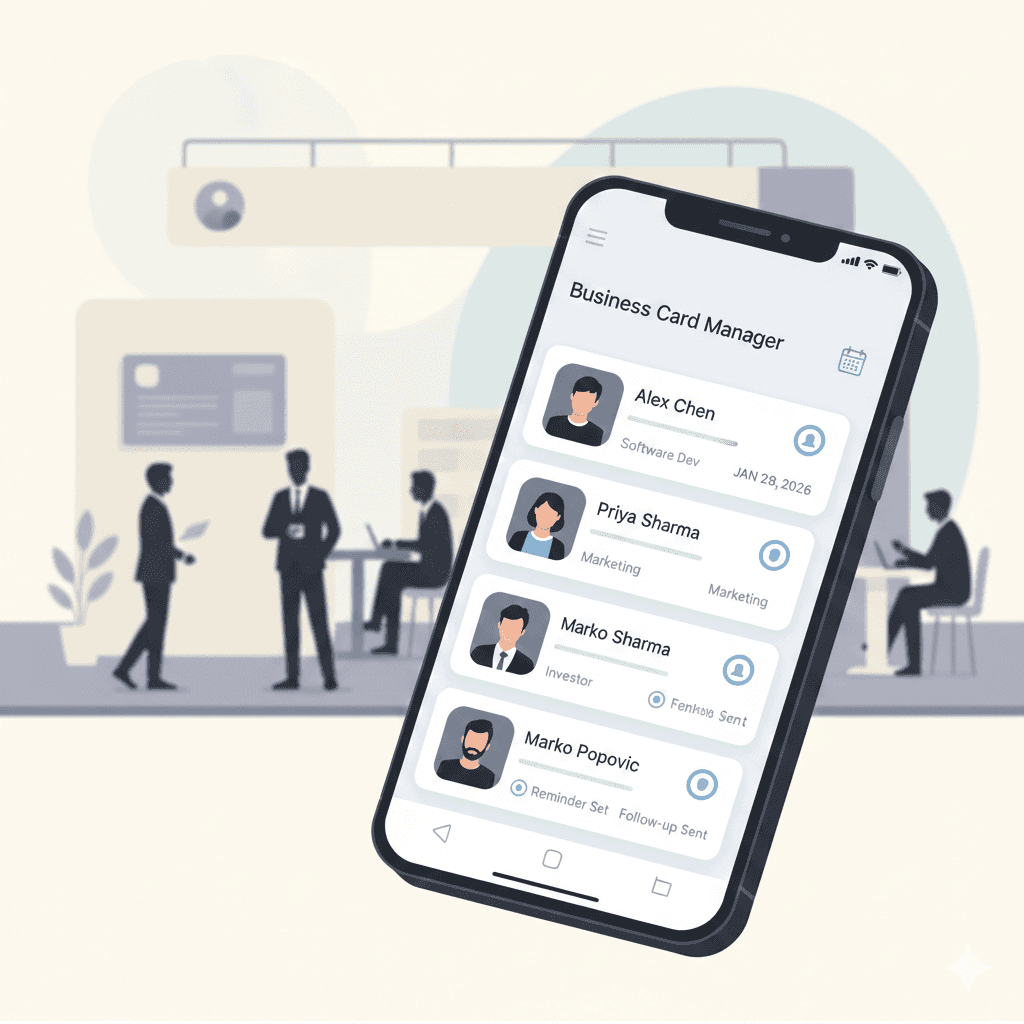
A practical comparison of business card managers in 2026, covering AI scanning, digital cards, and event workflows for sales teams and trade shows.
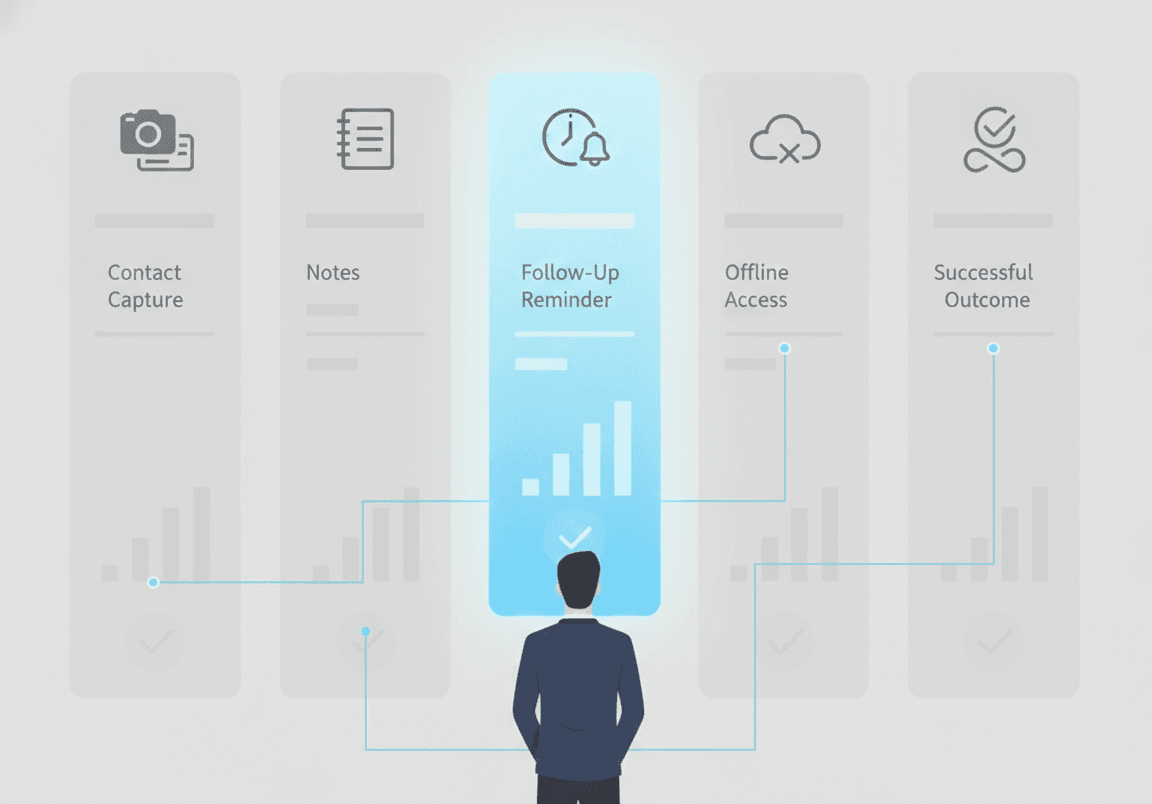
Teams do not lose deals at follow-up; they lose them at capture. The first 48 hours decide whether a conversation becomes a pipeline or fades into a forgotten card.
Event networking is still where many B2B relationships start, and it is where the most data leaks. Printed cards get misplaced, handwritten notes go unread, and post-event cleanup is often delayed or skipped. By the time a list reaches the CRM, the context that made the conversation valuable is gone.
A modern business card manager app closes that gap by capturing both the contact and the context in one motion. The right tool helps teams:
Capture contacts quickly without interrupting the conversation
Preserve the why, not just the who, so contacts retain meaning
Enable faster, more relevant follow-ups within 24 hours
Reduce the manual cleanup that usually happens after meetings and events
Rather than replacing networking skills, these tools protect the value of conversations already happening.
Scanning a card is easy. Preserving why the conversation mattered is the part most tools skip. |
Operational Use Cases for a Business Card Manager
A business card manager app earns its place when it fits into existing workflows, not when it adds extra steps.
Across teams, three patterns recur. At events and trade shows, the priority is fast capture from cards, QR codes, and badges, with enough context to know why the conversation mattered and what to do next. In sales meetings, the goal is to replace manual contact entry and scattered notes so contacts move into follow-up workflows without rework. For everyday introductions, the value is keeping every business contact organized in one place rather than spread across phones, email signatures, and WhatsApp.
In all three, the value comes from preserving context early and reducing the effort required to act on it later. That is the lens we used to evaluate the six tools below.
Not every tool solves the same problem. The right choice depends on how and where you network, and what you need to happen after the scan.
Event-driven teams should prioritize fast capture, offline support, and context at the moment of interaction. Relationship-focused users benefit more from tools that track history and prompt follow-ups over time. Digital card platforms work best when the primary goal is sharing a profile, not capturing leads at scale.
How we evaluated Each tool was assessed across the criteria event teams and SMBs ask about most: capture speed and volume, ability to preserve conversation context (notes, qualifiers, voice), CRM handoff , offline reliability, team visibility, and follow-up workflow. Tools score higher when they cover more of this loop in a single app rather than relying on external systems. |
Habsy is built for the moment a conversation happens, with native CRM sync so leads reach the team's pipeline by Day-1, not Day-7.
Habsy is positioned as an AI business card scanner and trade show lead capture app for teams that need to move from scan to sequence quickly. Instead of stopping at digitizing a card, Habsy preserves intent and context and pushes leads into the CRM the team already uses, with AI-drafted follow-ups ready to send.
High-speed capture across cards, QR codes, and badges
Habsy is built for environments where volume and pace matter. Capture is designed to feel automatic so reps stay in the conversation.
Batch business card scanning of stacks, with up to ~150 cards processed in a few minutes
Multilingual OCR across scripts and languages commonly seen at global events
QR code and badge scanning for verified contact data without manual entry
NFC card capture from a standard mobile device, no extra hardware required.
Full offline capture in low-connectivity halls, with automatic sync when online
Built-in intelligence that preserves conversation context
Beyond capture, Habsy adds the layer that most card scanners skip: the reason the conversation mattered.
Real-time enrichment with company background, industry, role, and LinkedIn signals
Voice notes with auto-transcription so intent and next steps stay searchable
Conversation starters drawn from the person and company profile
Intent Signals and tags for priority, interest, and follow-up stage
Designed for action, not post-event cleanup
Habsy minimizes the work that usually happens days after an event by moving it inside the capture flow.
Follow-up reminders set at the moment of capture, with one-tap presets
Customizable AI-drafted personalized email follow-ups for Faster Follow-ups
Customizable AI-drafted WhatsApp messages for channels customers actually read
CRM integrations with HubSpot, Zoho, Salesforce and CRM of your choice, plus CSV export for any other tool
Remove duplicate Contacts so the team works from one clean record per contact
Centralized team visibility and campaign tracking
Managers get shared visibility into capture and follow-up readiness through the Habsy Platform dashboard, which aggregates team scans by event, campaign, and rep. Per-user analytics surface top performers and top C-level prospects met, while campaign tagging keeps event ROI defensible.
By capturing intent, context, and next steps inside one app and syncing them live to the CRM, Habsy helps teams move from conversation to follow-up within hours instead of days.
2. Popl: NFC digital business card exchange
Popl centers on tap-based digital card sharing, not on capturing high volumes of inbound leads.
Popl is commonly used when teams want to replace physical cards with NFC taps or QR scans at meetings or events. Strengths sit on the sharing side rather than the capture and follow-up side.
Core capabilities
NFC-based digital business cards that share contact details by tap or QR scan
Profile-based contact sharing with centralized profile updates
CRM handoff support through integrations and exports
Team card management for consistent digital identity across users
Where it falls short
Relies on post-exchange systems to qualify leads and schedule follow-ups
Less effective in high-volume trade show environments where physical cards and badges are still the norm
No native voice notes or AI-drafted follow-ups inside the same app
3. Covve: contact management for relationship intelligence
Covve is a personal CRM for staying in touch over years, not a high-volume event capture tool.
Covve focuses on helping individual professionals remember and maintain relationships over time. It works well for steady, low-volume networking rather than the bursts that come with trade shows.
Core capabilities
Relationship intelligence signals tracking role changes and company updates
Contact enrichment with contextual business information over time
Smart reminders that prompt users to stay in touch
CRM synchronization for continuity into broader contact systems
Where it falls short
Not optimized for scanning large volumes of new contacts in short time windows
Limited support for capturing real-time meeting or event context
Better suited to ongoing relationship maintenance than immediate post-event follow-up
4. HiHello: branded digital business card platform
HiHello is strongest when polished digital identity matters more than capturing inbound leads.
HiHello emphasizes branded digital business cards and consistent professional identity across teams. It is commonly chosen to maintain a tidy digital presence in meetings and demos.
Core capabilities
Branded digital business cards with customizable layouts
Real-time profile updates so recipients always see the latest details
QR and link-based sharing across channels
Team identity controls for consistent presentation across departments
Where it falls short
Does not natively capture meeting notes or conversation context
Requires external tools to manage follow-ups and reminders
Less suitable for teams needing structured lead qualification at events
5. Blinq: QR code business card app for quick sharing
Blinq is light, fast, and personal-first; team workflows are not its focus.
Blinq is built for fast, lightweight QR code sharing. It is often chosen when speed and simplicity matter more than enrichment depth or follow-up workflows. For a deeper view, see our Habsy vs Blinq comparison.
Core capabilities
QR-based contact sharing for quick saving of contact details
Lightweight digital profiles with simple setup
Cross-device accessibility for sharing across phones and laptops
Individual-first usage, optimized for solo professionals or small teams
Where it falls short
No built-in enrichment or contextual data capture
Follow-up workflows must be handled outside the platform
Limited visibility for managers tracking team activity at events
6. Uniqode: enterprise QR-led digital interactions
Uniqode is best for governed QR campaigns at scale, not for ad-hoc lead capture on the booth floor.
Uniqode is designed for QR-led digital interactions in structured, enterprise environments. Organizations evaluate it when they need controlled QR experiences and engagement analytics at scale.
Core capabilities
Enterprise QR management with centralized creation and control
Engagement analytics across scans, interactions, and campaign performance
Structured digital interactions for controlled information flows
Security and governance controls for organizations with compliance requirements
Where it falls short
Not designed for offline environments or on-the-floor event capture
Limited support for scanning physical business cards
Less flexible for ad-hoc networking or conversational follow-ups
Feature | Habsy | Popl | Covve | HiHello | Blinq | Uniqode |
|---|---|---|---|---|---|---|
Business Card Scanning | High-accuracy, batch scanning | Single card scan | Single card scan | Single card scan | Single card scan | QR-led capture |
Digital Business Cards Sharing | NFC, QR and Link | NFC and QR | NFC and QR | NFC and QR | NFC and QR | NFC and QR |
AI Enrichment | Person + company enrichment at capture | Identity-level enrichment | Profile and relationship enrichment | Identity-level enrichment | Not supported | QR and profile-based enrichment |
Event Lead Capture | Built for high-volume events | Effective for NFC-driven events | Better for low-volume networking | Limited event focus | Suitable for quick exchanges | Strong in QR-led environments |
CRM / CSV Export | Clean, CRM-ready CSV exports | Direct CRM sync and exports | CRM sync and exports | CRM and CSV export | CSV export | CSV export with analytics |
Offline Support | Offline capture with sync later | Scan offline, sync later | Limited offline capability | Add contacts offline, sync later | Read-only offline access | Not supported offline |
The best business card manager in 2026 is the one that fits how you actually network.
Some tools focus on NFC or QR-based digital cards, some emphasize long-term relationship memory, and a few combine elements of both. Teams that operate in fast-moving event environments tend to benefit most from tools that capture context early, sync natively to the CRM, and reduce manual follow-up work.
If most of your contacts arrive at trade shows, conferences, or sales meetings, prioritize capture speed, offline reliability, and a follow-up workflow that lives inside the same app. If your need is closer to digital identity sharing or relationship memory, the lighter tools in this list may be a better fit.
Q: What is a business card manager?
A: A business card manager is a mobile app that scans physical and digital business cards, stores contacts securely, and helps organize, search, and follow up on professional connections in one place.
Q: How is a business card manager different from a digital business card app?
A: Digital business card apps mainly focus on sharing contact details. Business card managers also scan physical cards, apply AI enrichment, capture notes or context, and prepare contacts for follow-up or CRM use.
Q: Are business card managers useful for events and trade shows?
A: Yes. Business card managers help capture high volumes of contacts quickly, preserve conversation context, reduce post-event manual work, and support faster follow-ups.
Q: What does AI enrichment mean in business card managers?
A: AI enrichment adds context such as company information, job roles, and professional signals using data from a scanned card or QR interaction.
Q: Which business card managers work offline at events?
A: Habsy and Popl support offline usage. Both allow contacts to be accessed or captured without internet connectivity, with data syncing and enrichment completing once a network connection is available.










