Blog
The problem didn’t show up at the event; it showed up during follow-up. Days after the conversations ended, I was staring at a list that barely resembled the people I’d met. Business cards in multiple languages. Mixed scripts on the same line. Names in the wrong fields. Emails missing altogether. What should have been quick, confident follow-ups turned into hours of cleanup and second-guessing inside what was supposed to be a reliable mobile business card manager app.
That’s when it hit me: modern networking is multilingual, but most OCR tools aren’t built for it.
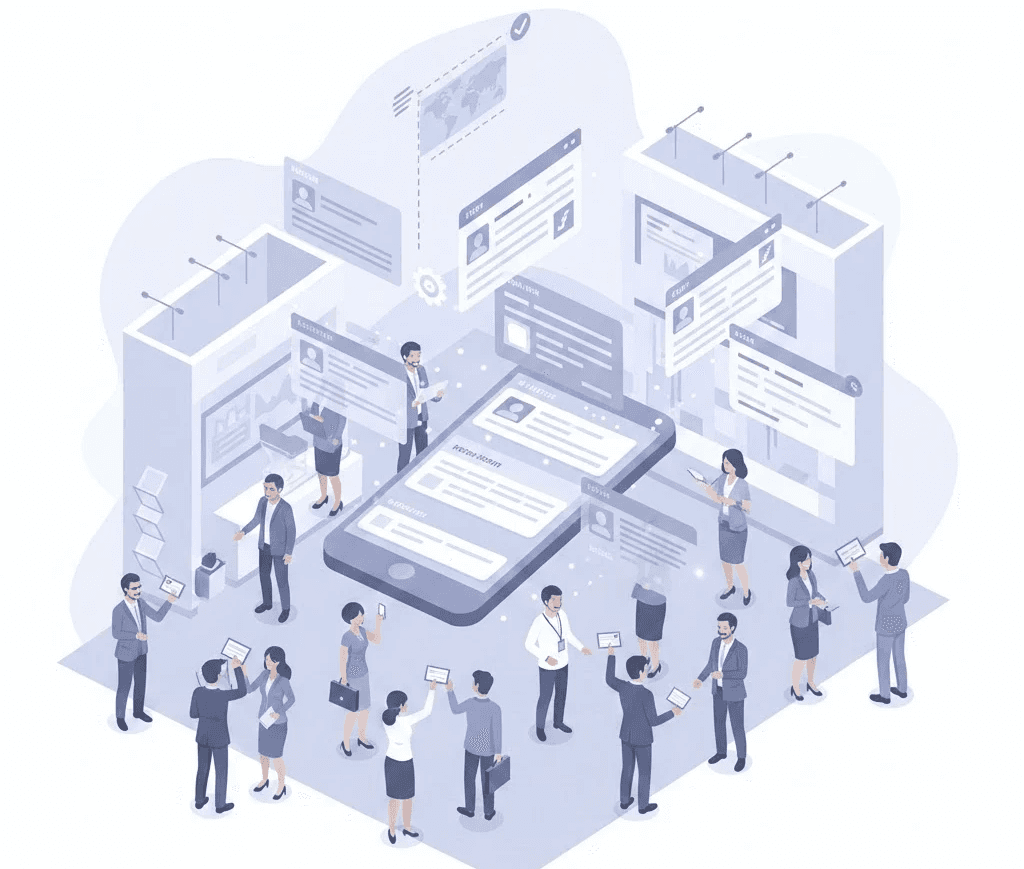
How multi-language OCR really performs when scanning business cards at global events,and what matters for clean data, fast follow-ups, and CRM readiness.
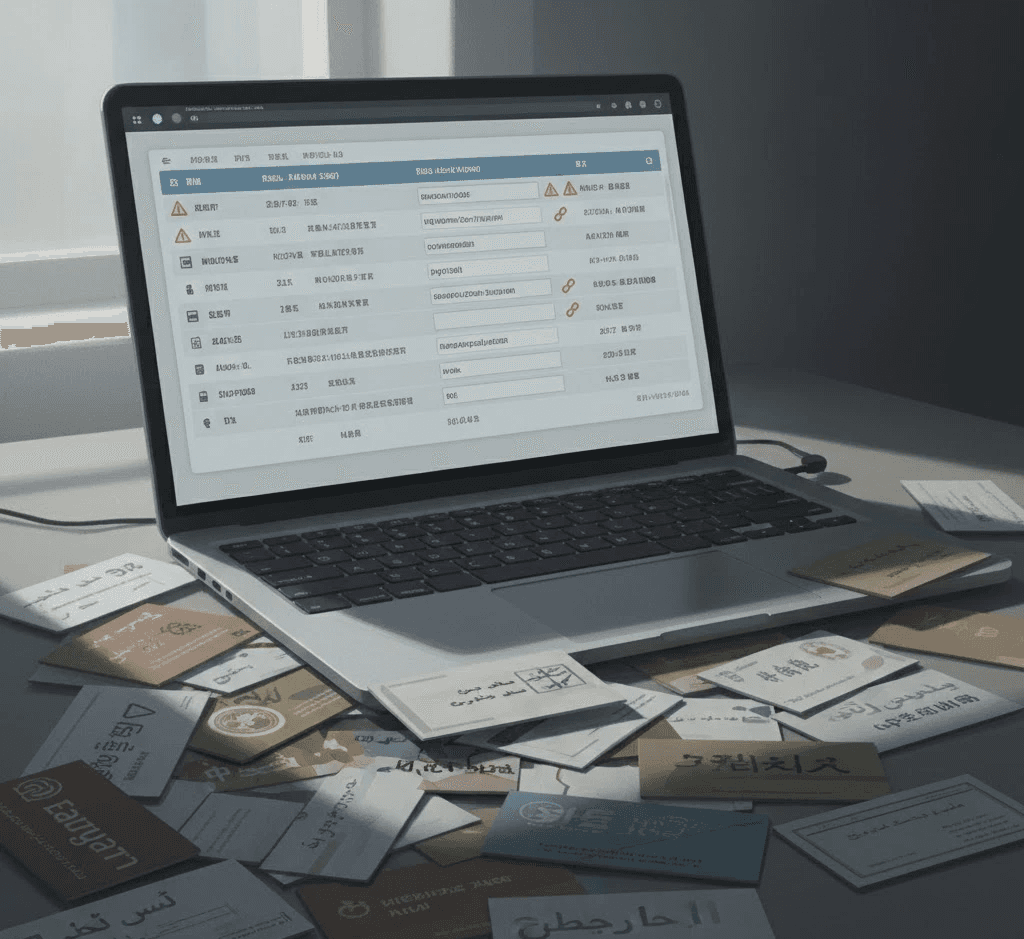
Most OCR tools look impressive on the surface, especially those marketed as the best business card scanner apps. They promise speed, accuracy, and AI-powered recognition. I trusted those promises, until I had to rely on them after real global events.
The issue wasn’t that these tools couldn’t read text. It was that they couldn’t preserve meaning. Names drifted into address fields. Company names replaced job titles. Regional scripts broke assumptions the software quietly made about layout and language order.
Nothing failed loudly. The scan completed. The contact saved. But the record was already unreliable.
This is why many mobile business card manager apps appear accurate at scan time but fail later during follow-ups, exports, or CRM handoff.
II. Why Multi-Language OCR Is Critical for Global Events and Sales Teams
At international and regional events alike, multilingual business cards are no longer edge cases. They are the norm. English mixed with local languages.
When OCR struggles here, teams slow down. Follow-ups wait. Leads cool off.
What should be a smooth handoff from an event badge scanner app or exhibition lead capture software becomes manual correction work inside spreadsheets.
Multilingual business card OCR isn’t about feature checklists. It’s about confidence.
When the data feels right, teams move fast.
When it doesn’t, hesitation creeps in, and momentum quietly disappears.
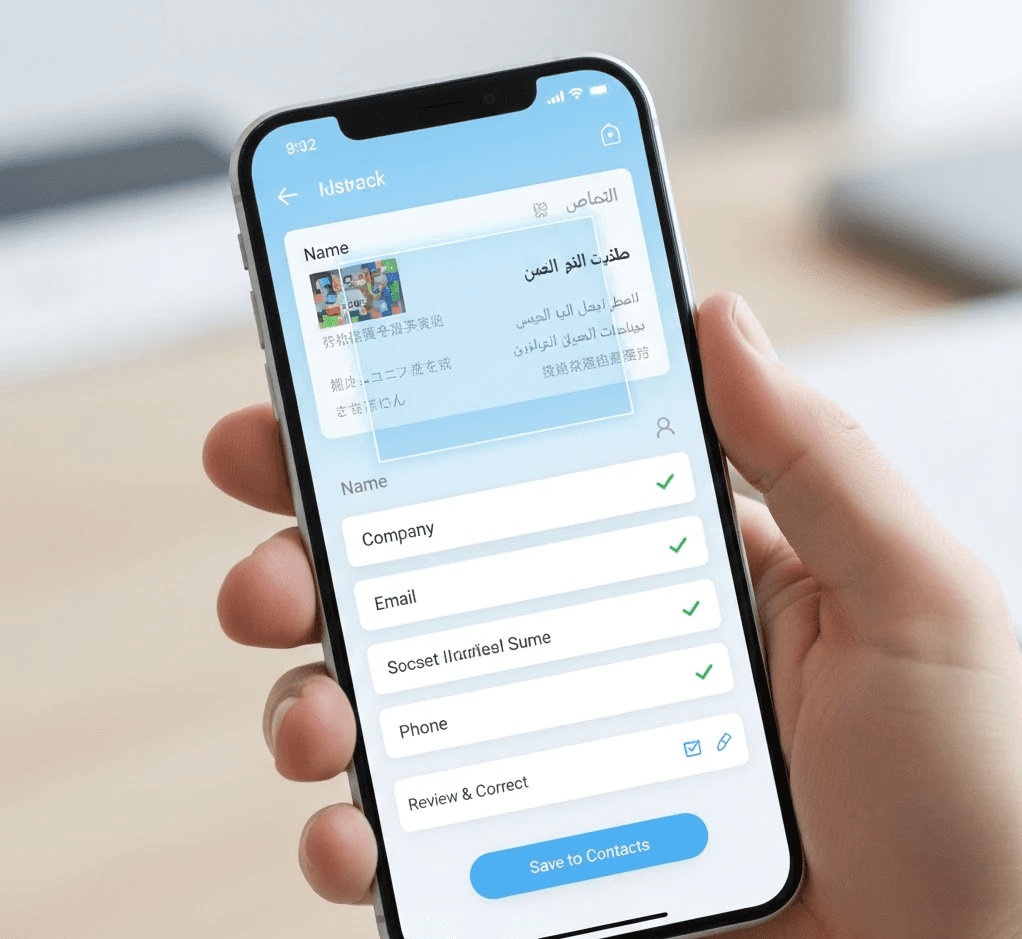
Not all lead capture tools are designed for the pace and pressure of a busy trade show floor. Habsy is built specifically for high-volume exhibition environments where conversations move fast, context matters, and follow-up speed directly impacts revenue.
Capture
AI-powered business card scanning with high OCR accuracy
QR badge scanning for fast lead capture from event-issued badges without manual entry
Professional QR profiles for instantly sharing your personal contact details during networking
Business QR profiles that let visitors access brochures, company details, products, and links directly from booth banners or displays
NFC-enabled digital business card sharing and two-way contact exchange
Phone-to-phone NFC sharing with no app required on the recipient’s side
Offline capture support that syncs automatically once internet connectivity returns
Batch scanning for processing stacks of business cards quickly after events
Qualify & Add Context
Intent signals captured during conversations to prioritize leads by buying stage or interest level
Categories for organizing contacts by buyer type, product line, campaign, or priority
Quick notes and voice notes with transcription to preserve important conversation details
One-tap reminders for scheduling timely follow-ups before leads go cold
AI enrichment for adding professional and company context to captured contacts
Act & Follow Up
AI-generated email follow-up templates personalized using captured contact context
AI-powered WhatsApp follow-up templates for faster outreach after meetings and events
Advanced search and saved filters for building targeted outreach lists instantly
Team visibility and platform workflows for managing leads across events and campaigns
Clean & Export
Duplicate detection after sync to identify repeated contacts before CRM export
Review workflows for validating and organizing captured data
CRM integrations through the Habsy Platform for workflows connected with HubSpot, Zoho CRM, Salesforce, and more
CRM-ready CSV exports compatible with virtually any sales or workflow system
Instead of leaving an event with scattered business cards and incomplete spreadsheets, teams leave with clean, organized, context-rich, revenue-ready lead data prepared for immediate follow-up.
If this resonates, this deeper perspective on scaling relationships after initial contact is worth reading: Human Connection at Scale: The New Sales Superpower in Relationship-Driven Markets.
At some point, accuracy percentages stopped impressing me. A tool could claim high recognition rates and still slow everything down later.
What mattered was whether the output was actionable.
Could I trust it without hesitation?
Could I export it cleanly?
Could someone else on the team use it without asking questions?
A slightly less accurate tool with strong review flows consistently outperformed more “accurate” tools that left cleanup until the end. In real workflows, time to follow-up is the only accuracy that counts.
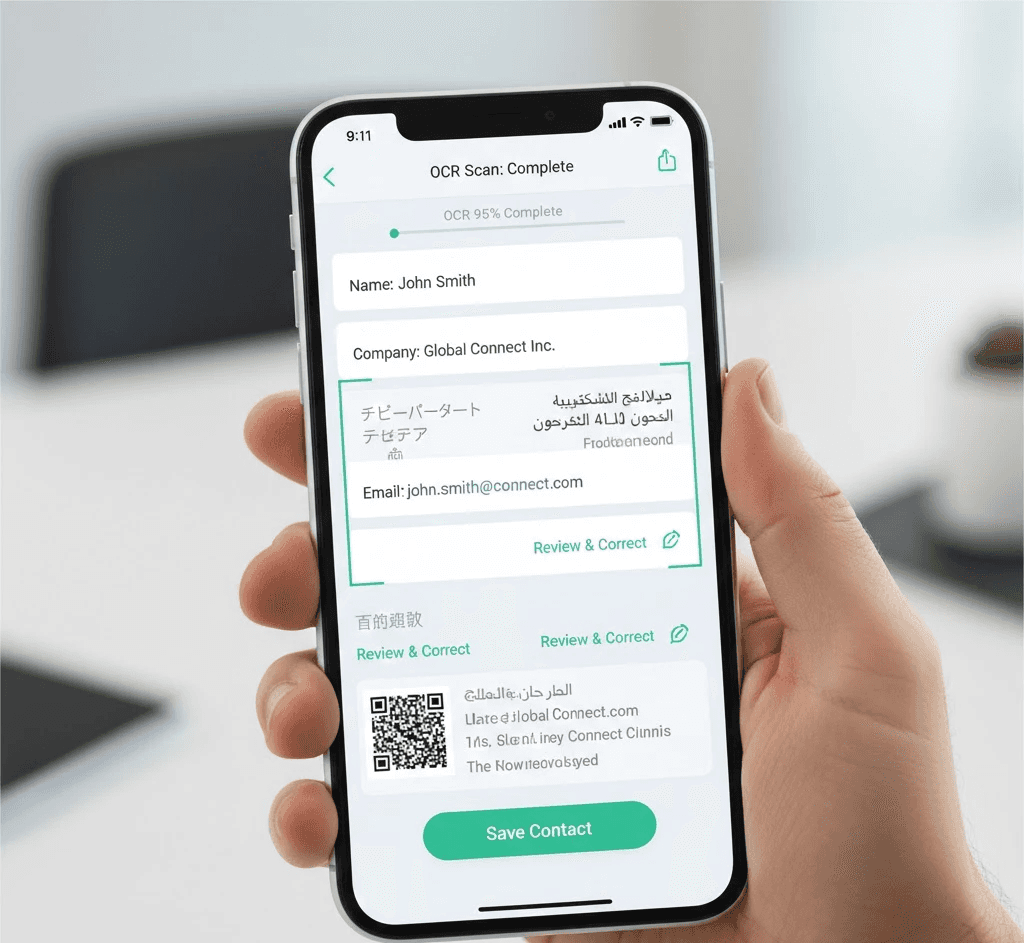
What stood out to me about the Habsy Business Card Manager wasn’t a promise of perfect OCR. It was how grounded the workflow felt.
The Habsy app treats multilingual capture as normal.
It supports review before export, helps scan business cards to CSV, and simplifies contact deduplication before CRM import.
It works as a complete business card manager for SMBs, not just another scanner.
That’s what makes it effective.
Not because it eliminates errors, but because it prevents them from turning into momentum killers.
For teams dealing with this at scale, this breakdown on centralizing networking data across teams adds useful context: Centralize Your Team’s Networking Data with the Habsy Enterprise Dashboard.
Comparing multi-language OCR tools changed how I evaluate every business card scanner app I use.
The real question isn’t which tool reads the most languages. It’s which one helps you act faster after the conversation ends.
In a world of global events, digital business cards, and mixed-language data, the tools that win aren’t just scanners. They’re reliable mobile business card manager apps that turn conversations into clean, usable contacts without slowing teams down.
That difference is subtle at capture time, but impossible to ignore when follow-ups actually happen.
Q. What is multi-language OCR for business cards?
A. OCR that reads cards with multiple languages, scripts, and layouts.
Q. Does Habsy integrate directly with CRMs?
A. Habsy exports clean CSV files for CRM import.
Q. How does Habsy handle multilingual data during export?
A. Fields remain structured and language-safe in CSV files.
Q. Why choose Habsy for multi-language OCR use cases?
A. Because it focuses on workflow reliability, not just text recognition.
Q. Why choose Habsy?
A. Habsy Business Card Manager is built for real event workflows. It handles multi-language cards, supports review before export, prevents duplicates, and delivers clean data for faster follow-ups without slowing teams down.










