Features Your Business Card Manager Should Have: From Basic to Advanced
Most business card apps promise fast scanning, but scanning alone doesn't help you close more deals. This guide explains the features that truly matter as your networking grows, from essential capabilities. Whether you're an SMB owner, sales professional, or frequent trade show exhibitor, you'll learn which features are worth prioritizing, which ones become critical at scale, and how the right business card manager can help you turn contacts into qualified leads instead of forgotten names.
Marcus Chen5 min read
What Are the Basic Business Card App Features You Shouldn’t Compromise On?
If you are searching for the best business card scanner apps for trade shows or wondering how to choose a business card manager for SMBs, this breakdown comes from real, on-the-ground use rather than feature checklists.
I’ve used enough mobile business card manager apps to recognize the pattern. At first, they feel helpful. You scan a card, share a digital profile, and move on. But a few days after a trade show or meeting, I am staring at a long list of names with no context, no memory of the conversation, and no clear next step. I didn’t lose the lead. I lost the moment.
That’s when it became obvious the problem wasn’t follow-up discipline. It was the business card manager app itself. Most tools are built to capture details, not manage relationships. Over time, I started noticing the gaps. Basic things I expected every digital business card or business card scanner app to have were missing. Moderate features became necessary once volume grew. Advanced capabilities mattered when leads were tied to revenue.
How Do Moderate Business Card App Features Improve Follow-Ups?
When I first started using a business card manager for SMBs, I didn’t expect enterprise workflows. I assumed the fundamentals would be solid, especially from tools calling themselves the best business card scanner apps. What caught me off guard was how often even these basics were missing.
Batch Scanning
Every business card scanner app I tried could scan a card. Almost all of them forced me to scan one card at a time. After trade shows, that meant repeating the same steps again and again. Scanning stacks of cards became exhausting, which meant I delayed it. Delayed scanning always led to delayed follow-ups.
Batch scanning changed that. Scanning multiple cards consecutively meant that by the time I finished, most contacts were already processed and ready to scan business cards to CSV or review before follow-up. It turned scanning from a chore into momentum.
Multi-Language Support
Real networking isn’t limited to English. At exhibitions and conferences, I collected cards with regional languages, mixed scripts, and unconventional layouts. Apps without multilingual business card OCR quietly broke trust in the data.
Errors didn’t always show up immediately. They appeared later as broken names, missing titles, or details I couldn’t confidently use. Multi-language OCR is not advanced. It is essential for any exhibition lead capture software meant to work in real business environments.
Search and Filters
Saving contacts was never enough. I needed to find them again. Searching only by name stopped working once the list grew. Most of the time, I remembered fragments such as a topic discussed, a product mentioned, or the event where we met.
When search worked across everything, including card fields, notes, and captured data, the app became reliable. Even vague searches returned useful results. Without this, a SMB contact management app quickly turns into a digital graveyard.
Offline Mode
I never thought about connectivity until it failed me. Expo halls, basements, and crowded venues are exactly where networking happens and networks disappear.
Offline mode made capture dependable. Whether I was using a trade show lead capture app or a simple digital business card app, being able to save data without internet and sync later became a basic requirement, not a bonus. I have broken this down in detail in how offline mode saves you in patchy expo halls.

Put the guide into practice
Turn every event conversation into a follow-up.
Capture accurate contact details, add the context that matters and stay ready for the follow-up.
Advanced Business Card App Features for High-Volume Teams
Once volume increased, memory stopped helping. Names blurred together. Conversations overlapped. My mobile app that once felt helpful started feeling like a digital drawer full of loose cards.
This is where a business card manager needs to evolve. It must move from capture to execution.
Reminders
I used to think reminders were unnecessary. If a conversation mattered, I assumed I would remember to follow up. Reality proved otherwise.
When reminders were built directly into the app and tied to specific contacts, follow-ups became consistent. A simple decision made immediately, like tomorrow or next week, often saved a lead from disappearing.
Clean Export for Follow-Up
Eventually, contacts had to move into spreadsheets or a CRM. That’s where many apps failed. Data looked fine inside the app, but once exported, columns broke, duplicates appeared, and imports became cleanup work.
Clean exports made the difference. When I could reliably scan business cards to CSV and import them into a CRM, follow-ups started immediately. This is where contact deduplication before CRM import became critical, because bad data compounds fast.
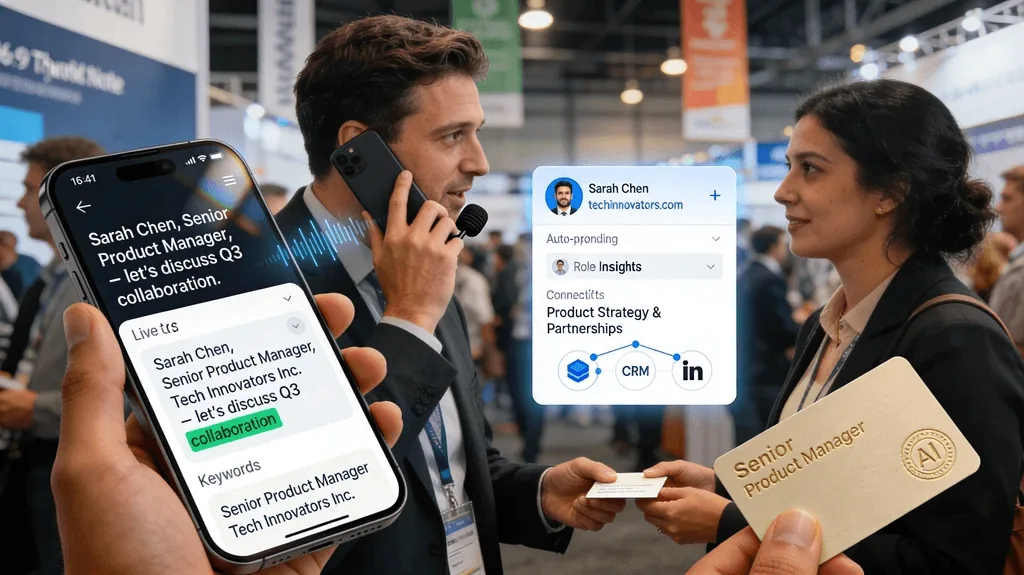
Why I Stopped Compromising and Moved to Habsy
Once leads flowed into the CRM, expectations changed. The question was no longer whether I could follow up. It was whether the process could scale.
That’s when advanced features stopped being optional.
Voice Notes with Transcription
Typing notes during events wasn’t realistic. Conversations moved fast. Voice notes allowed me to capture intent instantly.
Transcription made those notes usable later. Instead of replaying audio, I could read context, skim conversations, and prioritize leads quickly. This became especially useful after large exhibitions and trade shows.
AI Enrichment
Even with clean data, context was still missing. Names and companies alone weren’t enough.
AI enrichment filled that gap with an AI Enriched Contact Brief: career history, company profile, products and services, and company contact details. It reduced manual research and made every follow-up more informed, especially when using an event badge scanner app or managing high-volume leads. I’ve written in more detail about this shift in context-first follow-ups in how AI-driven networking transforms and accelerates my business relationships.
What I Eventually Learned
After trying enough tools, I realized most apps stop short. They handle one part of the workflow and leave the rest to chance. I was expected to stitch together scanners, reminders, exports, and CRM logic on my own.
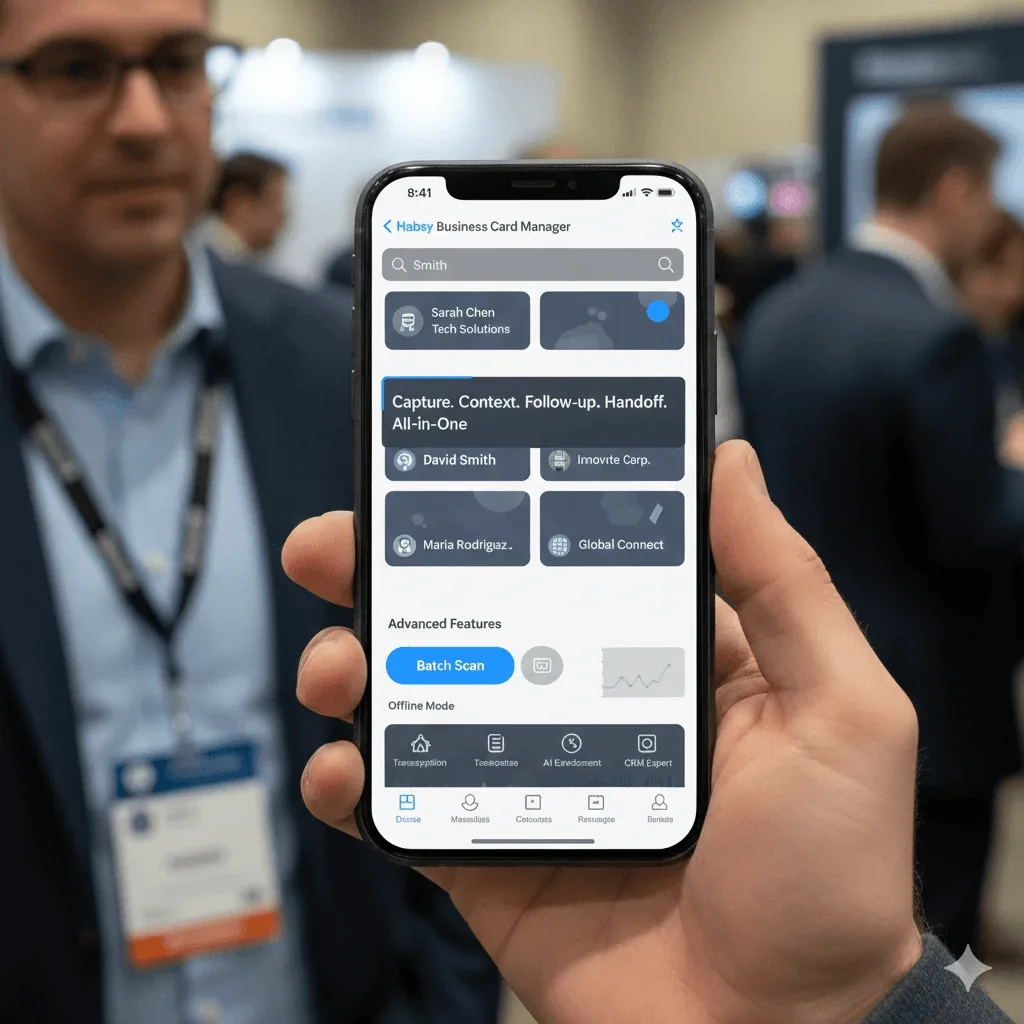
Habsy Business Card Manager was the first tool that didn’t ask me to compromise and is the closest thing I’ve found to a best business card scanner app built for real-world events and follow-ups. The Habsy app handled capture, context, follow-up, and handoff in one place. Batch scanning worked when I had stacks of cards. Offline mode worked when networks didn’t. Search worked even when my memory didn’t. Exports respected the CRM. Advanced features like transcription and AI enrichment ensured I wasn’t just collecting contacts but actually understanding them.
At some point, you stop settling for the bare minimum. Habsy didn’t feel like just another business card manager app. It felt like the system I should have been using all along.
Frequently Asked Questions
What are the basic features every business card manager should have?
A business card manager should support accurate scanning, contact storage, search functionality, and offline mode. These ensure contacts are captured reliably and accessible even in real-world event conditions.
Why are batch scanning and multi-language OCR important?
Batch scanning allows teams to process multiple cards quickly after events, while multi-language OCR ensures accurate capture across different languages and formats. Habsy supports both, making it suitable for high-volume, global networking scenarios.
How do search and filters improve contact management?
Search and filters help users find contacts based on notes, keywords, or context, not just names. Habsy lets you search by name, company, role, tags, custom fields, and voice note transcripts, making it easier to recall conversations and prioritize follow-ups.
What advanced features help convert contacts into opportunities?
Advanced features like reminders, clean CRM export, voice notes with transcription, and AI enrichment help turn contacts into actionable leads. Habsy integrates all these features into one workflow for faster follow-up and better conversion.
Why is an all-in-one business card manager important?
Using multiple tools for scanning, notes, and follow-up creates inefficiencies. Habsy combines capture, context, organization, and CRM handoff into one system, ensuring a seamless workflow from contact capture to conversion.
Put the guide into practice
Turn every event conversation into a follow-up.
Capture accurate contact details, add the context that matters and stay ready for the follow-up.