Blog
Who Owns Your Contacts in Business Card Apps? Data Security & Compliance Explained
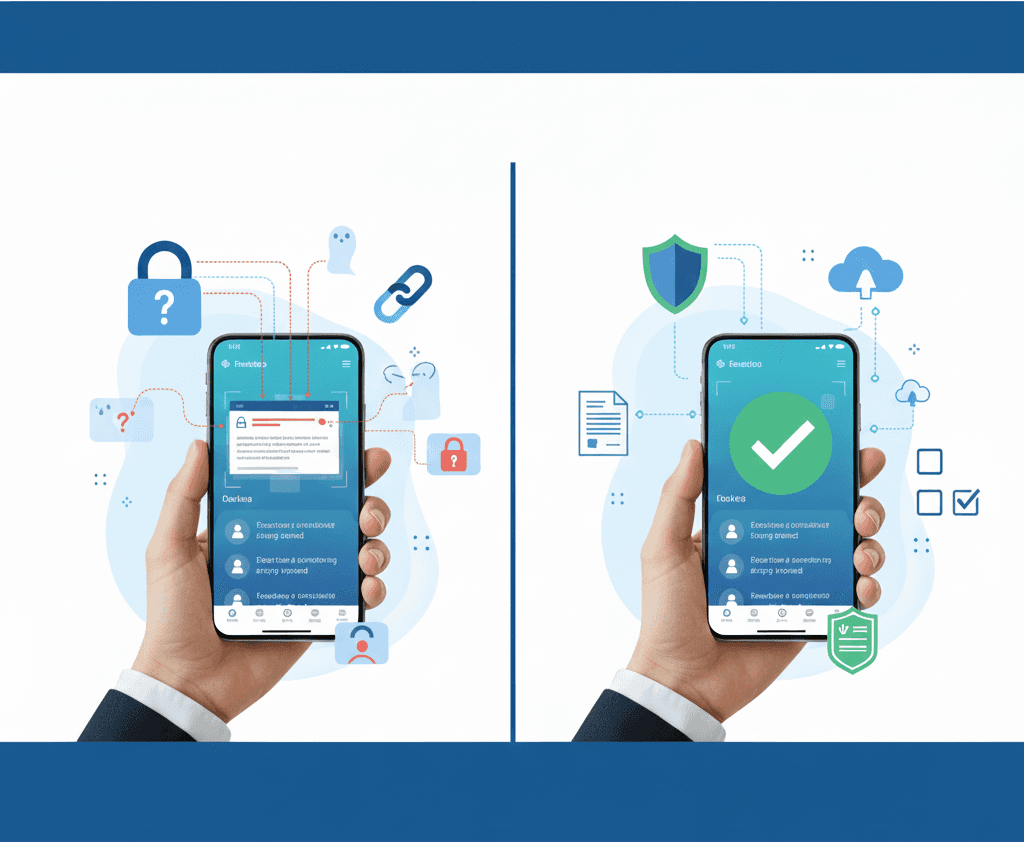
Who owns your contacts in business card apps? I break down data ownership, encryption, free scanner risks, and compliance for SMBs.
When I scan a business card using a business card manager app, I naturally assume the contact belongs to me. I met the person, had the conversation, and chose to save their details. Whether I’m using a business card scanner app, a digital business card exchange, or a trade show badge scanner, that assumption feels reasonable.
But over time, I’ve learned that in many business card apps, ownership of contact data is not always that clear.
That realization led me to ask a simple but important question, especially relevant for SMBs and sales teams looking for the best business card scanner app for small business:
Who actually owns and controls my contacts once they’re stored in an app?
Why Contact Ownership Is a Business Risk
I don’t see business contacts as casual data. They’re the foundation of my business card database, CRM pipeline, and follow-up workflow. They represent real conversations, trust, and future opportunities.
When ownership is unclear, I’ve seen how easy it is to lose access to contacts, face export limitations, or struggle to move data from a CRM business card scanner into another system. This becomes even more frustrating when deciding between a scan app or physical card approach at events.
In practice, ownership determines whether a business card manager actually supports smarter networking or quietly locks my data behind hidden rules.
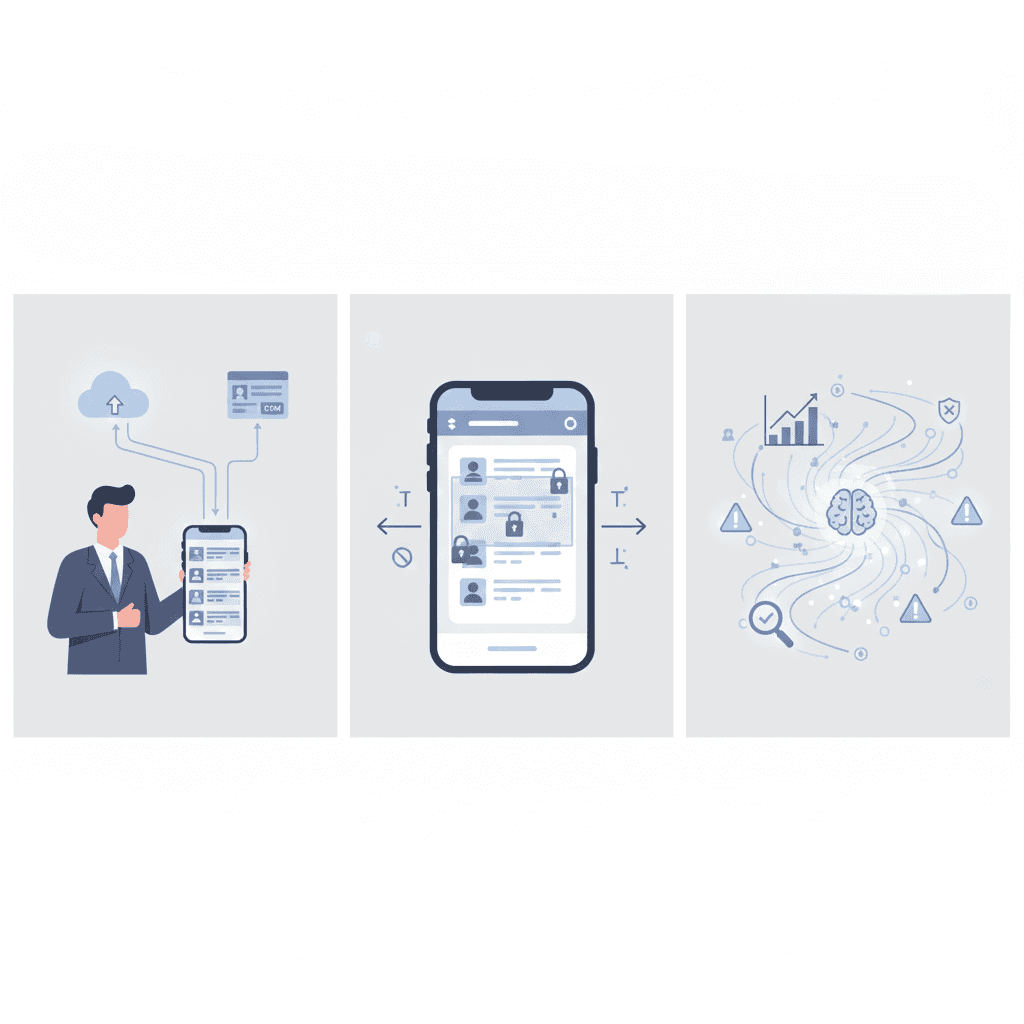
I often hear vendors talk about encryption as if it answers every security question. Terms like “cybersecurity for business cards” sound reassuring, but they don’t always explain the full picture.
Encryption protects contact data from outsiders while it’s stored or transmitted. That matters. But if the app controls the encryption keys, it can still access, process, or retain the data under its own terms.
So while encryption improves business card security, I’ve learned that ownership is what really defines control.
As I’ve explored different business card scanning apps, I’ve noticed most fall into one of three ownership models.
Some tools work as true business card manager apps, where I can export contacts freely, delete them permanently, and move them into any CRM. This is what I look for when comparing Covve alternatives or evaluating the best app for business cards.
Others rely on platform-controlled models. They’re often marketed as the best digital business card apps, but exports are restricted or paid, making it hard to leave once the contact list grows.
Then there are free or AI-driven tools that reuse contact data for analytics or AI enrichment, which raises real concerns for me around privacy business cards and business card program security features.

I understand the appeal of searching for the best free business card scanner app. But I’ve learned that “free” often comes with trade-offs that aren’t obvious at first.
These include limited exports to Excel, unclear deletion policies, reuse of contacts for AI training, or data stored in unknown jurisdictions. Teams that rely on bulk business card scanning, lead scanners, or badge scanners for trade shows usually discover these limits only after an event, when they try to organize or export leads.
What looks free upfront can quietly weaken my business card exchange method and slow down follow-ups.
Security and Compliance at Habsy
Thinking through questions of data ownership, security, and compliance is what shaped how we built things at Habsy Technologies.
Ownership and Control of Data
When contacts are captured using the Habsy business card manager, they remain the property of the user and their workspace. Whether the data comes from a business card scanner, QR codes on business cards, or an event badge scanner app, ownership never shifts to the platform. I can export, share, or delete contacts at any time, without being locked into a subscription just to retain access.
Security That Protects Clearly
We use industry-standard encryption to protect data during transfer and storage. Instead of relying on buzzwords like “cybersecurity business cards,” the focus stays on security practices that are clear, understandable, and aligned with real SMB needs.
A Practical Compliance Approach for SMBs
By following a CSV-first export model, we make it easy to move data into any CRM or spreadsheet. This keeps compliance practical and flexible for teams using digital business cards for field sales, trade show badge scanner apps, or business card scanner app export to Excel workflows.
For more details on how data is handled, access rights, and user responsibilities, you can review our
Terms of Service.
I see business card apps competing heavily on AI, QR codes, and automation. Questions like “Are business cards a waste of money?” or “Are virtual business cards secure and widely accepted?” are valid, but they’re secondary.
What matters most to me is control.
My contacts represent time, effort, and real conversations. Whether I’m using a secure digital business card, a QR code business card, or a traditional business card, the tool managing those relationships should never take ownership away from me.
As networking evolves, I’ve also seen how the right use of AI can strengthen relationships instead of replacing them. I’ve shared more on this perspective here:
How AI-Driven Networking Transforms and Accelerates My Business Relationships
Before choosing what looks like the best business card scanner app, I always come back to one question:
Who owns my contacts once they’re scanned?
Q1. Who owns your contacts in business card apps?
In many apps, ownership is not always clear. Some platforms restrict exports or retain control over your data. With Habsy, contacts remain fully owned by the user, with the ability to export, delete, or manage data without restrictions.
Q2. Why is contact ownership important for businesses?
Contacts represent real relationships, pipeline, and future revenue. If ownership is unclear, businesses risk losing access, facing export limitations, or being locked into platforms. Habsy ensures full control so teams can move and use data freely.
Q3. Does encryption guarantee full data control?
No. Encryption protects data from external threats, but it does not guarantee ownership. If a platform controls encryption keys, it may still access or manage your data. Habsy combines security with clear ownership, ensuring both protection and control.
Q4. Are free business card scanner apps safe to use?
Free apps often come with hidden trade-offs like limited exports, unclear data policies, or reuse of contact data for AI training. Habsy avoids these risks by giving users transparent control, secure storage, and unrestricted access to their contacts.
Q5. How does Habsy ensure data ownership and compliance?
Habsy follows a user-first model where contacts remain your property. It provides secure storage, easy CSV export, and flexible CRM integration, ensuring compliance while keeping your data accessible and portable.










