Offline Lead Capture Guide for Field Reps
Learn how offline-first workflows prevent lost leads, improve follow-up consistency, and automatically sync data when you're back online. Discover how the Habsy Business Card Manager helps teams stay productive anywhere, from crowded trade shows to factory visits and remote sales routes.
Claire Bennett5 min read
On this page
Offline Lead Capture Problems Every Field Rep Faces
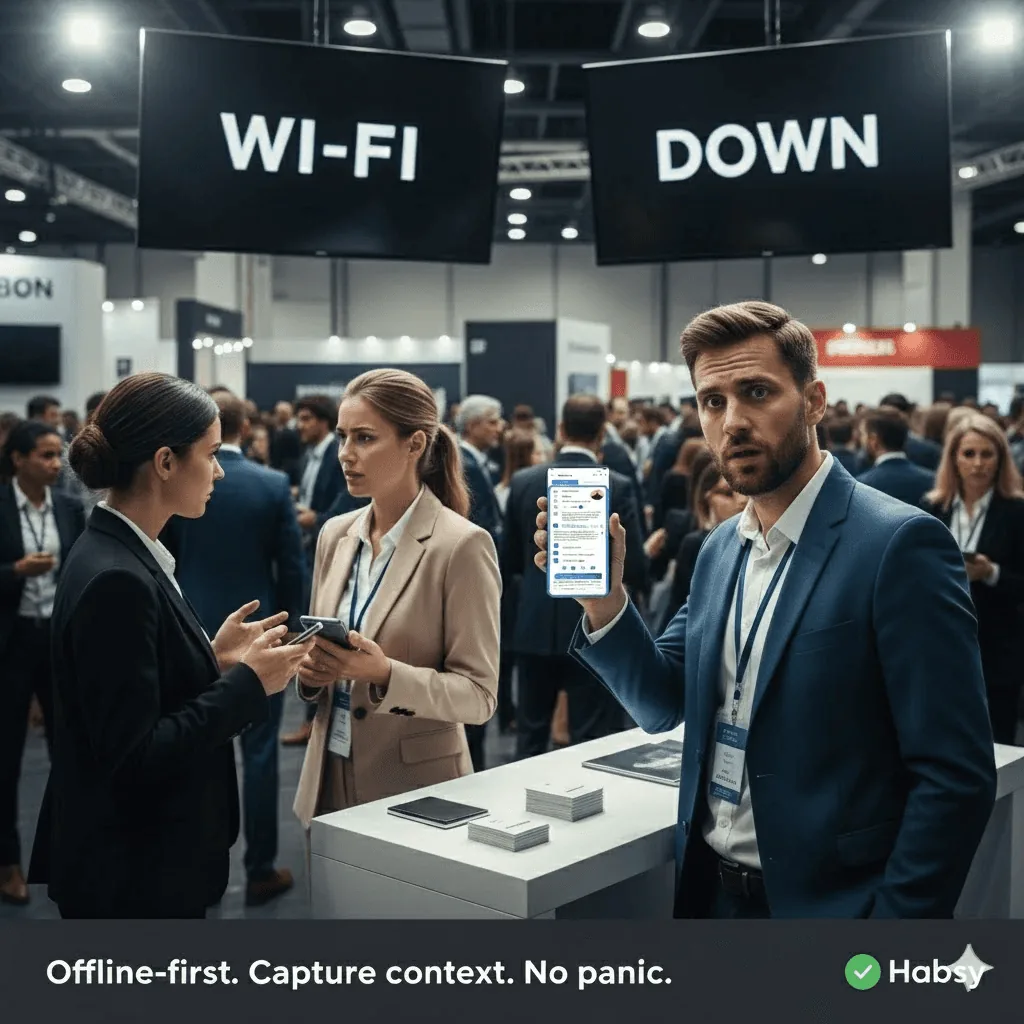
I’m buried in a sea of visitors at a crowded expo, hands full of business cards, conversations overlapping, and the network is completely dead. People want pricing, demos, brochures, follow-up calls all at once and my current business card manager app refuses to load. Scans fail, notes vanish, details blur together, and every new lead feels like another chance to lose something important.
I’m smiling and keeping the booth moving… but inside, I’m panicking. I know I’m staring at a pile of messy leads with no qualifiers, no context, and no way to remember who needed what all because my tool can’t work offline. To avoid this, many teams use structured qualifiers such as categories and intent signals.
This is exactly where an offline-first system like the Habsy Business Card Manager becomes essential.
Why Offline Lead Capture Matters for Field Teams
When the network drops, the real issue isn’t the crowd it’s how quickly your lead-capture process collapses. Without a reliable business card manager for SMBs or a robust trade show lead capture app, context disappears, details scatter, and high-value leads slip out of focus.
Follow-ups become uncertain, and uncertainty kills deals long before they reach your CRM.
Offline Mode prevents that collapse completely. It keeps capture fast, stable, and complete even in zero-signal environments.
Ready for your next event?
Bring every booth conversation back with context.
Capture cards and badges in seconds, qualify leads on the spot and give your team a clean next step.
How Offline Mode Works Inside the Habsy App
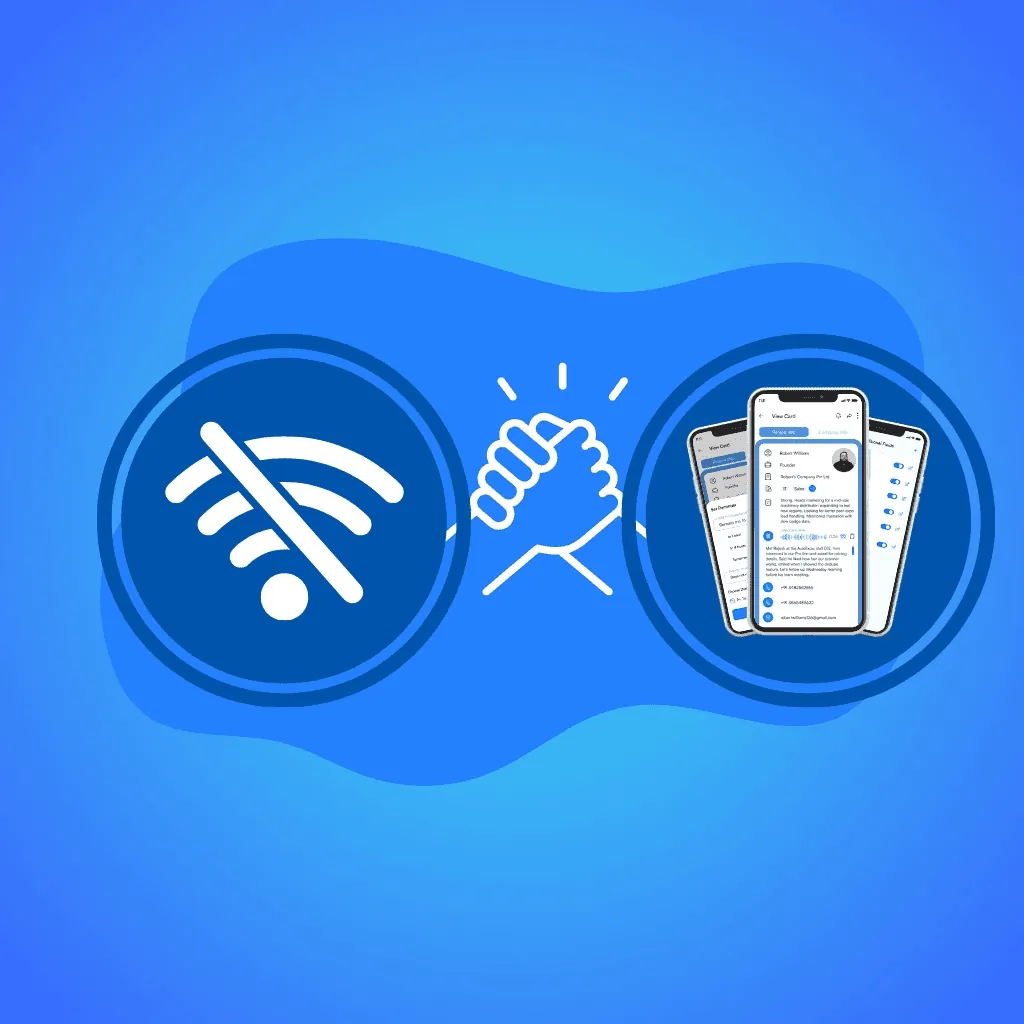
The Habsy Business Card Manager uses a secure local capture queue that stores everything offline business card scans, QR badge scans, Categories, reminders, and digital business card details. Nothing is lost, even when your mobile has no signal.
When the network returns, the Habsy app syncs automatically and attaches each piece of information to the right contact.
Offline Mode Capabilities and Limitations
Some actions still require internet connectivity. Here’s exactly what works offline and what waits for sync:
What You Can Capture Offline (Full Capabilities)
- Business card batch or single scanning
- QR scans (badge scanning works offline; syncing occurs later)
- Manual contact add
- Intent Signals & Categories
- Voice Notes
- Reminders
- Accessing existing contact details
- Local search & filtering
- Duplicate pre-checks
What Requires Internet to Sync
- Processing scanned cards (OCR and AI extraction)
- AI enrichment
- Full contact deduplication before CRM import
- Exporting CSV files (for example, scan business cards to CSV)
These capabilities ensure that even the worst connectivity conditions don’t interrupt your workflow.

How to Stay Organized While Capturing Leads Offline
A. Use a simple 3–6 field lead capture schema
Interest, Product Line, Priority, Owner, Source.
A compact schema keeps capture fast and structured. When synced, these fields immediately highlight your most actionable leads.
B. Use voice notes for quick context
A 5–10 second voice note captures insights you’ll forget later objections, requirements, pricing discussions, demo interest, etc.
C. Set reminders for next steps
A Tomorrow 10:00 AM reminder ensures nothing is forgotten, even through busy expo days.
D. Advanced Searches after syncing
Advanced search and filters sort your data instantly: high-interest leads, P1 prospects, region-based lists, missing-email or phone filters, and more.
These habits make your follow-ups consistent, fast, and structured, even when capturing offline.
Offline Lead Capture Use Cases for Field Reps and Event Teams
A. Trade Shows and Expo Booths (Offline Badge Scanning)
Large expos overwhelm Wi-Fi, causing even the best business card scanner apps to freeze. Offline capture ensures your event badge scanner app never stops working.
Example: At a crowded tech expo, your booth sees 200+ visitors in two hours. Wi-Fi collapses, but you continue scanning badges offline, categorize interest levels, and recording quick voice notes without breaking the flow.
B. Factory and Industrial Site Visits
Heavy machinery and enclosed spaces block signals. Offline Mode lets reps scan and qualify leads instantly and sync later.
Example: During a production line walkthrough, a supervisor hands you a card and describes equipment needs. You scan it offline, set Priority = High, and log a voice note about the required machine specifications.
C. Distributor and Dealer Visits (SMB Sales Rounds)
Semi-urban and mixed-signal areas are common for SMB markets. Offline Mode ensures reps never wait for a signal to record customer demand.
Example: At a dealer shop with patchy connectivity, you collect three inquiries about restocking and scan two business cards offline, categorize each with the relevant product line and follow-up urgency.
D. Rural Travel and Highway Sales Routes
Reps covering long routes meet prospects in cafés, roadside stops, warehouses, and remote locations. Offline capture ensures every interaction becomes a clean, structured follow-up.
Example: On a highway route, you meet a potential buyer at a petrol station café. With no mobile network, you still scan their card, add a reminder for tomorrow, and mark the lead as “Interested in Demo.”
Across all these cases, offline-first workflows ensure no conversation or lead is ever lost.
Final Thoughts on Offline Lead Capture
Offline capture protects your leads when the network fails, but syncing turns that raw data into clean, complete, and actionable information. Every card scan, QR scan, voice note, and qualifier is stored safely in the Habsy app until your mobile reconnects. Once synced, contacts are processed, checked for duplicates, and organized for fast retrieval and follow-up. This ensures your lead list becomes fully searchable, filterable, and CRM-ready without rework.
With the Habsy Business Card Manager, you can capture confidently anywhere expos, factories, rural visits, or on the road. In a world where timing and accuracy close deals, an offline-first, sync-ready workflow gives you a measurable competitive edge.
Frequently Asked Questions
Why is offline lead capture important for field reps?
Offline lead capture ensures that contacts, notes, and follow-ups are recorded even when there is no internet connection. This prevents data loss and keeps workflows consistent in real-world conditions like expos, factory visits, and travel routes.
What can be captured offline using Habsy?
Habsy allows users to scan business cards, capture QR badges, add contacts, record voice notes, set reminders, and apply categories or Intent Signals completely offline.
What features require internet access in Habsy?
Processing scanned cards, AI enrichment, full deduplication before CRM import, and exporting contacts as CSV require internet access. Everything captured offline is processed automatically once connectivity is restored.
How does offline capture improve follow-up consistency?
Offline capture ensures that every interaction is recorded with context in real time. When synced, this structured data allows teams to follow up quickly and accurately without relying on memory.
How does Habsy ensure no leads are lost in low-connectivity environments?
Habsy uses a secure local storage system to save all captured data offline. Once the network returns, it syncs automatically, organizes contacts, and prepares them for CRM export, ensuring no lead is missed.
Ready for your next event?
Bring every booth conversation back with context.
Capture cards and badges in seconds, qualify leads on the spot and give your team a clean next step.