Mobile-First vs Desktop-First Lead Capture: What Events Really Need
Events need mobile-first capture and a desktop for everything that happens around it. Capture belongs on each rep's phone, because conversations at a booth last a few minutes and the next visitor is already waiting. Setup, team oversight, reporting and CRM hand-off work better on a larger screen. The problem with desktop-first tools is not the desktop: it is making reps capture leads on a laptop, a shared terminal or a form, or worse, after the show. This guide compares the two approaches, shows which tasks belong where, and gives a checklist for choosing a tool.
Amélie TremblayUpdated 7 min read
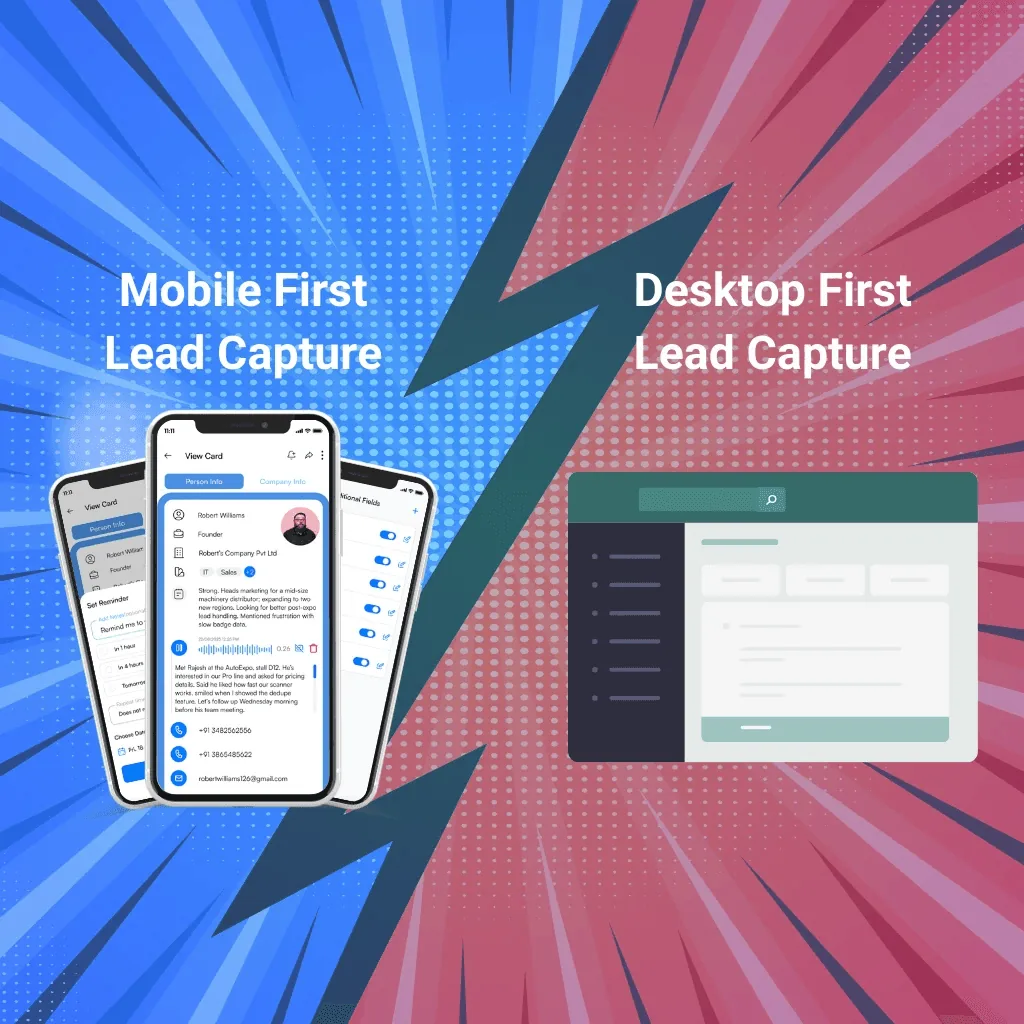
What the two approaches mean
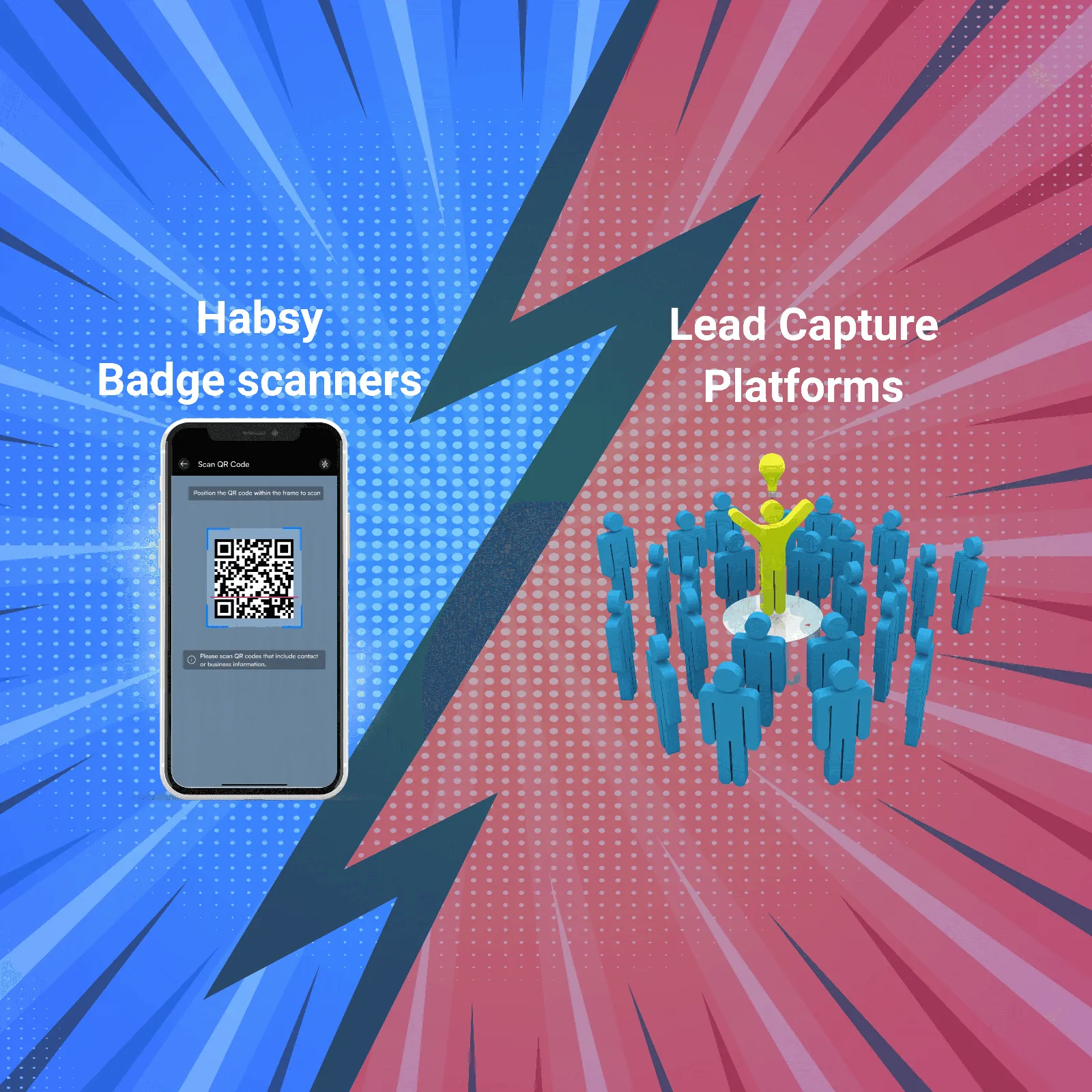
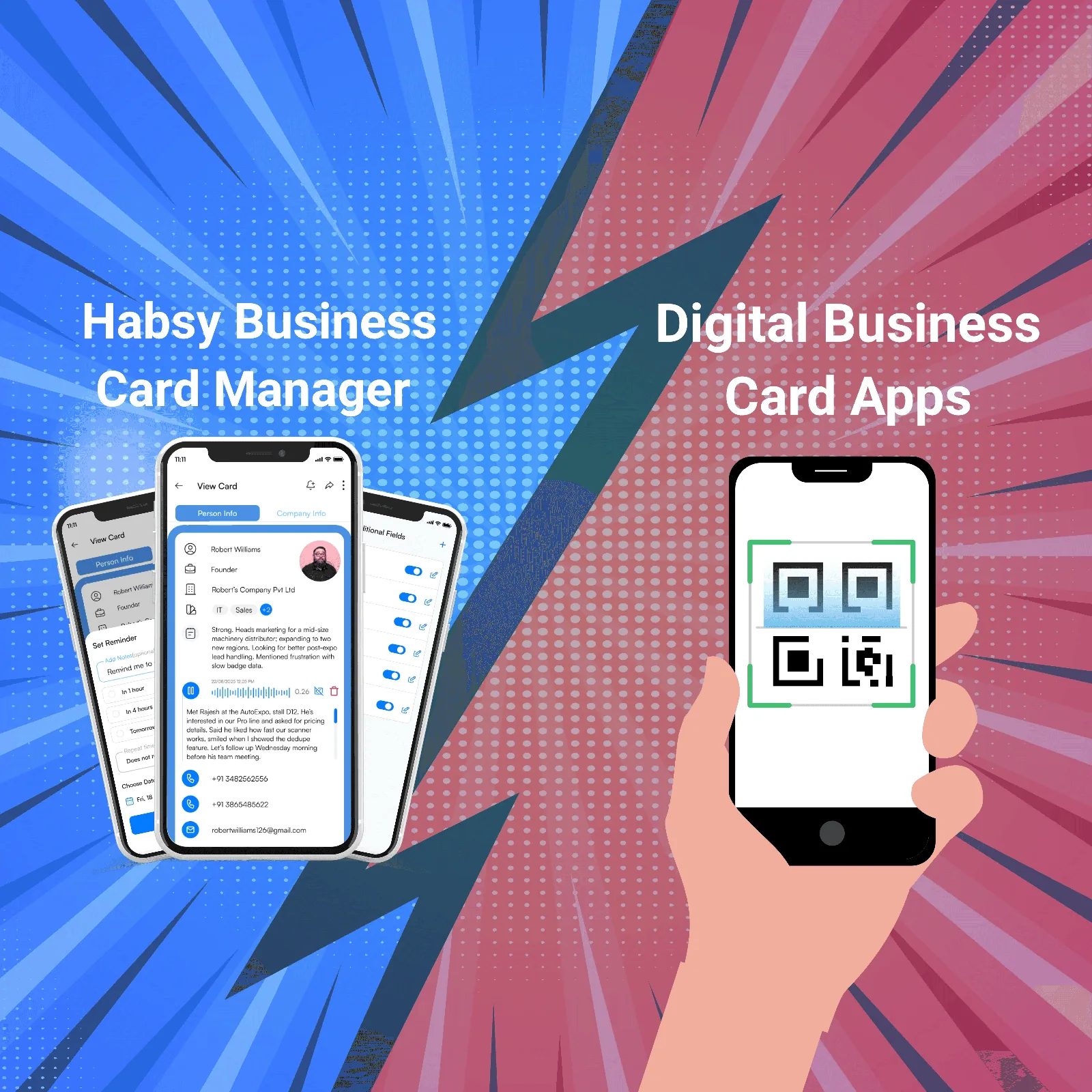
Desktop-first lead capture means leads reach your system through a computer. Examples: a laptop at the booth with a web form, a shared tablet running a form, a rented lead retrieval device whose data you download later, or a bowl of business cards typed into a spreadsheet or CRM after the show.
Mobile-first lead capture means each rep captures leads on their own phone, at the moment they meet someone: scanning the card or badge, adding context, setting the next step. The data then flows to a dashboard and the CRM.
How they compare at a booth
| Desktop-first | Mobile-first | |
|---|---|---|
| Where capture happens | A laptop, a shared device, or later at a desk | Each rep's phone, during or right after the conversation |
| Time per lead | Typing into a form, or nothing until after the show | Seconds to scan, a few taps to qualify |
| Context | Often added later from memory | Added on the spot: notes, voice notes, qualification answers |
| Aisles, meetings, dinners | Not covered | Covered: the phone goes everywhere |
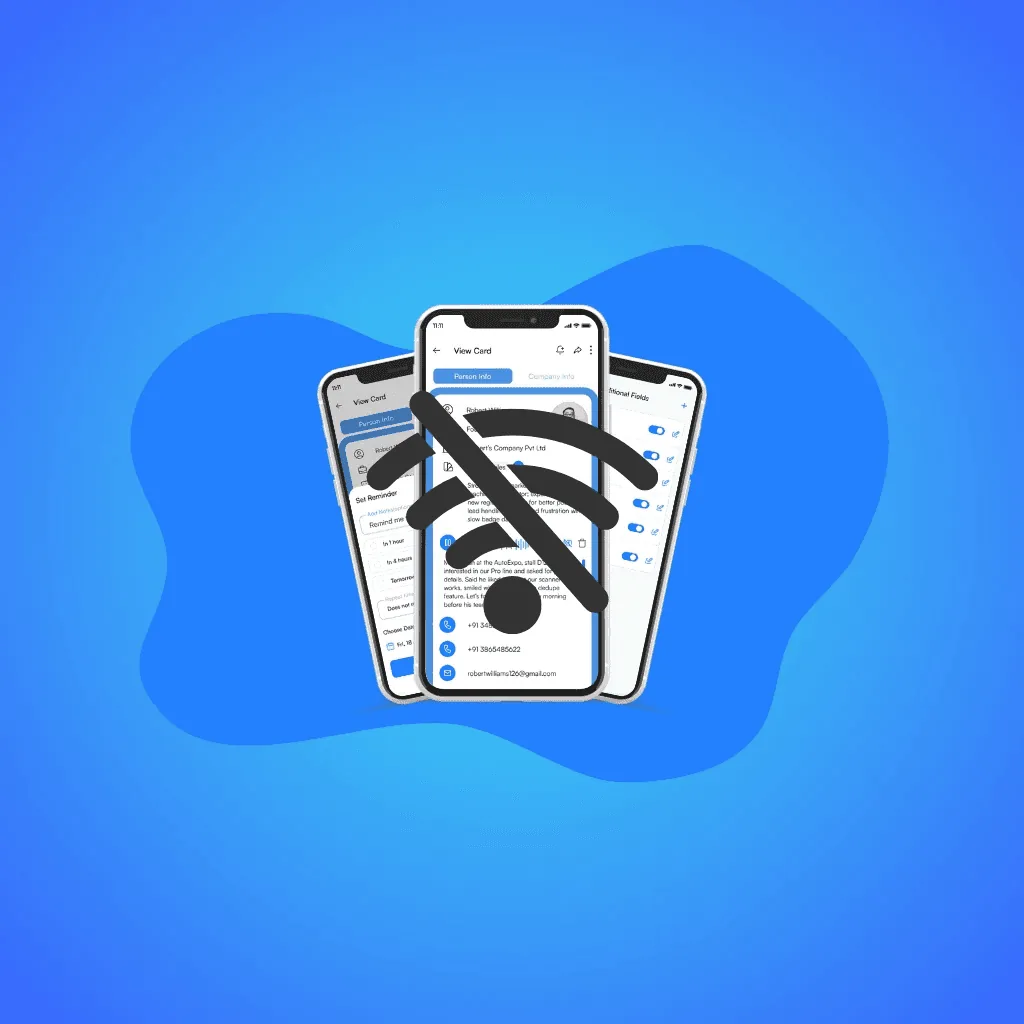
| Weak signal | Web forms fail without internet | Good apps capture offline and sync later |
| After the show | Typing, cleaning and merging spreadsheets | Contacts already structured, ready to filter and follow up |
| Best at | Reporting, bulk editing, team setup | Capture and first follow-up |
Which tasks belong where
| Task | Phone | Desktop |
|---|---|---|
| Scan business cards, badges and QR codes | ✓ | |
| Answer qualification questions | ✓ | |
| Add notes and voice notes | ✓ | |
| Set reminders | ✓ | |
| Send your digital card and a first message | ✓ | |
| Create the event campaign | ✓ | |
| Set the same qualification fields for the whole team | ✓ | |
| See who scanned what, in real time | ✓ | |
| Assign leads to team members | ✓ | |
| Review the post-event report | ✓ | |
| Bulk export and CRM hand-off | ✓ | ✓ |
The split matters because each side fails when it takes on the other's job. Reps will not fill in a long form on a laptop while a visitor waits. Managers cannot run a team of ten from one phone.
See the difference
Compare less. Capture your next contact with Habsy.
Try the workflow built for fast capture, useful context and timely follow-up.
Why desktop-first capture loses leads
- The backlog. Every card not captured at the booth becomes a card to type later. After a three-day show, that can be hundreds of contacts, and the typing pushes follow-up back by days.
- Lost context. By the evening, reps cannot remember who wanted samples and who wanted a quote. The notes that make a follow-up personal are gone.
- Coverage gaps. Good conversations happen in aisles, at seminars and over dinner, away from the booth laptop.
- Bottlenecks. One shared device means a queue at busy moments, or reps skipping capture.
- Connectivity. Web forms and cloud portals stop when the hall Wi-Fi drops. See offline mode in expo halls.
What a mobile-first tool must do well
Not every phone app solves the problem. Check these before an event:
- Capture every format. Business cards, QR and NFC badges, LinkedIn QR codes and digital cards. Many visitors still carry paper cards, and many badges do not carry full contact details.
- Accuracy. A wrong email address loses the lead as surely as a lost card. Habsy reads business cards with 99% accuracy in its in-house tests.
- Qualification in seconds. Look for fixed, tap-to-answer fields, not free text. In Habsy these are intent signals, a built-in lead qualification form: product interest, budget, timeline, answered in a few taps.
- Notes that keep up with speech. Voice notes, transcribed and searchable, capture details faster than typing.
- Offline capture. Scanning must keep working without signal.
- Batch scanning. For the stack of cards left in a bowl, scan up to 150 cards in about 5 minutes.
- A next step on every contact. Reminders, and messages drafted from your notes.
- A dashboard behind it. Phone data must appear in one team view without exports or re-entry.
How Habsy splits the work
The Habsy app (phone) is free for scanning, notes, reminders, two digital cards and export, with no scan limit. Habsy Plus adds AI-written messages, intent signals, voice notes, categories, enrichment, templates and CRM integrations, at USD 99.99 per user per year.
The Habsy Platform (desktop) is the web dashboard for teams. Managers create one campaign per event, set organization-wide intent signals so every rep records the same fields, see every rep's contacts land in one live list, assign contacts with reminders, and review a post-event report with totals, top companies, seniority, intent signal answers and lead scoring.
Both share the same data, so what a rep captures at the booth is what the manager sees on the dashboard and what reaches the CRM.
What about visitors who want to fill in their own details?
A self-service option still has a place: for example, a QR code on your stand for visitors you cannot speak to at a busy moment. With Habsy Plus, add an enquiry form to your digital business card. Visitors scan the QR, fill in the form in their browser, and each submission arrives in Habsy as a new contact. It complements rep capture; it does not replace the conversation.
A simple setup for your next event
- On the desktop, before the show: create the campaign, set intent signals for the team, connect your CRM.
- On each phone: log in, test a scan in airplane mode, check the default category.
- At the booth: scan, answer the intent signals, add a note, set a reminder. Twenty to thirty seconds per visitor.
- During the show: managers check the live list on the dashboard and spot reps who are not recording intent signals.
- After the show: filter by intent signals, assign leads, follow up within 24 hours, and review the post-event report.
For a full pre-show list, see the trade show lead capture checklist.
Frequently Asked Questions
Is mobile or desktop better for trade show lead capture?
Mobile is better for capture, because reps can scan and qualify each visitor on the spot without a queue or a laptop. Desktop is better for setting up the event, overseeing the team and reporting. The best setups use both, with shared data.
Can a mobile lead capture app work without internet?
Good ones can. In Habsy, scanning, notes, intent signals, categories and reminders all work offline, and contacts are processed when the phone reconnects.
Do we need a shared tablet at the booth?
Usually not. When every rep can capture on their own phone, a shared device mainly adds a queue. A QR code linked to an enquiry form can cover visitors who prefer to enter their own details.
How do managers see leads captured on phones?
On the Habsy Platform, each event is a campaign. Contacts captured by every rep appear in one live list, and managers can see who scanned what, whether intent signals are filled in, and the post-event report.
What is wrong with typing business cards into a spreadsheet after the show?
It takes hours, introduces typing errors and delays follow-up by days. By then, most of the context from each conversation is lost.
See the difference
Compare less. Capture your next contact with Habsy.
Try the workflow built for fast capture, useful context and timely follow-up.