Blog
You scan the card. You have the contact. Now what?
The numbers behind trade show follow-up are stark. According to research widely attributed to CEIR and cited across multiple industry sources, 80% of trade show leads never receive any follow-up at all. Of the exhibitors who do follow up, 38% take longer than six days to make contact (Exhibitor Online). Meanwhile, Forrester's B2B research finds that approximately 50% of deals go to the first vendor to engage.
The problem is not intent. It is the gap between the handshake and the booked meeting. Every step in that gap, find the card, compose the email, wait for a reply, agree on a time, is a place where a warm lead turns cold.
Habsy's Calendly integration removes the gap entirely. A prospect scans your Habsy QR code at the booth and books a meeting on the spot, before they reach the next stand. No follow-up email needed for that first commitment.
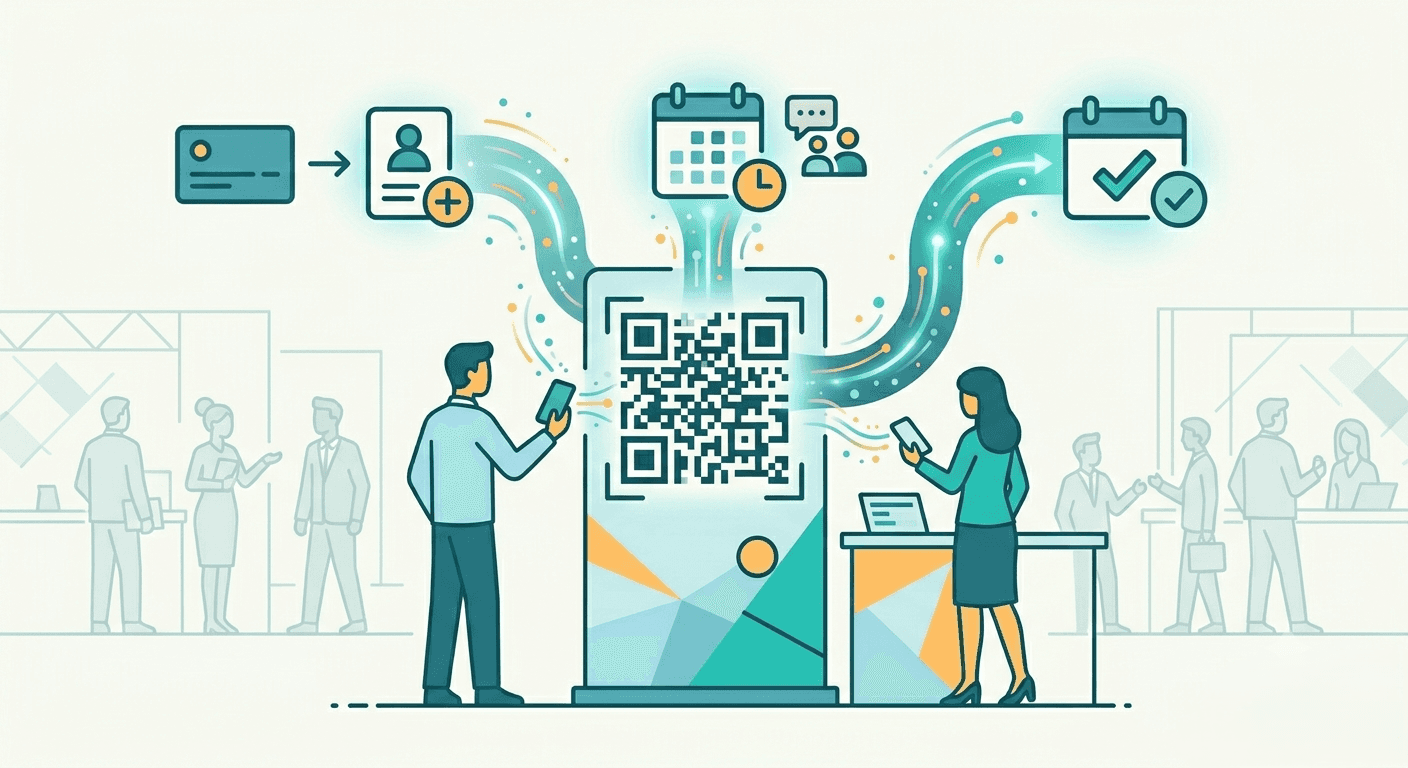
Turn trade show conversations into booked meetings instantly with Habsy and Calendly. Let prospects schedule a meeting directly from your digital business card, QR code, or NFC card. No follow-up emails, no scheduling back-and-forth.
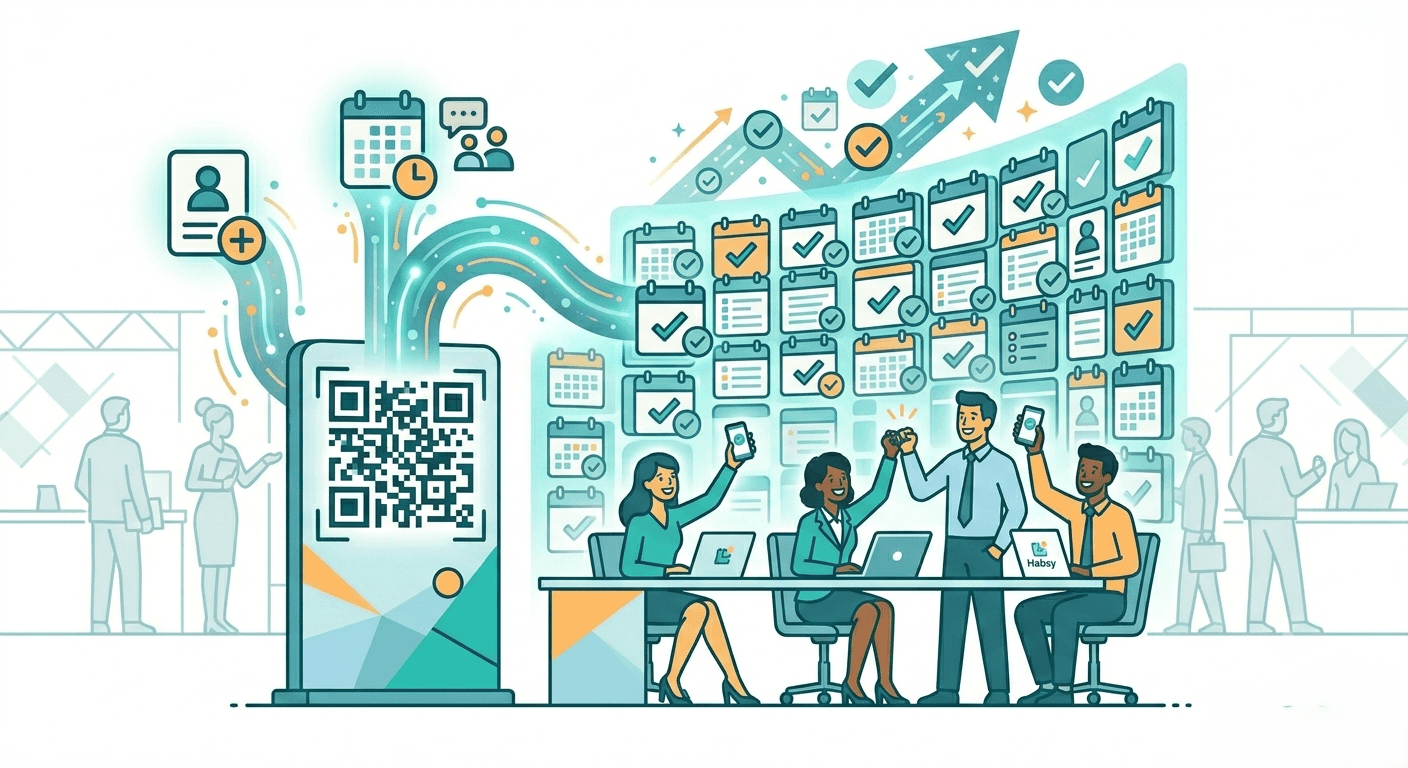
Habsy connects directly to Calendly via OAuth. Once linked, a booking button appears on your Habsy digital card. When a prospect scans your QR code, taps your NFC card, or opens your sharing link, they see your Calendly scheduling page inline. They pick a time. The meeting is confirmed. No emails. No back and forth.
The entire exchange takes seconds.
Meeting management stays in Calendly. Any meetings booked through Habsy appear in your Calendly dashboard and sync to your connected calendar automatically. Habsy handles the introduction. Calendly handles the calendar. Neither tool duplicates the other's job.
Habsy is built for the full event lead capture workflow, from first scan to follow-up. The Calendly integration is one layer of that system.
Habsy + Calendly Set up
Connecting Calendly to Habsy takes under two minutes.
Open the Habsy app and go to the Settings page
Scroll down to Integrations and tap it
Two integration options appear. Tap the Connect button under Calendly
A browser window opens. Log in with your Calendly credentials
Once authenticated, your Calendly booking link is live on both your Professional and Business digital cards automatically
From that point, contacts who receive your card via QR code, sharing link, or NFC see the Calendly booking option directly. No app download required on their end.
To manage the integration later, go to Settings, then Manage Account, then Edit Profile. Navigate to the last tab where the Calendly Links section lets you control and update the integration at any time.
The Toggle That Matters
Not every interaction calls for an immediate meeting. Habsy gives you full control over whether the Calendly booking button appears on your digital card at all.
The toggle is a single on/off control. When it is on, the 30-minute meeting booking option appears across all sharing methods: QR code, link, and NFC. When it is off, the booking option is hidden regardless of how the card is shared.
The Business QR code is the sharing method prospects interact with at the booth. Understanding how it works helps set expectations before connecting Calendly.

The average trade show conversation lasts four to seven minutes. Interest peaks during that window, not afterward. Every step between the handshake and the booked meeting is a drop-off point.
A rep who hands over a business card creates a to-do for the prospect: find the card, find the email, check availability, write a message. Most to-do items from trade shows never become actions.
A rep who shares a Habsy card with a live Calendly booking button converts that to-do into a tap. The prospect books before they reach the next booth.
That is the difference between a lead captured and a meeting confirmed.
Here is how a full booth interaction looks with Habsy and Calendly connected.
Step 1: Capture the contact. Scan their business card or event badge with the Habsy app. AI OCR extracts all contact details in seconds, in any language.
Step 2: Add context. Record a voice note while the conversation is fresh. Log intent signals to mark their priority level, interest area, or buying stage. Set an alarm reminder on the contact for the morning of the booked meeting, such as Tomorrow Morning 9:00, so you walk in prepared with full context from the booth conversation.
Step 3: Share your card. Show your Habsy QR code. The prospect scans it and lands on your digital card with the Calendly booking button visible.
Step 4: Meeting confirmed. The prospect picks a slot from your live Calendly availability. Confirmation goes to both parties. The meeting appears in your calendar.
The entire workflow happens at the booth, in the time it takes to exchange physical cards under the old process.
Habsy does not replicate Calendly's scheduling engine. There is no separate meetings view inside the app. Any meeting booked through the integration is managed entirely from your Calendly account: rescheduling, cancellations, reminders, and follow-up workflows all live there.
Habsy's role is to surface your availability at exactly the right moment, when a qualified prospect is holding your card and the conversation is still warm.
The two tools handle separate jobs cleanly. There is no overlap and no confusion about where to manage what.
After the meeting is booked, Habsy continues to add value on the contact side. The captured card, voice notes, intent signals, and any reminders set at the booth are all available in the contact record. When the meeting happens in Calendly, you walk in already knowing the context from the floor conversation.
Name, company, role, what they mentioned, what they flagged as a priority. It is all there.
Connect Calendly to Habsy in your digital card settings before your next show. Set the meeting type, turn the toggle on, and share your Habsy QR at every booth conversation.
Download Habsy on the App Store
Frequently Asked Questions
How does Habsy's Calendly integration work?
Habsy connects to Calendly via OAuth. Once linked, a booking button appears on your Habsy digital card. When a prospect scans your QR code, taps NFC, or opens your sharing link, they can book a meeting directly from your Calendly availability. Meetings are managed in Calendly. Habsy surfaces the booking prompt at the right moment.
Can I control when the Calendly booking button appears?
Yes. Habsy includes a single on/off toggle for the Calendly booking button. When it is on, the booking option appears across all sharing methods: QR code, NFC, and sharing link. When it is off, the option is hidden regardless of how the card is shared.
Does Habsy manage meetings or just link to Calendly?
Habsy handles the introduction. All meeting management, including confirmations, reminders, rescheduling, and cancellations, stays in your Calendly account. The two tools are complementary, not overlapping.
Can I customize the meeting type on my Habsy card?
The meeting type is fixed at 30 minutes. It is set and managed in your Calendly account, not inside Habsy. Any changes to the meeting format, name, or duration are made directly in Calendly.
Do prospects need to download Habsy to book a meeting?
No. Prospects scan your Habsy QR code or tap NFC with any smartphone camera and land on your digital card in a browser. No app download required on their end.
What happens to the contact after they book a meeting?
The scanned contact card, voice notes, intent signals, and any reminders set at capture remain in Habsy. When the meeting happens, you already have full context from the original booth conversation










